Best Rendering Software for Architects in 2026: Prices, Free Plans and 5 Picks
5 best rendering software for architects, with entry costs, free tiers and the buyer each one serves. Every tool lists pros and cons. Read the profiles.
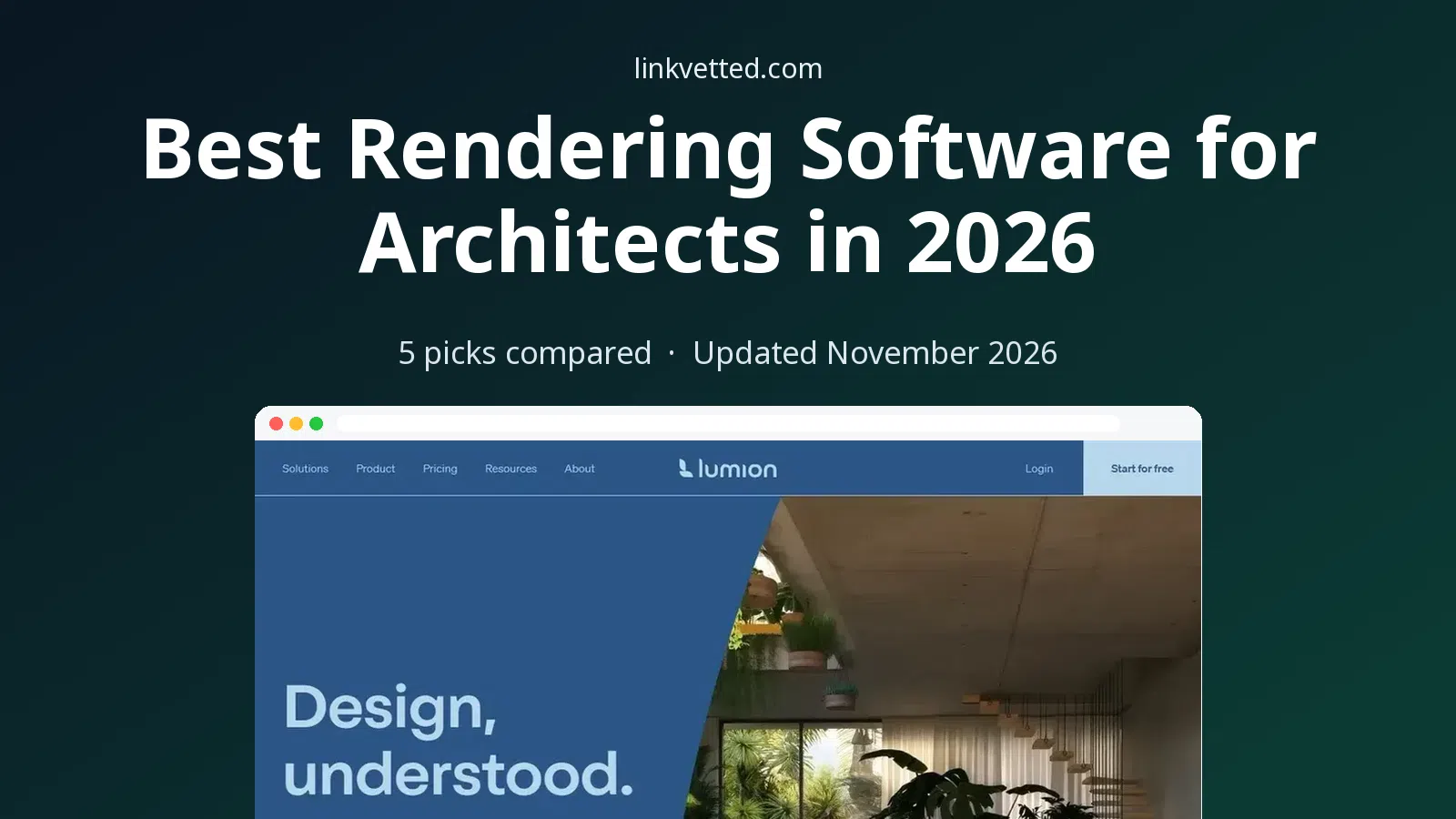
- Editor's choice
 Lumion
Quick, simple architectural visualization
Starts at$96 named user a monthVisit lumion.comFull review - Great alternative3ds Max
Professional 3D modeling and rendering
Starts atSee websiteVisit autodesk.comFull review - Also consider
 V-Ray
Photorealistic rendering across numerous design systems
Starts atSee websiteVisit chaos.comFull review
Direct answer
Our first pick is Lumion, best for quick, simple architectural visualization. Listed starting prices: Lumion from $96 named user a month and KeyShot from $7.92 per month. 3ds Max fits professional 3D modeling and rendering; V-Ray fits Photorealistic rendering across numerous design systems. The remaining 2 options are covered below with prices and limits.
TL;DR:
- The list opens with Lumion, aimed at quick, simple architectural visualization.
- Neither Lumion nor KeyShot, nor any of the other 3 tools, has a permanent free plan; trials and quotes are the norm.
- KeyShot suits live product and concept visualization.
- For the cheapest start, look at KeyShot: $7.92 per month.
- V-Ray comes with a trade-off: can be demanding on hardware.
Last checked November 2026. Prices and plan details were read from the vendors' own pages in November 2026; vendors change plans often, so confirm the current price on the vendor site before you buy.
Quick comparison
| Tool | Best for | Starts at | Free plan? | |
|---|---|---|---|---|
| Lumion | Quick, simple architectural visualization | $96 named user a month | Free trial | Visit |
| 3ds Max | Professional 3D modeling and rendering | See website | Not stated | Visit |
| V-Ray | Photorealistic rendering across numerous design systems | See website | Not stated | Visit |
 Cinema 4D | General 3D modeling and motion work | See website | Not stated | Visit |
 KeyShot | Live product and concept visualization | $7.92 per month | Free trial | Visit |
Rendering Software for Architects compared in detail
LinkVetted put together this guide to rendering software for architects for readers who want a clear shortlist without reading every vendor page. It compares 5 tools on starting price, free plans, who each one suits and where each one falls short.

Lumion serves quick, simple architectural visualization. It fits practices that want to assemble scenes rapidly and iterate visually without deep rendering expertise.
The workflow is built around architectural presentation instead of general 3D production. Price to start with Lumion: $96 named user per month. As for free access: Free trial.
Points against: Less integrated with BIM tools than some plugins.
- Emphasis on speed and simplicity
- Suited to architectural workflows
- May need model import steps
3ds Max
Best for: Professional 3D modeling and rendering
3ds Max is a good fit for professional 3D modeling and rendering. Autodesk 3ds Max is professional 3D modeling, animation, and rendering software used to build in-depth designs and expansive worlds. Also, 3ds Max is Windows-only and has a substantial ramp-up time, which can be heavy for architects concentrated on design instead of 3D production.
Worth adding: for fast design reviews, a live tool integrated with BIM software may be more efficient. In practice, choose 3ds Max when full modeling and rendering control is required. This comparison lists no price for 3ds Max; ask the vendor. Free options: Not stated.
Limits to weigh: Windows only.
- Supports high-quality rendering workflows
- Deep modeling and animation tools
- Complicated for beginners

V-Ray targets Photorealistic rendering across numerous design systems. V-Ray is a 3D rendering plugin available for widely used design systems like 3ds Max, SketchUp, Rhino, Maya, and Blender. It is aimed at architects and visualization artists who require photorealistic results and want to stay inside their existing modeling environment.
Choose V-Ray when image quality and host-app adaptability matter most. Since V-Ray prioritizes realism, it can need more setup and render time than live tools, and less feature-rich machines may struggle. In practice, if your priority is instant walkthroughs instead of final stills, a live renderer may fit better. Check the vendor site for V-Ray pricing; none is listed in this comparison. Free options: Not stated.
The main drawbacks: Needs render knowledge to master.
- Works as a plugin for numerous widely used design tools
- Wide system compatibility
- Can be demanding on hardware
Cinema 4D was built for general 3D modeling and motion work. Cinema 4D from Maxon is a professional 3D modeling and animation application used across design and motion graphics. Architects may use it for presentation animations or complicated form studies, frequently alongside a dedicated render engine.
It provides a deep toolset for those who require more than static architectural renders. Cinema 4D is not made for architecture, so BIM-style workflows and building documentation are outside its core scope. Cinema 4D shows no starting price here, so confirm the cost on the vendor site. Trial and free access: Not stated.
Limits to weigh: Steeper ramp-up time for pure visualization.
- Widely used in motion graphics
- Wide 3D modeling and animation toolset
- Not architecture-specific
Where KeyShot fits: live product and concept visualization. For full-building visualization, a dedicated architectural renderer is normally a better fit. Consider KeyShot when your rendering needs lean toward products and in-depth objects.
What to check first: May need model import from CAD tools.
Architects working on furniture, fixtures, or product-adjacent elements may find it handy, though its focus is broader product visualization instead of building-scale scenes. KeyShot is 3D rendering and visualization software built around live technology, enabling collaboration from concept to product launch for product design businesses. What you pay to start with KeyShot: $7.92 per month. Free access: Free trial.
- Capable for product design contexts
- Supports collaboration from concept to launch
- Not architecture-specific
How we chose
LinkVetted looked at what each vendor publishes: pricing, plan limits, feature coverage for rendering software for architects and stated drawbacks. No hands-on testing is claimed. Where a price is missing, the vendor does not list one publicly or ties it to a quote. Always confirm before budgeting. The ranking is editorial: typical fit first, then clear pricing, then free access. If your needs are unusual, read the profiles rather than relying on position.
Pre-purchase checklist
- Ask 3ds Max, V-Ray and Cinema 4D for a written quote, since no starting price is shown.
- Take the trial from Lumion and KeyShot and push a live task through it before you pay.
- Read the limits listed for Lumion first: less integrated with BIM tools than some plugins.
- Check how data leaves Lumion: formats, limits and whether exports are available on every plan.
- Ask KeyShot which support channels and response times come with the plan you would buy.
FAQ
Does any tool for rendering software for architects here have a free plan?
A permanent free plan is not offered by Lumion, KeyShot or the other tools here. Lumion, KeyShot offer a trial. Plan a short evaluation period instead.
Which renderer is best for live architectural walkthroughs?
Start with Lumion if you need quick, simple architectural visualization. 3ds Max is the better match for professional 3D modeling and rendering, and V-Ray for Photorealistic rendering across plenty of design systems. The best choice depends on budget, team size and workflow.
What is the cheapest option for rendering software for architects in this list?
On published monthly entry prices, KeyShot is the lowest here at $7.92 per month. Entry price is only part of the cost, because seats, add-ons and billing terms can change the total. All 5 picks in this Rendering software for Architects comparison list a starting price, free plan details and the main limits on their cards above.
Can I try these tools before paying?
Often, yes. Lumion and KeyShot offer a free trial. Use your own data and a real task during the test, and check what the free tier or trial limits before you rely on it. For the full picture, the cards above cover all 5 entries of this Rendering software for Architects list, including price, free plan and limits.
What is the best rendering software for architects overall?
Lumion comes first here and is built for quick, simple architectural visualization. Buyers with other needs may prefer 3ds Max (for professional 3D modeling and rendering) or V-Ray (for Photorealistic rendering across many design systems). Compare costs and limits first.
How are the tools for rendering software for architects ordered?
Lumion sits first and KeyShot last because the order follows typical fit for rendering software for architects, then price clarity and free access. It is a judgement call, so read each profile for fit and limits.
Sources
- https://lumion.com
- https://www.autodesk.com/products/3ds-max/overview
- https://www.chaos.com/vray
- https://www.maxon.net/en/cinema-4d
- https://www.keyshot.com