Best Renderforest Alternatives for 2026 (5 Compared)
Need Renderforest alternatives? We compare 5 tools on cost, free access and who each suits. Each profile ends with a plain caveat. Budget notes included.
- Editor's choicePowtoon
Business videos and presentations
Starts at$8 a monthVisit powtoon.comFull review - Great alternative
 Animoto
Fast photo and clip videos
Starts atSee websiteVisit animoto.comFull review - Also consider
 Vyond
AI video creation for business
Starts at$58 a monthVisit vyond.comFull review
Direct answer
For business videos and presentations, Powtoon is where this list starts. Listed starting prices: Powtoon from $8 a month, Vyond from $58 a month and Biteable from $15 per month. Animoto is the stronger choice for fast photo and clip videos, while Vyond suits AI video creation for business. The other 2 tools in the list cover narrower or pricier cases.
TL;DR:
- Top of the list is Powtoon, which targets business videos and presentations.
- Powtoon is the lowest-priced starter here at $8 per month.
- Check the limits for Canva before you commit: advanced video editing may feel restricted.
- Powtoon is the only tool of the 5 with a free plan.
- For AI-assisted online video making, Biteable is worth a look.
Last checked November 2026. Prices and plan details were read from the vendors' own pages in November 2026; vendors change plans often, so confirm the current price on the vendor site before you buy.
Quick comparison
| Tool | Best for | Starts at | Free plan? | |
|---|---|---|---|---|
| Powtoon | Business videos and presentations | $8 a month | Yes | Visit |
| Animoto | Fast photo and clip videos | See website | Not stated | Visit |
| Vyond | AI video creation for business | $58 a month | Free trial | Visit |
 Canva | All-in-one visual design and video | See website | Not stated | Visit |
| Biteable | AI-assisted online video making | $15 per month | Free trial | Visit |
Our 5 picks for Renderforest
Short on time? The summary and table above give the quick view of 5 tools for Renderforest, and the profiles that follow give the detail behind each entry.
Powtoon
Best for: Business videos and presentations
Powtoon serves business videos and presentations. Powtoon is a unified AI video system for building business-ready branded videos and presentations in minutes. Its homepage flags doc-to-video, AI avatars, text-to-speech and AI translation, which suit teams creating explainers, training content and refined presentations.
In practice, Powtoon's business focus and feature set may be heavier than required for fast personal or social videos. On top of that, choose Powtoon when presentation-style video and branded business communication are central to your goals. Powtoon pricing: $8 per month. Powtoon offers a free plan.
Where it falls short: May be more than needed for simple social clips.
- Focus on branded business content
- Doc-to-video and AI avatar features
- Business orientation can feel formal for casual creators
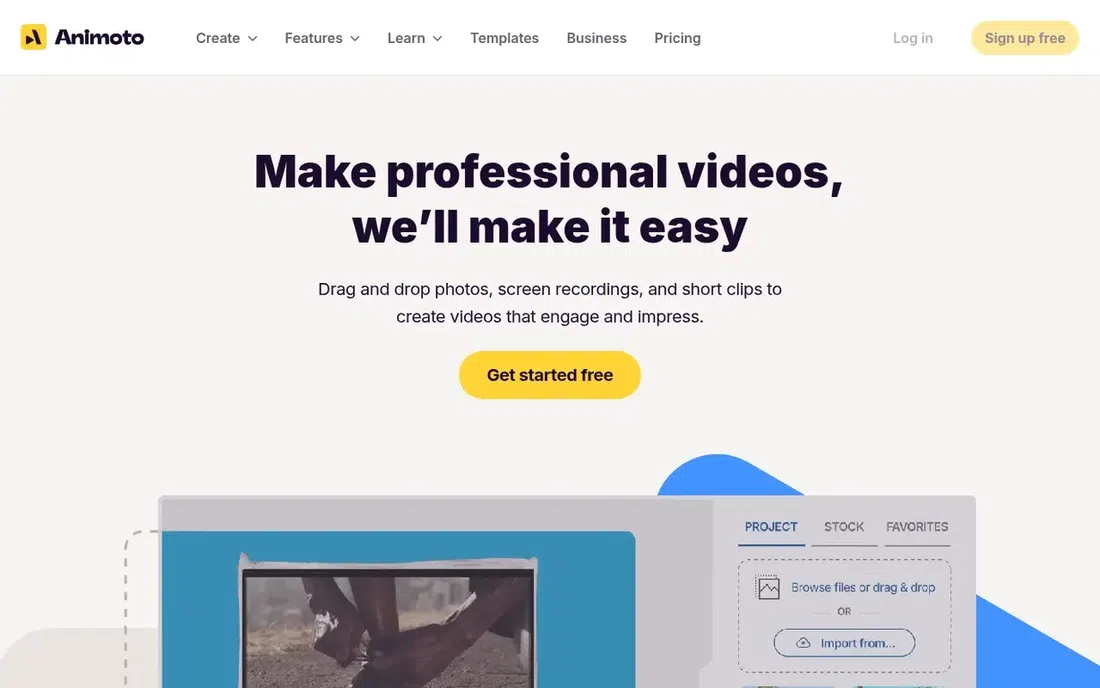
Animoto is built with fast photo and clip videos in mind. Animoto is a video maker that lets you combine photos, video clips and music to produce quality videos in minutes. Its homepage emphasizes ease and speed, making it a fit for small companies, marketers and individuals who require short promotional or social videos without a steep ramp-up time.
What Animoto does well: Straightforward workflow for quick video creation.
It does well when you have existing media and want a guided assembly process. Beyond that, if you need in-depth timeline editing or complicated motion graphics, a more solid editor may be a better match. This comparison lists no price for Animoto; ask the vendor. On free options: Not stated.
Where it falls short: Best for short-form instead of complicated projects.
- Suited to short social media content
- Merges photos
- Restricted advanced editing controls
In short, Vyond is for AI video creation for business. Vyond is an AI video creation system for business, positioned to help teams build videos in any style immediately and easily. Its homepage targets professional use cases where consistent, scalable video communication matters.
On top of that, Vyond is made for business video rather than general graphic design or presentation decks. So it may not handle all Renderforest-style use cases. Vyond pricing: $58 per month. Free plan details: Free trial.
What to check first: Less concentrated on graphic design outputs.
- Emphasis on speed and ease
- AI-driven video creation in any style
- Business orientation may not suit casual creators
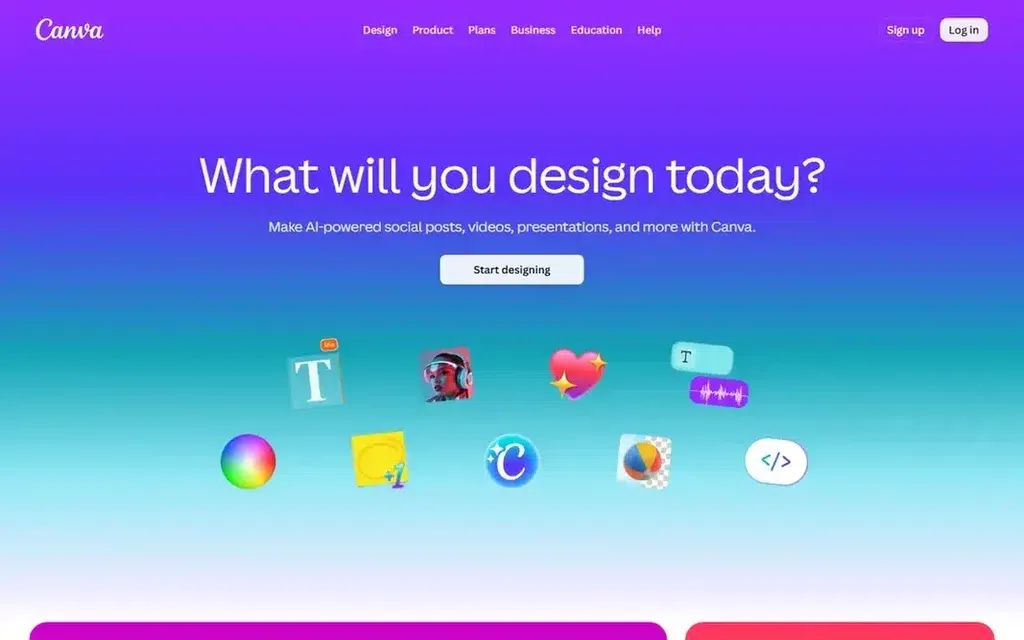
Canva is aimed squarely at all-in-one visual design and video. Canva is a visual suite for creating social media posts, presentations, posters, videos, logos and more.
Limits to weigh: Advanced video editing may feel restricted.
Its homepage positions it for a wide audience, from individuals to teams, who require design and short video output without specialized software. On top of that, Canva is not a dedicated long-form video editor, so complicated timelines and advanced effects may need a different tool. Canva does not show a starting price in this comparison, so check the vendor site for current pricing. On free options: Not stated.
- Browser-based editor with drag-and-drop simplicity
- Broad template library for social posts, posters
- Large template catalog can slow decision-making
Biteable
Best for: AI-assisted online video making
Where Biteable fits: AI-assisted online video making. Biteable is an online AI video maker and generator that helps turn ideas into professional videos in minutes. Its homepage emphasizes speed and AI assistance, making it a fit for marketers and teams that want to produce refined video content without a complicated editing process.
Upsides: browser-based workflow.
Limits to weigh: Less emphasis on graphic design.
It does well for short promotional, social and explainer videos where AI can accelerate the first draft. Biteable's AI-driven approach may offer less manual control than traditional editors, which can matter for highly customized projects. Biteable starts at: $15 per month. On free options: Free trial.
- Online
- Turn ideas into professional videos rapidly
- AI focus may limit manual creative control
How we chose
LinkVetted used vendor pricing pages and product documentation as the base, then compared plans, free access and documented limits for 5 tools. Where a price is missing, the vendor does not list one publicly or ties it to a quote. Always confirm before budgeting. The order reflects how well each tool fits the most common buying scenario for Renderforest, then price clarity, then free plan access. It is a starting point, not a verdict.
Before you commit
- Ask Animoto and Canva for a written quote, since no starting price is shown.
- Look at the free plan from Powtoon closely: its caps decide whether it is usable for real work.
- Run a trial of Vyond and Biteable with real work before paying for a year; your own workflow is the best test.
- Before choosing Powtoon, weigh its main limit: may be more than needed for straightforward social clips.
- Read the plan comparison for Canva carefully; key features often start on a higher tier.
- Work out what Animoto costs with your real seat count, add-ons and usage, not just the entry price.
FAQ
How are the tools for Renderforest ordered?
The order follows typical fit for Renderforest, with Powtoon first and Biteable last, then price clarity and free access. It is editorial judgement, not a score, so another team could rank the tools differently.
Which alternatives focus on business presentations and explainers?
Powtoon flags doc-to-video, AI avatars and translation, whereas Vyond emphasizes AI video creation for business. Choose between them based on whether presentation-style content or general business video is your priority.
Which options for Renderforest have a free plan?
Powtoon is the only tool in this list with a free plan. Free plans usually cap users, projects or features, so check the limits on the vendor page. Several others offer a trial instead. Prices, free plan details and limits for all 5 tools in this Renderforest alternatives roundup sit on the individual cards above.
Can I try these tools before paying?
Often, yes. Powtoon has a free plan and Vyond and Biteable offer a free trial. Use your own data and a real task during the test, and check what the free tier or trial limits before you rely on it.
Which Renderforest alternative is a good match for combined design and video?
This list starts with Powtoon, which fits business videos and presentations. For other needs, Animoto is aimed at fast photo and clip videos, and Vyond at AI video creation for business. Check each tool's price and main limit first.
Do these tools publish their prices?
Not all of them. Animoto and Canva publish no starting price, so expect a quote request for those. The rest, Powtoon included, show a starting price, though seats and billing terms still change the final cost.
Sources
- https://www.powtoon.com
- https://animoto.com
- https://www.vyond.com
- https://www.canva.com
- https://biteable.com