Top 6 Remote Support Software for Salons for 2026 (Prices and Free Plans)
Compare 6 best remote support software for salons, with prices, free plans and who each fits. Strengths and weak spots are spelled out. Updated for 2026.
- Editor's choice
 RustDesk
Open-source, self-hosted remote access
Starts at$11.88 a monthVisit rustdesk.comFull review - Great alternative
 RemotePC
Straightforward remote access for salon computers
Starts at$1.84 per monthVisit remotepc.comFull review - Also considerSplashtop Business Access
Quick remote access across salon devices
Starts at$6 a monthVisit splashtop.comFull review
Direct answer
Our first pick is RustDesk, best for open-source, self-hosted remote access. Listed starting prices: RustDesk from $11.88 a month, RemotePC from $1.84 per month and Splashtop Business Access from $6 a month. Alternatives: RemotePC for straightforward remote access for salon computers, and Splashtop Business Access for quick remote access across salon devices. Details, prices and limits for the rest of the 6 tools are below.
TL;DR:
- RustDesk takes the first slot, best suited to open-source, self-hosted remote access.
- Zoho Assist fits secure remote troubleshooting for salon systems.
- GoTo Resolve comes with a trade-off: may be more than a single salon needs.
- Just one of the 6 tools, RustDesk, has a free plan.
- For the cheapest start, look at RemotePC: $1.84 per month.
Last checked November 2026. Prices and plan details were read from the vendors' own pages in November 2026; vendors change plans often, so confirm the current price on the vendor site before you buy.
Quick comparison
| Tool | Best for | Starts at | Free plan? | |
|---|---|---|---|---|
| RustDesk | Open-source, self-hosted remote access | $11.88 a month | Yes | Visit |
| RemotePC | Straightforward remote access for salon computers | $1.84 per month | Free trial | Visit |
| Splashtop Business Access | Quick remote access across salon devices | $6 a month | Free trial | Visit |
 GoTo Resolve | Expanding salons needing endpoint management | See website | Free trial | Visit |
| N-able Take Control | Managed service providers supporting salons | See website | Not stated | Visit |
 Zoho Assist | Secure remote troubleshooting for salon systems | See website | Not stated | Visit |
Tool-by-tool breakdown
LinkVetted put together this guide to remote support software for salons for readers who want a clear shortlist without reading every vendor page. It compares 6 tools on starting price, free plans, who each one suits and where each one falls short.
Choose RustDesk for open-source, self-hosted remote access. RustDesk is open-source remote desktop software with a self-hosted server choice, positioned as an alternative for Windows, macOS, Linux, and Android. More specifically, if you need a turnkey support tool, consider a managed choice instead.
RustDesk self-hosting needs technical knowledge to set up and maintain, which may be a hurdle for salon staff without IT help. For everyday use, salons with technical help, or those that prefer to control their own infrastructure, can use it to access front-desk and back-office computers remotely. It appeals to teams that value open-source adaptability over a completely managed service. The experience may be less refined than commercial alternatives. Price to start with RustDesk: $11.88 per month. Free access exists with RustDesk.
Drawbacks to consider: Needs technical setup for self-hosting.
What RustDesk does well: Self-hosted server choice.
- Open-source remote desktop
- Cross-platform support
- Less refined for non-technical users
RemotePC is a good fit for straightforward remote access for salon computers. Initial setup is needed on each computer. Also, RemotePC centres on remote access instead of broader IT management.
Upsides: Straightforward remote access focus.
So it may not suit salons wanting device oversight in the same tool. For everyday use, if you need advanced support workflows, a more thorough platform may be better. More specifically, RemotePC is a remote desktop and secure remote access option for PC, Mac, Linux, and mobile devices. For salons, it suits when owners or managers have to reach the front-desk computer from home or let a technician troubleshoot a payment station. Its cross-platform support helps in salons that mix desktop and mobile devices. RemotePC starts at: $1.84 per month. As for free access: Free trial.
The main drawbacks: Restricted IT management features.
- Supports PC, Mac, Linux, mobile
- Secure remote desktop access
- Setup required on each machine
Splashtop Business Access
Best for: Quick remote access across salon devices
Choose Splashtop Business Access for quick remote access across salon devices. Splashtop Business Access is remote access software designed to let teams work from anywhere on any device with speed and security. Beyond that, Splashtop Business Access is oriented toward business remote access.
What works well: Works across devices and locations.
So a salon needing only occasional support may not use its full value. Each device needs setup before access works. Salons can use it to reach booking computers, manager PCs, or back-office systems when staff need help or want to check operations remotely. Its emphasis on performance makes it a good match for salons that depend on fast, steady connections. If you want a minimal tool for rare troubleshooting, consider a lighter choice. Price to start with Splashtop Business Access: $6 per month. Free access: Free trial.
The main drawbacks: Needs setup on each device.
- Quick
- Secure remote access
- Business focus may exceed entry-level needs
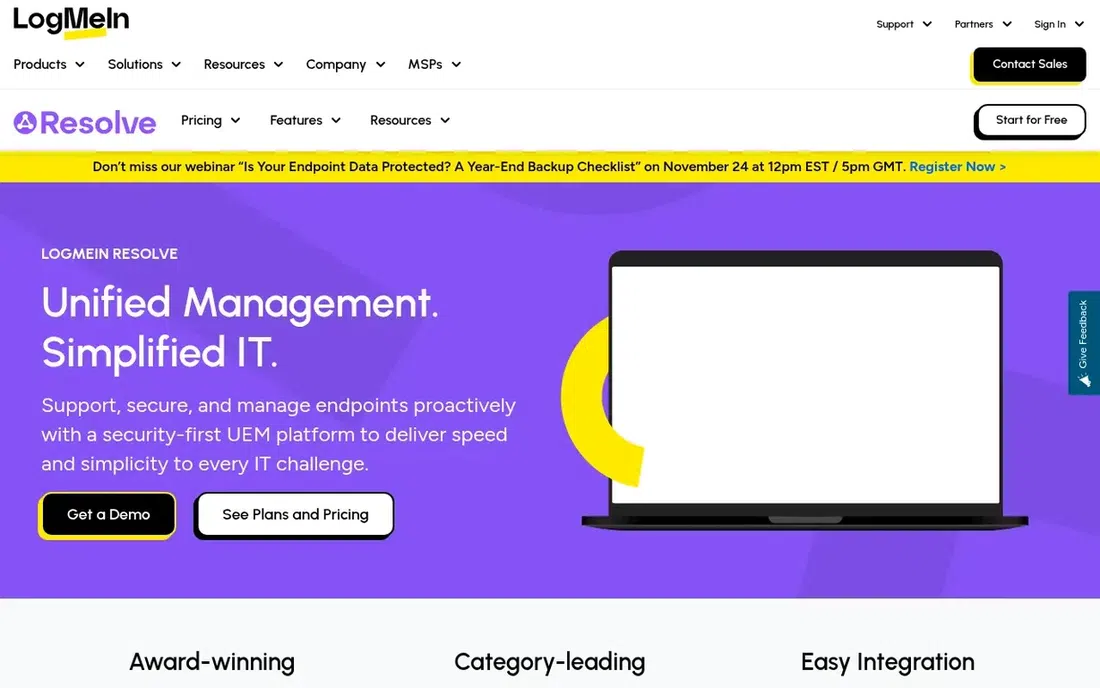
In short, GoTo Resolve is for expanding salons needing endpoint management. For a salon expanding to several locations, it can help keep front-desk computers and connected devices in view whereas allowing remote troubleshooting.
Watch-outs: IT management focus brings ramp-up time.
As for the details, the broader feature set takes time to learn. Check the vendor site for GoTo Resolve pricing; none is listed in this comparison. On free options: Free trial.
- Unified endpoint oversight
- Merges remote support with IT management
- May be more than a single salon needs
N-able Take Control
Best for: Managed service providers supporting salons
Think of N-able Take Control for managed service providers supporting salons. N-able Take Control is designed for MSPs, so a salon owner looking for a self-service tool may find it indirect.
Honest limits: not direct salon use.
N-able Take Control shows no starting price here, so confirm the cost on the vendor site. Free access: Not stated.
- Made for MSP remote support
- Quick issue resolution focus
- Aimed at MSPs
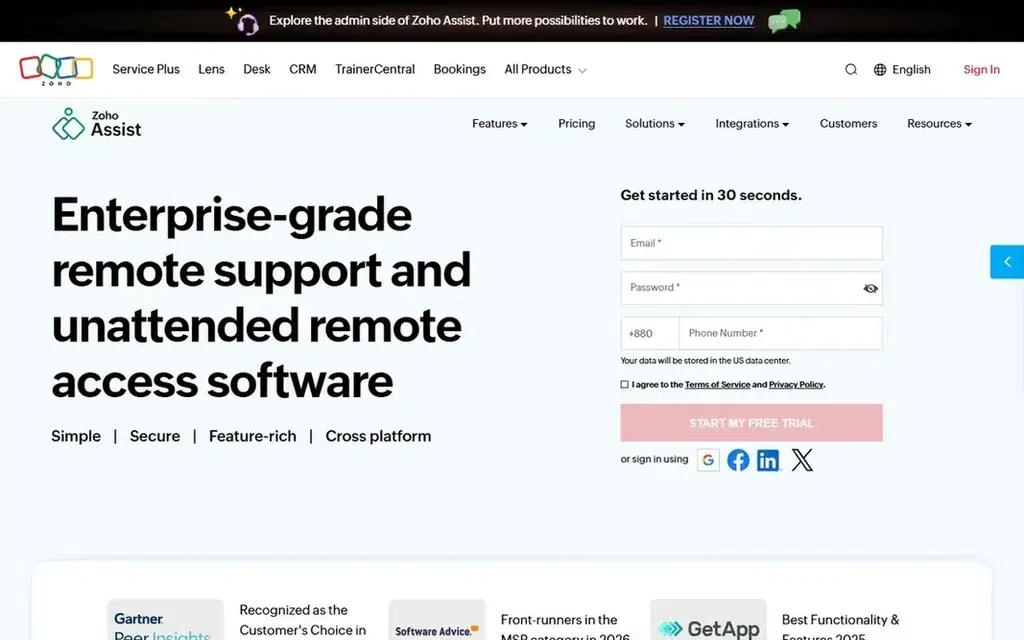
Think of Zoho Assist for secure remote troubleshooting for salon systems. If you only need occasional one-off support, a more straightforward tool might be enough.
For everyday use, consider Zoho Assist when security and a wide support toolkit matter more than minimal setup. Zoho Assist shows no starting price here, so confirm the cost on the vendor site. Free options: Not stated.
Trade-offs to know: May need setup for unattended access.
- Troubleshoot devices from anywhere
- Secure connections for support teams
- Advanced features can add complexity
How we built this list
Things to verify first
- Get a written quote from GoTo Resolve, N-able Take Control and Zoho Assist; the list shows no starting price for them.
- Look at the free plan from RustDesk closely: its caps decide whether it is usable for real work.
- Run a trial of RemotePC, Splashtop Business Access and GoTo Resolve with real work before paying for a year; your own workflow is the best test.
- Read the limits listed for RustDesk first: needs technical setup for self-hosting.
- Look at which plan of RemotePC unlocks the features you need; entry tiers are often cut down.
- Ask the daily users to test Zoho Assist on a live task before you roll it out to everyone.
FAQ
What is the cheapest option for remote support software for salons in this list?
On published monthly entry prices, RemotePC is the lowest here at $1.84 per month. Entry price is only part of the cost, because seats, add-ons and billing terms can change the total. For the full picture, the cards above cover all 6 entries of this remote support software for salons list, including price, free plan and limits.
How are the tools for remote support software for salons ordered?
The order follows typical fit for remote support software for salons, with RustDesk first and Zoho Assist last, then price clarity and free access. It is editorial judgement, not a score, so another team could rank the tools differently.
Do these tools publish their prices?
Not all of them. GoTo Resolve, N-able Take Control and Zoho Assist publish no starting price, so expect a quote request for those. The rest, RustDesk included, show a starting price, though seats and billing terms still change the final cost.
Can I try these tools before paying?
Often, yes. RustDesk has a free plan and RemotePC, Splashtop Business Access and GoTo Resolve offer a free trial. Use your own data and a real task during the test, and check what the free tier or trial limits before you rely on it.
Sources
- https://rustdesk.com
- https://www.remotepc.com
- https://www.splashtop.com/business
- https://www.goto.com/resolve
- https://www.n-able.com/products/take-control
- https://www.zoho.com/assist