The 6 Best Remote Support Software for Auto Repair Shops in 2026, Ranked
Compare 6 best remote support software for auto repair shops, with prices, free plans and who each fits. Details on cost, catches and fit. Checked this month.
- Editor's choice
 Splashtop
Secure, high-performance remote access
Starts at$6 a monthVisit splashtop.comFull review - Great alternative
 RustDesk
Self-hosted, open-source remote desktop
Starts at$11.88 a monthVisit rustdesk.comFull review - Also consider
 RemotePC
Cross-platform remote access for PCs and Macs
Starts at$1.84 a monthVisit remotepc.comFull review
Direct answer
Splashtop leads the list, best for secure, high-performance remote access. Listed starting prices: Splashtop from $6 a month, RustDesk from $11.88 a month and RemotePC from $1.84 a month. For a different need, RustDesk covers self-hosted, open-source remote desktop and RemotePC covers cross-platform remote access for PCs and Macs. The full list of 6 tools follows, with prices and free plan facts.
TL;DR:
- The list opens with Splashtop, aimed at secure, high-performance remote access.
- The cheapest monthly starting price in the list is $1.84 per month, offered by RemotePC.
- Before buying TeamViewer Remote, weigh this: can need consistent version updates.
- Just one of the 6 tools, RustDesk, has a free plan.
- N-able Take Control suits MSPs supporting auto repair shops.
Last checked November 2026. Prices and plan details were read from the vendors' own pages in November 2026; vendors change plans often, so confirm the current price on the vendor site before you buy.
Quick comparison
| Tool | Best for | Starts at | Free plan? | |
|---|---|---|---|---|
| Splashtop | Secure, high-performance remote access | $6 a month | Free trial | Visit |
| RustDesk | Self-hosted, open-source remote desktop | $11.88 a month | Yes | Visit |
| RemotePC | Cross-platform remote access for PCs and Macs | $1.84 a month | Free trial | Visit |
| TeamViewer Remote | Fast remote support across mixed devices | See website | Free trial | Visit |
 GoTo Resolve | Combined remote support and endpoint management | See website | Free trial | Visit |
| N-able Take Control | MSPs supporting auto repair shops | See website | Not stated | Visit |
The best remote support software for auto repair shops
Short on time? The summary and table above give the quick view of 6 remote support software for auto repair shops, and the profiles that follow give the detail behind each entry.
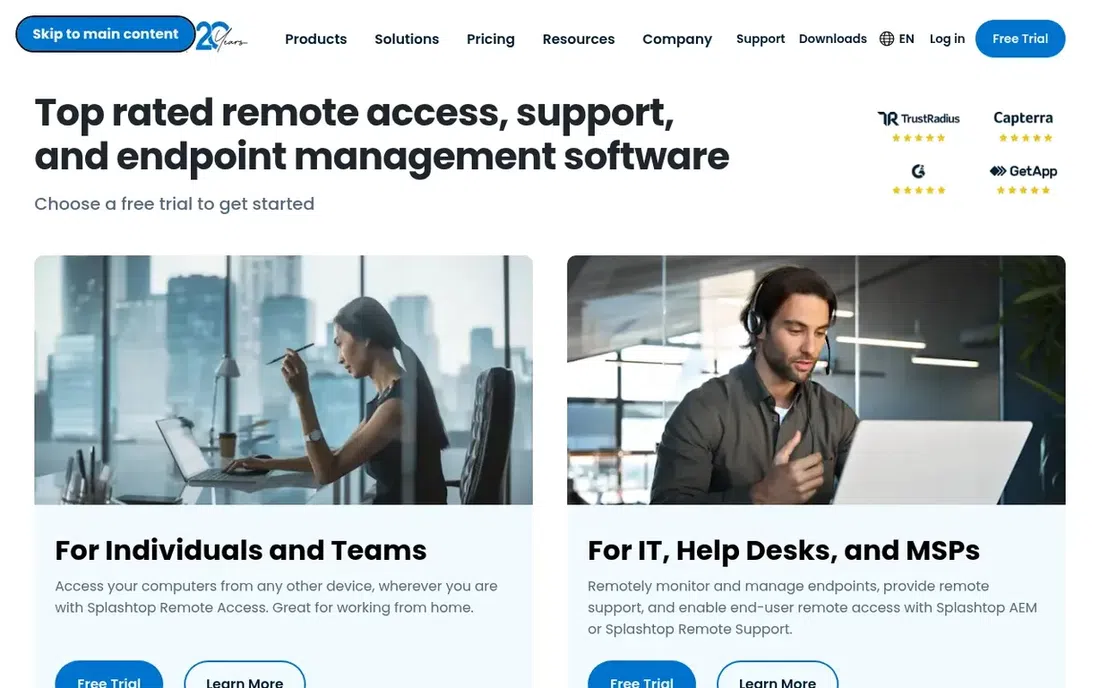
From a buyer's view, choose Splashtop when you want a balance of performance and security for remote support tasks. Price to start with Splashtop: $6 per month. As for free access: Free trial.
Points against: Some features require a subscription.
- Supports remote work and support scenarios
- Works well for multimedia and graphics
- May be overkill for very small shops Splashtop if this describes you: secure, high-performance remote access. It fits auto repair shops that require to access diagnostic computers or back-office systems remotely, notably where performance matters.
RustDesk is aimed squarely at self-hosted, open-source remote desktop. RustDesk is open-source remote desktop software that you can self-host on your own server, serving as an alternative to tools like TeamViewer and AnyDesk.
It supports Windows, macOS, Linux, and Android. Choose RustDesk when control and open-source principles are priorities. RustDesk cost at the entry level: $11.88 per month. RustDesk has a free plan.
What users get: Cross-platform support.
Honest limits: May lack refined support features.
- Open-source and self-hostable
- Alternative to commercial tools
- Needs technical setup for self-hosting
RemotePC is aimed squarely at cross-platform remote access for PCs and Macs. If you need features like endpoint management, consider GoTo Resolve.
Where it falls short: May lack some advanced support features.
The option is made for secure remote access across several systems. RemotePC is a solid choice for entry-level remote access needs in a shop environment. Entry price for RemotePC: $1.84 per month. On free options: Free trial.
- Straightforward remote access setup
- A decent match for accessing shop computers remotely
- Performance can vary with connection quality
TeamViewer Remote
Best for: Fast remote support across mixed devices
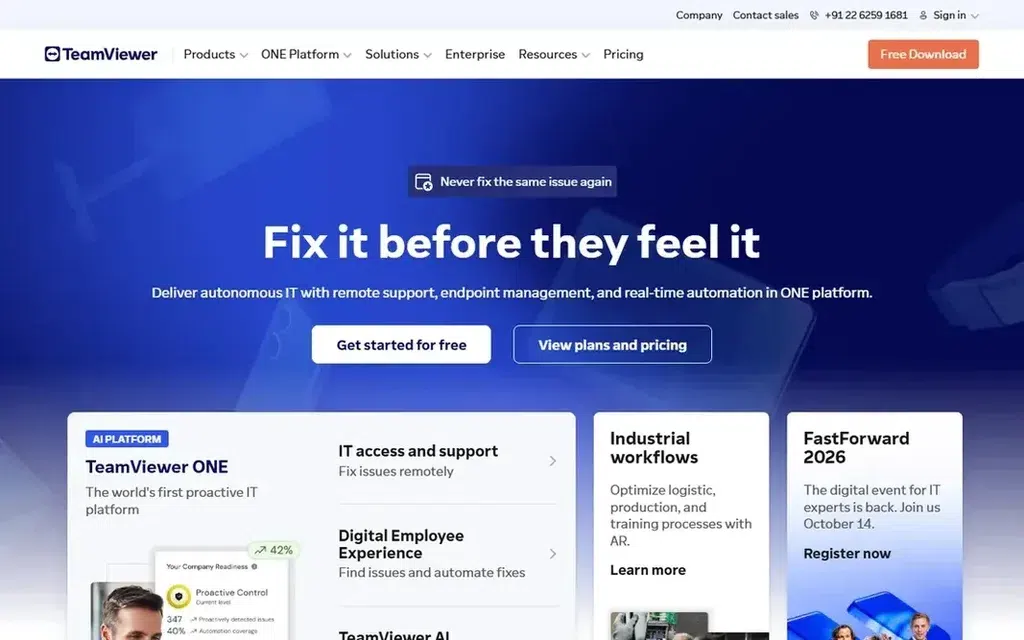
TeamViewer Remote makes the most sense for fast remote support across mixed devices. For everyday use, TeamViewer is a good match for general remote support where simplicity matters most.
The interface is familiar to many users, which cuts training time for service advisors and technicians. That said, TeamViewer may prompt for version updates and some advanced features are tied to premium licenses. No starting price is listed for TeamViewer Remote here; confirm pricing on the vendor site. As for free access: Free trial.
What to check first: Some features may need a premium license.
- Straightforward connection process for non-technical staff
- Supports remote printing and file transfer
- Can need consistent version updates
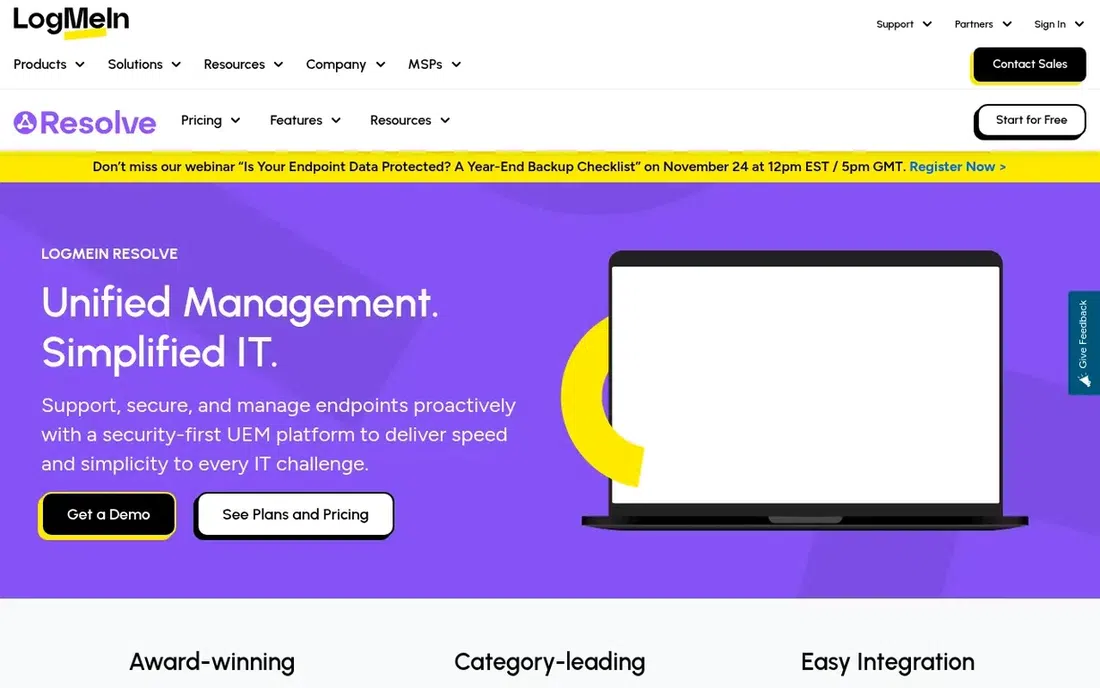
GoTo Resolve was built for combined remote support and endpoint management. Consider GoTo Resolve when you have to handle numerous devices and want remote support integrated with IT oversight.
Where it is weaker: May be complicated for straightforward support needs.
GoTo Resolve does not show a starting price in this comparison, so check the vendor site for current pricing. Trial and free access: Free trial.
- Unified endpoint management features
- Supports IT management tasks
- Needs setup and configuration
N-able Take Control
Best for: MSPs supporting auto repair shops
Where N-able Take Control fits: MSPs supporting auto repair shops. N-able Take Control is a remote-control and support tool designed for managed service providers (MSPs) to swiftly resolve issues and deliver very good customer service.
Trade-offs to know: May need MSP involvement.
Beyond that, auto repair shops that work with a MSP for IT support may encounter this tool when their provider supplies remote assistance. N-able Take Control does not show a starting price in this comparison, so check the vendor site for current pricing. Free access: Not stated.
- Quick remote control and support
- Aimed at managed service providers
- Geared toward MSPs instead of direct shop use
What went into this list
Pre-purchase checklist
- Ask TeamViewer Remote, GoTo Resolve and N-able Take Control for a written quote, since no starting price is shown.
- Look at the free plan from RustDesk closely: its caps decide whether it is usable for real work.
- Run a trial of Splashtop, RemotePC, TeamViewer Remote and GoTo Resolve with real work before paying for a year; your own workflow is the best test.
- Before choosing Splashtop, weigh its main limit: some features need a subscription.
- Check the support hours and onboarding help TeamViewer Remote offers; smaller vendors vary a lot here.
- A short pilot of GoTo Resolve with your real workflow tells you more than a feature table.
FAQ
Can I try these tools before paying?
Often, yes. RustDesk has a free plan and Splashtop, RemotePC, TeamViewer Remote and GoTo Resolve offer a free trial. Use your own data and a real task during the test, and check what the free tier or trial limits before you rely on it.
Which options for remote support software for auto repair shops have a free plan?
RustDesk is the only tool in this list with a free plan. Free plans usually cap users, projects or features, so check the limits on the vendor page. Several others offer a trial instead. All 6 picks in this remote support software for auto repair shops comparison list a starting price, free plan details and the main limits on their cards above.
Can remote support software help with diagnostic tool issues?
Yes, remote support software permits a technician or IT provider to access the computer running diagnostic software to troubleshoot issues, update software, or adjust settings without being on-site. This can cut downtime and boost efficiency.
What is the cheapest option for remote support software for auto repair shops in this list?
On published monthly entry prices, RemotePC is the lowest here at $1.84 per month. Entry price is only part of the cost, because seats, add-ons and billing terms can change the total. For the full picture, the cards above cover all 6 entries of this remote support software for auto repair shops list, including price, free plan and limits.
Do these tools publish their prices?
Not all of them. TeamViewer Remote, GoTo Resolve and N-able Take Control publish no starting price, so expect a quote request for those. The rest, Splashtop included, show a starting price, though seats and billing terms still change the final cost.
Sources
- https://www.splashtop.com
- https://rustdesk.com
- https://www.remotepc.com
- https://www.teamviewer.com
- https://www.goto.com/resolve
- https://www.n-able.com/products/take-control