The 6 Best Remote Support Software for Startups in 2026, Ranked
6 best remote support software for startups, compared on pricing, free plans and best-fit use. Strengths and weak spots are spelled out. Quick to scan.
- Editor's choice
 RemotePC
Budget-friendly remote desktop access
Starts at$1.84 a monthVisit remotepc.comFull review - Great alternative
 GoTo Resolve
Unified endpoint management for IT
Starts atSee websiteVisit goto.comFull review - Also considerN-able Take Control
MSPs needing remote control and support
Starts atSee websiteVisit n-able.comFull review
Direct answer
Our first pick is RemotePC, best for budget-friendly remote desktop access. Listed starting prices: RemotePC from $1.84 a month, Zendesk Remote Support from $19 agent/month premium yearly and Splashtop from $6 per month. If your case is different, GoTo Resolve suits unified endpoint management for IT and N-able Take Control suits MSPs needing remote control and support. Prices, free plans and limits for all 6 tools follow.
TL;DR:
- This list starts with RemotePC, which is built for low-cost remote desktop access.
- The lowest published monthly entry price here is $1.84 per month, from RemotePC.
- TeamViewer Remote suits Remote desktop access and collaboration.
- None of the 6 tools, from RemotePC to TeamViewer Remote, has a free plan, so budget for a subscription or use a trial.
- One limit worth knowing about Zendesk Remote Support: may be complicated for very small teams.
Last checked November 2026. Prices and plan details were read from the vendors' own pages in November 2026; vendors change plans often, so confirm the current price on the vendor site before you buy.
Quick comparison
| Tool | Best for | Starts at | Free plan? | |
|---|---|---|---|---|
| RemotePC | Budget-friendly remote desktop access | $1.84 a month | Free trial | Visit |
| GoTo Resolve | Unified endpoint management for IT | See website | Free trial | Visit |
| N-able Take Control | MSPs needing remote control and support | See website | Not stated | Visit |
| Zendesk Remote Support | AI-powered customer service and ticketing | $19 agent/month premium yearly | Free trial | Visit |
 Splashtop | Secure remote access and support | $6 per month | Free trial | Visit |
| TeamViewer Remote | Remote desktop access and collaboration | See website | Free trial | Visit |
Remote Support Software for Startups, one by one
LinkVetted compared 6 remote support software for startups. The goal is a practical shortlist: published prices, free plan facts, best-fit use cases and honest limits for every entry.
RemotePC is designed for budget-friendly remote desktop access. RemotePC is remote desktop software that gives you secure remote access to PCs, Macs, Linux machines, and mobile devices. Worth adding: if you need more advanced support capabilities, consider a system like Zendesk or GoTo Resolve.
Limits to weigh: Restricted support features beyond access.
RemotePC centres on remote access instead of thorough support features like ticketing or AI. It may not be sufficient for startups that require integrated customer service tools. Starting cost for RemotePC: $1.84 per month. Free access: Free trial.
- Access PC, Mac, Linux, mobile
- Straightforward remote access option
- May lack advanced collaboration tools
In short, GoTo Resolve is for unified endpoint management for IT. Startups with dedicated IT staff or managed service providers may benefit from its combined approach to endpoint management and remote support.
It also may take time to deploy. Check the vendor site for GoTo Resolve pricing; none is listed in this comparison. On free options: Free trial.
The main drawbacks: May be complicated for non-IT users.
- Helps stay on top of IT landscape
- Suited for expanding organizations
- Needs setup for full functionality
N-able Take Control
Best for: MSPs needing remote control and support
For MSPs needing remote control and support, N-able Take Control is a natural candidate. Since it is designed with MSPs in mind, N-able Take Control may not be the best fit for startups outside that space.
Points against: May be tailored for MSPs, not general startups.
Startups that operate as managed service providers or have a similar support model may find it valuable for its focus on efficient remote control and customer satisfaction. Consider more general-purpose remote support software if you are not a MSP. No starting price is listed for N-able Take Control here; confirm pricing on the vendor site. Free options: Not stated.
- Swift issue resolution
- Built for managed service providers
- Needs MSP workflow knowledge
Zendesk Remote Support
Best for: AI-powered customer service and ticketing
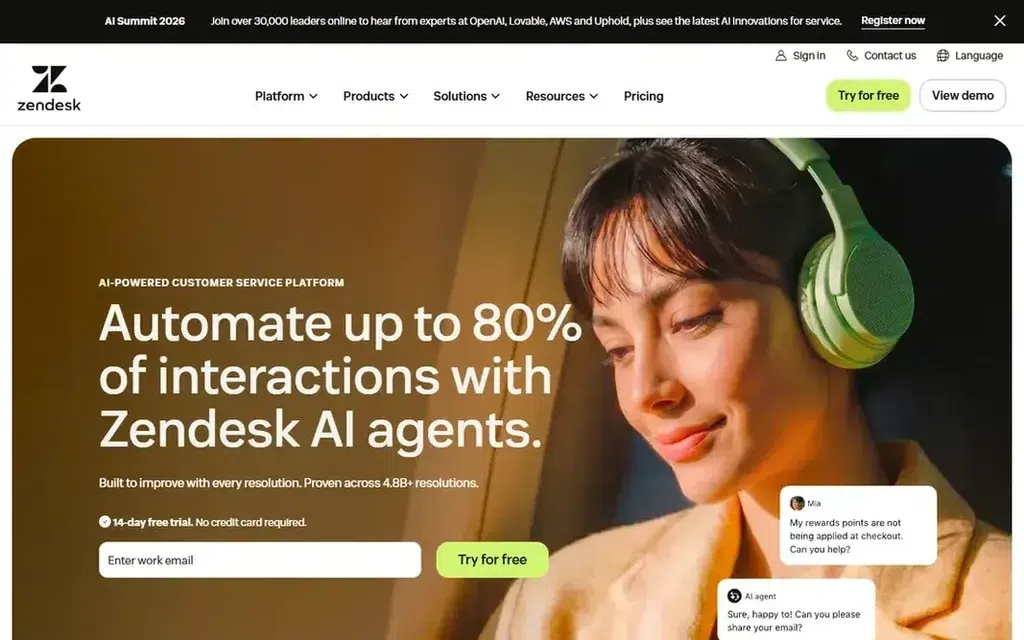
For AI-powered customer service and ticketing, Zendesk Remote Support is a natural candidate. This tool suits startups that manage a high volume of customer inquiries and want to automate responses whereas maintaining a human touch.
What to check first: Needs setup and configuration.
Beyond that, consider a more straightforward remote access tool if your primary need is screen sharing instead of full customer service management. Starting cost for Zendesk Remote Support: $19 agent/month premium yearly. On free options: Free trial.
- AI agents resolve issues end-to-end
- Scales with expanding teams
- May be complicated for very small teams
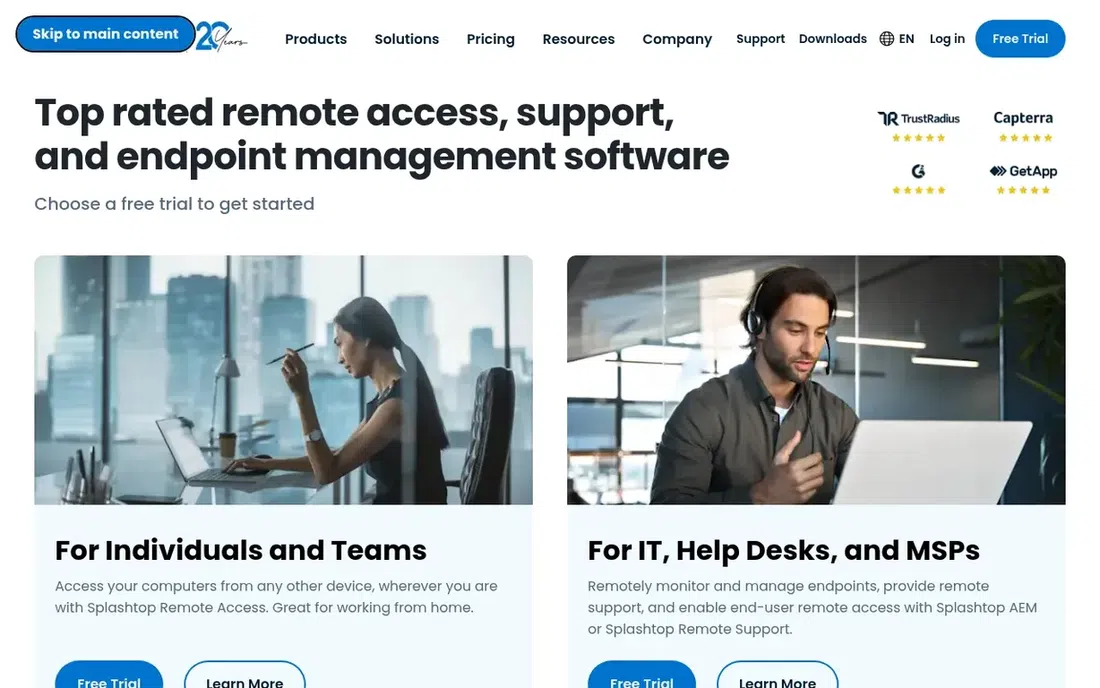
Splashtop targets secure remote access and support. Startups that require dependable remote access without broad bells and whistles may find Splashtop a solid fit, notably if they prioritize performance and security. If you need integrated ticketing or AI-driven support, look at other choices.
Reasons to shortlist it: Supports remote work and learning.
Downsides: May lack advanced AI features. Splashtop may not offer the same depth of customer service automation as some competitors. In practice, Splashtop supplies secure remote access and remote support software. It gives you quick and secure options for remote work, remote support, remote learning, and more, with a focus on value. On cost, Splashtop starts like this: $6 per month. Free plan details: Free trial.
- Quick and secure connections
- Focus on value
- Business features need a premium plan
TeamViewer Remote
Best for: Remote desktop access and collaboration
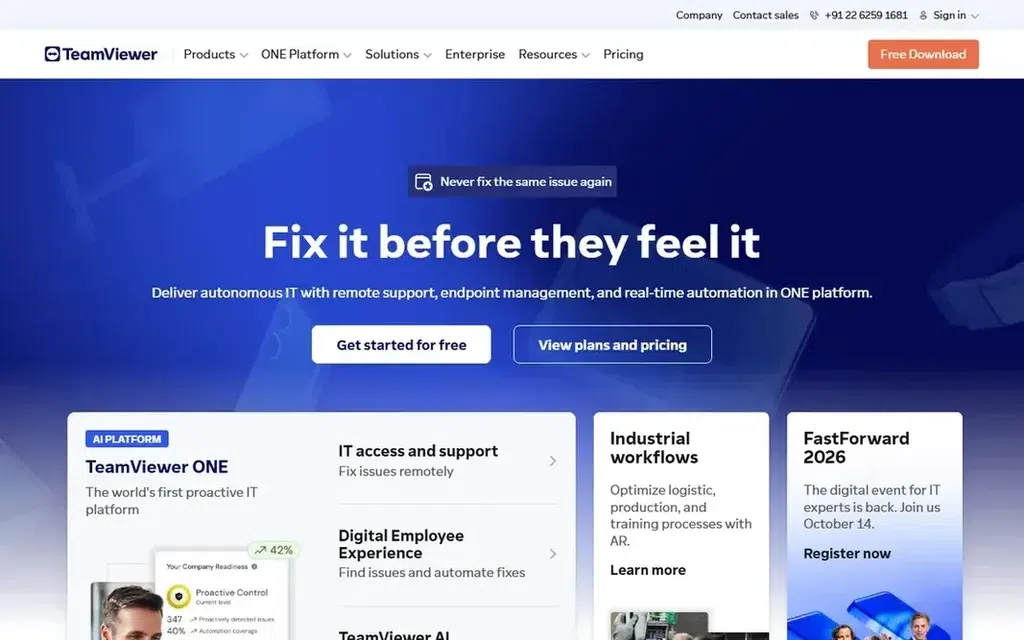
Pick TeamViewer Remote if this describes you: Remote desktop access and collaboration. TeamViewer Remote is a digital workplace product that supplies remote desktop access options. In practice, if you need deep integration with customer service software, consider a product like Zendesk instead.
Where it is weaker: Free version for personal use only.
From a buyer's view, startups that require a straightforward way to access employee machines or assist customers remotely will find it handy. It is widely known for its ease of use and cross-platform compatibility. This comparison lists no price for TeamViewer Remote; ask the vendor. On free options: Free trial.
- Offer remote support and collaborate
- Works across several systems
- May need configuration for business use
How we chose
LinkVetted looked at what each vendor publishes: pricing, plan limits, feature coverage for remote support software for startups and stated drawbacks. No hands-on testing is claimed. Prices and plan limits come from vendor pages and can change, so confirm them on the vendor site before you buy. The order reflects how well each tool fits the most common buying scenario for remote support software for startups, then price clarity, then free plan access. It is a starting point, not a verdict.
Questions to settle before buying
- Get a written quote from GoTo Resolve, N-able Take Control and TeamViewer Remote; the list shows no starting price for them.
- Use real work to test the free trial from RemotePC, GoTo Resolve, Zendesk Remote Support and others, rather than a demo project.
- Before choosing RemotePC, weigh its main limit: limited support features beyond access.
- Check how data leaves GoTo Resolve: formats, limits and whether exports are available on every plan.
- Compare total cost, not headline price: for Zendesk Remote Support, add extra seats, add-ons and any usage-based charges.
FAQ
Does any tool for remote support software for startups here have a free plan?
No tool in this list, RemotePC and TeamViewer Remote included, has a permanent free plan. RemotePC, GoTo Resolve, Zendesk Remote Support, Splashtop, TeamViewer Remote offer a trial. Trials and quotes are the usual route, so plan a short evaluation period.
What is the cheapest option for remote support software for startups in this list?
On published monthly entry prices, RemotePC is the lowest here at $1.84 per month. Entry price is only part of the cost, because seats, add-ons and billing terms can change the total. Each of the 6 options in this remote support software for startups guide has its own card above with the price, free plan and limits.
Is free remote support software dependable for business use?
Free versions commonly come with limitations, such as personal-use-only restrictions or fewer features. Evaluate whether a free tool meets your compliance and support needs before relying on it.
Can I try these tools before paying?
Often, yes. RemotePC, GoTo Resolve, Zendesk Remote Support and others offer a free trial. Use your own data and a real task during the test, and check what the free tier or trial limits before you rely on it.
Is RemotePC the right pick for everyone comparing remote support software for startups?
No single tool suits every team. RemotePC comes first because it fits affordable remote desktop access, while GoTo Resolve suits unified endpoint management for IT and N-able Take Control suits MSPs needing remote control and support. Match the tool to your own size, budget and workflow before deciding.
Sources
- https://www.remotepc.com
- https://www.goto.com/resolve
- https://www.n-able.com/products/take-control
- https://www.zendesk.com
- https://www.splashtop.com
- https://www.teamviewer.com