The 6 Best PNG to SVG Software in 2026, Ranked
Best-rated png to svg software in 2026: 6 contenders with entry costs and free tiers. Price notes and drawbacks come with each one. Current for November 2026.
- Editor's choice
 Vector Magic
Automatic full-color PNG tracing
Starts at$5.99 a monthVisit vectormagic.comFull review - Great alternative
 Sketch
Design, prototype and handoff workflows
Starts at$12 per editor a monthVisit sketch.comFull review - Also consider
 Adobe Illustrator
Full vector editing after conversion
Starts atSee websiteVisit adobe.comFull review
Direct answer
Vector Magic leads the list, best for automatic full-color PNG tracing. Listed starting prices: Vector Magic from $5.99 a month, Sketch from $12 per editor a month and Vectornator from $8 per month. Alternatives: Sketch for design, prototype and handoff workflows, and Adobe Illustrator for full vector editing after conversion. The remaining 3 options are covered below with prices and limits.
TL;DR:
- Vector Magic takes the first slot, best suited to automatic full-color PNG tracing.
- Starting prices begin at $3 per month with Figma.
- Vector Magic comes with a trade-off: concentrated on conversion, not design.
- Figma is the one to check for collaborative design and production handoff.
- Vectornator stands alone as the one tool in this list with a free plan.
Last checked November 2026. Prices and plan details were read from the vendors' own pages in November 2026; vendors change plans often, so confirm the current price on the vendor site before you buy.
Quick comparison
| Tool | Best for | Starts at | Free plan? | |
|---|---|---|---|---|
| Vector Magic | Automatic full-color PNG tracing | $5.99 a month | Not stated | Visit |
| Sketch | Design, prototype and handoff workflows | $12 per editor a month | Free trial | Visit |
| Adobe Illustrator | Full vector editing after conversion | See website | Not stated | Visit |
 CorelDRAW | Vector illustration with technical and CAD choices | See website | Not stated | Visit |
| Vectornator | AI-generated editable design assets | $8 per month | Yes | Visit |
 Figma | Collaborative design and production handoff | $3 per month | Not stated | Visit |
Best-Rated PNG to SVG Software compared in detail
LinkVetted compared 6 tools for Best-Rated PNG to SVG software. The goal is a practical shortlist: published prices, free plan facts, best-fit use cases and honest limits for every entry.
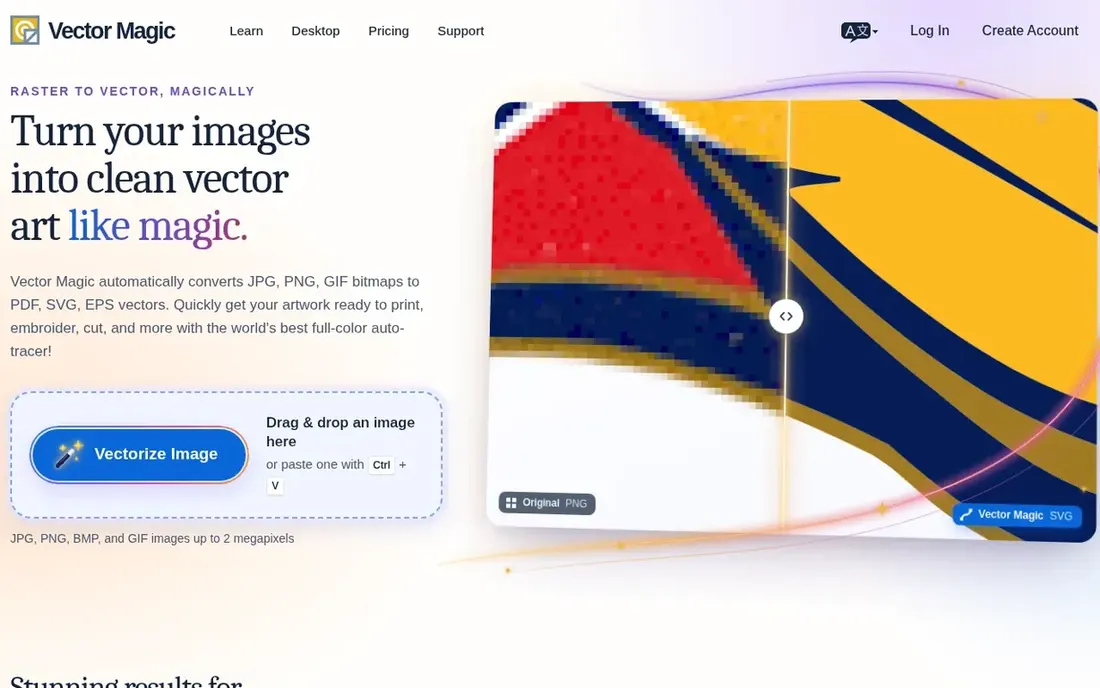
In short, Vector Magic is for automatic full-color PNG tracing. Vector Magic is a conversion tool for turning JPG, PNG, BMP and GIF bitmap images into SVG, EPS, PDF, AI and DXF vector files.
Limits to weigh: Centred on conversion, not design.
Vector Magic is built around tracing instead of general design, so complex edits after conversion may need another application. Vector Magic cost at the entry level: $5.99 per month. Trial and free access: Not stated.
- AI and more
- Online and desktop app choices
- Restricted editing beyond tracing
Where Sketch fits: design, prototype and handoff workflows. Pick Sketch when vector assets are part of a bigger design and handoff process. Also, if your primary need is converting a raster logo into clean vector paths, a tracing tool is more appropriate.
The main drawbacks: Not a dedicated PNG tracer.
For everyday use, Sketch does not present itself as a PNG to SVG converter, so automatic tracing is outside its core scope. Sketch is a design, prototype, collaborate and handoff tool described on its homepage as made by designers, for designers. It centers on interface and product design workflows instead of bitmap tracing. Sketch pricing: $12 per editor per month. As for free access: Free trial.
- Design and prototyping in one
- Collaboration and handoff focus
- Mac-only product
Adobe Illustrator is a good fit for full vector editing after conversion. Its homepage flags generative AI that can turn a text prompt into a completely editable vector graphic.
If you only need a quick automatic PNG to SVG conversion with minimal editing, a focused tracing tool like Vector Magic is a more straightforward fit. Choose Illustrator when the converted file must be edited and extended afterward. Adobe Illustrator shows no starting price here, so confirm the cost on the vendor site. Free plan details: Not stated.
Honest limits: Subscription-based access.
- Takes care of editable vector output
- Industry-standard vector toolset
- Ramp-up time for beginners
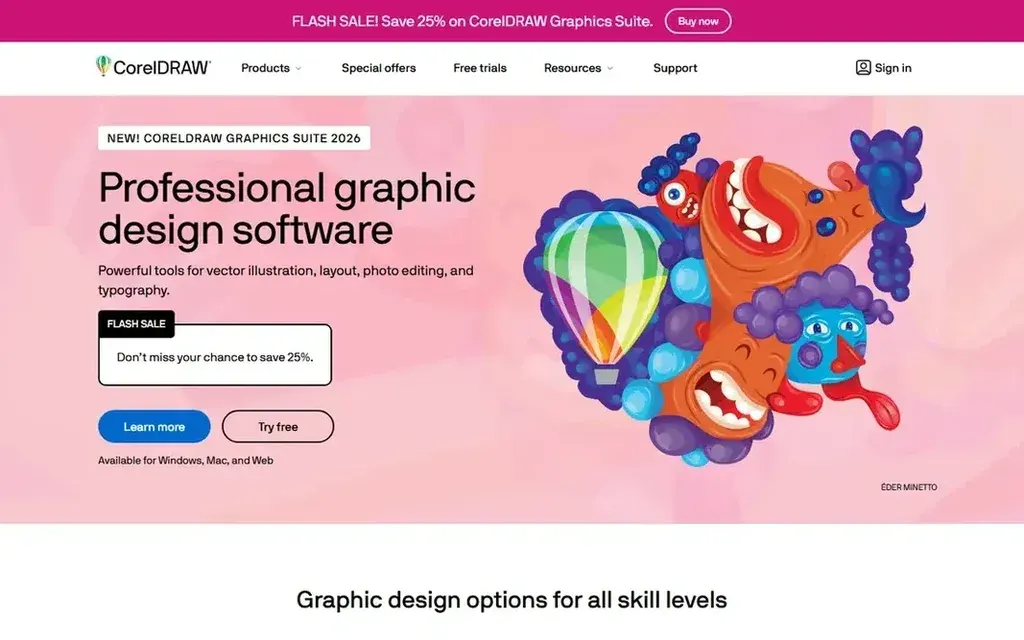
CorelDRAW is aimed squarely at Vector illustration with technical and CAD choices. If your goal is only to trace a PNG into SVG with minimal setup, a dedicated converter is more direct. Worth adding: CorelDRAW is professional graphic design software with vector, technical illustration and CAD software.
The main drawbacks: Windows-centric heritage.
Its homepage describes use for logos, posters, drafting and prototypes. From a buyer's view, pick CorelDRAW when vector illustration is a continuing part of your work. Check the vendor site for CorelDRAW pricing; none is listed in this comparison. On free options: Not stated.
- Vector and technical illustration
- Choices for logos and posters
- Can feel complicated for straightforward tracing
Vectornator
Best for: AI-generated editable design assets
Vectornator is built with AI-generated editable design assets in mind. For PNG to SVG work, it is relevant when conversion is part of a broader asset-generation and campaign workflow. Worth adding: if you need a direct bitmap-to-vector conversion, a focused tool like Vector Magic is clearer.
Trade-offs to know: Branding now centers on Linearity.
Vectornator is not positioned as a dedicated PNG to SVG converter, and its current homepage emphasizes AI campaign generation instead of tracing. Choose Vectornator when AI-assisted, editable asset creation is the central requirement. On cost, Vectornator starts like this: $8 per month. Vectornator includes a free tier.
- Multi-format output focus
- Editable campaign assets
- Not a dedicated PNG tracer
Figma serves collaborative design and production handoff. If fast tracing is the only goal, Vector Magic is more focused. Figma is a collaborative canvas where design, code and AI come together, based on its homepage, supporting work from first idea to shipped product.
For PNG to SVG projects, Figma is handy when converted or imported vector assets must be reviewed, organized and passed to development within a collaborative environment. Also, Figma is not a specialist PNG tracing application, so automatic conversion of a bitmap into SVG paths may need another tool first. Figma pricing: $3 per month. Free access: Not stated.
Watch-outs: Not a dedicated tracing tool.
- Concept-to-production workflow
- Design
- Browser-based workflow
How these tools were picked
LinkVetted used vendor pricing pages and product documentation as the base, then compared plans, free access and documented limits for 6 tools. Seat minimums, billing terms and add-ons can move the real cost, so the starting prices here are a guide and not a quote. We ordered the tools by general fit, then by how clearly pricing is shown, then by free access. A buyer with unusual needs may reorder them.
Before you commit
- Ask Adobe Illustrator and CorelDRAW for a written quote, since no starting price is shown.
- Test the free plan from Vectornator against your real workload before relying on it.
- Take the trial from Sketch and push a live task through it before you pay.
- Before choosing Vector Magic, weigh its main limit: concentrated on conversion, not design.
- Ask Vectornator which support channels and response times come with the plan you would buy.
- Pick one real project and run it in Figma first; a small pilot shows fit faster than a checklist.
FAQ
What is the cheapest option for Best-Rated PNG to SVG software in this list?
On published monthly entry prices, Figma is the lowest here at $3 per month. Entry price is only part of the cost, because seats, add-ons and billing terms can change the total. For the full picture, the cards above cover all 6 entries of this Best-Rated PNG to SVG software list, including price, free plan and limits.
How are the tools for Best-Rated PNG to SVG software ordered?
Vector Magic sits first and Figma last because the order follows typical fit for Best-Rated PNG to SVG software, then price clarity and free access. It is a judgement call, so read each profile for fit and limits.
Which tool is best for automatically converting a PNG to SVG?
The first pick on this list is Vector Magic, because it suits automatic full-color PNG tracing. Sketch is better for design, prototype and handoff workflows, and Adobe Illustrator for full vector editing after conversion. Check price and limits against your own needs before choosing.
Can design tools like Figma or Sketch convert PNG to SVG straight?
Figma and Sketch are collaborative design and handoff tools instead of dedicated bitmap tracers. A dedicated converter is generally used first when a PNG needs to become editable SVG paths.
What should I check before choosing PNG to SVG software?
Also check system compatibility and any documented limits on image size or file type. Reviewing vendor pages helps match the tool to your workflow.
Do these tools publish their prices?
Not all of them. Adobe Illustrator and CorelDRAW publish no starting price, so expect a quote request for those. The rest, Vector Magic included, show a starting price, though seats and billing terms still change the final cost.
Sources
- https://vectormagic.com
- https://www.sketch.com
- https://www.adobe.com/products/illustrator.html
- https://www.coreldraw.com
- https://www.vectornator.io
- https://www.figma.com