Software to Close a Business in 2026: The 5 Best Options Side by Side
5 options for best-rated software to close a business, with entry costs, free tiers and the buyer each one serves. Prices and drawbacks included. Details below.
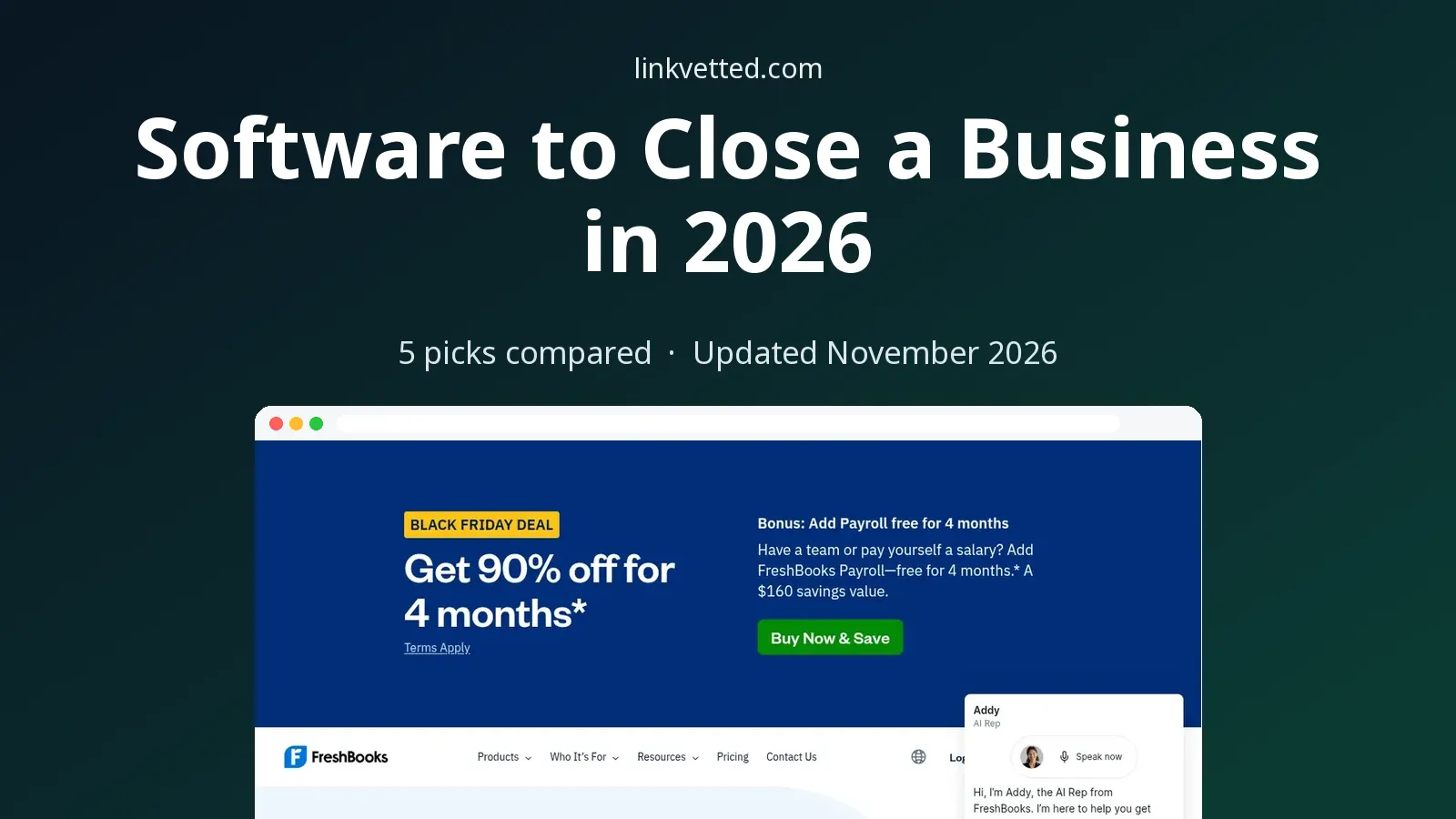
- Editor's choice
 Wave
Straightforward invoicing and payment acceptance
Starts at$19 a monthVisit waveapps.comFull review - Great alternative
 FreshBooks
Service-based companies with invoicing needs
Starts at$23.00 a monthVisit freshbooks.comFull review - Also consider
 Zoho Books
Companies within the Zoho ecosystem
Starts atSee websiteVisit zoho.comFull review
Direct answer
For straightforward invoicing and payment acceptance, Wave is where this list starts. Listed starting prices: Wave from $19 a month, FreshBooks from $23.00 a month and Xero from $7 a month. FreshBooks is better for service-based businesses with invoicing needs, and Zoho Books is better for companies within the Zoho ecosystem. Prices, free plans and limits for all 5 tools follow.
TL;DR:
- Wave takes the first slot, best suited to straightforward invoicing and payment acceptance.
- One limit worth knowing about Xero: restricted payroll choices in some regions.
- For full small business accounting, QuickBooks Online is worth a look.
- Only Wave offers a free plan among these 5 tools.
Last checked November 2026. Prices and plan details were read from the vendors' own pages in November 2026; vendors change plans often, so confirm the current price on the vendor site before you buy.
Quick comparison
| Tool | Best for | Starts at | Free plan? | |
|---|---|---|---|---|
| Wave | Straightforward invoicing and payment acceptance | $19 a month | Yes | Visit |
| FreshBooks | Service-based companies with invoicing needs | $23.00 a month | Free trial | Visit |
| Zoho Books | Companies within the Zoho ecosystem | See website | Not stated | Visit |
 Xero | Bank connectivity and accountant collaboration | $7 a month | Free trial | Visit |
 QuickBooks Online | Full small business accounting | $11.40 per month | Free trial | Visit |
Every option for Best-Rated software to close a business explained
LinkVetted put together this guide to Best-Rated software to close a business for readers who want a clear shortlist without reading every vendor page. It compares 5 tools on starting price, free plans, who each one suits and where each one falls short.
Wave is designed for straightforward invoicing and payment acceptance. If you require deep reporting or dedicated support, explore other choices like Zoho Books.
Wave supplies small business software that comes with invoicing, online payments, and accounting tools in one place. Starting cost for Wave: $19 per month. Wave includes a free tier.
Points against: Restricted support choices.
- Clean interface
- Simple to use for beginners
- Entry-level reporting features
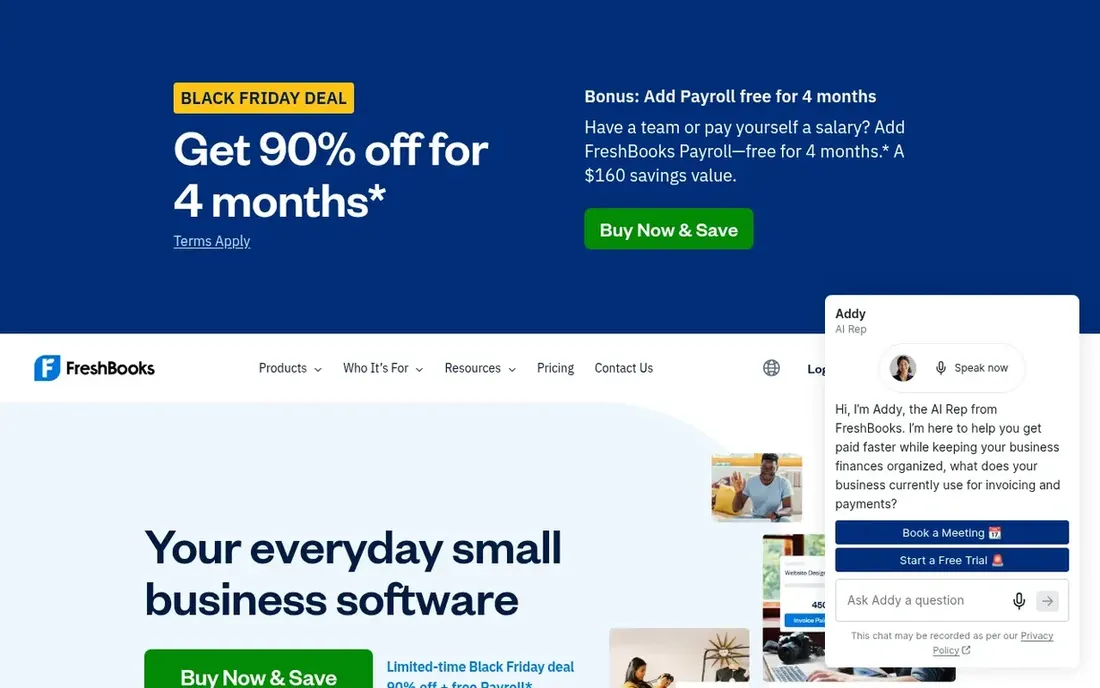
Think of FreshBooks for service-based firms with invoicing needs. It eases billing and client management, which can be useful when wrapping up outstanding invoices and expenses during a business closure.
Drawbacks to consider: Restricted inventory features.
FreshBooks lacks advanced inventory or complicated accounting features, so it may not suit product-based companies or those with intricate financial needs. FreshBooks cost at the entry level: $23.00 per month. Free options: Free trial.
- Receipt and expense management
- Simple invoicing and time tracking
- Less suited for complex accounting
Zoho Books serves companies within the Zoho ecosystem. Zoho Books is cloud-based accounting software that eases invoicing, expenses, tax management, bank reconciliation, and financial reporting for small companies. It is especially beneficial for firms already using other Zoho products, as it integrates smoothly within the ecosystem.
Points against: Interface can be overwhelming.
If you need a more easy-to-learn experience or broader integrations, consider Xero or QuickBooks Online. Beyond that, the interface may feel complicated for new users, and integration with non-Zoho apps is restricted. No starting price is listed for Zoho Books here; confirm pricing on the vendor site. Free access: Not stated.
- Integrates with other Zoho apps
- Thorough features for invoicing and expenses
- Restricted external integrations
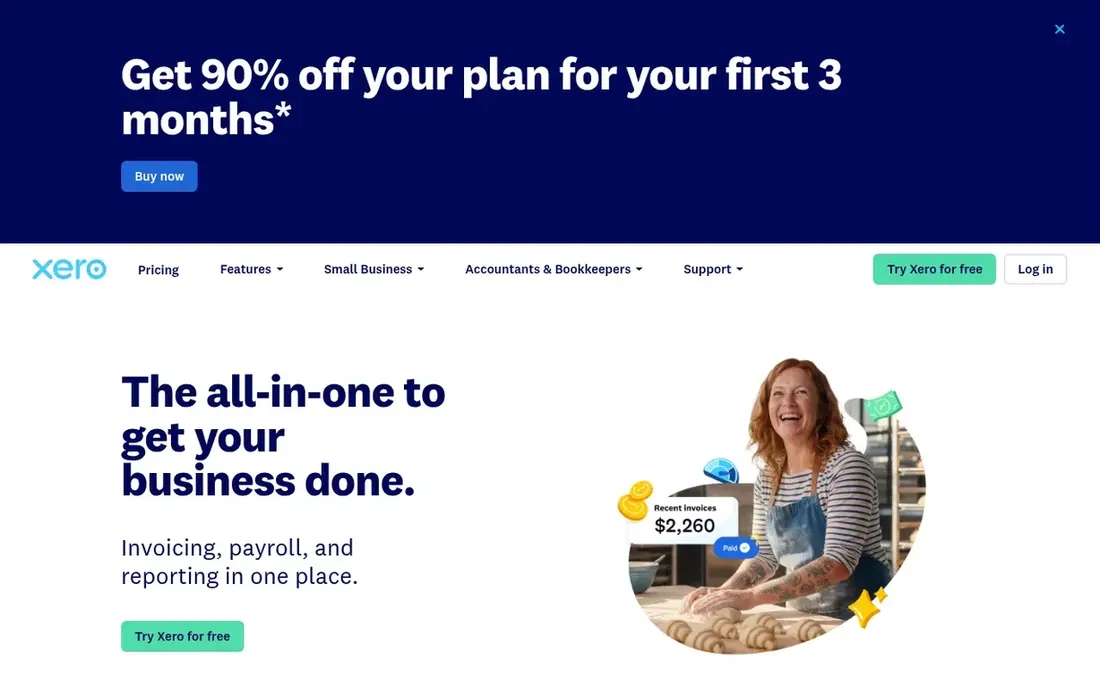
Xero is aimed squarely at bank connectivity and accountant collaboration. Xero may not be a strong match for companies needing broad payroll features or built-in time tracking, as these are restricted or need extras.
More specifically, if those features are critical, consider a tool like FreshBooks instead. On cost, Xero starts like this: $7 per month. Free plan details: Free trial.
Watch-outs: Restricted payroll choices in some regions.
- Very good bank feed integration
- Collaboration tools for accountants
- No built-in time tracking
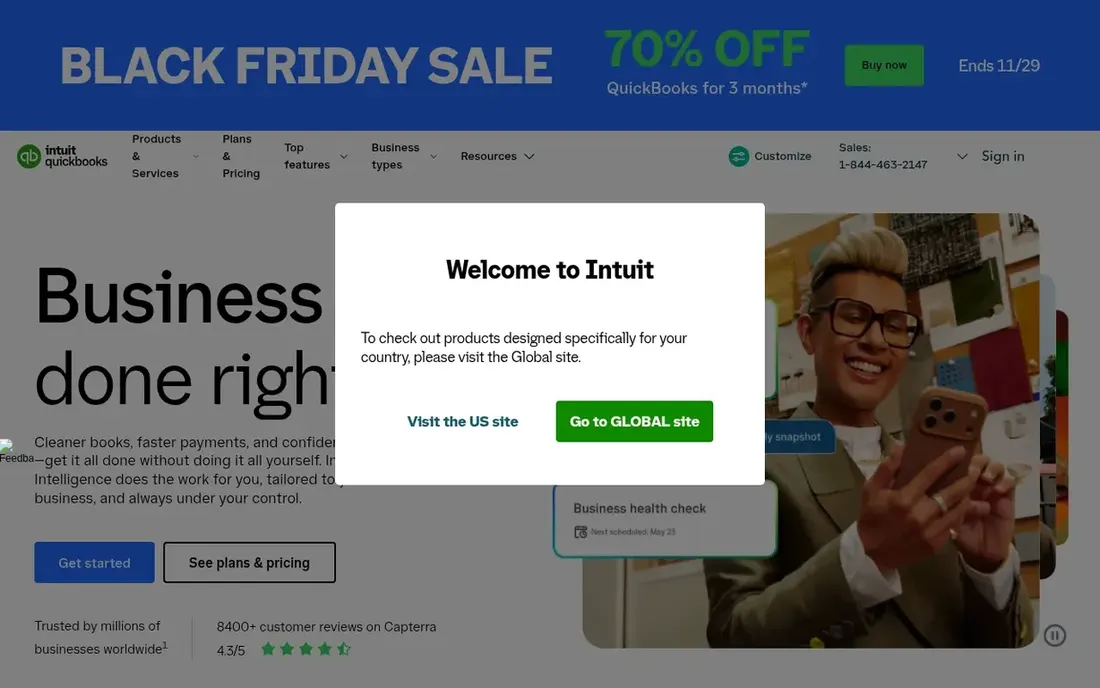
QuickBooks Online was built for thorough small business accounting. QuickBooks Online is a cloud-based accounting option aimed at small to midsize companies. It gives you tools for invoicing, expense tracking, bank reconciliation, and financial reporting, making it right for owners who require a full-featured system to handle finances during a business closure.
Worth adding: Whereas QuickBooks Online is versatile, its pricing may be high for companies with minimal transactions. Also, certain advanced features are only available through external integrations, so consider alternatives if you need specialized functionality without extras. QuickBooks Online pricing: $11.40 per month. As for free access: Free trial.
Drawbacks to consider: Some features need extras.
- Simple setup and approachable interface
- Broad range of accounting features
- Can be expensive for very small companies
How these tools were picked
Selection started from tools commonly considered for Best-Rated software to close a business, then narrowed to 5 that have clear pricing information or a clear quote process. Where a vendor does not publish a price, the entry says quote. Where a price depends on seats or billing term, the entry says so. We ordered the tools by general fit, then by how clearly pricing is shown, then by free access. A buyer with unusual needs may reorder them.
What to confirm before you sign up
- Confirm the entry price on the vendor page. For Zoho Books that means a quote rather than a fixed price.
- Look at the free plan from Wave closely: its caps decide whether it is usable for real work.
- Take the trial from FreshBooks, Xero and QuickBooks Online and push a live task through it before you pay.
- Before choosing Wave, weigh its main limit: restricted support choices.
- Run a one or two week pilot of Xero with the people who will use it every day.
- Look at which plan of FreshBooks unlocks the features you need; entry tiers are often cut down.
FAQ
Can I use these tools if my business is very small?
Yes, plenty of tools like Wave and FreshBooks are aimed at small companies with straightforward needs. Evaluate the features and complexity to find one that matches your transaction volume and requirements.
Is Wave the right pick for everyone comparing Best-Rated software to close a business?
No single tool suits every team. Wave comes first because it fits simple invoicing and payment acceptance, while FreshBooks suits service-based businesses with invoicing needs and Zoho Books suits businesses within the Zoho ecosystem. Match the tool to your own size, budget and workflow before deciding.
Is cloud-based software better for closing a business?
Cloud-based software supplies accessibility from anywhere and automatic updates, which can be convenient during closure. Even so, ensure it offers the necessary security and data backup features.
How do I choose between QuickBooks Online and Xero?
QuickBooks Online gives you a broader feature set and is widely used, whereas Xero excels at bank connectivity and accountant collaboration. Consider your specific needs and which interface you find more easy-to-learn.
Can I try these tools before paying?
Often, yes. Wave has a free plan and FreshBooks, Xero and QuickBooks Online offer a free trial. Use your own data and a real task during the test, and check what the free tier or trial limits before you rely on it.
How are the tools for Best-Rated software to close a business ordered?
The order follows typical fit for Best-Rated software to close a business, with Wave first and QuickBooks Online last, then price clarity and free access. It is editorial judgement, not a score, so another team could rank the tools differently.
Sources
- https://www.waveapps.com
- https://www.freshbooks.com
- https://www.zoho.com/books
- https://www.xero.com
- https://quickbooks.intuit.com