Shortlist: 7 Best Crowdsourcing Platforms for 2026
Best crowdsourcing platforms, compared. 7 tools with published prices, free plans and limits. Verdicts stay brief and factual. Current for November 2026.

- Editor's choice
 Indiegogo
Tech and gadget campaigns
Starts at5% of funds raised (plus 3% + $0.20 processing per transaction)Visit indiegogo.comFull review - Great alternative
 Kaggle
Machine learning competitions and data science talent
Starts atFree (community competitions; featured competitions are custom-priced)Visit kaggle.comFull review - Also consider
 GoFundMe
Personal causes and charity fundraisers
Starts at0% platform fee (2.9% + $0.30 processing per donation)Visit gofundme.comFull review
Direct answer
Start with Indiegogo if you need tech and gadget campaigns. Kaggle is better for machine learning competitions and data science talent, and GoFundMe is better for personal causes and charity fundraisers. All 7 tools are compared below on price, free plan and limits.
TL;DR:
- Indiegogo sits first on this list: tech and gadget campaigns.
- Expect to ask for a quote from Topcoder; the other tools show a starting price.
- What to know about Patreon first: 10 percent commission plus processing is steep on small pledges.
- 6 out of 7 tools include a free plan, among them Indiegogo, Kaggle, GoFundMe and Patreon.
Quick comparison
| Tool | Best for | Starts at | Free plan? | |
|---|---|---|---|---|
| Indiegogo | Tech and gadget campaigns | 5% of funds raised (plus 3% + $0.20 processing per transaction) | Yes | Visit |
| Kaggle | Machine learning competitions and data science talent | Free (community competitions; featured competitions are custom-priced) | Yes | Visit |
| GoFundMe | Personal causes and charity fundraisers | 0% platform fee (2.9% + $0.30 processing per donation) | Yes | Visit |
 Patreon | Recurring income for creators | 10% of processed payments (plus payment processing fees) | Yes | Visit |
 Topcoder | Software, data, and design work through competitions | See website (quote-based, enterprise pricing) | No | Visit |
 Kickstarter | Creative and product launches | 5% of funds raised (only if the campaign funds) | Yes | Visit |
 99designs | Logo and brand design through contests | From US$349 per design contest (plus a 5% platform fee) | Yes | Visit |
The 7 tools in detail
LinkVetted put together this guide to crowdsourcing platforms for readers who want a clear shortlist without reading every vendor page. It compares 7 tools on starting price, free plans, who each one suits and where each one falls short.
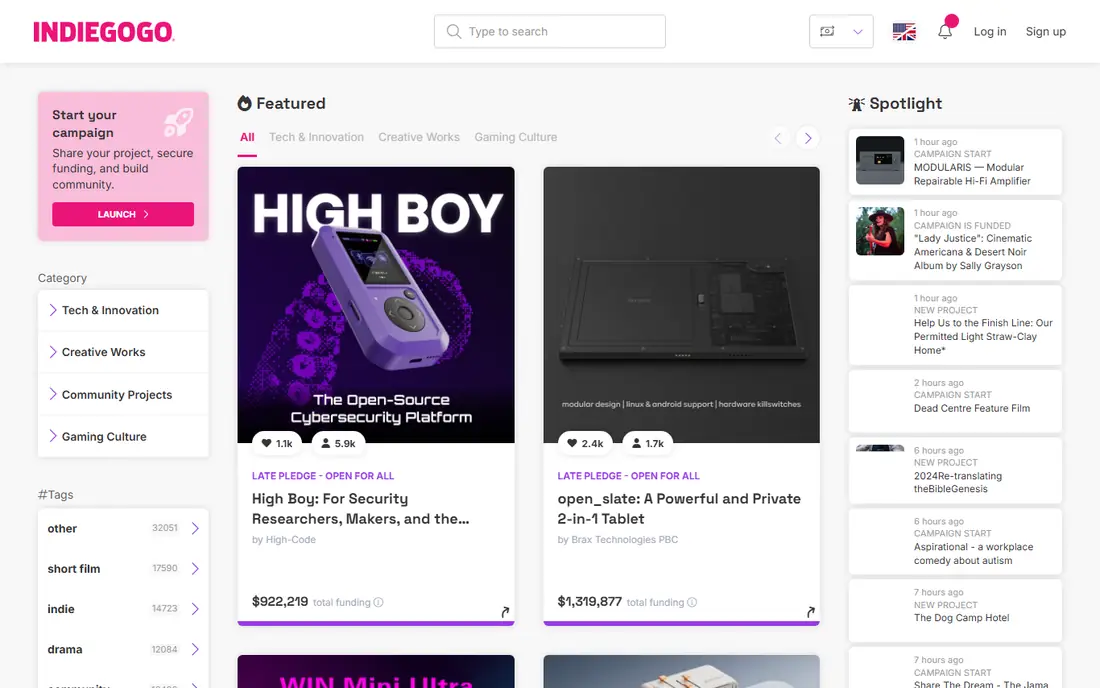
Indiegogo is aimed squarely at tech and gadget campaigns. Every campaign is now fixed funding, so creators only collect when goals are hit.
The honest difference is audience and tooling. What you pay to start with Indiegogo: 5% of funds raised. A free plan is available with Indiegogo.
Points against: Reserve holds can delay some payouts.
- Capable in tech, hardware
- Innovation categories
- Smaller organic backer community than Kickstarter
Pick Kaggle if this describes you: machine learning competitions and data science talent. The caveat is that leaderboard scores do not always transfer to production value, so treat results as a starting point, not a finished product.
Where it shines: Free self-service competitions for research and learning.
On top of that, the value goes beyond the winning model. The starting price for Kaggle: Free. Kaggle offers a free plan.
Where it is weaker: Featured competitions with big prizes need enterprise engagement; not always for business value.
- Comparable results
- Leaderboards provide you honest
- Competitors optimize for the leaderboard
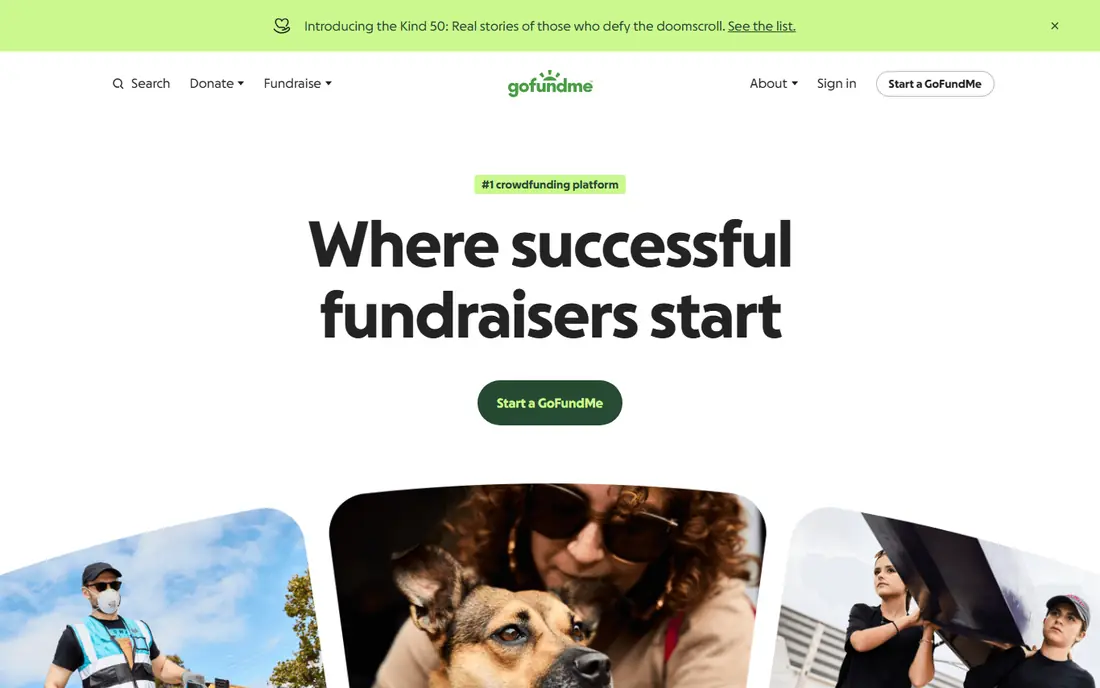
GoFundMe works best for personal causes and charity fundraisers. GoFundMe is the system people reach for when life happens: medical bills, memorials, disaster relief, classroom supplies.
Where it falls short: Processing fees still apply to every donation.
In practice, discovery is weak by design, since most fundraisers are shared person to person. GoFundMe starts at: 0% platform fee. Free access exists with GoFundMe.
- Keep what you raise with no goal requirement
- Massive public trust for medical, emergency
- Depends on your own network for momentum
Patreon targets recurring income for creators. Patreon turns fans into paying members, which is a fundamentally different job than running a one-time campaign. Worth adding: creators who thrive here treat membership as a product with real value, not a tip jar with a link.
For everyday use, the product keeps a 10 percent commission on processed payments plus processing fees, and you pay nothing until you earn. Worth adding: if your business needs steady patron income instead of a single funding spike, this is the model to copy. For everyday use, the main limit is the same as everywhere in the creator economy: Patreon does not supply the audience. On top of that, Podcasters, artists, educators, and writers use it to sell levels of access, bonus content, and community perks on a recurring basis. Patreon starts at: 10% of processed payments. A free plan is available with Patreon.
What works well: Predictable monthly revenue from memberships.
Watch-outs: 10 percent commission plus processing is steep on small pledges.
- Built-in community, messaging
- Content tools
- Competing free content makes conversion hard
Topcoder is designed for software, data, and design work through competitions. Topcoder turned coding into a sport decades ago, and its challenge model still stands apart: you define the problem, the crowd competes, and you pay for the winning outcomes.
For mid-sized and bigger firms with defined technical problems, the speed of parallel workstreams is the selling point. In daily use, firms use it for rapid prototyping, app development, data science, and QA, with a copilot managing the process so you do not have to become a crowdsourcing expert. This comparison lists no price for Topcoder; ask the vendor. There is no free plan with Topcoder.
Honest limits: Most useful for well-specified problems.
- Not hours
- Deals with everything from prototyping to QA
- No public pricing, so budgeting takes a sales conversation
Kickstarter serves creative and product launches. Campaigns that treat launch day as the start of marketing, not the end of it, consistently outperform those that assume the crowd will find them.
Also, projects must fit Kickstarter's creative categories and rules. The product takes its 5 percent cut plus payment processing only when you succeed. Entry price for Kickstarter: 5% of funds raised. You can start on Kickstarter without paying.
What to check first: Fees plus processing take roughly 8 to 10 percent of pledges.
- All-or-nothing model builds urgency and trust
- Solid culture of creative projects and repeat backers
- All-or-nothing means a near miss yields zero
Where 99designs fits: logo and brand design through contests. 99designs crowdsources creativity rather than cash: post a brief, and designers from around the world submit competing concepts. The package level matters more than most buyers expect.
On top of that, for logos, brand identity, packaging, and web design, seeing thirty to ninety directions for a fixed price beats interviewing freelancers one by one. Budget for the 5 percent product fee at checkout, and pick the guaranteed choice if you want maximum participation. Bronze opens the contest to every designer level, whereas Gold and Platinum restrict entry to mid and top-level designers, and the quality gap is real. On cost, 99designs starts like this: From US$349 per design contest. 99designs has a free plan.
Watch-outs: Quality varies by package level, with budget levels attracting junior designers.
- Dozens of concepts from competing designers for one fixed price
- Tiered packages filter designer quality levels
- Refining a concept needs a one-to-one project after the contest
What went into this list
For each of the 7 tools we noted price, free plan or trial, fit for crowdsourcing platforms and the main limit, using vendor pages and documentation. Plan names, prices and limits change often. Treat the figures here as a starting point and verify them with the vendor. The sequence is a judgement call: typical use case first, then pricing transparency, then free access. Use the profiles to check fit.
What to confirm before you sign up
- Get a written quote from Topcoder; the list shows no starting price for them.
- Read the fine print on the free plans from Indiegogo, Kaggle, GoFundMe and others; seat, project and feature caps differ.
- Read the limits listed for Indiegogo first: smaller organic backer community than Kickstarter.
- Confirm you can export your data from GoFundMe, so leaving later does not mean losing records.
- A short pilot of Kaggle with your real workflow tells you more than a feature table.
FAQ
Can I try these options before paying?
Often, yes. Indiegogo, Kaggle, GoFundMe and others have a free plan. Use your own data and a real task during the test, and check what the free tier or trial limits before you rely on it.
Which options for crowdsourcing platforms have a free plan?
On this list, 6 of 7 tools include a free plan, among them Indiegogo, Kaggle, GoFundMe and Patreon. Caps on seats, usage or features are common, so test the free plan against your real workload.
What happens if my campaign does not reach its goal?
On Kickstarter and Indiegogo, all-or-nothing funding means backers are not charged and you pay no fees if the goal is missed. Patreon memberships are continuing, so there is no goal to miss; income just reflects your member count.
How are the tools for crowdsourcing platforms ordered?
The order follows typical fit for crowdsourcing platforms, with Indiegogo first and 99designs last, then price clarity and free access. It is editorial judgement, not a score, so another team could rank the tools differently.
Which crowdsourcing platform is a good match for raising money for a product?
For most readers this guide would start with Indiegogo, built for tech and gadget campaigns. Kaggle is the alternative for machine learning competitions and data science talent, and GoFundMe for personal causes and charity fundraisers. The right answer depends on budget and workflow.
Do these tools publish their prices?
Not all of them. Topcoder publishes no starting price, so expect a quote request for it. The rest, Indiegogo included, show a starting price, though seats and billing terms still change the final cost.