Best Remote Support Software for Event Planners in 2026: Prices, Free Plans and 6 Picks
6 products for the best remote support software for event planners, ranked by fit, with starting costs and free tiers. Short verdicts, no fluff. No filler.
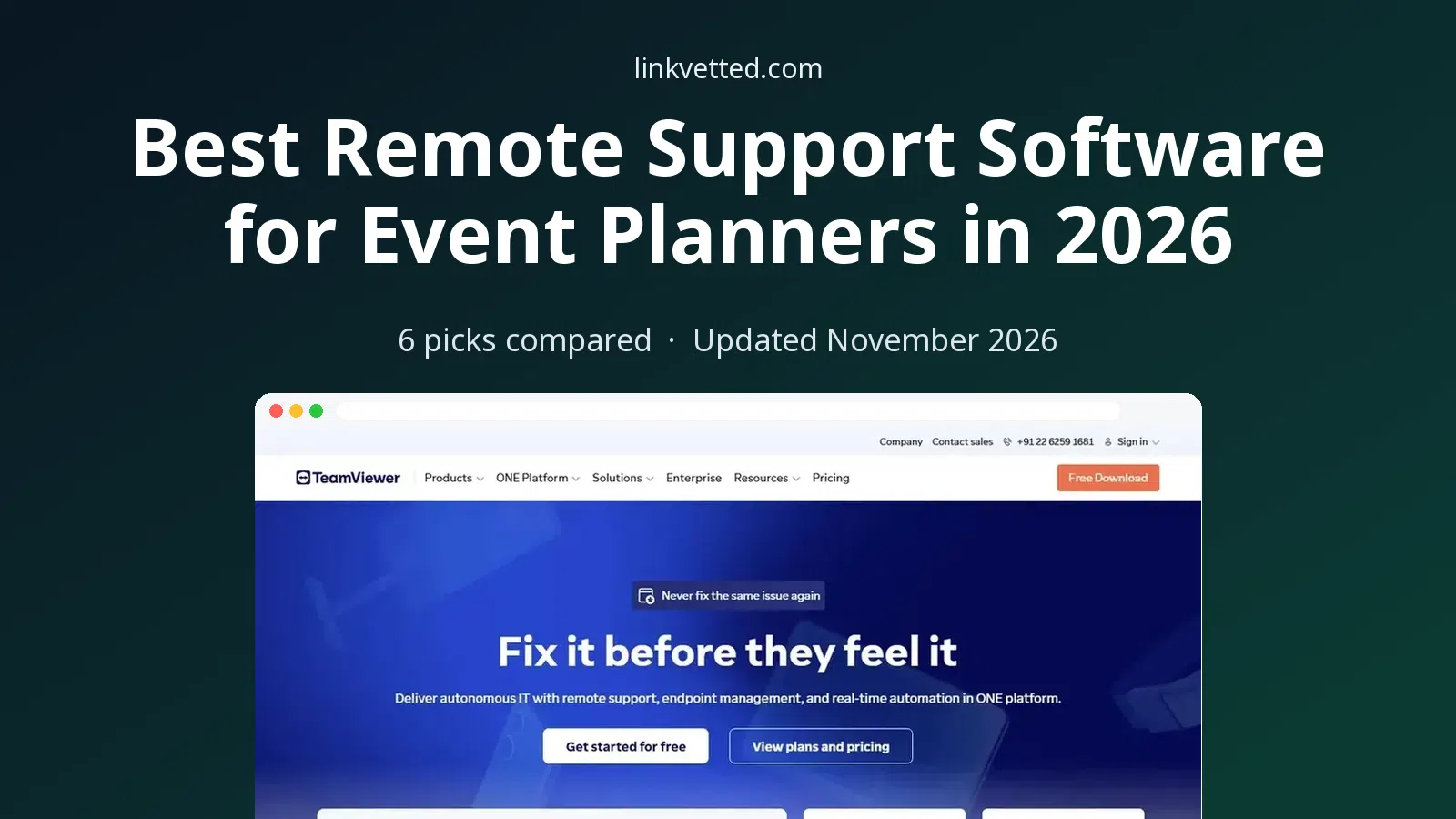
- Editor's choice
 TeamViewer
Fast remote desktop and screen sharing
Starts atSee websiteVisit teamviewer.comFull review - Great alternative
 Splashtop
Quick and secure remote access
Starts at$6 a monthVisit splashtop.comFull review - Also considerN-able Take Control
MSP-style remote control and support
Starts atSee websiteVisit n-able.comFull review
Direct answer
If you need fast remote desktop and screen sharing, TeamViewer is the first tool to look at here. Listed starting prices: Splashtop from $6 a month, RemotePC from $1.84 per month and Zendesk from $19 agent/month premium yearly. Alternatives: Splashtop for quick and secure remote access, and N-able Take Control for MSP-style remote control and support. The full list of 6 tools follows, with prices and free plan facts.
TL;DR:
- The list opens with TeamViewer, aimed at fast remote desktop and screen sharing.
- One limit worth knowing about TeamViewer: advanced features may need configuration.
- TeamViewer, Zendesk and the 4 others all need a premium plan or a trial, since no free plan is listed.
- RemotePC has the lowest monthly starting price in this list: $1.84 per month.
Last checked November 2026. Prices and plan details were read from the vendors' own pages in November 2026; vendors change plans often, so confirm the current price on the vendor site before you buy.
Quick comparison
| Tool | Best for | Starts at | Free plan? | |
|---|---|---|---|---|
| TeamViewer | Fast remote desktop and screen sharing | See website | Free trial | Visit |
| Splashtop | Quick and secure remote access | $6 a month | Free trial | Visit |
| N-able Take Control | MSP-style remote control and support | See website | Not stated | Visit |
| LogMeIn Rescue | Enterprise remote support with security | See website | Free trial | Visit |
 RemotePC | Straightforward remote access across devices | $1.84 per month | Free trial | Visit |
 Zendesk | Ticketed support with AI assistance | $19 agent/month premium yearly | Free trial | Visit |
The full remote support software for event planners list
LinkVetted put together this guide to remote support software for event planners for readers who want a clear shortlist without reading every vendor page. It compares 6 tools on starting price, free plans, who each one suits and where each one falls short.
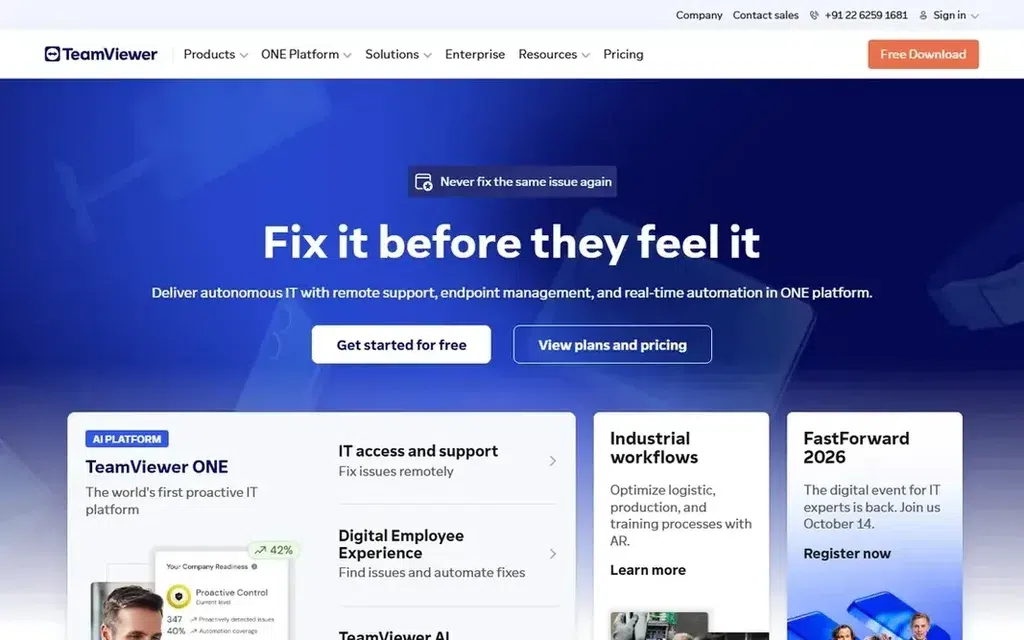
TeamViewer serves fast remote desktop and screen sharing. Event planners can use it to link to remote computers, supply remote support, and collaborate online when on-site technology needs troubleshooting. It is well suited to planners who require quick, direct screen access to a vendor's laptop or a venue's registration system without a complicated support infrastructure.
Honest limits: Advanced features may need configuration.
As for the details, TeamViewer is built around remote access and collaboration instead of full customer service management. Pick TeamViewer when immediate remote control and screen sharing are the priority for keeping event technology running. From a buyer's view, if you need in-depth ticket tracking or AI-driven issue resolution, a platform like Zendesk may fit better. TeamViewer shows no starting price here, so confirm the cost on the vendor site. As for free access: Free trial.
- Supports remote support sessions
- Makes it possible for online collaboration
- Not concentrated on ticketing
Splashtop targets quick and secure remote access. Event planners can use it to remotely access on-site computers, assist staff with software issues, and keep event operations moving from a distance. It is a solid fit for planners who value fast connections and straightforward remote access across different scenarios.
Drawbacks to consider: May need per-device setup.
Pick Splashtop when you want dependable, quick remote access without a complicated support suite. If you need ticketing and AI-assisted resolution, Zendesk may be a better choice. Splashtop starts at: $6 per month. Free options: Free trial.
- Supports remote support and remote work
- Works across several use cases
- Not a full ticketing system
N-able Take Control
Best for: MSP-style remote control and support
Trade-offs to know: May need onboarding.
Event planners working with IT providers or managing technical support teams can use it to remotely control devices and troubleshoot problems quickly. More specifically, Take Control is designed with MSPs in mind, so planners without a service-provider model may find it less tailored to their needs. No starting price is listed for N-able Take Control here; confirm pricing on the vendor site. Free plan details: Not stated.
- Swift issue resolution
- Designed for service delivery
- MSP focus may not suit all planners N-able Take Control if this describes you: MSP-style remote control and support. N-able Take Control is a remote-control and support tool that helps managed service providers swiftly resolve issues whereas delivering exceptional customer service. If you prefer a general-purpose remote access tool, TeamViewer or RemotePC may be more straightforward.
LogMeIn Rescue
Best for: Enterprise remote support with security
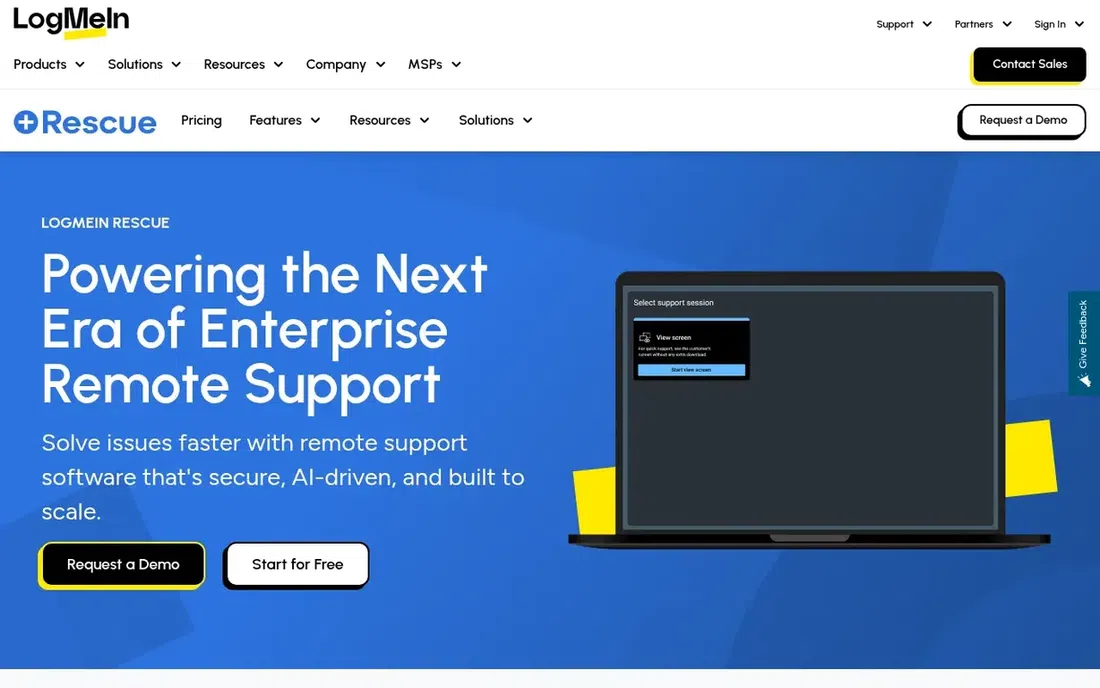
Choose LogMeIn Rescue for enterprise remote support with security. Event planners managing large conferences or multi-site events can use it to offer secure, controlled remote assistance to staff and vendors.
Where it falls short: Enterprise focus may be heavy for small teams.
Choose Rescue when security, customization, and in-session control are essential for your event support operations. In practice, LogMeIn Rescue is made for enterprise IT support, so smaller planning teams may find it more than they need. LogMeIn Rescue shows no starting price here, so confirm the cost on the vendor site. As for free access: Free trial.
- Ample customization choices
- Powerful in-session features
- Needs setup for customization
RemotePC makes the most sense for straightforward remote access across devices. RemotePC is a remote access option for PC, Mac, Linux, and mobile devices. Event planners can use it to securely access on-site computers from another location, check registration systems, or help staff resolve technical issues.
RemotePC concentrates on remote access instead of full remote support or ticketing. For everyday use, if you need in-session tools or advanced security customization, LogMeIn Rescue may be a better match. RemotePC pricing: $1.84 per month. As for free access: Free trial.
Honest limits: Restricted support-specific features.
- Secure remote access
- Straightforward remote desktop use
- May lack advanced collaboration tools
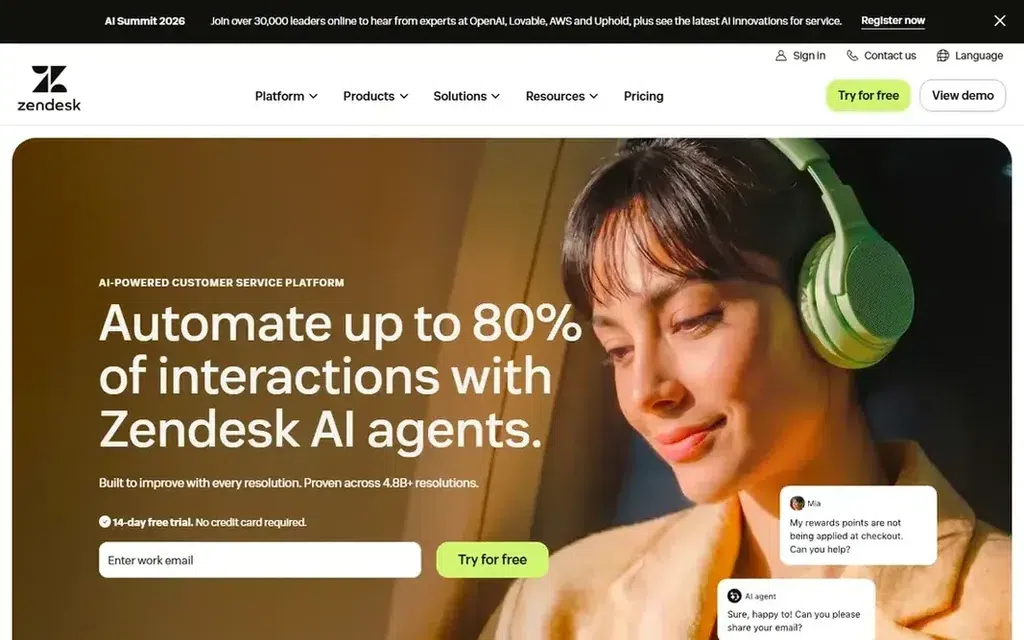
Zendesk is built with ticketed support with AI assistance in mind. Zendesk is an AI-powered customer service product that moves beyond deflection with AI agents that resolve issues end to end.
Points against: May be complicated for very small teams.
In daily use, choose Zendesk when organized ticketing and AI-assisted resolution matter more than practical device access. Also, for event planners, it can serve as a central hub for support requests from vendors, venues, and attendees, helping teams boost service quality, speed, and scale. Zendesk pricing: $19 agent/month premium yearly. Free plan details: Free trial.
- AI agents resolve issues end to end
- Boosts service quality and scale
- Setup needs planning
How we compared the tools
Pricing pages, product documentation and feature lists were the main sources, and every entry carries at least one honest drawback. Where a vendor does not publish a price, the entry says quote. Where a price depends on seats or billing term, the entry says so. The order reflects how well each tool fits the most common buying scenario for remote support software for event planners, then price clarity, then free plan access. It is a starting point, not a verdict.
What to check before you buy
- Get a written quote from TeamViewer, N-able Take Control and LogMeIn Rescue; the list shows no starting price for them.
- Use real work to test the free trial from TeamViewer, Splashtop, LogMeIn Rescue and others, rather than a demo project.
- Read the limits listed for TeamViewer first: advanced features may need configuration.
- Compare total cost, not headline price: for Splashtop, add extra seats, add-ons and any usage-based charges.
- Ask the daily users to test RemotePC on a live task before you roll it out to everyone.
FAQ
How are the tools for remote support software for event planners ordered?
TeamViewer sits first and Zendesk last because the order follows typical fit for remote support software for event planners, then price clarity and free access. It is a judgement call, so read each profile for fit and limits.
Do these tools publish their prices?
Not all of them. TeamViewer, N-able Take Control and LogMeIn Rescue publish no starting price, so expect a quote request for those. The rest, Splashtop included, show a starting price, though seats and billing terms still change the final cost.
Is Zendesk right for event planners who need remote support?
Zendesk is a good match for organizing support requests and using AI to resolve issues at scale, instead of direct remote desktop control. Planners who manage plenty of inquiries from attendees and vendors may find it valuable alongside a remote access tool.
Is TeamViewer the right pick for everyone comparing remote support software for event planners?
No single tool suits every team. TeamViewer comes first because it fits quick remote desktop and screen sharing, while Splashtop suits fast and secure remote access and N-able Take Control suits MSP-style remote control and support. Match the tool to your own size, budget and workflow before deciding.
Does any tool for remote support software for event planners here have a free plan?
No tool in this list, TeamViewer and Zendesk included, has a permanent free plan. TeamViewer, Splashtop, LogMeIn Rescue, RemotePC, Zendesk offer a trial. Trials and quotes are the usual route, so plan a short evaluation period.
Sources
- https://www.teamviewer.com
- https://www.splashtop.com
- https://www.n-able.com/products/take-control
- https://www.logmeinrescue.com
- https://www.remotepc.com
- https://www.zendesk.com