Best Relume Alternatives for 2026 (5 Compared)
Relume alternatives, compared. 5 tools with published prices, free plans and limits. Price notes and drawbacks come with each one. Full profiles inside.
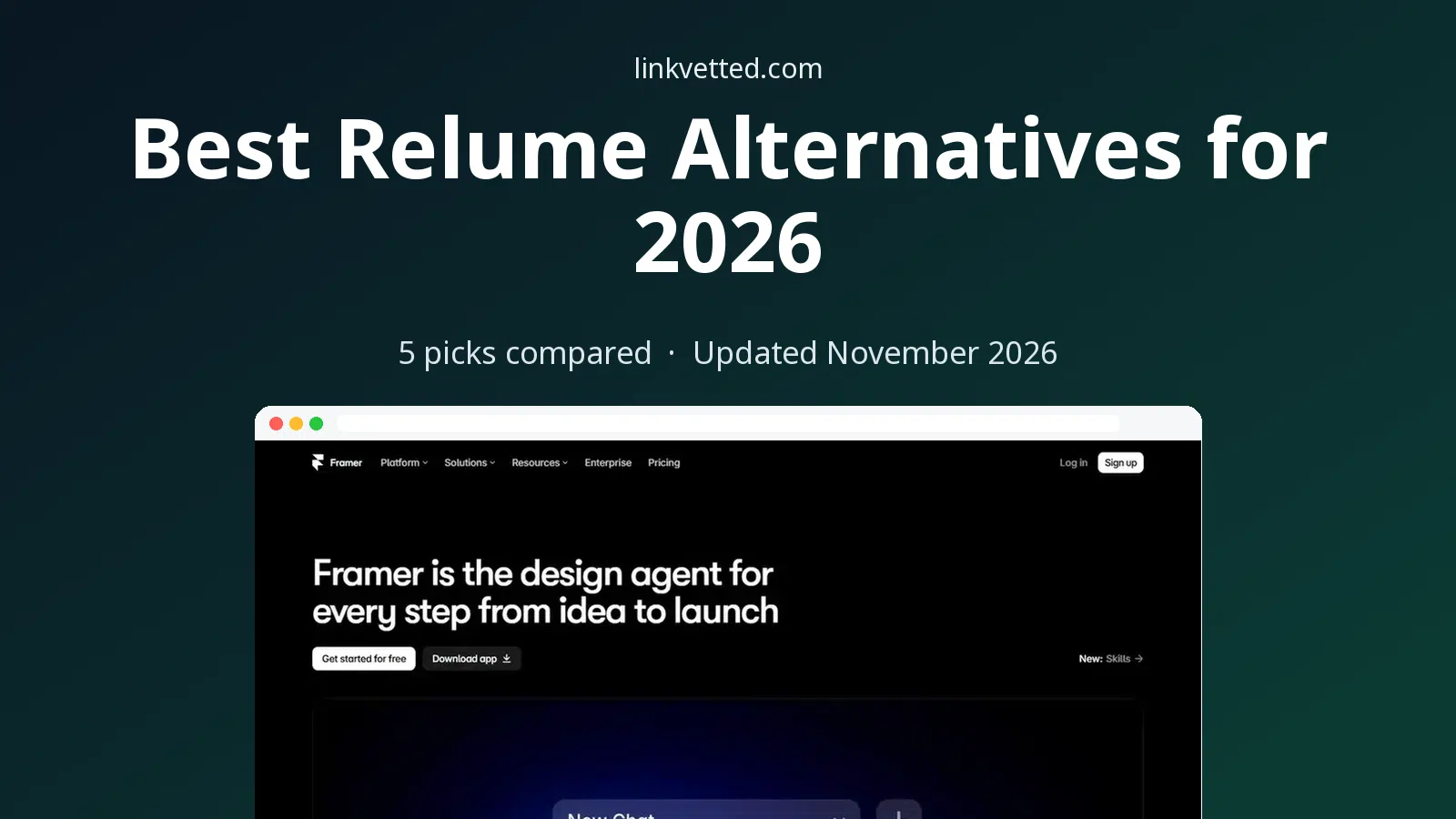
- Editor's choice
 Framer
Quick idea-to-launch site building
Starts at$10 per monthVisit framer.comFull review - Great alternative
 Adobe XD
Designers already in the Adobe ecosystem
Starts atSee websiteVisit adobe.comFull review - Also consider
 Sketch
Focused interface design and prototyping
Starts at$12 per editor a monthVisit sketch.comFull review
Direct answer
Framer comes first here, mainly for quick idea-to-launch site building. Listed starting prices: Framer from $10 per month, Sketch from $12 per editor a month and Webflow from $15 a month. Alternatives: Adobe XD for designers already in the Adobe ecosystem, and Sketch for focused interface design and prototyping. Prices, free plans and limits for all 5 tools follow.
TL;DR:
- This list starts with Framer, which is built for quick idea-to-launch site building.
- Figma is the lowest-priced starter here at $3 per month.
- Figma fits collaborative design and developer handoff.
- A free plan is available from 2 of the 5 tools: Framer, Webflow.
- A fair warning about Webflow: steeper ramp-up time for beginners.
Last checked November 2026. Prices and plan details were read from the vendors' own pages in November 2026; vendors change plans often, so confirm the current price on the vendor site before you buy.
Quick comparison
| Tool | Best for | Starts at | Free plan? | |
|---|---|---|---|---|
| Framer | Quick idea-to-launch site building | $10 per month | Yes | Visit |
| Adobe XD | Designers already in the Adobe ecosystem | See website | Not stated | Visit |
| Sketch | Focused interface design and prototyping | $12 per editor a month | Free trial | Visit |
 Webflow | Designing and shipping live websites | $15 a month | Yes | Visit |
 Figma | Collaborative design and developer handoff | $3 per month | Not stated | Visit |
Relume, one by one
If you are comparing Relume, this page covers 5 tools in one place: what each is best for, what it costs to start, whether it has a free plan, and the main limit to know about.
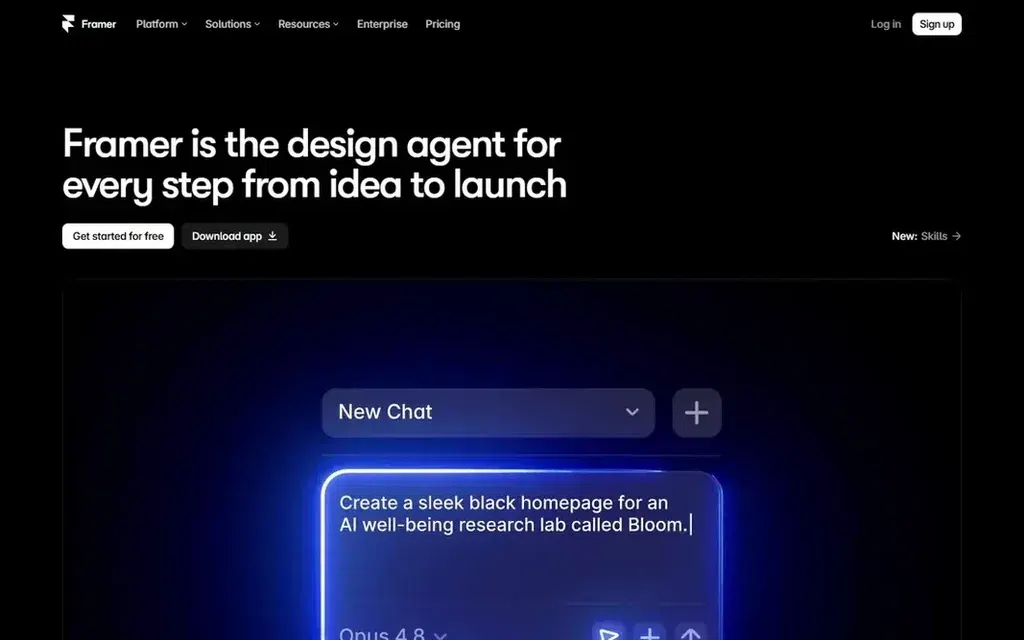
Framer targets quick idea-to-launch site building. Teams that liked Relume's speed may find the workflow familiar. Its focus is website creation, so teams building complicated product interfaces may outgrow it for that work.
In daily use, choose Framer when speed to a refined live site matters most. On top of that, Framer markets itself as a website builder with a design agent that takes a project from idea to launch, keeping changes editable and bundling hosting, CMS, analytics, SEO and AEO. Framer cost at the entry level: $10 per month. Framer has a free plan.
Drawbacks to consider: Complicated app design needs another tool.
- Analytics and SEO included
- Design agent moves from idea to launch
- Most useful for marketing-style sites
Adobe XD is built with designers already in the Adobe ecosystem in mind. Choose XD chiefly when Adobe ecosystem fit is the deciding factor. From a buyer's view, the tool has seen less visible development momentum than newer collaborative systems.
Its live collaboration is narrower than canvas-first rivals. Adobe XD is Adobe's tool for interface design and prototyping, geared toward designers who already work within Adobe's creative ecosystem and want design files close to their other assets. On top of that, teams that require heavy co-design or site publishing should weigh alternatives. Check the vendor site for Adobe XD pricing; none is listed in this comparison. Free plan details: Not stated.
Honest limits: Less momentum than newer design tools.
- Suits alongside other Adobe creative tools
- Handles interface design and prototyping
- Collaboration features are narrower
Sketch makes the most sense for focused interface design and prototyping. Teams that require live co-editing or publishing may look elsewhere. In practice, for teams leaving Relume for a pure design tool, Sketch is a focused choice.
More specifically, Sketch positions itself as a tool that puts focus back on you and your work, made by designers for designers, including design, prototyping, collaboration and handoff. Pick Sketch when craft and a distraction-free design workflow come first. Sketch pricing: $12 per editor per month. On free options: Free trial.
Points against: Collaboration is less canvas-centric.
- Made for designers
- Prototype and handoff in one app
- No built-in site hosting
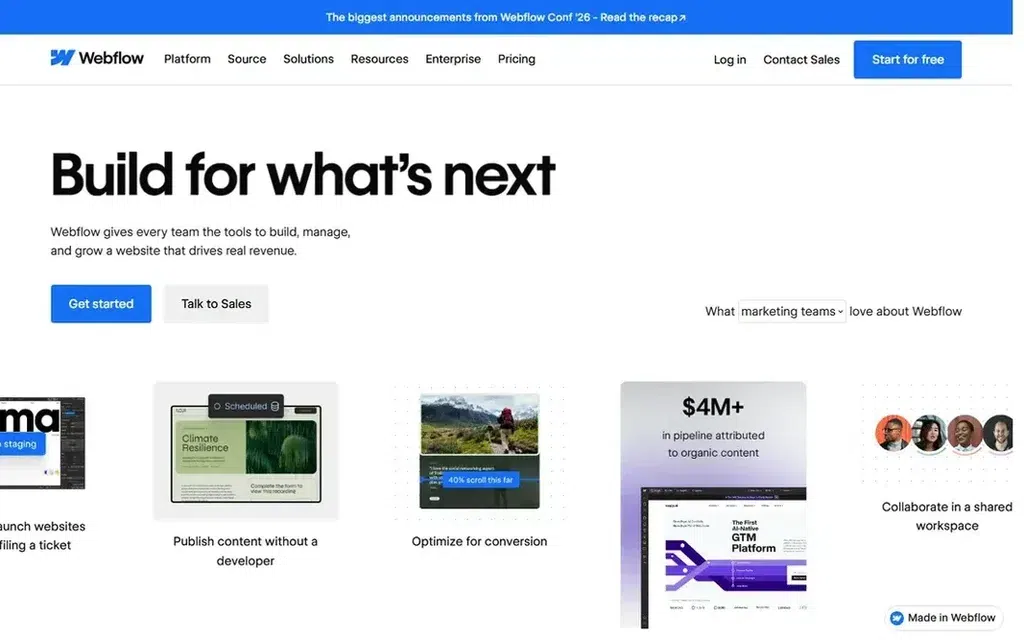
Choose Webflow for designing and shipping live websites. Webflow presents itself as an agentic web system for modern companies, letting teams design, build, optimize and rank in AI search in one place, with CMS, hosting and security built in. The product carries a real ramp-up time, and its strengths center on websites instead of product interface design.
Drawbacks to consider: Steeper ramp-up time for beginners.
In practice, pick Webflow when publishing and maintaining a live site is the priority. Teams doing deep app design work frequently pair it with a dedicated design tool. Webflow cost at the entry level: $15 per month. Webflow has a free plan.
- Enterprise-grade security choices
- Search and AI-search optimization built in
- Less suited to pure app design work
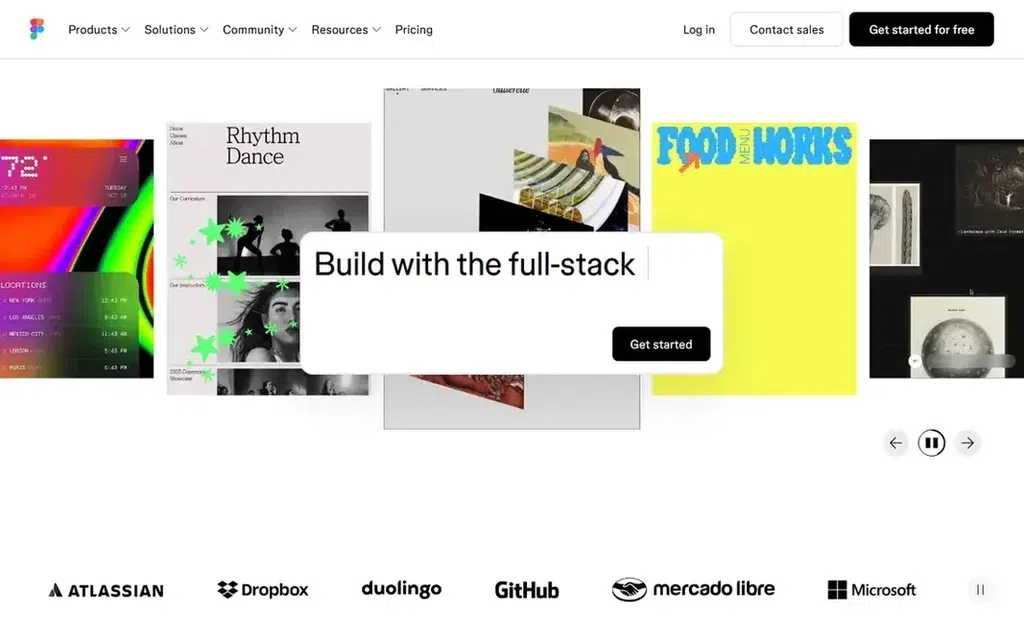
Figma was built for collaborative design and developer handoff. Figma describes itself as a collaborative canvas where design, code and AI come together, taking a product from first idea to shipped work with the entire team in one place.
Where it shines: Capable real-time team collaboration.
Limits to weigh: Site hosting is not its core focus.
More specifically, choose Figma when design collaboration and handoff matter more than site delivery. What you pay to start with Figma: $3 per month. Trial and free access: Not stated.
- Code and AI in one canvas
- Design
- Wide feature set takes time to learn
How we compared the tools
We compared the tools on published pricing, free plan or trial availability, feature coverage for Relume, and the limits each vendor documents. Where a vendor does not publish a price, the entry says quote. Where a price depends on seats or billing term, the entry says so. Tools are placed by general fit for Relume, with price clarity and free access as tie-breakers. A different team can reasonably rank them differently.
A buyer's checklist
- Ask Adobe XD for a written quote, since no starting price is shown.
- Look at free plan limits closely: Framer and Webflow have one, and the caps decide whether it is usable for real work.
- Use real work to test the free trial from Sketch, rather than a demo project.
- Read the limits listed for Framer first: a good match for marketing-style sites.
- List the apps you already depend on and check that Webflow supports each one on the plan you would buy.
- Look at which plan of Sketch unlocks the features you need; entry tiers are often cut down.
FAQ
Is Framer the right pick for everyone comparing Relume?
No single tool suits every team. Framer comes first because it fits fast idea-to-launch site building, while Adobe XD suits designers already in the Adobe ecosystem and Sketch suits focused interface design and prototyping. Match the tool to your own size, budget and workflow before deciding.
Do these tools publish their prices?
Not all of them. Adobe XD publishes no starting price, so expect a quote request for it. The rest, Framer included, show a starting price, though seats and billing terms still change the final cost. Each of the 5 options in this Relume alternatives guide has its own card above with the price, free plan and limits.
How are the tools for Relume ordered?
The order follows typical fit for Relume, with Framer first and Figma last, then price clarity and free access. It is editorial judgement, not a score, so another team could rank the tools differently.
Which options for Relume have a free plan?
Framer and Webflow offer a free plan in this list. Free plans usually cap users, projects or features, so check the limits on the vendor page. One other tool offers a trial instead. All 5 picks in this Relume alternatives comparison list a starting price, free plan details and the main limits on their cards above.
Sources
- https://www.framer.com
- https://www.adobe.com/products/xd.html
- https://www.sketch.com
- https://webflow.com
- https://www.figma.com