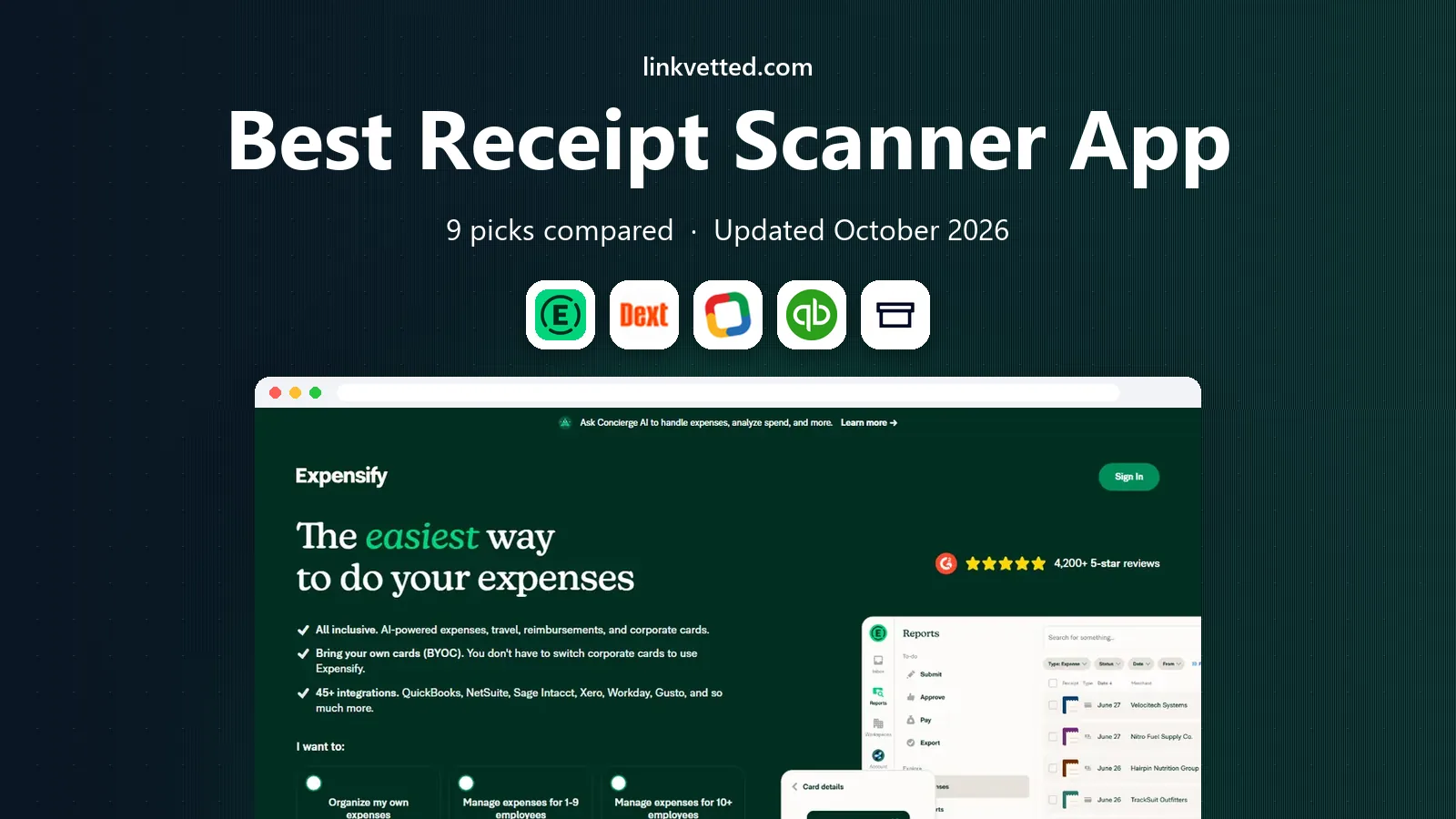
Best Receipt Scanner App in 2026: 9 Apps Compared
Compare the best receipt scanner app options in 2026, from free scanning for freelancers to bookkeeper-grade capture, with pricing, limits, and sync notes.
- Editor's choice
 Expensify
team reimbursements
Starts at$5 per member per monthVisit expensify.comFull review - Great alternative
 Dext
bookkeeper-grade capture
Starts atSee websiteVisit dext.comFull review - Also consider
 Zoho Expense
small teams on a budget
Starts atFreeVisit zoho.comFull review
TL;DR:
- The best receipt scanner is the one that sends clean data to the books you already use, not the one with the flashiest scan.
- Free plans suit light use, but scan limits, line-item extraction, and accounting sync often sit in paid tiers.
- If you have a paper backlog, a mail-in service or a bulk upload option matters more than a slightly faster camera scan.
- For teams, approval workflows and card matching matter as much as scan accuracy.
Quick comparison
| Tool | Best for | Starts at | Free plan? | |
|---|---|---|---|---|
| Expensify | team reimbursements | $5 per member per month | Yes | Visit |
| Dext | bookkeeper-grade capture | See website | Free trial | Visit |
| Zoho Expense | small teams on a budget | Free | Yes | Visit |
 QuickBooks Online | receipts inside QuickBooks | $38 per month | Free trial | Visit |
 Shoeboxed | paper backlogs and mail-in scans | $9 per month | Free trial | Visit |
 Wave | free books with capture | Free | Yes | Visit |
 Ramp | free scanning with spend cards | Free | Yes | Visit |
 Veryfi | high-volume extraction and API use | See website | Free trial | Visit |
 SparkReceipt | freelancers and small business | See website | Free trial | Visit |
The best receipt scanner apps
The best receipt scanner apps turn a photo into a vendor, date, amount, and category without forcing you to retype it all. This list covers free options, team expense tools, and bookkeeper-grade capture, so you can match the app to your volume and your accounting setup.
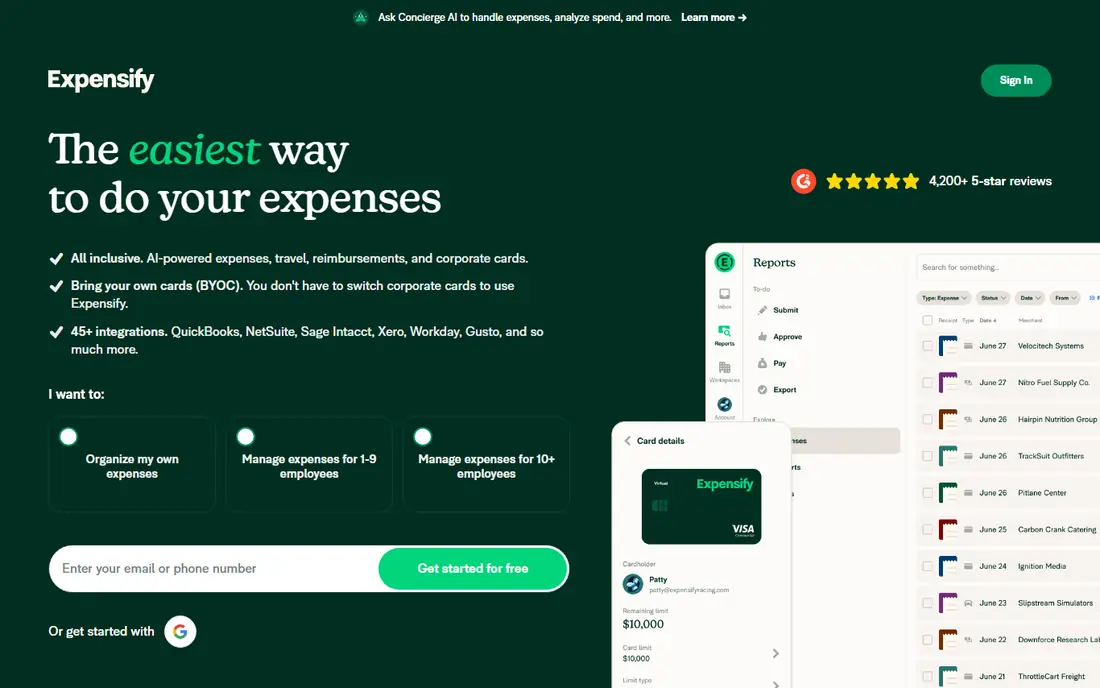
Expensify is built for teams that reimburse staff, with SmartScan reading a receipt photo and turning it into an expense that can be matched to a card transaction. Employees can snap a receipt on the go, add it to a report, and send it for approval, while managers see policy flags before money is paid out. That workflow is why it suits travelling teams more than a simple photo archive.
The entry Collect plan covers the core scanning and reporting needs for many teams, while the higher Control plan adds deeper policy and approval controls. A solo user can start free for light personal use, but a team should budget per member. If reimbursements are your main pain, Expensify is our pick for most teams.
- Fast SmartScan capture
- Card matching and approvals
- Strong mobile app for travellers
- Full control features cost more
- Pricing per member adds up for large teams
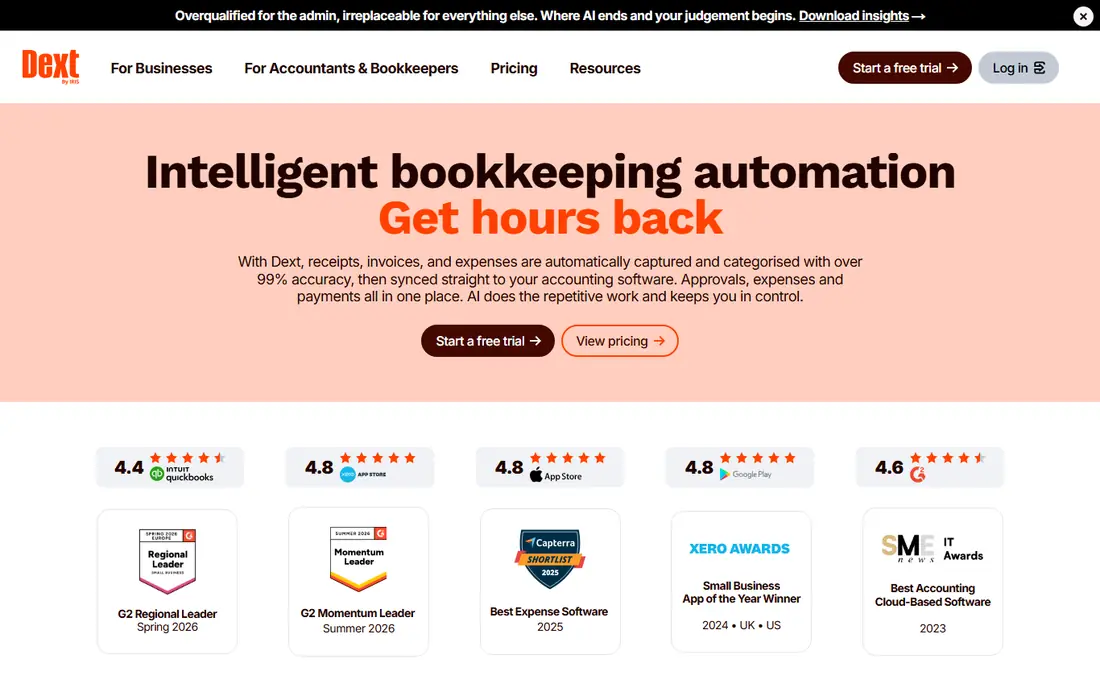
Dext, formerly Receipt Bank, is designed for accountants, bookkeepers, and the clients who send them documents. It captures receipts, invoices, and bank statements, extracts the key fields, and publishes clean data to accounting software with supplier rules that learn how each vendor should be coded. That focus on accuracy and handoff is why many bookkeeping firms standardise on it.
Casual users may find Dext more than they need, and pricing is aimed at firms with steady document volume. If your bookkeeper already uses Dext, joining that workflow will save more time than picking a cheaper scanner that exports messy data. For bookkeeping-heavy businesses, Dext is a strong, proven choice.
- High-accuracy extraction for receipts and invoices
- Strong links to Xero and QuickBooks
- Supplier rules cut manual work
- Priced for firms and bookkeepers rather than casual users
- Line-item extraction may need a higher tier
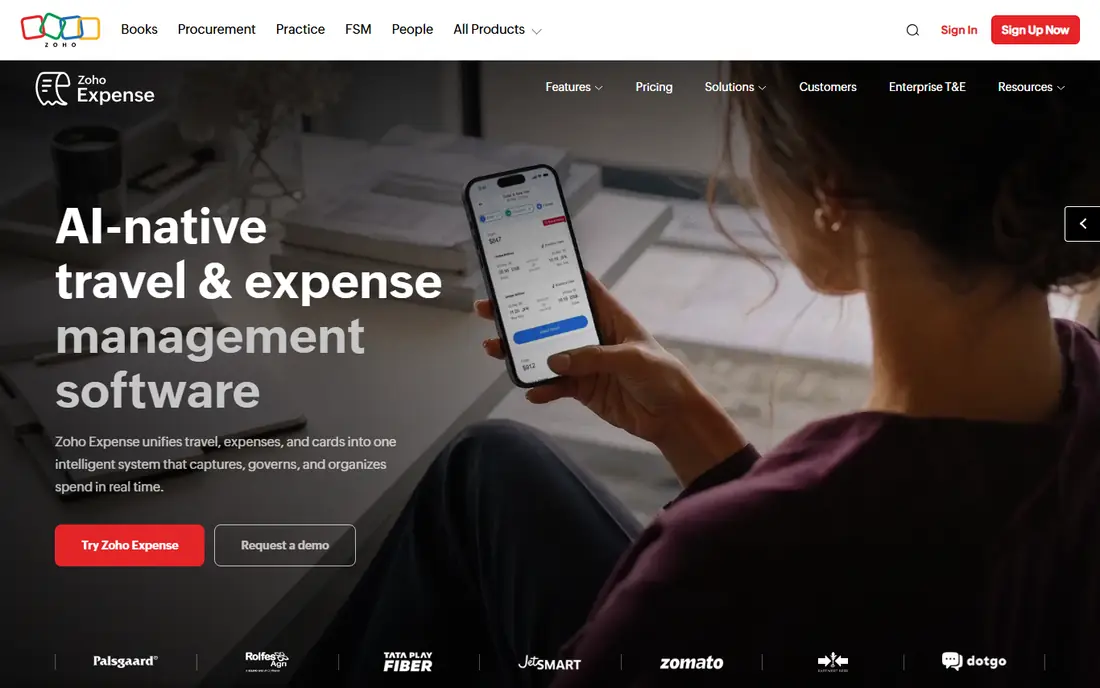
Zoho Expense is the budget pick for a small team that still wants real expense reports. Its free plan covers up to three users, with receipt autoscan, expense reports, and basic approvals, which is enough for many freelancers and tiny teams. Paid plans add more users, advanced approvals, and deeper accounting links, at a modest per-user price.
The app fits best when a team already uses Zoho Books or other Zoho tools, since data flows more smoothly inside that suite. Standalone users can still export and sync to other systems, but they should check the integration they need before committing. For a small team watching costs, Zoho Expense is hard to beat.
- Free plan for up to three users
- Autoscan in many languages
- Good approval and card features
- Best value inside the Zoho suite
- Some advanced features need paid tiers
QuickBooks Online suits firms that already keep their books in QuickBooks, since receipt capture is built into the same system. You can snap a receipt in the app, forward it by email, or upload it, then match it to a bank transaction and categorise it without exporting to another tool. That single-system flow cuts the errors that come from moving data between apps.
The catch is that you are buying accounting software, not a standalone scanner, so the price reflects the full suite. Receipt capture limits and features also vary by plan, so check the tier you would buy. If QuickBooks is already your bookkeeping home, using its built-in capture is usually smarter than adding a separate scanner.
- Receipts land directly in your books
- Matching to bank transactions
- Familiar to accountants
- You pay for full accounting, not only scanning
- Receipt limits vary by plan
Shoeboxed is the pick for a paper problem. If you have a drawer, a shoebox, or a stack of receipts from months of travel, its mail-in envelope lets you send paper in and get searchable digital copies back, alongside app and email capture for new receipts. That service solves a backlog that a camera-only app leaves untouched, since scanning hundreds of faded receipts by hand is slow work.
Ongoing use is paid, and Shoeboxed is less focused on team approvals than Expensify or Zoho Expense. For a small business owner who needs clean digital records for tax time and wants the paper gone, though, the mail-in option is a real advantage. Check plan limits on receipt volume before you send a large backlog.
- Mail-in Magic Envelope for paper receipts
- Digital copies suited to tax records
- Gmail sync on higher plans
- No free plan for ongoing use
- Less suited to team approvals than Expensify
Wave suits freelancers and very small firms that want free accounting with receipt capture attached. Its accounting, invoicing, and receipt tools share one system, so a scanned receipt can feed the same books you use to bill clients. Setup is simple, and the free accounting tier removes the cost barrier that stops many solo owners from keeping proper records.
Receipt scanning itself is tied to paid options in current plans, so a user who wants only free scanning should check the current terms before relying on it. Wave also offers fewer advanced approval controls than team expense tools. For a solo owner who wants free books and a simple capture flow, Wave remains a practical starting point.
- Free accounting for small firms
- Receipt capture tied to invoicing and books
- Simple setup
- Receipt scanning is a paid add-on in some plans
- Fewer advanced expense controls
Ramp pairs receipt scanning with corporate cards and spend management, and scanning is free on its core tier with no per-user fee for that tier. Receipts auto-match to card transactions, which removes the manual step of pairing a photo with a charge, and managers get controls for limits and approvals. That makes Ramp attractive to a growing team that already wants cards and controls in one place.
The limit is fit. Ramp works best for teams that use Ramp cards, while firms that pay by bank transfer or personal cards may get less value. It is also a spend platform, not a full accounting system, so data still needs to flow to your books. For a card-based team, the free scanning alone is a strong reason to trial it.
- Receipt scanning free on the core tier
- Auto-matching to corporate card transactions
- Spend controls for teams
- Built around Ramp cards, so it suits card-based teams best
- Not a standalone bookkeeping system
Veryfi is for firms that process receipts at volume or need extraction inside their own software. Its OCR reads receipts, invoices, and other documents, including line items, and its API lets developers feed that data into custom workflows, apps, or accounting systems. That makes it a better fit for a company building a product or automating a large back office than for a solo owner scanning a few receipts a month.
Pricing reflects that audience, with paid plans aimed at firms and developers, and a free developer allowance for testing. A non-technical user will find Expensify or Zoho Expense easier to adopt. If volume, line items, or API access drive your choice, Veryfi deserves a close look.
- Strong data extraction including line items
- API for custom workflows
- Suited to high volumes
- Priced for developers and firms, not casual users
- Setup needs more technical comfort
SparkReceipt targets freelancers and small firms that want receipts, invoices, and bank statements in one place, rather than a scanner that only stores photos. You can capture by app, upload, or email forwarding, and export data for an accountant in common formats. That breadth suits a solo owner who juggles receipts, bills, and statements without a bookkeeper.
As a smaller vendor, SparkReceipt lacks the partner network of QuickBooks or Dext, so check that its export format suits your accountant before you commit a full year of records. A trial will show whether its capture quality matches your receipt mix, especially for faded or crumpled paper. For a freelancer who wants one tidy hub, it is a credible option.
- Receipts, invoices, and statements in one app
- Email forwarding and inbox capture
- Exports for accountants
- Smaller vendor than Expensify or QuickBooks
- Paid plan needed for full features
How we picked these
We compared official feature pages, pricing pages, free plan terms, and public comparisons, and we favoured apps with a current scanner that truly extracts data, not only stores photos. We looked for a mix of free, team, bookkeeper, and high-volume options, and we checked where data lands after a scan, since a scanner that does not feed your books creates extra work. Where pricing varies by plan or volume, we used See website rather than guessing a figure.
We also weighed the honest limits of each app. A free plan that caps scans, a team tool that charges per member, and a mail-in service that suits backlogs but not approvals all shape the right fit, and those limits are noted above rather than hidden.
How to choose a receipt app
Start with your accounting system, then your volume. If you use QuickBooks or Xero, pick a scanner with a clean sync to that system, even if another app scans slightly faster. Count your monthly receipts, including paper, email, and card receipts, since a free plan that caps scans will frustrate you in a busy month. Test the app on your worst receipts, not your cleanest ones, since faded print and crumpled paper reveal real accuracy gaps.
Then check the workflow after the scan. Who approves an expense, how does a receipt match a card charge, and how does data reach your accountant? A tool that answers those questions cleanly will save more time than one with a nicer camera screen. Keep a backup export each month, since tax records need to survive an app change or a cancelled subscription.
FAQ
What is the best receipt scanner app for money back or savings?
No receipt scanner app pays you for scanning in the usual sense, and any app that promises cash for receipts should be checked carefully for how it uses your data. The real saving comes from cleaner books, faster reimbursements, and fewer missed deductions at tax time, so pick an app that feeds your accounting system well.
What is the best free receipt scanner app?
Zoho Expense offers a free plan for up to three users, Wave offers free accounting with paid receipt options, and Ramp offers free scanning on its core tier for card teams. For very light personal use, a free tier from Expensify or a similar app may also be enough, but check scan limits first.
What are the best receipt scanning apps for small business?
Expensify suits teams with approvals, Dext suits firms with a bookkeeper, Zoho Expense suits small teams on a budget, and Shoeboxed suits firms with a paper backlog. The right pick depends on whether your bottleneck is approvals, bookkeeping, cost, or paper.
What is the best receipt scanner app for business expenses?
Expensify and Ramp lead for business expenses, since both match receipts to card transactions and support approvals. Zoho Expense is a strong lower-cost alternative for smaller teams, while QuickBooks Online suits firms that want expenses inside their books.
Do receipt scanner apps work for tax records?
They can help, since they create searchable digital copies with vendor, date, and amount data, but you should still keep exports and check your local tax rules for record retention. Shoeboxed and similar tools pitch their digital copies for tax use, yet the responsibility for complete records stays with you.
How accurate is receipt scanning?
Accuracy is high for clean, printed receipts, and lower for faded, crumpled, or handwritten ones, so you should review extracted amounts before they reach your books. Line-item extraction varies by app and plan, with Dext and Veryfi stronger on detail than basic camera scanners.