Remote Support Software for Churches in 2026: The 6 Best Options Side by Side
Best remote support software for churches, compared. 6 tools with published prices, free plans and limits. Hidden costs and gaps are flagged. Facts only.
- Editor's choiceSplashtop Business Access
Quick remote access across devices
Starts at$6 a monthVisit splashtop.comFull review - Great alternativeN-able Take Control
MSP-style support for church IT
Starts atSee websiteVisit n-able.comFull review - Also consider
 RemotePC
Straightforward remote access for church computers
Starts at$1.84 a monthVisit remotepc.comFull review
Direct answer
Our first pick is Splashtop Business Access, best for quick remote access across devices. Listed starting prices: Splashtop Business Access from $6 a month, RemotePC from $1.84 a month and RustDesk from $11.88 a month. Look at N-able Take Control for MSP-style support for church IT, and at RemotePC for straightforward remote access for church computers. All 6 tools are compared below on price, free plan and limits.
TL;DR:
- The list opens with Splashtop Business Access, aimed at quick remote access across devices.
- RustDesk stands alone as the one tool in this list with a free plan.
- Zoho Assist comes with a trade-off: advanced features may need a premium tier.
- RustDesk fits self-hosted open-source remote desktop.
- For the cheapest start, look at RemotePC: $1.84 per month.
Last checked November 2026. Prices and plan details were read from the vendors' own pages in November 2026; vendors change plans often, so confirm the current price on the vendor site before you buy.
Quick comparison
| Tool | Best for | Starts at | Free plan? | |
|---|---|---|---|---|
| Splashtop Business Access | Quick remote access across devices | $6 a month | Free trial | Visit |
| N-able Take Control | MSP-style support for church IT | See website | Not stated | Visit |
| RemotePC | Straightforward remote access for church computers | $1.84 a month | Free trial | Visit |
 Zoho Assist | Secure remote support for IT teams | See website | Not stated | Visit |
| TeamViewer Remote | All-in-one remote support and collaboration | See website | Free trial | Visit |
 RustDesk | Self-hosted open-source remote desktop | $11.88 a month | Yes | Visit |
Tool-by-tool breakdown
LinkVetted compared 6 remote support software for churches. The goal is a practical shortlist: published prices, free plan facts, best-fit use cases and honest limits for every entry.
Splashtop Business Access
Best for: Quick remote access across devices
Splashtop Business Access is designed for quick remote access across devices. It enables remote teams to work from anywhere, anytime, on any device. Worth adding: churches with staff working from home or several campuses can use it to access office computers remotely.
It is a solid fit for organizations that prioritize performance and cross-device compatibility. If you need a straightforward support tool for occasional troubleshooting, a lighter choice might be preferable. On cost, Splashtop Business Access starts like this: $6 per month. Free options: Free trial.
Where it falls short: Business-oriented features may be unnecessary.
- Works across several devices
- Simple to use
- Needs installation on each device
N-able Take Control
Best for: MSP-style support for church IT
N-able Take Control is designed for MSP-style support for church IT. Small churches without dedicated IT staff might find it too specialized.
If you are looking for a general-purpose remote access tool, other choices may be more appropriate. Check the vendor site for N-able Take Control pricing; none is listed in this comparison. Trial and free access: Not stated.
Honest limits: Geared toward managed service providers.
- Focus on customer service
- Made for fast issue resolution
- May be overkill for small churches
RemotePC is built with simple remote access for church computers in mind. It gives you secure remote desktop access, allowing churches to link to office computers from home or other locations.
What users get: Secure remote access.
Where it is weaker: May need per-device setup. Also, the cross-platform support makes it versatile for mixed-device environments. RemotePC pricing: $1.84 per month. Free access: Free trial.
- Linux and mobile
- Straightforward option
- Restricted collaboration features
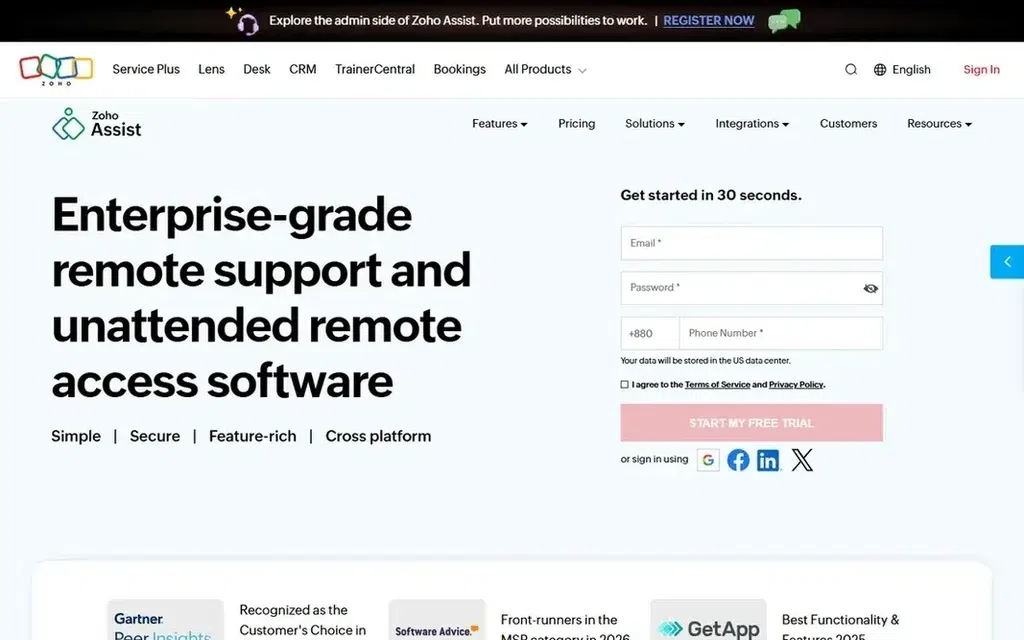
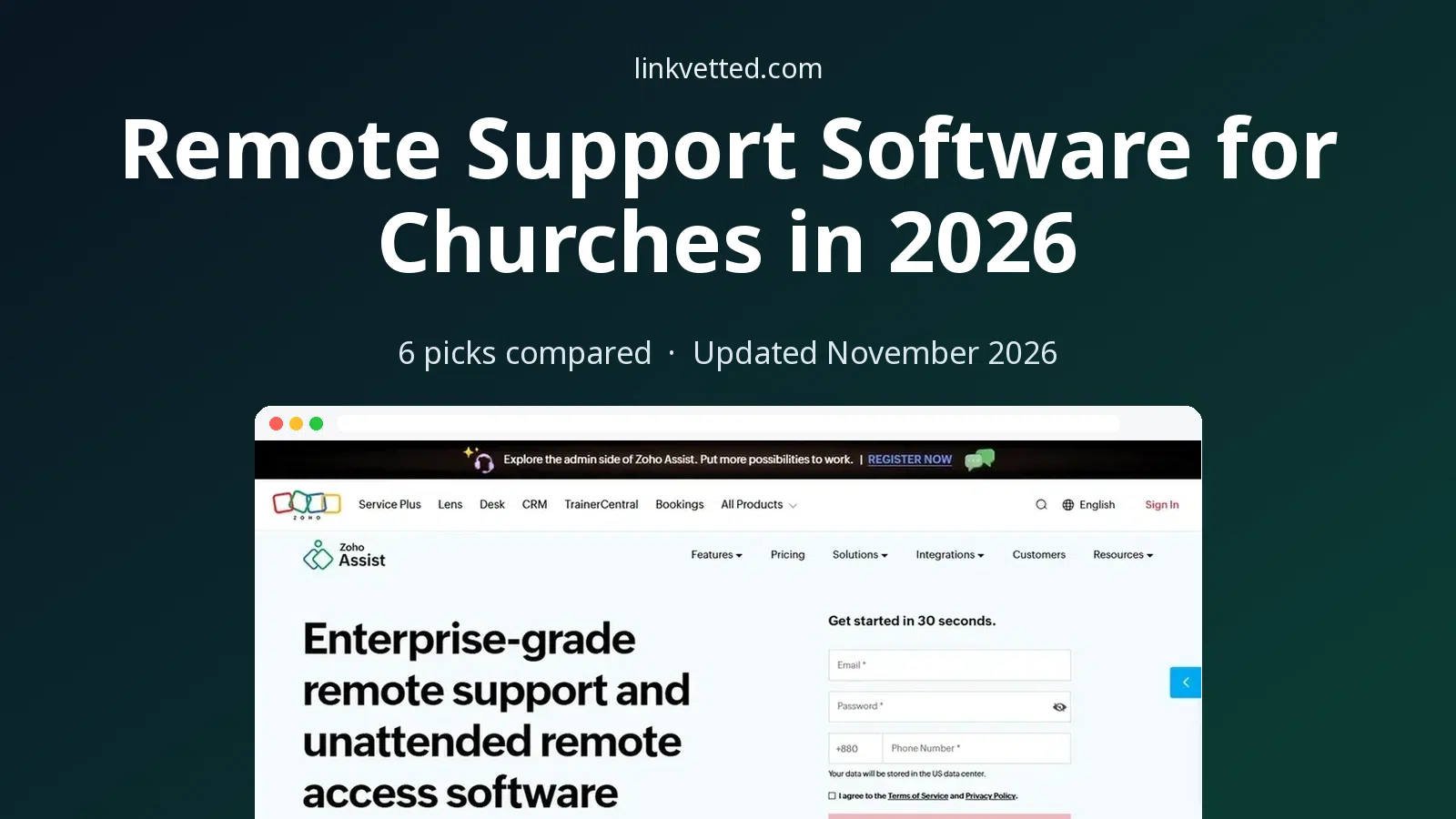
Zoho Assist is aimed squarely at secure remote support for IT teams. Volunteers who are not technically inclined might find setup a little involved.
Where it falls short: Less suited to non-technical volunteers.
In daily use, Zoho Assist is a secure and easy-to-use remote desktop software for IT and support teams. It lets you access, control and troubleshoot devices from anywhere. Pricing for Zoho Assist is not stated here, so ask the vendor for current figures. Free access: Not stated.
- Easy-to-use interface
- Aimed at support teams
- Advanced features may need a premium level
TeamViewer Remote
Best for: All-in-one remote support and collaboration
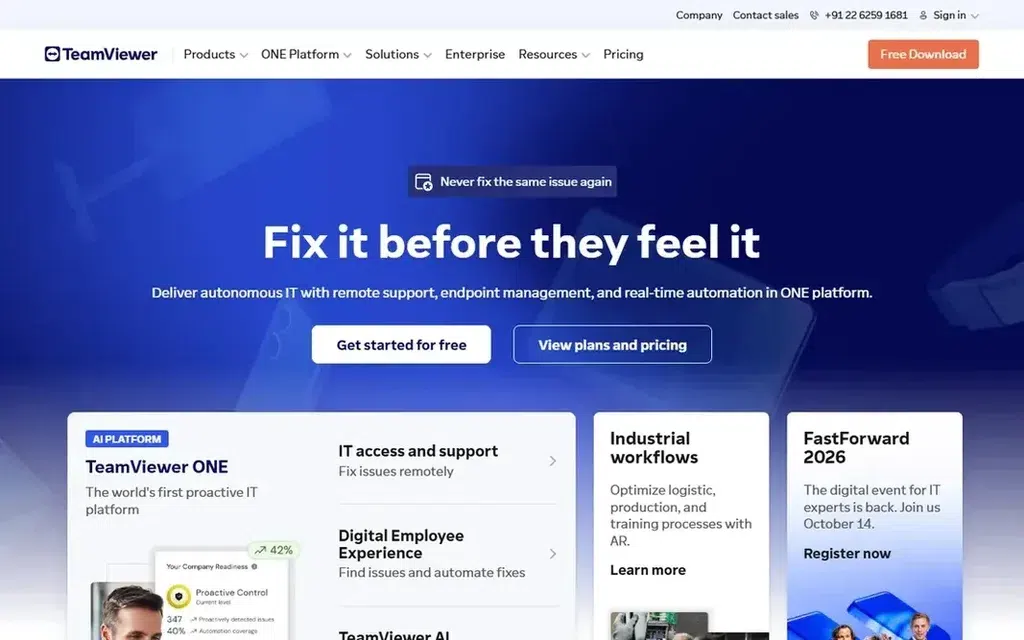
TeamViewer Remote is a good fit for all-in-one remote support and collaboration. The product bundles plenty of features beyond entry-level remote support, which may be more than a small church needs.
TeamViewer Remote is a digital workplace system that gives you remote desktop access, remote support and online collaboration. TeamViewer Remote shows no starting price here, so confirm the cost on the vendor site. On free options: Free trial.
The main drawbacks: Can be more than a small church needs.
- Remote desktop access and support
- Free for personal use
- Business features may need a premium plan
RustDesk is a good fit for self-hosted open-source remote desktop. RustDesk is open-source remote desktop software for your own self-hosted server, positioned as an alternative to TeamViewer and AnyDesk for Windows, macOS, Linux and Android.
Points against: Community support only.
As for the details, self-hosting needs technical knowledge and continuing maintenance, which may be challenging for churches without IT staff. On cost, RustDesk starts like this: $11.88 per month. Free access exists with RustDesk.
- Cross-platform support
- Alternative to commercial tools
- Needs technical setup for self-hosting
Our selection method
We compared the tools on published pricing, free plan or trial availability, feature coverage for remote support software for churches, and the limits each vendor documents. Treat prices as a snapshot: vendors change plans often, so check the vendor site for the figure that applies today. Position on the page reflects fit for a typical buyer first, with price clarity and free access breaking ties. Treat it as a guide, not a ruling.
What to confirm before you sign up
- Confirm the entry price on the vendor page. For N-able Take Control, Zoho Assist and TeamViewer Remote that means a quote rather than a fixed price.
- Test the free plan from RustDesk against your real workload before relying on it.
- Use real work to test the free trial from Splashtop Business Access, RemotePC and TeamViewer Remote, rather than a demo project.
- Read the limits listed for Splashtop Business Access first: Business-oriented features may be unnecessary.
- Read the plan comparison for Splashtop Business Access carefully; key features often start on a higher tier.
- Confirm minimum seats and billing terms with RemotePC before you commit to an annual plan.
FAQ
What should a church look for in remote support software?
Since volunteers may not be technical, a straightforward interface is important. Also consider whether you need collaboration features or just entry-level remote control.
Can I try these tools before paying?
Often, yes. RustDesk has a free plan and Splashtop Business Access, RemotePC and TeamViewer Remote offer a free trial. Use your own data and a real task during the test, and check what the free tier or trial limits before you rely on it.
Is free remote support software available for churches?
Some tools offer free versions for personal use or restricted features. TeamViewer Remote, for instance, is free for personal use, but organizational use may need a premium plan.
Do these tools publish their prices?
Not all of them. N-able Take Control, Zoho Assist and TeamViewer Remote publish no starting price, so expect a quote request for those. The rest, Splashtop Business Access included, show a starting price, though seats and billing terms still change the final cost.
How are the tools for remote support software for churches ordered?
Splashtop Business Access sits first and RustDesk last because the order follows typical fit for remote support software for churches, then price clarity and free access. It is a judgement call, so read each profile for fit and limits.
Is Splashtop Business Access the right pick for everyone comparing remote support software for churches?
No single tool suits every team. Splashtop Business Access comes first because it fits fast remote access across devices, while N-able Take Control suits MSP-style support for church IT and RemotePC suits simple remote access for church computers. Match the tool to your own size, budget and workflow before deciding.
Sources
- https://www.splashtop.com/business
- https://www.n-able.com/products/take-control
- https://www.remotepc.com
- https://www.zoho.com/assist
- https://www.teamviewer.com
- https://rustdesk.com