Best Apps for Event Planners in 2026: 9 Apps Compared
We compared the best apps for event planners for ticketing, registration, attendee apps and hybrid events, so you can pick a platform that fits your event size.
- Editor's choice
 Eventbrite
Small public events
Starts atFreeVisit eventbrite.comFull review - Great alternative
 Whova
Conferences and associations
Starts atSee websiteVisit whova.comFull review - Also consider
 Cvent
Enterprise programs
Starts atSee websiteVisit cvent.comFull review
TL;DR:
- Eventbrite is our pick for most small public events, because it combines free publishing for free events with a large ticket marketplace.
- Whova suits conferences and association events that need a strong attendee app, networking and check-in in one place.
- Cvent suits enterprise programs that need venue sourcing, registration and reporting at scale.
- Swapcard is the strongest trade show option for AI networking and lead capture.
- Pricing models differ widely, from per-ticket fees to annual enterprise quotes, so compare total cost for your expected attendance.
Quick comparison
| Tool | Best for | Starts at | Free plan? | |
|---|---|---|---|---|
| Eventbrite | Small public events | Free | Yes | Visit |
| Whova | Conferences and associations | See website | Free trial | Visit |
| Cvent | Enterprise programs | See website | No | Visit |
 Swapcard | Trade shows and B2B events | See website | Yes | Visit |
 Bizzabo | Corporate marketing events | See website | No | Visit |
 EventMobi | Customisable multi-event apps | See website | No | Visit |
 Guidebook | Universities and associations | See website | No | Visit |
 Swoogo | Complex registration | See website | No | Visit |
 Eventzilla | Simple small events | Free | Yes | Visit |
The best apps for event planners
The best events planner software solutions depend on event type. A public concert needs ticketing and discovery, a conference needs an attendee app and networking, and a trade show needs lead capture. The nine platforms below cover those needs, from free small-event tools to enterprise systems, and all work in October 2026.
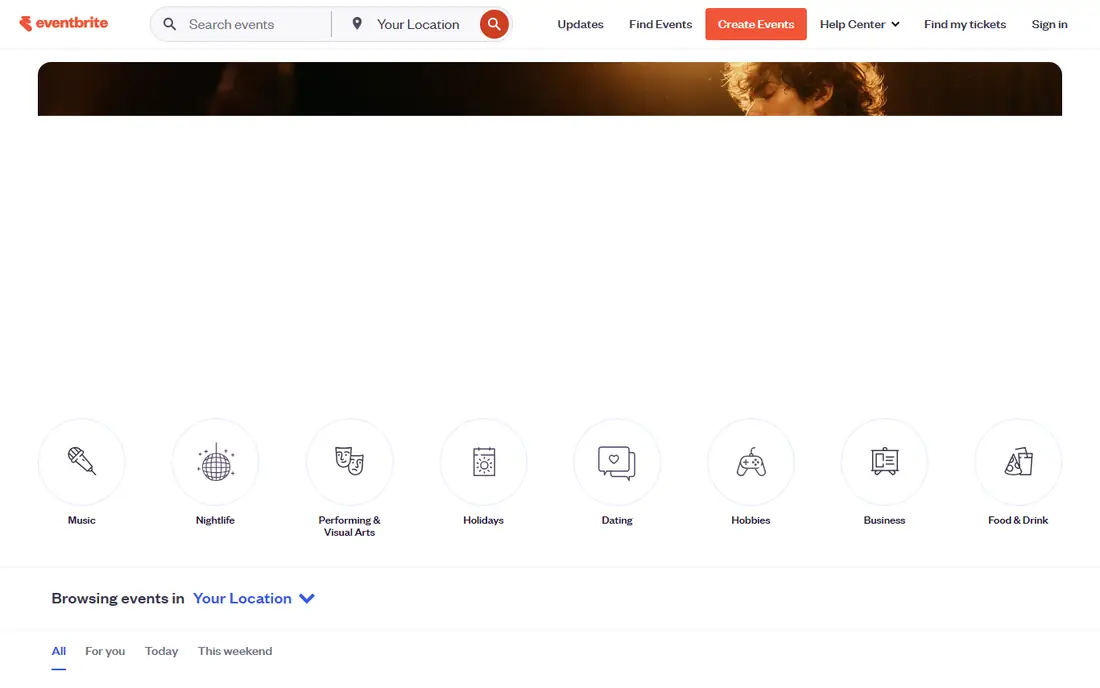
Eventbrite is the easiest starting point for public events. You can publish an event page, sell tickets, and use the organiser app for check-in, all without a large upfront cost. Free events can be published at no platform cost, while paid tickets carry a service fee plus payment processing, so check current fees before setting prices.
The marketplace is a real advantage. People browse Eventbrite for things to do, which can bring discovery beyond your own mailing list. For complex conferences with multi-track agendas, networking and exhibitor tools, Whova or Cvent will serve you better. For concerts, classes, workshops and community events under a few hundred guests, Eventbrite is hard to beat.
- Free to publish free events
- Large public marketplace
- Simple ticketing and check-in
- Fees apply on paid tickets
- Less suited to complex conferences

Whova is built for conferences, trade shows and association events. Organisers get registration, a branded attendee app, badge printing and self check-in, plus live polls, Q and A, and community boards that connect attendees with shared interests. Exhibitors can capture leads by scanning QR codes, which suits trade show floors.
Pricing is custom and quote-based, with a free trial available, so small organisers should request a quote early. Notification settings need care, since a busy event app can overwhelm attendees. For academic conferences and associations that need one platform from registration to event day, Whova is a strong and proven choice.
- Strong attendee app and networking
- Registration, check-in and live polls
- Community boards
- Pricing is quote-based
- Notification volume needs management
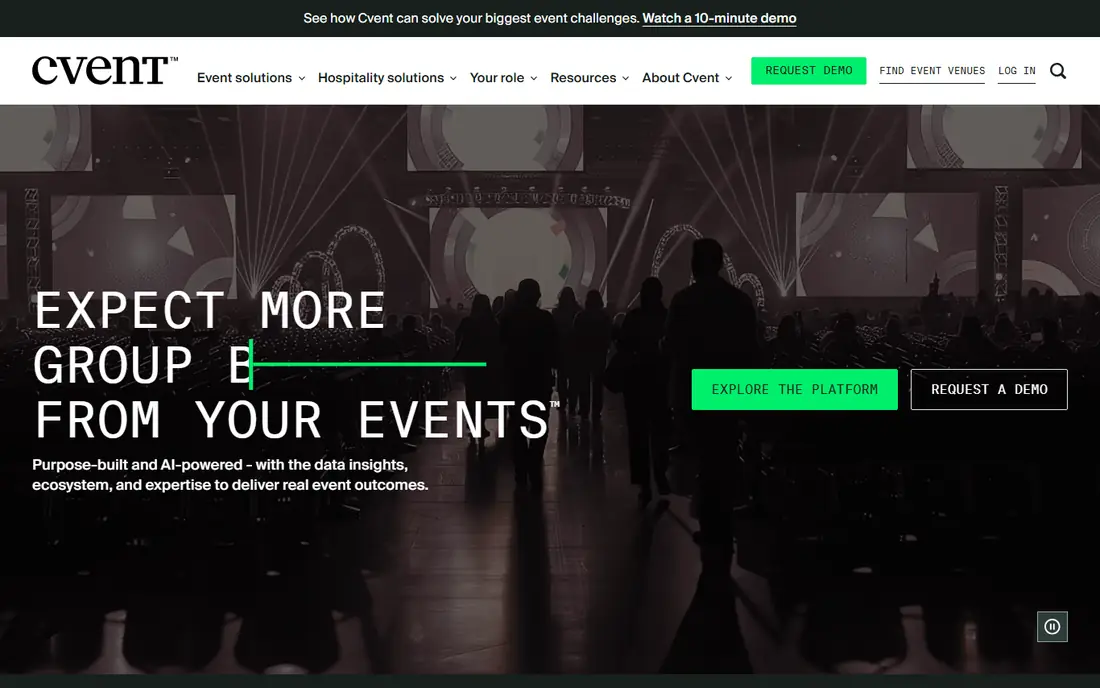
Cvent suits organisations running many events per year. It covers venue sourcing, registration, attendee engagement and reporting in one system, with a large venue database for planners who book hotels and conference centres often. Integrations with CRM and marketing tools help larger teams track leads and spend across a program.
Pricing is quote-based and enterprise level, so Cvent is not a budget pick for a single small event. Implementation also takes more setup than Eventbrite or Eventzilla. For enterprises that need consistency, governance and portfolio reporting, that investment makes sense. For a one-off workshop, it will feel like too much.
- End-to-end registration and venue sourcing
- Large venue database
- Enterprise reporting
- Quote-based enterprise pricing
- More tool than small events need
Swapcard is designed for B2B trade shows and conferences where meetings matter. Its AI matchmaking suggests relevant attendees and exhibitors, schedules meetings, and tracks lead capture for exhibitors. That focus on business connections sets it apart from general ticketing tools.
A starter tier is listed from a few hundred dollars per year in some comparisons, but final pricing depends on event size and features, so request a quote for your numbers. Setup for a large exhibitor list takes time, and attendee adoption matters, since matchmaking only works when profiles are complete. For trade shows, Swapcard is our top pick.
- AI networking and matchmaking
- Lead capture for exhibitors
- Hybrid and virtual options
- Pricing varies by event size
- Setup takes care for large exhibitor lists
Bizzabo suits corporate marketing teams running polished conferences, product launches and field events. It offers registration, an attendee app, networking and integrations with tools such as HubSpot, plus smart badge options for in-person events. The result feels corporate and consistent, which matters for brand-led events.
Pricing is enterprise level and demo-based, so small organisers should look at Eventbrite or Whova first. Bizzabo earns its place for teams that run frequent corporate events and need marketing reporting tied to attendance. If your event is a single community gathering, the cost and setup will outweigh the polish.
- Polished corporate event experience
- Marketing integrations
- Smart badge options
- Enterprise pricing
- Demo-based sales rather than self-serve trial
EventMobi suits teams that run several events per year and want a consistent, customisable app. It offers registration, agenda building, networking, live polls and exhibitor tools, with many templates and design options. Unused licences can roll over on some plans, which helps teams with uneven event calendars.
Pricing is quote-based, with per-event and annual options listed in comparisons. Customisation is a strength, but it also means setup takes longer than a simple ticketing tool. For associations, universities and corporate teams with repeat events, EventMobi offers a flexible middle ground between Eventbrite and full enterprise systems.
- Highly customisable event apps
- Works for multiple events per year
- Offline-friendly features
- Pricing is quote-based
- Customisation takes setup time
Guidebook is popular with universities, associations and multi-day conferences that need a reliable attendee guide. Its native app works offline, which matters in venues with weak Wi-Fi, and guides can include schedules, maps, speaker bios and documents. Non-technical teams can build a guide without developer help.
Pricing is quote-based, so request a figure for your attendee count and event length. Guidebook is less of a ticketing platform than Eventbrite, so many organisers pair it with a separate registration tool. For the attendee experience itself, especially over several days, Guidebook is a dependable choice.
- Native offline app
- Strong for multi-day programs
- Easy guide building for non-technical teams
- Quote-based pricing
- Less focus on ticketing than Eventbrite
Swoogo suits events with complicated registration. Conditional logic lets forms change based on answers, so different ticket types, workshops, dietary needs and sessions can be handled in one flow. Some plans include unlimited events and registrations, which helps organisations with many events per year.
Pricing is high for smaller teams, with annual figures in the five-figure range in comparisons, so get a quote before assuming it fits. The learning curve is real for complex forms, but the payoff is a registration flow that handles edge cases without manual workarounds. For simple events, Eventzilla or Eventbrite will be faster and cheaper.
- Conditional logic registration forms
- Unlimited events and registrations on some plans
- Strong customisation
- High annual cost for smaller teams
- Learning curve for complex forms
Eventzilla is a practical choice for simple events under a few hundred guests. It offers event pages, registration, ticketing and payment processing, with a free tier for getting started. Conditional logic on forms helps when you need different questions for different ticket types, without moving to an enterprise tool.
It lacks the rich attendee app and networking features of Whova, and it does not offer the same public marketplace discovery as Eventbrite. For a class, workshop, fundraiser or local meetup where you mainly need reliable registration and tickets, Eventzilla is a low-cost and low-fuss option.
- Free tier for small events
- Simple registration and ticketing
- Conditional logic on some plans
- Fewer attendee app features than Whova
- Less discovery than Eventbrite
How we picked these
We compared official feature pages, pricing pages and recent event software comparisons, and required each platform to support live events in October 2026. We weighed ticketing, registration, attendee app quality, networking, lead capture and total cost for typical event sizes. We did not claim hands-on testing we did not do, and quote-based prices should be confirmed with each vendor, since event size and features change the final figure.
Matching a platform to your event
Start with your attendee journey, not with a feature list. For a public ticketed event, discovery and simple checkout matter most, which points to Eventbrite. For a conference, the attendee app, agenda and networking matter most, which points to Whova or Guidebook. For a trade show, lead capture and matchmaking matter most, which points to Swapcard.
Next, count total cost, including per-ticket fees, platform fees and staff time. A free platform with per-ticket fees can cost more than a flat annual plan once attendance grows. Finally, test the attendee app on a real phone before event day. A beautiful organiser dashboard means little if attendees cannot find the agenda, join a session or check in quickly at the door.
FAQ
What are the best apps for event planners?
Eventbrite is our pick for small public events, Whova for conferences, Cvent for enterprise programs, and Swapcard for trade shows. The best apps for event planners depend on event type, size and budget, so start from your attendee journey rather than a generic feature list.
Is there a free event planning app?
Yes. Eventbrite is free to publish free events, Eventzilla offers a free tier, and Swapcard lists a free option. Free tiers usually limit features or add per-ticket fees on paid events, so check total cost for your expected attendance before choosing on price alone.
Which app is best for conferences?
Whova is our pick for conferences and association events, because it combines registration, a strong attendee app, networking, live polls and check-in. Guidebook is a strong alternative when offline access and a multi-day guide matter most. Cvent suits large enterprise conference programs with venue sourcing needs.
Do I need an attendee app for a small event?
Not always. For a workshop or class under 50 people, a simple Eventbrite or Eventzilla page with email updates may be enough. An attendee app earns its cost when you have multiple sessions, speakers, exhibitors or networking goals, since it keeps the agenda, maps and messages in one place for guests.
How much does event management software cost?
Costs range from free for small free events on Eventbrite to quote-based enterprise pricing for Cvent and Bizzabo. Per-ticket fees, annual plans and per-event quotes all appear on this list. Request a quote based on your attendee count, event count and required features, and compare total cost, not just the headline price.