Best Remote Support Software for Nonprofits (2026): 6 Picks Checked on Vendor Pages
Best remote support software for nonprofits: 6 tools compared on price, free plans and fit. Every pick gets a straight assessment. Current for November 2026.
- Editor's choice
 RemotePC
Straightforward remote desktop access
Starts at$1.84 a monthVisit remotepc.comFull review - Great alternative
 Freshdesk
Omnichannel ticketing with automation
Starts atSee websiteVisit freshworks.comFull review - Also consider
 Zendesk
AI-powered customer service at scale
Starts at$19 agent/month premium yearlyVisit zendesk.comFull review
Direct answer
RemotePC leads the list, best for straightforward remote desktop access. Listed starting prices: RemotePC from $1.84 a month, Zendesk from $19 agent/month premium yearly and Splashtop from $6 a month. Alternatives: Freshdesk for omnichannel ticketing with automation, and Zendesk for AI-powered customer service at scale. Details, prices and limits for the rest of the 6 tools are below.
TL;DR:
- The list opens with RemotePC, aimed at straightforward remote desktop access.
- Splashtop is the one to check for quick and secure remote access.
- Before buying Freshdesk, weigh this: advanced features may need training.
- A permanent free plan is missing from all 6 tools, RemotePC and Splashtop included; plan for a trial or a premium start.
Last checked November 2026. Prices and plan details were read from the vendors' own pages in November 2026; vendors change plans often, so confirm the current price on the vendor site before you buy.
Quick comparison
| Tool | Best for | Starts at | Free plan? | |
|---|---|---|---|---|
| RemotePC | Straightforward remote desktop access | $1.84 a month | Free trial | Visit |
| Freshdesk | Omnichannel ticketing with automation | See website | Not stated | Visit |
| Zendesk | AI-powered customer service at scale | $19 agent/month premium yearly | Free trial | Visit |
 TeamViewer | Remote desktop access and support | See website | Free trial | Visit |
 Zoho Assist | Secure remote support for IT teams | See website | Not stated | Visit |
 Splashtop | Quick and secure remote access | $6 a month | Free trial | Visit |
Remote Support Software for Nonprofits compared in detail
LinkVetted compared 6 remote support software for nonprofits. The goal is a practical shortlist: published prices, free plan facts, best-fit use cases and honest limits for every entry.
RemotePC makes the most sense for straightforward remote desktop access. RemotePC is a remote access option for PCs, Macs, Linux systems, and mobile devices. It supplies a straightforward way to access and control remote computers, making it a good match for nonprofits that require entry-level remote support without a complicated setup.
In practice, RemotePC may not offer the advanced support features or scalability of more full systems, so bigger nonprofits or those with complicated needs might outgrow it. On top of that, small IT teams can use it to troubleshoot issues on staff devices from anywhere. What you pay to start with RemotePC: $1.84 per month. Free plan details: Free trial.
Where it is weaker: Restricted advanced support features.
Upsides: A decent match for entry-level support needs.
- Supports PC, Mac, Linux, mobile
- Straightforward remote access
- May not scale for large teams
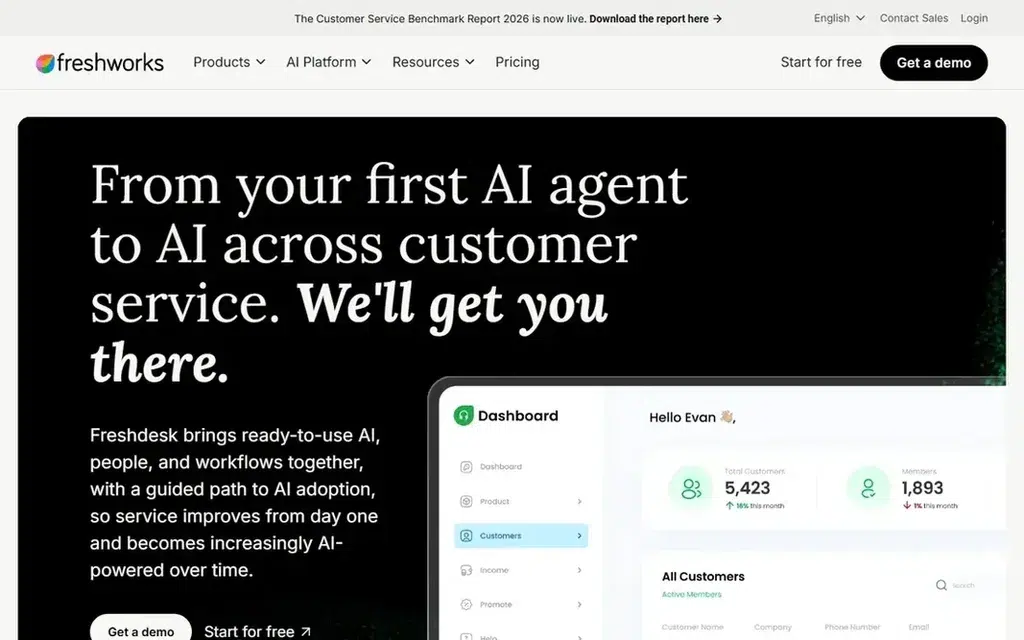
Where Freshdesk fits: omnichannel ticketing with automation. Freshdesk is an AI-powered customer service option that merges omnichannel ticketing with automatic workflows to boost agent productivity. It is meant to help teams deliver smooth customer experiences across several channels.
Nonprofits that receive inquiries via email, chat, phone, and social media can benefit from having all interactions in one unified view, with automation handling repetitive tasks. Beyond that, if you primarily need remote control instead of ticketing, TeamViewer or Splashtop could be a better fit. Freshdesk does not show a starting price in this comparison, so check the vendor site for current pricing. As for free access: Not stated.
Points against: Can be overkill for very small teams.
- Automatic workflows save time
- AI features boost agent productivity
- Advanced features may need training
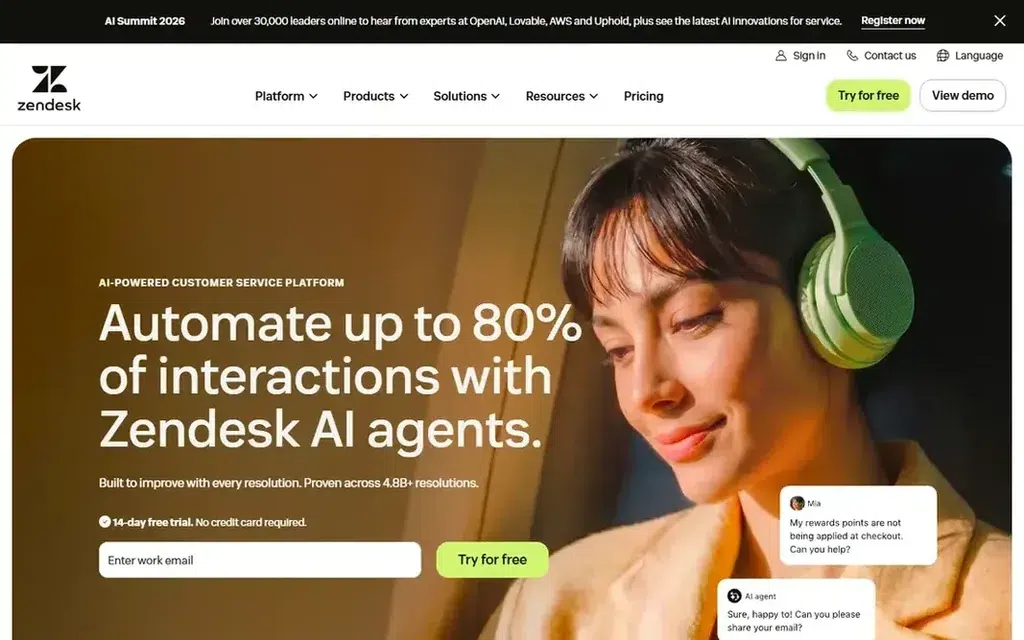
Zendesk targets AI-powered customer service at scale. This makes it a good fit for nonprofits that manage a high volume of support requests and want to automate routine inquiries whereas maintaining a personal touch where needed.
What you pay to start with Zendesk: $19 agent/month premium yearly. Free options: Free trial.
Drawbacks to consider: Needs setup for AI features.
- AI agents resolve issues end-to-end
- Scalable for expanding support teams
- May be complicated for small teams
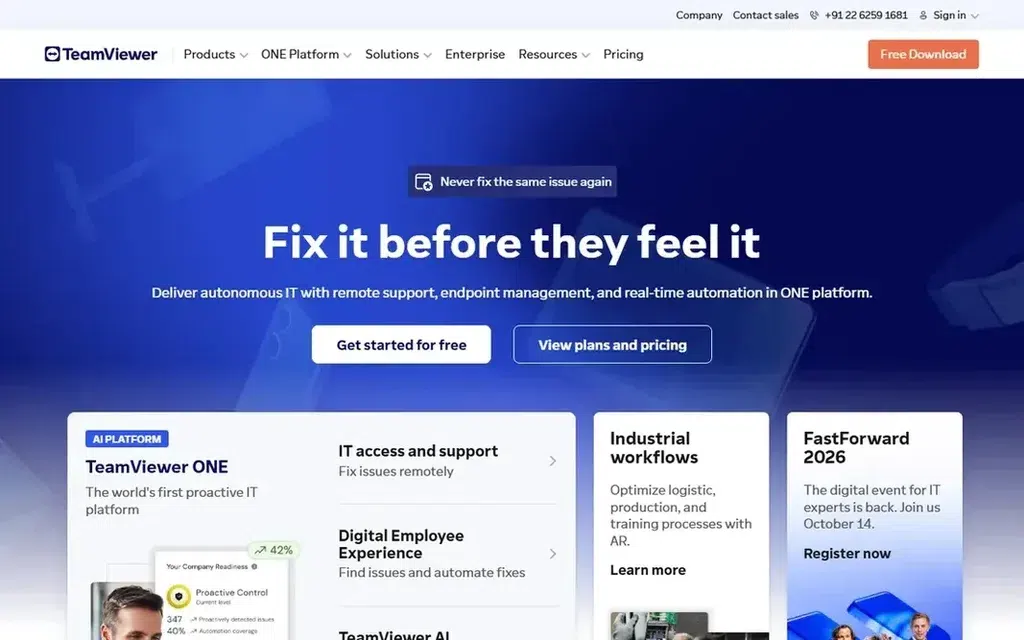
In short, TeamViewer is for remote desktop access and support. TeamViewer is a digital workplace system that supplies remote desktop access options, allowing users to link to remote computers, supply remote support, and collaborate online. It is widely used by help desks and IT teams for troubleshooting and maintenance.
Also, for a more budget-friendly remote access choice, consider Splashtop or RemotePC. On top of that, nonprofits with distributed staff or volunteers can use TeamViewer to assist with technical issues without traveling to different locations. Beyond that, Whereas TeamViewer is free for personal use, commercial use needs a premium license, which nonprofits should factor into their budget. TeamViewer shows no starting price here, so confirm the cost on the vendor site. Free access: Free trial.
Drawbacks to consider: Commercial use needs a premium license.
- Free for personal use
- Link to remote computers easily
- Can have performance lag on slow connections
Think of Zoho Assist for secure remote support for IT teams. Zoho Assist is a secure and easy-to-use remote desktop software built for IT and support teams. It lets users to access, control, and troubleshoot devices from anywhere, which is a strong match for nonprofits that require to support staff and volunteers across different locations.
Zoho Assist may work best when paired with other Zoho products. Its interface might take some getting used to for teams unfamiliar with the ecosystem. For everyday use, the tool is part of the broader Zoho ecosystem, so organizations already using Zoho may find it integrates well. This comparison lists no price for Zoho Assist; ask the vendor. On free options: Not stated.
The main drawbacks: Interface can be less easy-to-learn for new users.
- Access and control devices remotely
- Troubleshoot from anywhere
- May need integration with other Zoho tools
Splashtop was built for quick and secure remote access. The product lets IT teams and support staff to access and control remote devices, which is handy for assisting staff working from home or in the field.
Nonprofits needing broad ticketing and AI features should look at Zendesk or Freshdesk instead. The starting price for Splashtop: $6 per month. On free options: Free trial.
Where it is weaker: Some features need extras.
- Quick and secure connections
- Decent value for the features
- Not as feature-rich as enterprise tools
How the list was put together
Selection started from tools commonly considered for remote support software for nonprofits, then narrowed to 6 that have clear pricing information or a clear quote process. Where a vendor does not publish a price, the entry says quote. Where a price depends on seats or billing term, the entry says so. The sequence is a judgement call: typical use case first, then pricing transparency, then free access. Use the profiles to check fit.
Before you commit
- Confirm the entry price on the vendor page. For Freshdesk, TeamViewer and Zoho Assist that means a quote rather than a fixed price.
- Use real work to test the free trial from RemotePC, Zendesk, TeamViewer and Splashtop, rather than a demo project.
- Before choosing RemotePC, weigh its main limit: restricted advanced support features.
- Verify that exporting from Freshdesk is possible on your plan and covers all your records.
- Check the integration list for TeamViewer against the tools you run today, and note which ones need a higher plan.
FAQ
Do these tools publish their prices?
Not all of them. Freshdesk, TeamViewer and Zoho Assist publish no starting price, so expect a quote request for those. The rest, RemotePC included, show a starting price, though seats and billing terms still change the final cost.
Is RemotePC the right pick for everyone comparing remote support software for nonprofits?
No single tool suits every team. RemotePC comes first because it fits simple remote desktop access, while Freshdesk suits omnichannel ticketing with automation and Zendesk suits AI-powered customer service at scale. Match the tool to your own size, budget and workflow before deciding.
How are the tools for remote support software for nonprofits ordered?
The order follows typical fit for remote support software for nonprofits, with RemotePC first and Splashtop last, then price clarity and free access. It is editorial judgement, not a score, so another team could rank the tools differently.
Can I try these tools before paying?
Often, yes. RemotePC, Zendesk, TeamViewer and Splashtop offer a free trial. Use your own data and a real task during the test, and check what the free tier or trial limits before you rely on it.
How do AI features in Zendesk and Freshdesk benefit nonprofits?
AI features can automate routine inquiries, suggest responses, and route tickets more efficiently. This can help nonprofits with restricted staff manage a higher volume of requests whereas maintaining service quality.
Sources
- https://www.remotepc.com
- https://www.freshworks.com/freshdesk
- https://www.zendesk.com
- https://www.teamviewer.com
- https://www.zoho.com/assist
- https://www.splashtop.com