Top 6 Peer Feedback Software for Graduate Seminars for 2026 (Prices and Free Plans)
6 best peer feedback software for graduate seminars, with entry costs, free tiers and the buyer each one serves. We note where every tool falls short.
- Editor's choiceFeedback Fruits
Scalable learning design and peer review
Starts atSee websiteVisit feedbackfruits.comFull review - Great alternative
 Canvas LMS
All-in-one course hub with feedback tools
Starts atSee websiteVisit instructure.comFull review - Also consider
 Qualtrics XM
Structured survey and evaluation workflows
Starts atSee websiteVisit qualtrics.comFull review
Direct answer
Feedback Fruits is the first pick on this list for scalable learning design and peer review. Listed starting prices: Peergrade from $5 per student a year. Alternatives: Canvas LMS for all-in-one course hub with feedback tools, and Qualtrics XM for structured survey and evaluation workflows. The remaining 3 options are covered below with prices and limits.
TL;DR:
- Feedback Fruits is the opening pick, best for scalable learning design and peer review.
- A permanent free plan is missing from all 6 tools, Feedback Fruits and Blackboard Learn included; plan for a trial or a premium start.
- Blackboard Learn fits institutions already on Anthology systems.
- Peergrade comes with a trade-off: restricted to the peer review use case.
Last checked November 2026. Prices and plan details were read from the vendors' own pages in November 2026; vendors change plans often, so confirm the current price on the vendor site before you buy.
Quick comparison
| Tool | Best for | Starts at | Free plan? | |
|---|---|---|---|---|
| Feedback Fruits | Scalable learning design and peer review | See website | Not stated | Visit |
| Canvas LMS | All-in-one course hub with feedback tools | See website | Not stated | Visit |
| Qualtrics XM | Structured survey and evaluation workflows | See website | Not stated | Visit |
| Peergrade | Rubric-based student peer review | $5 per student a year | Free trial | Visit |
| Peerceptiv | Structured academic peer review assignments | See website | Not stated | Visit |
 Blackboard Learn | Institutions already on Anthology systems | See website | Not stated | Visit |
Our 6 peer feedback software for graduate seminars
Choosing peer feedback software for graduate seminars usually comes down to price, fit and limits. This LinkVetted guide sets 6 tools side by side on those three points, with the facts kept short and checkable.
Feedback Fruits
Best for: Scalable learning design and peer review
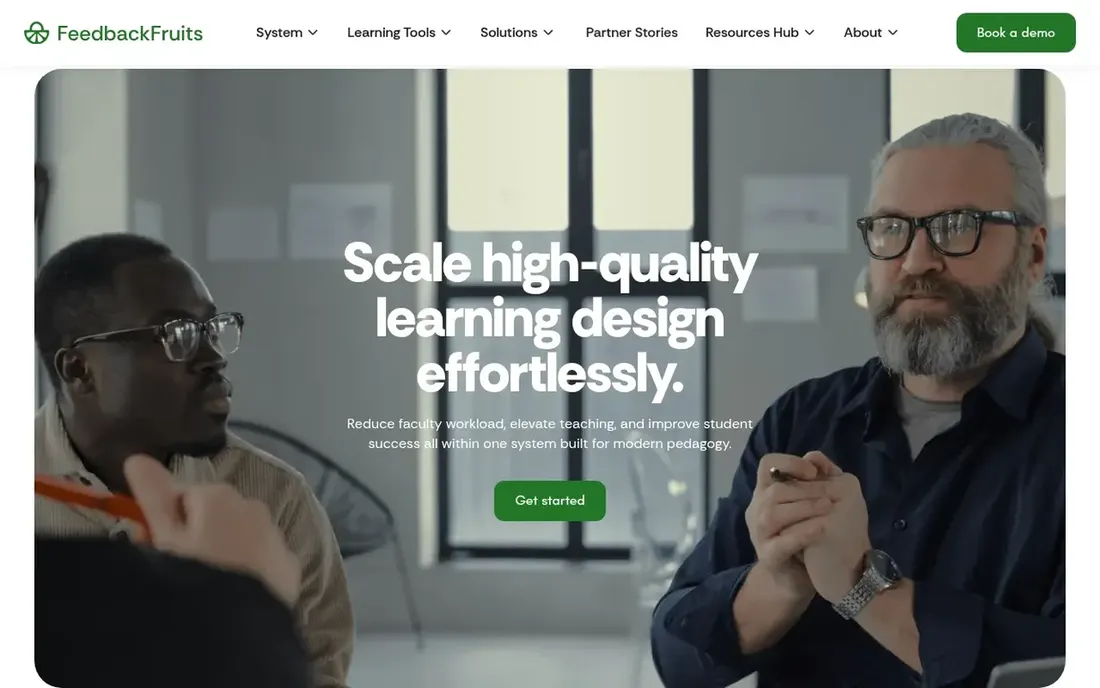
Choose Feedback Fruits for scalable learning design and peer review. Feedback Fruits presents itself as a system for scaling high-quality learning design whereas reducing faculty workload and improving student success.
As for the details, if you need a very straightforward standalone review tool, a lighter choice may be simpler to adopt. Also, programs standardizing feedback across several courses may appreciate its teaching-focused framing. Pricing for Feedback Fruits is not stated here, so ask the vendor for current figures. As for free access: Not stated.
The main drawbacks: Needs course design planning.
- Aims to cut faculty workload
- Focus on student success
- Feature depth may vary by integration
Pick Canvas LMS if this describes you: all-in-one course hub with feedback tools. For graduate seminars, it can serve as the central hub where readings, assignments and feedback activity live together.
Where it is weaker: Peer review depth relies on extras.
If peer feedback is the core of your seminar, pairing Canvas with a specialized tool can work well. Canvas LMS shows no starting price here, so confirm the cost on the vendor site. Trial and free access: Not stated.
- Central place for seminar materials
- Widely adopted teaching product
- Broader than feedback alone
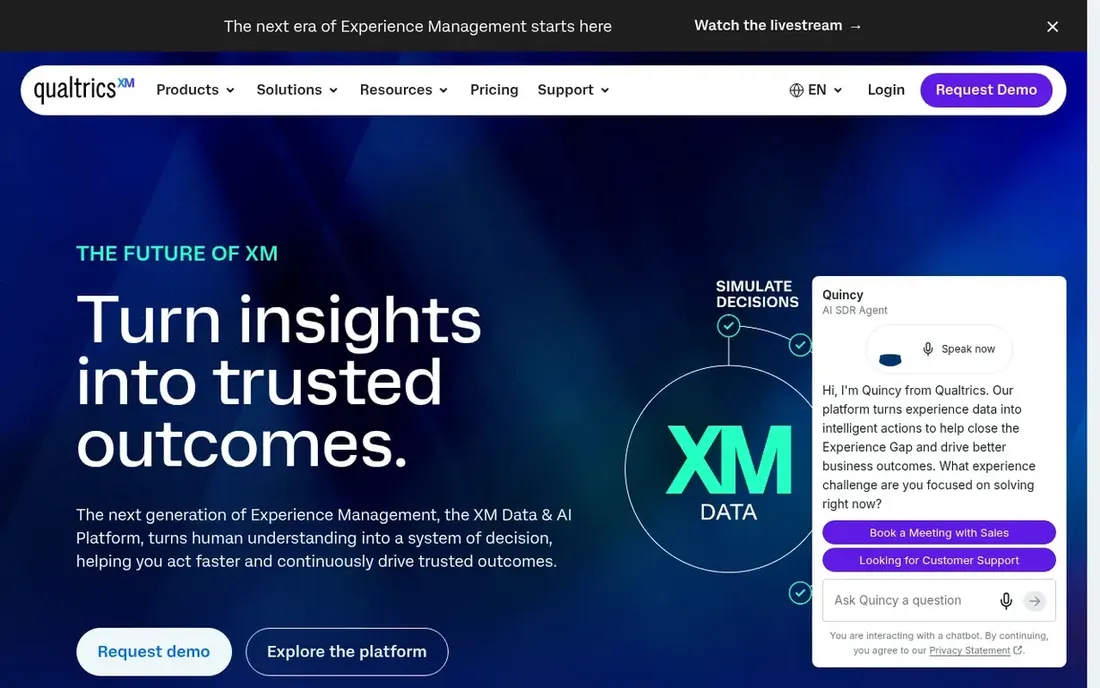
Qualtrics XM serves structured survey and evaluation workflows. Because it is a general experience platform instead of a dedicated peer review tool, rubric-based student-to-student review may need custom setup.
What to check first: Setup may need more configuration.
Check the vendor site for Qualtrics XM pricing; none is listed in this comparison. Free plan details: Not stated.
- Supports simulation and prediction of experiences
- Adaptable survey and experience data collection
- Not purpose-built for peer review
Peergrade
Best for: Rubric-based student peer review
Peergrade works best for Rubric-based student peer review. Peergrade lets students learn by giving each other feedback: instructors set up an assignment, students review each other against a rubric. The course gets a complete overview of activity.
Its scope is peer review, so grading, content delivery and discussion typically live elsewhere. If your seminar needs a single system for everything, a LMS with review features may be the more practical choice. Price to start with Peergrade: $5 per student per year. On free options: Free trial.
Watch-outs: May need LMS pairing for other tasks.
- Course-wide overview of activity
- Straightforward assignment setup
- Restricted to the peer review use case
Peerceptiv
Best for: Structured academic peer review assignments
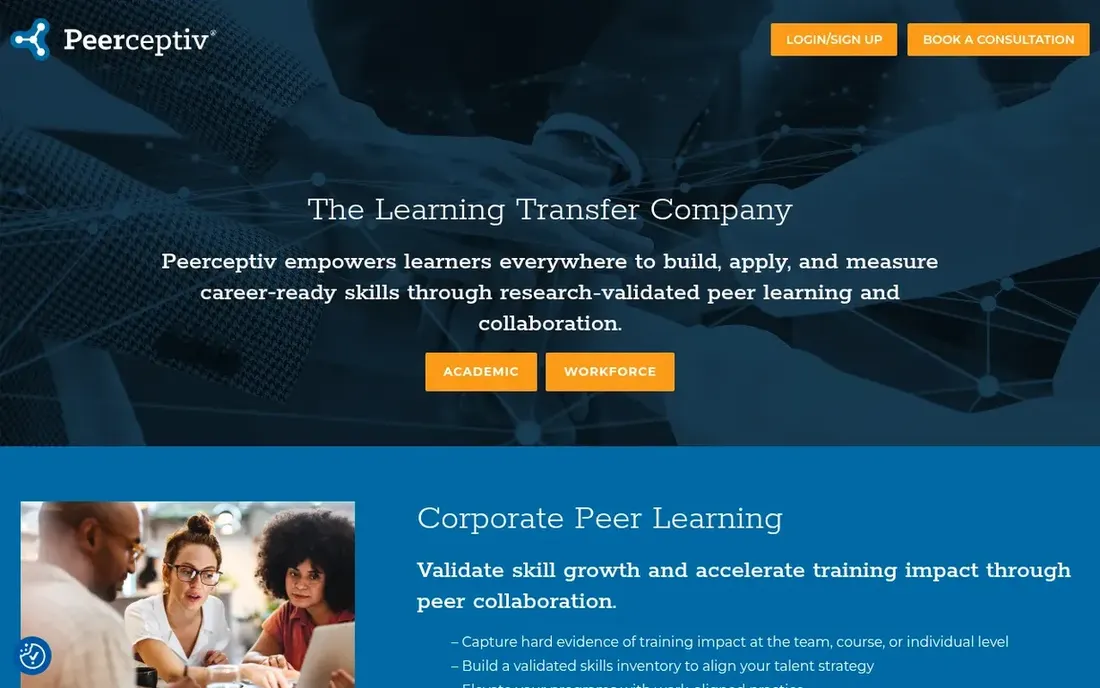
Peerceptiv works best for structured academic peer review assignments. Instructors who want review activity to sit at the center of the course, rather than as a side feature of a broader system, may find its focus handy.
As a specialized tool, it does not replace a full learning management system for grading, content delivery or discussion. This comparison lists no price for Peerceptiv; ask the vendor. Free plan details: Not stated.
Where it falls short: Adoption relies on course setup.
- Supports instructor oversight
- Designed around academic assignments
- Narrower scope than a LMS
Blackboard Learn is built with institutions already on Anthology systems in mind. Blackboard Learn is an established learning management system now offered through Anthology, which supplies information and support links for its products and services.
Where it falls short: Product information is consolidated.
In daily use, programs prioritizing specialized peer feedback may want to supplement it. Blackboard Learn shows no starting price here, so confirm the cost on the vendor site. Free options: Not stated.
- Central course organization
- Established LMS for teaching
- Peer review depth varies by setup
How we built this list
Pre-purchase checklist
- Get a written quote from Feedback Fruits, Canvas LMS, Qualtrics XM and others; the list shows no starting price for them.
- Use real work to test the free trial from Peergrade, rather than a demo project.
- Before choosing Feedback Fruits, weigh its main limit: feature depth may vary by integration.
- Test the integrations you rely on with Peergrade before committing; some connectors sit on upper tiers.
- Involve the people who will use Canvas LMS daily; a short pilot beats a long feature checklist.
FAQ
Do these tools publish their prices?
Not all of them. Feedback Fruits, Canvas LMS, Qualtrics XM and others publish no starting price, so expect a quote request for those. The rest, Peergrade included, show a starting price, though seats and billing terms still change the final cost.
Does any tool for peer feedback software for graduate seminars here have a free plan?
No tool in this list, Feedback Fruits and Blackboard Learn included, has a permanent free plan. Peergrade offer a trial. Trials and quotes are the usual route, so plan a short evaluation period.
Can I try these tools before paying?
Often, yes. Peergrade offers a free trial. Use your own data and a real task during the test, and check what the free tier or trial limits before you rely on it. Each of the 6 options in this peer feedback software for graduate Seminars guide has its own card above with the price, free plan and limits.
Can these tools support rubric-based review?
Multiple of them, including Peergrade and Feedback Fruits, are designed around structured review against criteria. General systems like Qualtrics XM can be configured for evaluations but may need more setup.
How do instructors keep peer feedback constructive?
Most products provide instructors an overview of review activity so they can spot gaps or unhelpful comments. Check what moderation and visibility choices each tool provides.
Is Feedback Fruits the right pick for everyone comparing peer feedback software for graduate seminars?
No single tool suits every team. Feedback Fruits comes first because it fits scalable learning design and peer review, while Canvas LMS suits all-in-one course hub with feedback tools and Qualtrics XM suits structured survey and evaluation workflows. Match the tool to your own size, budget and workflow before deciding.
Sources
- https://www.feedbackfruits.com
- https://www.instructure.com/canvas
- https://www.qualtrics.com
- https://www.peergrade.io
- https://www.peerceptiv.com
- https://www.anthology.com