Peer-to-Peer Fundraising Software for Teams in 2026: The 5 Best Options Side by Side
Best Peer-to-Peer fundraising software for teams, compared. 5 tools with published prices, free plans and limits. Short verdicts, no fluff. Easy to scan.
- Editor's choice
 Donorbox
Straightforward donation forms and campaigns
Starts at$50 per monthVisit donorbox.orgFull review - Great alternativeOneCause
Events and peer-to-peer fundraising
Starts at$200Visit onecause.comFull review - Also considerNeon Fundraise
Unified nonprofit software product
Starts at$99 a monthVisit neonone.comFull review
Direct answer
If you need simple donation forms and campaigns, Donorbox is the first tool to look at here. Listed starting prices: Donorbox from $50 per month, OneCause from $200 and Neon Fundraise from $99 a month. OneCause is the stronger choice for events and peer-to-peer fundraising, while Neon Fundraise suits unified nonprofit software product. All 5 tools are compared below on price, free plan and limits.
TL;DR:
- The list opens with Donorbox, aimed at straightforward donation forms and campaigns.
- Only 2 of the 5 tools have a free plan (Donorbox, Givebutter), so check the caps.
- OneCause comes with a trade-off: may need training for full use.
- Givebutter suits all-in-one fundraising and donor management.
Last checked November 2026. Prices and plan details were read from the vendors' own pages in November 2026; vendors change plans often, so confirm the current price on the vendor site before you buy.
Quick comparison
| Tool | Best for | Starts at | Free plan? | |
|---|---|---|---|---|
| Donorbox | Straightforward donation forms and campaigns | $50 per month | Yes | Visit |
| OneCause | Events and peer-to-peer fundraising | $200 | Not stated | Visit |
| Neon Fundraise | Unified nonprofit software product | $99 a month | Not stated | Visit |
 Classy | Large-scale peer-to-peer campaigns | See website | Not stated | Visit |
 Givebutter | All-in-one fundraising and donor management | $29 a month | Yes | Visit |
Every option for Peer-to-Peer fundraising software for teams explained
Short on time? The summary and table above give the quick view of 5 Peer-to-Peer fundraising software for teams, and the profiles that follow give the detail behind each entry.
Donorbox is a good fit for straightforward donation forms and campaigns. Teams needing advanced event management or deep customization may outgrow Donorbox.
Worth adding: Donorbox is recognised for straightforward, effective donation forms and fundraising tools that support peer-to-peer campaigns. In daily use, the platform centres on helping nonprofits accept donations and run campaigns online. On cost, Donorbox starts like this: $50 per month. A free plan is available with Donorbox.
Downsides: Restricted advanced event features. What works well: Suited to small and expanding teams.
- Easy-to-use donation forms
- Supports peer-to-peer campaigns
- Pricing details not shown on homepage
OneCause
Best for: Events and peer-to-peer fundraising
In short, OneCause is for events and peer-to-peer fundraising. The breadth of features may need training to use effectively. In practice, the product aims to help nonprofits raise more through integrated features.
Watch-outs: Pricing details not shown on homepage.
Where it shines: Bundles Text2Give and auction features.
Worth adding: teams focused solely on peer-to-peer fundraising might prefer a more specialized tool like Classy. OneCause gives you fundraising software and event options, including tools for events, auctions, online fundraising, Text2Give, and peer-to-peer campaigns. Price to start with OneCause: $200. As for free access: Not stated.
- Merges event software with peer-to-peer tools
- Suited to nonprofits of several sizes
- May need training for full use
Neon Fundraise
Best for: Unified nonprofit software product
Neon Fundraise is designed for unified nonprofit software product. Neon Fundraise is part of Neon One's unified nonprofit software product, which merges donor management, fundraising, memberships, events, and ticketing.
In daily use, the system is meant to simplify data and workflows across departments. Worth adding: smaller teams may find the full product more than they need. Entry price for Neon Fundraise: $99 per month. Free plan details: Not stated.
Where it falls short: May be complicated for small teams.
- Part of Neon One's unified product
- Merges donor management, events, ticketing
- Pricing not listed on homepage
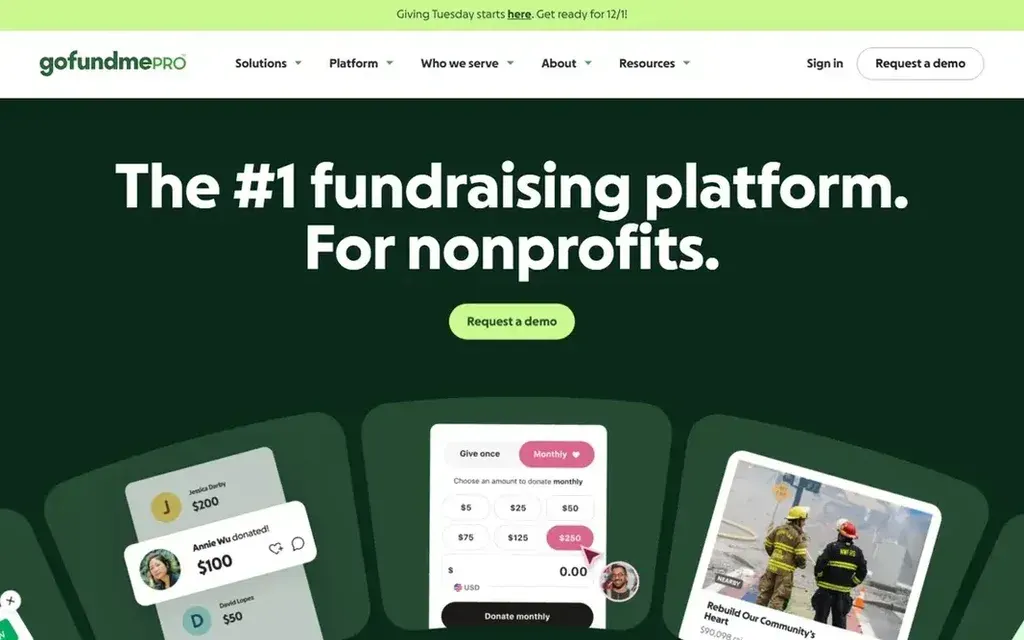
Classy is a good fit for large-scale peer-to-peer campaigns. It fits established nonprofits running team peer-to-peer campaigns that require solid tools and wide reach.
Trade-offs to know: Pricing not disclosed on homepage.
The product may be more than small teams need, and pricing details are not shown on the homepage. This comparison lists no price for Classy; ask the vendor. On free options: Not stated.
- Supports team-based campaigns
- Capable for nonprofit online fundraising
- May be complicated for small teams
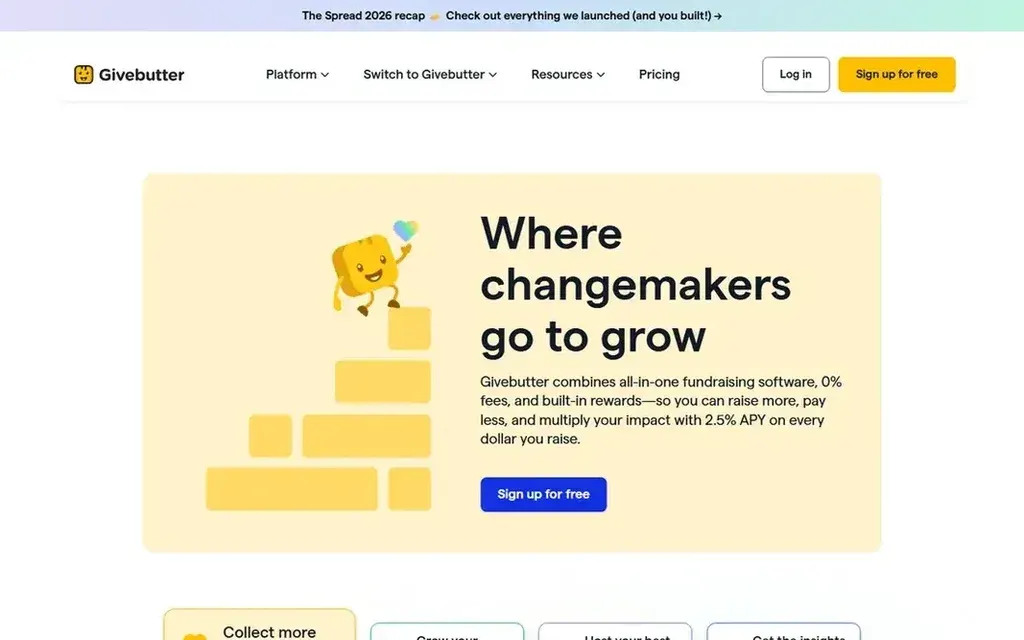
Pick Givebutter if this describes you: all-in-one fundraising and donor management. It suits teams that want to run peer-to-peer campaigns and donor relationships without juggling several systems.
In daily use, teams needing highly specialized enterprise features may find it less adaptable than dedicated suites. Entry price for Givebutter: $29 per month. Givebutter offers a free plan.
Highlights: Unified system under one roof.
Downsides: Pricing details not shown on homepage.
- Merges fundraising, marketing
- Donor management
- May lack deep enterprise customization
What went into this list
For each of the 5 tools we noted price, free plan or trial, fit for Peer-to-Peer fundraising software for teams and the main limit, using vendor pages and documentation. Prices and plan limits come from vendor pages and can change, so confirm them on the vendor site before you buy. Tools are placed by general fit for Peer-to-Peer fundraising software for teams, with price clarity and free access as tie-breakers. A different team can reasonably rank them differently.
Questions to settle before buying
- Get a written quote from Classy; the list shows no starting price for them.
- Read the fine print on the free plans from Donorbox and Givebutter; seat, project and feature caps differ.
- Read the limits listed for Donorbox first: restricted advanced event features.
- Confirm that Classy connects to the apps your team already uses, on the plan you would actually buy.
- The entry price of Donorbox is only the starting point; model the full cost with seats and extras.
FAQ
Do these tools publish their prices?
Not all of them. Classy publishes no starting price, so expect a quote request for it. The rest, Donorbox included, show a starting price, though seats and billing terms still change the final cost.
Can I try these tools before paying?
Often, yes. Donorbox and Givebutter have a free plan. Use your own data and a real task during the test, and check what the free tier or trial limits before you rely on it.
Which options for Peer-to-Peer fundraising software for teams have a free plan?
On this list, Donorbox and Givebutter include a free plan. Caps on seats, usage or features are common, so test the free plan against your real workload.
What is peer-to-peer fundraising software for teams?
Peer-to-peer fundraising software for teams helps nonprofits run campaigns where supporters produce personal fundraising pages and solicit donations from their networks. These systems generally contain tools for team creation, progress tracking, and donor management.
How are the tools for Peer-to-Peer fundraising software for teams ordered?
Donorbox sits first and Givebutter last because the order follows typical fit for Peer-to-Peer fundraising software for teams, then price clarity and free access. It is a judgement call, so read each profile for fit and limits.
Sources
- https://donorbox.org
- https://www.onecause.com
- https://neonone.com
- https://www.classy.org
- https://givebutter.com