Top 6 Paperless Office Software for 2026 (Prices and Free Plans)
Best paperless office software, compared. 6 tools with published prices, free plans and limits. Every pick includes one clear drawback. Decide faster.
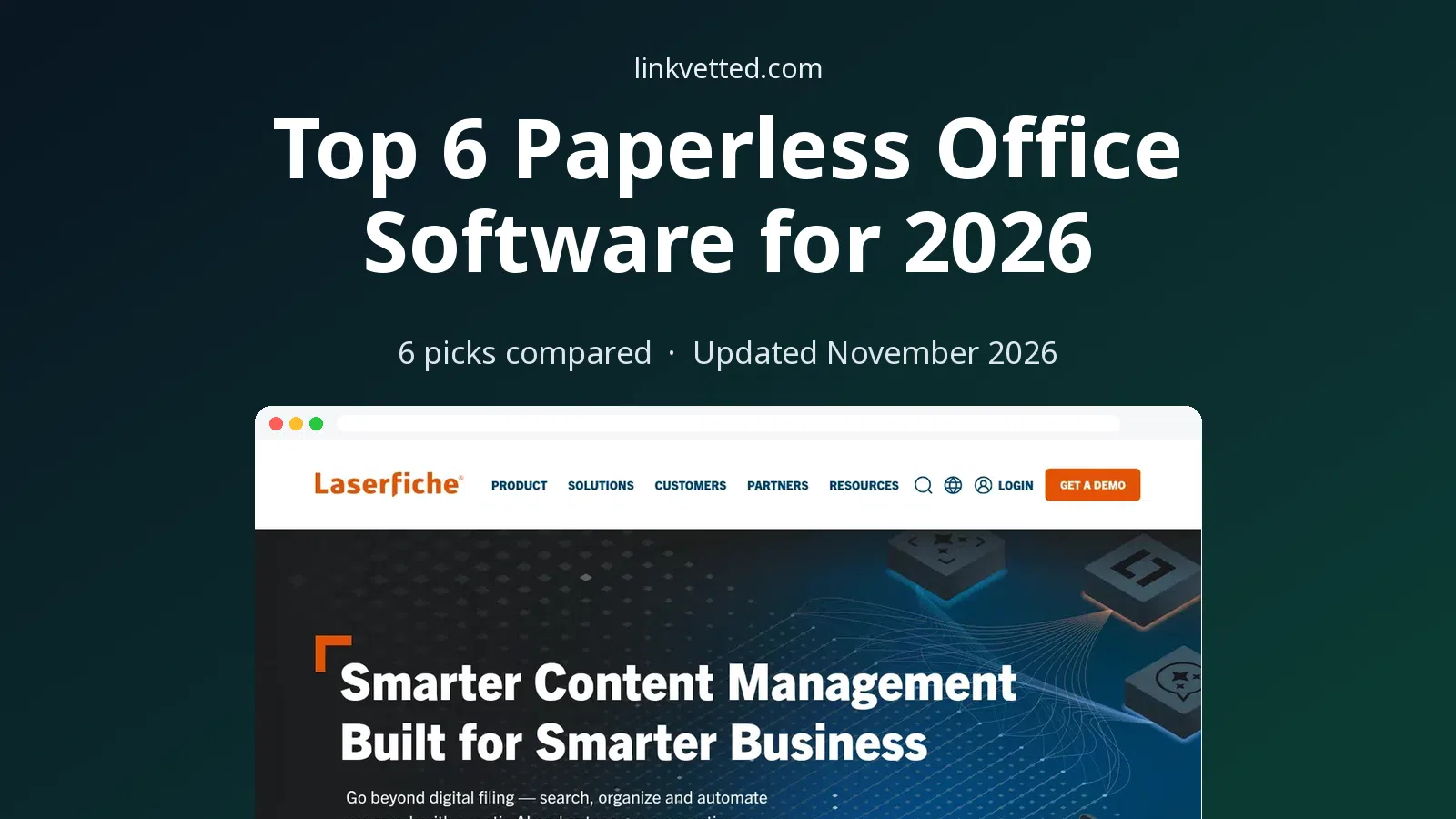
- Editor's choice
 Laserfiche
Document management with forms and analytics
Starts at$42 per user a monthVisit laserfiche.comFull review - Great alternative
 Notion
Custom workspaces and team knowledge
Starts at$10 per member per monthVisit notion.comFull review - Also consider
 Adobe Acrobat Pro
PDF editing, conversion and sharing
Starts atSee websiteVisit adobe.comFull review
Direct answer
Our first pick is Laserfiche, best for document management with forms and analytics. Listed starting prices: Laserfiche from $42 per user a month, Notion from $10 per member per month and M-Files from €65 per seat a month. Look at Notion for custom workspaces and team knowledge, and at Adobe Acrobat Pro for PDF editing, conversion and sharing. The other 3 tools in the list cover narrower or pricier cases.
TL;DR:
- The list opens with Laserfiche, aimed at document management with forms and analytics.
- Starting prices begin at $10 per member per month with Notion.
- Notion comes with a trade-off: needs structure to stay tidy.
- M-Files fits organizing documents in context with AI.
- Only 2 of the 6 tools have a free plan (Notion, Evernote), so check the caps.
Last checked November 2026. Prices and plan details were read from the vendors' own pages in November 2026; vendors change plans often, so confirm the current price on the vendor site before you buy.
Quick comparison
| Tool | Best for | Starts at | Free plan? | |
|---|---|---|---|---|
| Laserfiche | Document management with forms and analytics | $42 per user a month | Not stated | Visit |
| Notion | Custom workspaces and team knowledge | $10 per member per month | Yes | Visit |
| Adobe Acrobat Pro | PDF editing, conversion and sharing | See website | Not stated | Visit |
 Evernote | Capturing notes and to-do lists | See website | Yes | Visit |
 DocuWare | Document management with workflow automation | See website | Not stated | Visit |
 M-Files | Organizing documents in context with AI | €65 per seat a month | Not stated | Visit |
The 6 tools in detail
LinkVetted put together this guide to paperless office software for readers who want a clear shortlist without reading every vendor page. It compares 6 tools on starting price, free plans, who each one suits and where each one falls short.

Laserfiche is aimed squarely at document management with forms and analytics. Laserfiche gives you document management and process automation, with workflows, electronic forms and analytics that help teams get work done quicker.
The system includes plenty of capabilities, so configuration and staff training are part of the picture. Small offices with restricted document volume may not need the full scope. Entry price for Laserfiche: $42 per user per month. Free access: Not stated.
Limits to weigh: May exceed small office needs.
- Electronic forms and analytics
- Document management and process automation
- Wide system needs configuration
Notion is designed for custom workspaces and team knowledge. It performs well for internal wikis, project trackers and light document hubs. Notion is adaptable, which means teams must design and maintain their own structure.
Limits to weigh: Needs structure to stay tidy.
It lacks the formal records controls of dedicated document management software. Organizations with strict retention or approval needs should choose a specialized product. Starting cost for Notion: $10 per member per month. Free access exists with Notion.
- Automation of routine work
- Search across connected apps
- Not a records management system
Think of Adobe Acrobat Pro for PDF editing, conversion and sharing. Teams needing routing, retention or analytics should pair it with a management tool.
Where it is weaker: not full records management.
Adobe Acrobat Pro is full PDF software for editing, converting and sharing documents, and it keeps users on the latest features. Also, anyone who exchanges formatted documents with clients or partners will find it a practical daily tool. Adobe Acrobat Pro shows no starting price here, so confirm the cost on the vendor site. On free options: Not stated.
- Solid fit for document exchange
- Latest features in PDF software
- Centred on PDFs
Evernote serves capturing notes and to-do lists. Evernote is a note taking app that helps users capture and prioritize ideas, projects and to-do lists so nothing falls through the cracks. It performs well as a personal capture layer alongside a formal document system.
Teams needing structured filing and approvals should look at DocuWare or Laserfiche. Choose Evernote for light notes and personal organization. More specifically, Evernote is not built for governed document management, workflows or records retention. So it should not be the backbone of a compliance-heavy paperless office. This comparison lists no price for Evernote; ask the vendor. You can start on Evernote without paying.
Downsides: Restricted for formal records. What users get: Straightforward to start.
- Prioritize ideas and projects
- Note capture and organization
- Not a document management system
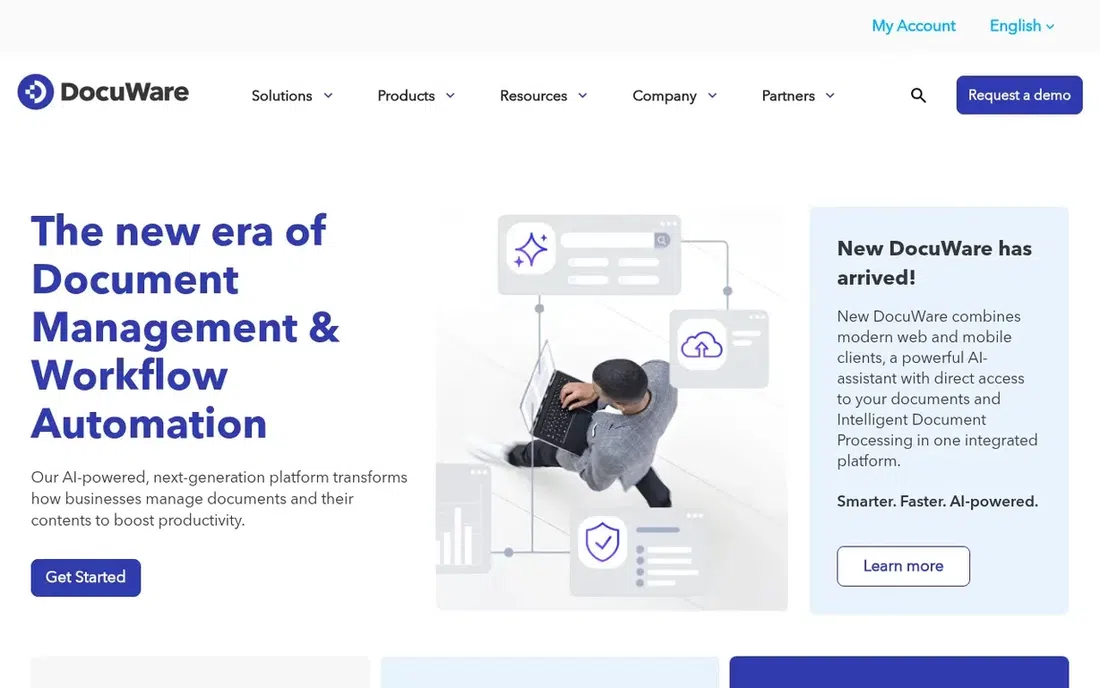
DocuWare is aimed squarely at document management with workflow automation. It suits organizations that want a structured system for storing, finding and routing business documents across departments.
Since it centers on document workflows, it is more than a straightforward file store, so smaller teams with light needs may find the scope bigger than necessary. Pricing for DocuWare is not stated here, so ask the vendor for current figures. On free options: Not stated.
Trade-offs to know: Less suited to straightforward note taking.
- Focus on improving document handling
- Central document management
- Setup may need planning
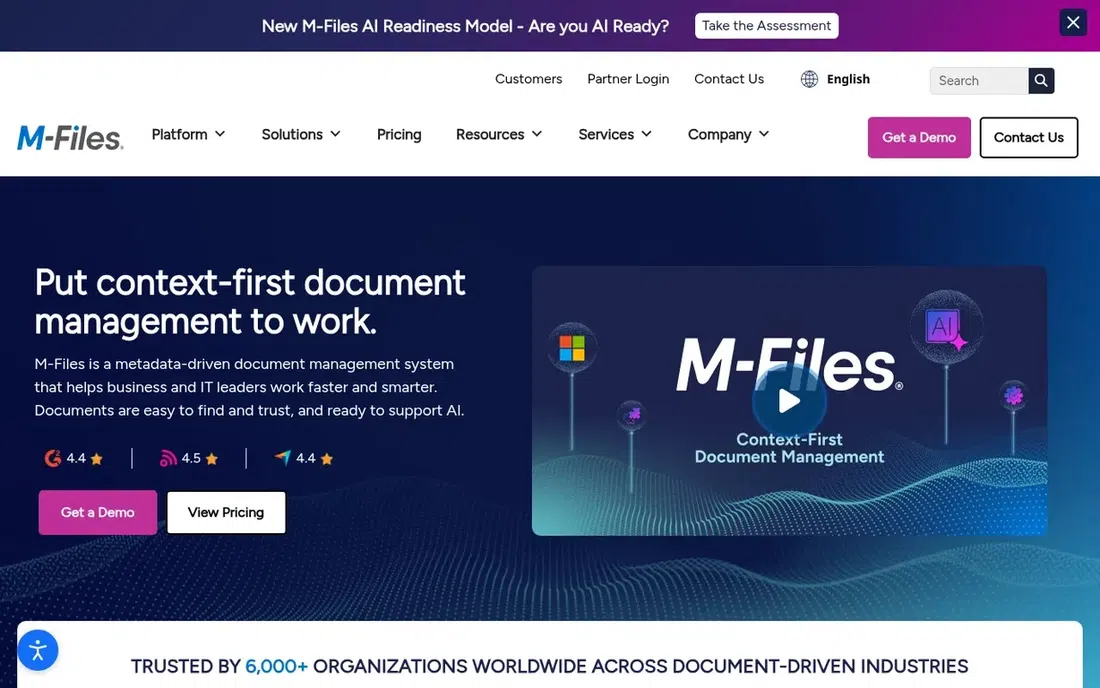
M-Files is aimed squarely at organizing documents in context with AI. Pick M-Files when document relationships and automatic workflows matter more than entry-level storage.
M-Files presents itself as an AI-powered document management system that helps teams organize documents in context, automate workflows and cut risk. Price to start with M-Files: €65 per seat per month. Free options: Not stated.
Trade-offs to know: Wide feature set for straightforward needs.
- Documents organized in context
- AI-powered document management
- Concept may need onboarding
Our selection method
For each of the 6 tools we noted price, free plan or trial, fit for paperless office software and the main limit, using vendor pages and documentation. Plan names, prices and limits change often. Treat the figures here as a starting point and verify them with the vendor. The order reflects how well each tool fits the most common buying scenario for paperless office software, then price clarity, then free plan access. It is a starting point, not a verdict.
What to confirm before you sign up
- Confirm the entry price on the vendor page. For Adobe Acrobat Pro, Evernote and DocuWare that means a quote rather than a fixed price.
- Read the fine print on the free plans from Notion and Evernote; seat, project and feature caps differ.
- Read the limits listed for Laserfiche first: wide product needs configuration.
- Confirm the exact Laserfiche plan that includes your must-have features.
- The entry price of M-Files is only the starting point; model the full cost with seats and extras.
FAQ
What should a paperless office look for first in document management software?
Start with how documents enter and move through your organization, then check whether the tool supports that flow with capture, storage, search and approvals. Also, match the tool's scope to your actual volume instead of the longest feature list.
Which options for paperless office software have a free plan?
On this list, Notion and Evernote include a free plan. Caps on seats, usage or features are common, so test the free plan against your real workload.
Can small teams adopt paperless software without a big rollout?
Small teams commonly start with a lighter tool for notes and PDFs, then add a management system as document volume grows. Confirm setup and training expectations with each vendor before committing.
Can I try these options before paying?
Often, yes. Notion and Evernote have a free plan. Use your own data and a real task during the test, and check what the free tier or trial limits before you rely on it.
Is Laserfiche the right pick for everyone comparing paperless office software?
No single tool suits every team. Laserfiche comes first because it fits document management with forms and analytics, while Notion suits custom workspaces and team knowledge and Adobe Acrobat Pro suits PDF editing, conversion and sharing. Match the tool to your own size, budget and workflow before deciding.
What is the cheapest option for paperless office software in this list?
On published monthly entry prices, Notion is the lowest here at $10 per member per month. Entry price is only part of the cost, because seats, add-ons and billing terms can change the total. For the full picture, the cards above cover all 6 entries of this paperless office software list, including price, free plan and limits.
Sources
- https://www.laserfiche.com
- https://www.notion.com
- https://www.adobe.com/acrobat/acrobat-pro.html
- https://evernote.com
- https://start.docuware.com
- https://www.m-files.com