Best Remote Support Software for Photographers for 2026: Our 6 Vetted Picks
Best remote support software for photographers: 6 tools compared on price, free plans and fit. Each listing flags where it falls short. Numbers first.
- Editor's choice
 RemotePC
Cross-platform remote access
Starts at$1.84 a monthVisit remotepc.comFull review - Great alternative
 GoTo Resolve
IT support and business communication
Starts atSee websiteVisit goto.comFull review - Also considerSplashtop Business Access
Quick and secure remote access for business
Starts at$6 a monthVisit splashtop.comFull review
Direct answer
RemotePC comes first here, mainly for cross-platform remote access. Listed starting prices: RemotePC from $1.84 a month and Splashtop Business Access from $6 a month. GoTo Resolve is better for IT support and business communication, and Splashtop Business Access is better for quick and secure remote access for business. The other 3 tools in the list cover narrower or pricier cases.
TL;DR:
- The list opens with RemotePC, aimed at cross-platform remote access.
- The lowest published monthly entry price here is $1.84 per month, from RemotePC.
- For MSPs and IT management, ConnectWise ScreenConnect is worth a look.
- A permanent free plan is missing from all 6 tools, RemotePC and ConnectWise ScreenConnect included; plan for a trial or a premium start.
- What to know about Splashtop Business Access first: Business-focused pricing may not suit hobbyists.
Last checked November 2026. Prices and plan details were read from the vendors' own pages in November 2026; vendors change plans often, so confirm the current price on the vendor site before you buy.
Quick comparison
| Tool | Best for | Starts at | Free plan? | |
|---|---|---|---|---|
| RemotePC | Cross-platform remote access | $1.84 a month | Free trial | Visit |
| GoTo Resolve | IT support and business communication | See website | Not stated | Visit |
| Splashtop Business Access | Quick and secure remote access for business | $6 a month | Free trial | Visit |
| N-able Take Control | Remote monitoring and management for IT | See website | Not stated | Visit |
| TeamViewer Remote | Cross-platform remote support and collaboration | See website | Free trial | Visit |
 ConnectWise ScreenConnect | MSPs and IT management | See website | Free trial | Visit |
The full remote support software for photographers list
Short on time? The summary and table above give the quick view of 6 remote support software for photographers, and the profiles that follow give the detail behind each entry.
In short, RemotePC is for cross-platform remote access. RemotePC supplies remote access options for PC, Mac, Linux, and mobile devices. This cross-platform adaptability makes it a practical choice for photographers who work across different operating systems and have to access files or applications remotely.
Points against: May lack advanced support tools.
It centres on entry-level remote access instead of full support features, so it may not contain advanced troubleshooting tools. If you need integrated chat or session recording, consider a more feature-rich choice. Entry price for RemotePC: $1.84 per month. Free access: Free trial.
- Adaptable for mixed device environments
- Simple remote access setup
- Restricted collaboration features
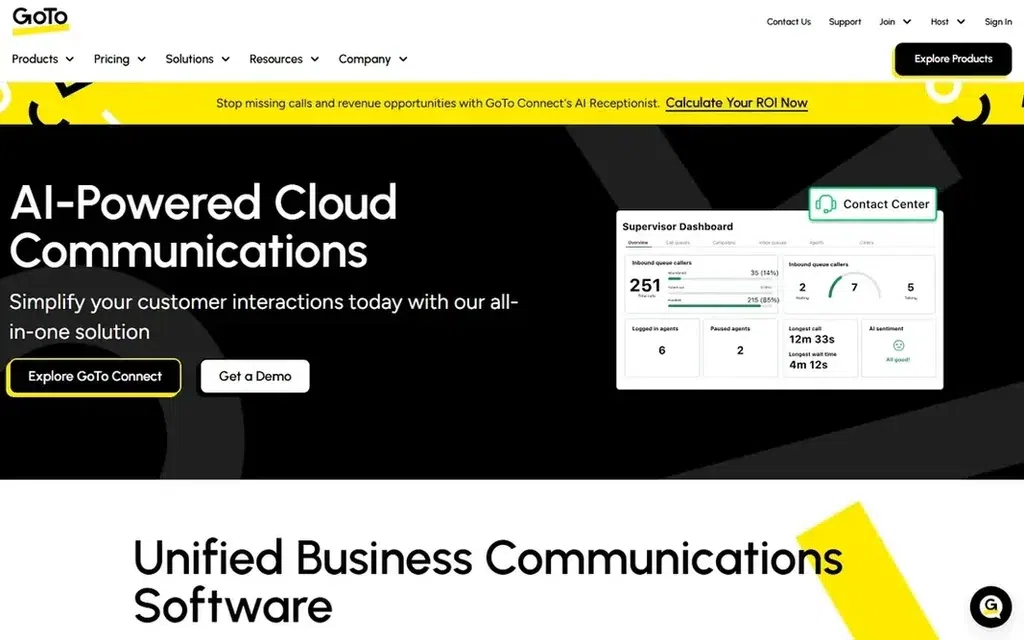
GoTo Resolve works best for IT support and business communication. GoTo Resolve is part of GoTo's business communication and IT support software suite. It is made for firms of all sizes to support customers and handle IT needs, which could suit photography studios with dedicated IT or support staff.
Worth adding: if your needs are purely remote desktop access, a more specialized tool might be preferable. In practice, the tool is built around IT support and business communication. So it may not be the most direct fit for photographers seeking straightforward remote assistance. No starting price is listed for GoTo Resolve here; confirm pricing on the vendor site. On free options: Not stated.
What to check first: Focus is on IT support instead of creative workflows.
- Contains contact center features
- Merges IT support with communication tools
- May be overkill for solo photographers
Splashtop Business Access
Best for: Quick and secure remote access for business
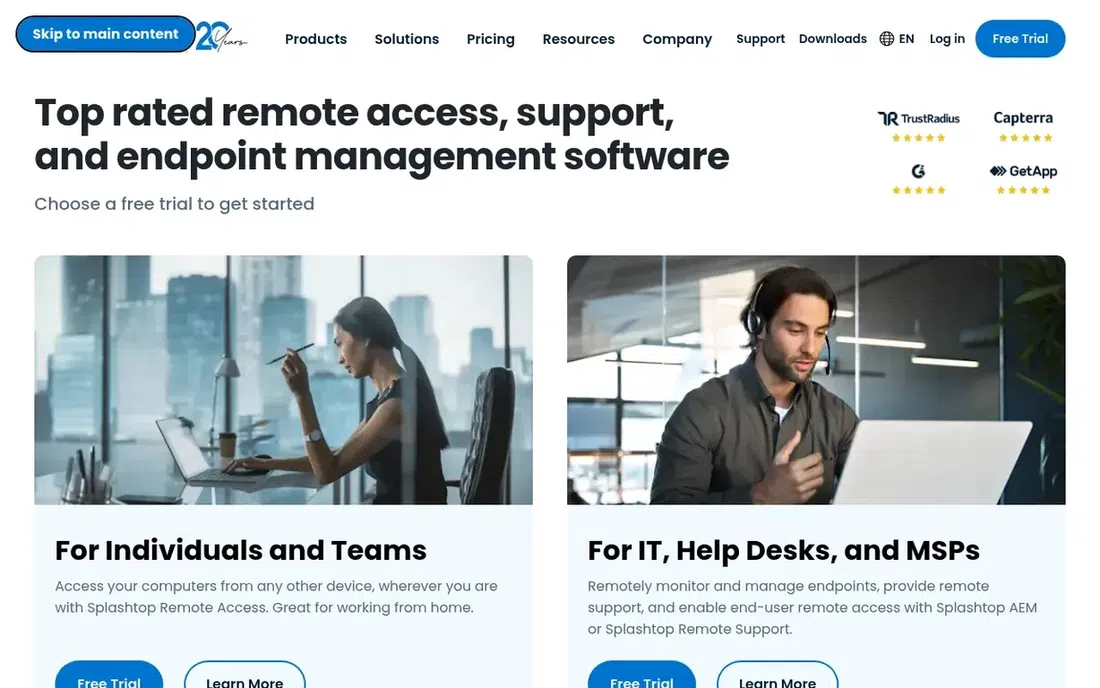
Think of Splashtop Business Access for quick and secure remote access for business. Splashtop Business Access offers quick and secure remote access solutions for remote work, remote support, and remote learning. If you want an entry-level free tool for personal use, consider a more straightforward alternative.
More specifically, photographers who require reliable performance for tasks like remote editing or client presentations may find it a solid fit, particularly those running a business. It is geared toward business users, so the pricing and feature set may be more than a casual photographer needs. Splashtop Business Access cost at the entry level: $6 per month. Trial and free access: Free trial.
Drawbacks to consider: Business-focused pricing may not suit hobbyists.
- Emphasizes speed and security
- Built for remote work and support
- Some features need extras
N-able Take Control
Best for: Remote monitoring and management for IT
N-able Take Control makes the most sense for Remote monitoring and management for IT. N-able Take Control is part of N-able's end-to-end cybersecurity and IT management options for MSPs and IT departments. It gives you remote monitoring and management capabilities, which could be handy for photography studios with dedicated IT support.
Where it is weaker: Not built for creative professionals.
If you need a straightforward remote desktop tool, a more straightforward option is likely a better match. The tool is made for IT professionals, so it may be too complicated for photographers handling their own support. N-able Take Control shows no starting price here, so confirm the cost on the vendor site. As for free access: Not stated.
- Supports IT departments and MSPs
- Integrated with N-able's RMM system
- Needs IT expertise to completely utilize
TeamViewer Remote
Best for: Cross-platform remote support and collaboration
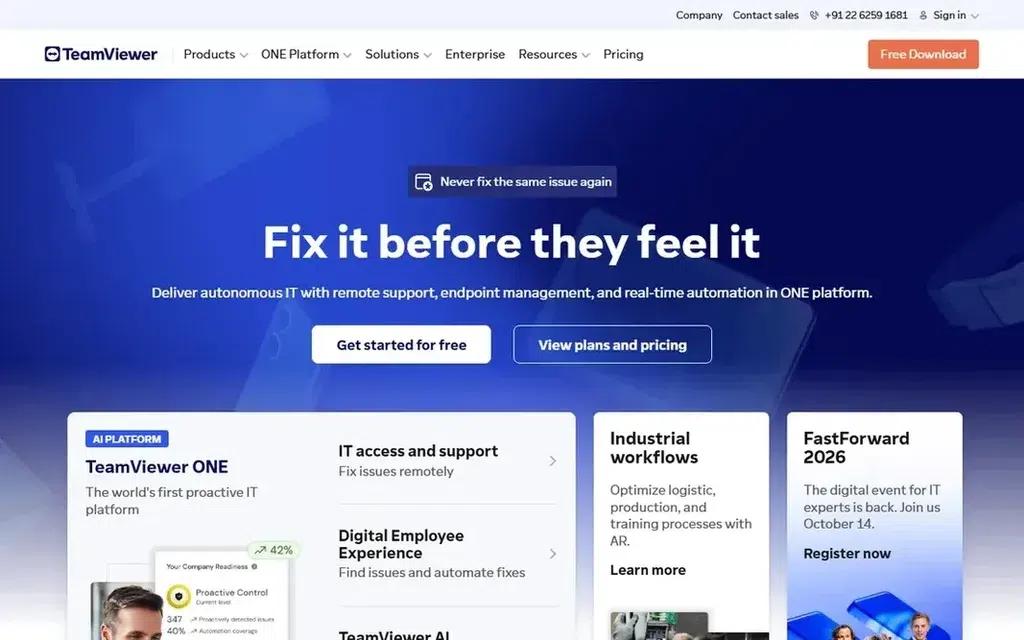
Where TeamViewer Remote fits: cross-platform remote support and collaboration. TeamViewer Remote is a remote desktop access option that lets you link to remote computers, offer remote support, and collaborate online. It is positioned as a digital workplace product, making it right for photographers who require to assist clients or team members with software issues or file access across different devices.
What to check first: Interface can feel complicated for beginners.
If you only need occasional support sessions and prefer a simpler tool, a lighter choice might be simpler to set up. The free version is restricted to personal use, so professional photographers will need a commercial license. Pricing for TeamViewer Remote is not stated here, so ask the vendor for current figures. As for free access: Free trial.
- Free for personal use
- Works across numerous device types
- Commercial use needs a premium license
Where ConnectWise ScreenConnect fits: MSPs and IT management. ConnectWise ScreenConnect is part of ConnectWise's IT management software suite, which comes with RMM, UMM, SOC, NOC, and cybersecurity tools. It is designed for managed service providers and IT departments, so photography firms with an IT team might consider it for remote support.
Limits to weigh: Complicated setup for non-IT users.
Strengths: Full IT management tools.
The product is heavily oriented toward IT management, which can be overwhelming for photographers without technical staff. For straightforward remote support, a more focused tool would be simpler to deploy. No starting price is listed for ConnectWise ScreenConnect here; confirm pricing on the vendor site. Free plan details: Free trial.
- Comes with RMM and cybersecurity
- Made for managed service providers
- Pricing geared toward companies
How we compared the tools
For each of the 6 tools we noted price, free plan or trial, fit for remote support software for photographers and the main limit, using vendor pages and documentation. Where a vendor does not publish a price, the entry says quote. Where a price depends on seats or billing term, the entry says so. The order reflects how well each tool fits the most common buying scenario for remote support software for photographers, then price clarity, then free plan access. It is a starting point, not a verdict.
Things to verify first
- Ask GoTo Resolve, N-able Take Control, TeamViewer Remote and ConnectWise ScreenConnect for a written quote, since no starting price is shown.
- Take the trial from RemotePC, Splashtop Business Access, TeamViewer Remote and ConnectWise ScreenConnect and push a live task through it before you pay.
- Before choosing RemotePC, weigh its main limit: limited collaboration features.
- A short pilot of Splashtop Business Access with your real workflow tells you more than a feature table.
- Confirm minimum seats and billing terms with GoTo Resolve before you commit to an annual plan.
FAQ
What should photographers look for in remote support software?
Photographers should prioritize cross-platform compatibility, simplicity, and secure file transfer. Since they may have to assist clients or access their own studio computers, reliability and speed are also important.
What is the cheapest option for remote support software for photographers in this list?
On published monthly entry prices, RemotePC is the lowest here at $1.84 per month. Entry price is only part of the cost, because seats, add-ons and billing terms can change the total. For the full picture, the cards above cover all 6 entries of this remote support software for photographers list, including price, free plan and limits.
Is RemotePC the right pick for everyone comparing remote support software for photographers?
No single tool suits every team. RemotePC comes first because it fits cross-platform remote access, while GoTo Resolve suits IT support and business communication and Splashtop Business Access suits fast and secure remote access for business. Match the tool to your own size, budget and workflow before deciding.
Does any tool for remote support software for photographers here have a free plan?
No tool in this list, RemotePC and ConnectWise ScreenConnect included, has a permanent free plan. RemotePC, Splashtop Business Access, TeamViewer Remote, ConnectWise ScreenConnect offer a trial. Trials and quotes are the usual route, so plan a short evaluation period.
How are the tools for remote support software for photographers ordered?
The order follows typical fit for remote support software for photographers, with RemotePC first and ConnectWise ScreenConnect last, then price clarity and free access. It is editorial judgement, not a score, so another team could rank the tools differently.
Sources
- https://www.remotepc.com
- https://www.goto.com
- https://www.splashtop.com
- https://www.n-able.com
- https://www.teamviewer.com
- https://www.connectwise.com
Related guides
- Best 3D Parts Catalog Software for Remote Teams in 2026: Prices, Free Plans and 6 Picks
- 3D Rendering Software for Remote Teams in 2026: The 6 Best Options Side by Side
- Audio Editing Software for Remote Teams in 2026: The 6 Best Options Side by Side
- The 5 Best Church Presentation Software for Remote Teams in 2026, Ranked