Best UI/UX Software with Design System Support (2026): 5 Picks Checked on Vendor Pages
Best UI/UX software with design system support: 5 tools compared on price, free plans and fit. Limits and pricing notes included. Reviewed this month.
- Editor's choice
 Axure RP
In-depth prototypes and written specifications
Starts at$29 per user per monthVisit axure.comFull review - Great alternative
 Sketch
Designer-focused workflows with symbols and handoff
Starts at$12 per editor per monthVisit sketch.comFull review - Also consider
 Supernova
Connecting tokens, components, and documentation
Starts at$399 a monthVisit supernova.ioFull review
Direct answer
If you need detailed prototypes and written specifications, Axure RP is the first tool to look at here. Listed starting prices: Axure RP from $29 per user per month, Sketch from $12 per editor per month and Supernova from $399 a month. For a different need, Sketch covers designer-focused workflows with symbols and handoff and Supernova covers connecting tokens, components, and documentation. The other 2 tools in the list cover narrower or pricier cases.
TL;DR:
- Top of the list is Axure RP, which targets in-depth prototypes and written specifications.
- A free plan is available from 2 of the 5 tools: Supernova, Zeroheight.
- Figma is the one to check for collaborative design and shared component libraries.
- The cheapest monthly starting price in the list is $3 per month, offered by Figma.
- Sketch comes with a trade-off: collaboration is less real-time than canvas tools.
Last checked November 2026. Prices and plan details were read from the vendors' own pages in November 2026; vendors change plans often, so confirm the current price on the vendor site before you buy.
Quick comparison
| Tool | Best for | Starts at | Free plan? | |
|---|---|---|---|---|
| Axure RP | In-depth prototypes and written specifications | $29 per user per month | Not stated | Visit |
| Sketch | Designer-focused workflows with symbols and handoff | $12 per editor per month | Free trial | Visit |
| Supernova | Connecting tokens, components, and documentation | $399 a month | Yes | Visit |
| Zeroheight | Documenting design systems and keeping them in sync | $49 per editor per month | Yes | Visit |
 Figma | Collaborative design and shared component libraries | $3 a month | Not stated | Visit |
The full UI/UX software with design system support list
If you are comparing UI/UX software with design system support, this page covers 5 tools in one place: what each is best for, what it costs to start, whether it has a free plan, and the main limit to know about.
Where Axure RP fits: in-depth prototypes and written specifications. It suits UX professionals working on complicated products where conditional logic and in-depth specs must be captured and shared with developers, and where a diagram or flow needs to sit beside the prototype.
Where it is weaker: Heavier than fast wireframing tools.
The depth that makes Axure capable also makes it slower to learn than light wireframing tools, and casual collaborators may find it heavy. The starting price for Axure RP: $29 per user per month. Free access: Not stated.
- Diagrams together
- Handy for documenting behavior
- Steeper ramp-up time
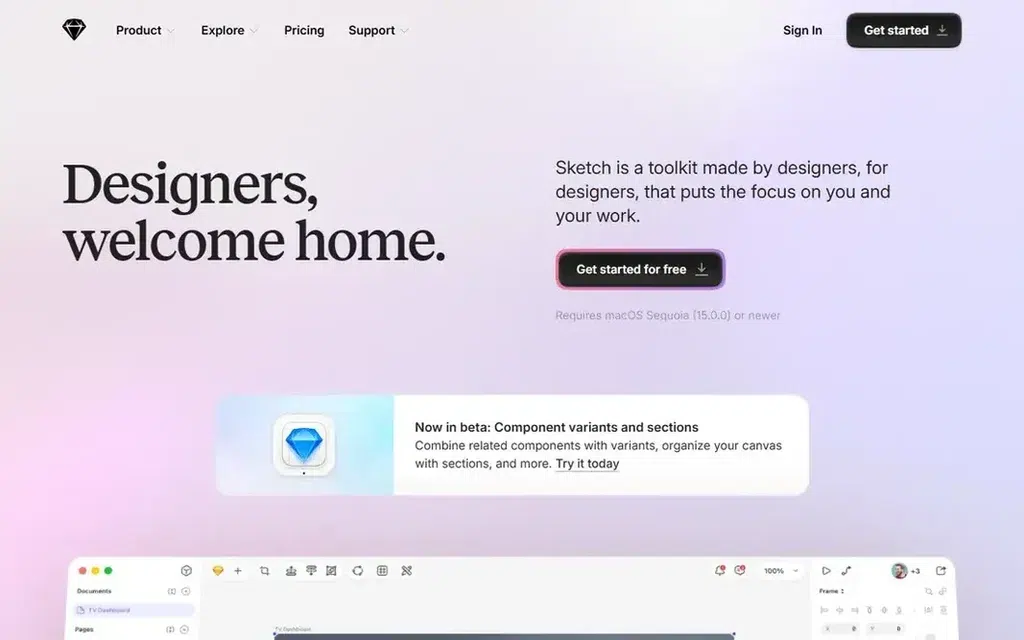
Sketch was built for designer-focused workflows with symbols and handoff. Sketch describes itself as made by designers, for designers, and its homepage centers on design, prototyping, collaboration, and handoff.
Watch-outs: Collaboration is less live than canvas tools.
On top of that, pick Sketch when a designer-first editing experience matters more than live co-editing. Shared symbols and libraries provide teams a way to reuse components across projects, which is the foundation of design system work. Entry price for Sketch: $12 per editor per month. Free options: Free trial.
- Handoff features for developers
- Built around designer workflows
- Library management takes discipline
Supernova works best for connecting tokens, components, and documentation. Supernova describes itself as an agentic design system and knowledge management product that turns tokens, components, documentation, and code patterns into connected intelligence. So teams and their AI agents build from one source of truth.
Honest limits: Setup and governance take effort.
From a buyer's view, consider Supernova when token management and cross-team knowledge sharing are central to the design system strategy. Worth adding: teams investing in AI-assisted development may find that positioning relevant. On top of that, organizations that only need straightforward component documentation may find a lighter product sufficient. In practice, connecting tokens, docs, and code needs initial setup and continuing governance, which can be heavy for small teams. On cost, Supernova starts like this: $399 per month. Supernova offers a free plan.
- Turns tokens and components into connected knowledge
- Designed for AI-assisted workflows
- Overlaps with more straightforward documentation tools
Zeroheight
Best for: Documenting design systems and keeping them in sync
Zeroheight works best for documenting design systems and keeping them in sync. Choose it when fragmented guidance across documents and wikis is the real problem, and a structured design system hub would resolve it.
Honest limits: Value relies on content upkeep.
Zeroheight does not design or prototype interfaces, so it complements instead of replaces a canvas tool. Its usefulness depends on teams keeping documentation current, which takes continuing ownership. Zeroheight pricing: $49 per editor per month. You can start on Zeroheight without paying.
- Shared context for teams and AI agents
- Dedicated design system documentation
- Documentation-focused instead of a design canvas
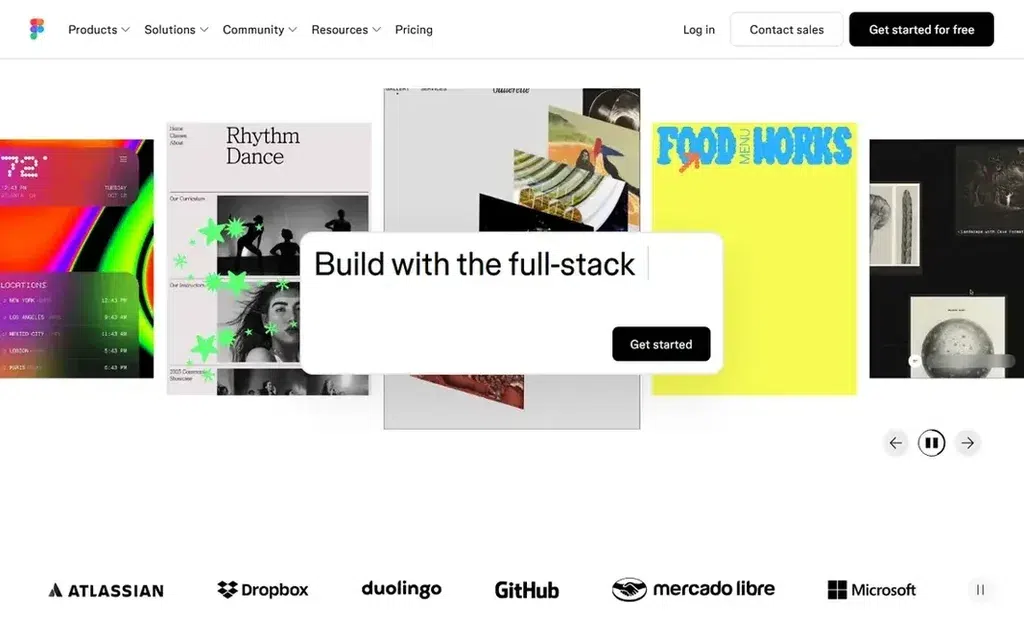
Pick Figma if this describes you: collaborative design and shared component libraries. For design system work, that means components, styles, and prototypes can live alongside the design files they serve. Worth adding: choose Figma when design work and system components should stay close together.
Also, the breadth of the canvas is also its primary challenge: as libraries and files grow, naming, structure, and permissions need deliberate governance. Teams that only have to document an existing system in code may find a dedicated documentation platform more focused. Figma pricing: $3 per month. As for free access: Not stated.
Where it is weaker: Complicated files can feel heavy.
- Supports concept-to-production workflows
- AI in one canvas
- Large libraries need careful organization
Our selection method
LinkVetted looked at what each vendor publishes: pricing, plan limits, feature coverage for UI/UX software with design system support and stated drawbacks. No hands-on testing is claimed. Prices and plan limits come from vendor pages and can change, so confirm them on the vendor site before you buy. Position on the page reflects fit for a typical buyer first, with price clarity and free access breaking ties. Treat it as a guide, not a ruling.
Before you commit
- Prices are a starting point; Figma shows $3 per month to start, so verify what your seat count would cost.
- Look at free plan limits closely: Supernova and Zeroheight have one, and the caps decide whether it is usable for real work.
- Run a trial of Sketch with real work before paying for a year; your own workflow is the best test.
- Read the limits listed for Axure RP first: steeper ramp-up time.
- Involve the people who will use Axure RP daily; a short pilot beats a long feature checklist.
- List the apps you already depend on and check that Supernova supports each one on the plan you would buy.
FAQ
What does design system support mean in an UI/UX tool?
It usually means reusable components, shared styles or tokens, and a way to document usage so teams stay consistent. The right mix relies on whether your source of truth is design files or code.
What is the cheapest option for UI/UX software with design system support in this list?
On published monthly entry prices, Figma is the lowest here at $3 per month. Entry price is only part of the cost, because seats, add-ons and billing terms can change the total. Each of the 5 options in this UI/UX software with design system support guide has its own card above with the price, free plan and limits.
Is Axure RP the right pick for everyone comparing UI/UX software with design system support?
No single tool suits every team. Axure RP comes first because it fits detailed prototypes and written specifications, while Sketch suits designer-focused workflows with symbols and handoff and Supernova suits connecting tokens, components, and documentation. Match the tool to your own size, budget and workflow before deciding.
Which options for UI/UX software with design system support have a free plan?
Supernova and Zeroheight offer a free plan in this list. Free plans usually cap users, projects or features, so check the limits on the vendor page. One other tool offers a trial instead.
How should a small team choose among these tools?
Start with the workflow you already have: designers may prefer a collaborative canvas, whereas engineering-led teams may lean toward component tooling. Then check whether documentation needs are covered or need a separate product.
Can I try these tools before paying?
Often, yes. Supernova and Zeroheight have a free plan and Sketch offers a free trial. Use your own data and a real task during the test, and check what the free tier or trial limits before you rely on it.
Sources
- https://www.axure.com
- https://www.sketch.com
- https://www.supernova.io
- https://zeroheight.com
- https://www.figma.com