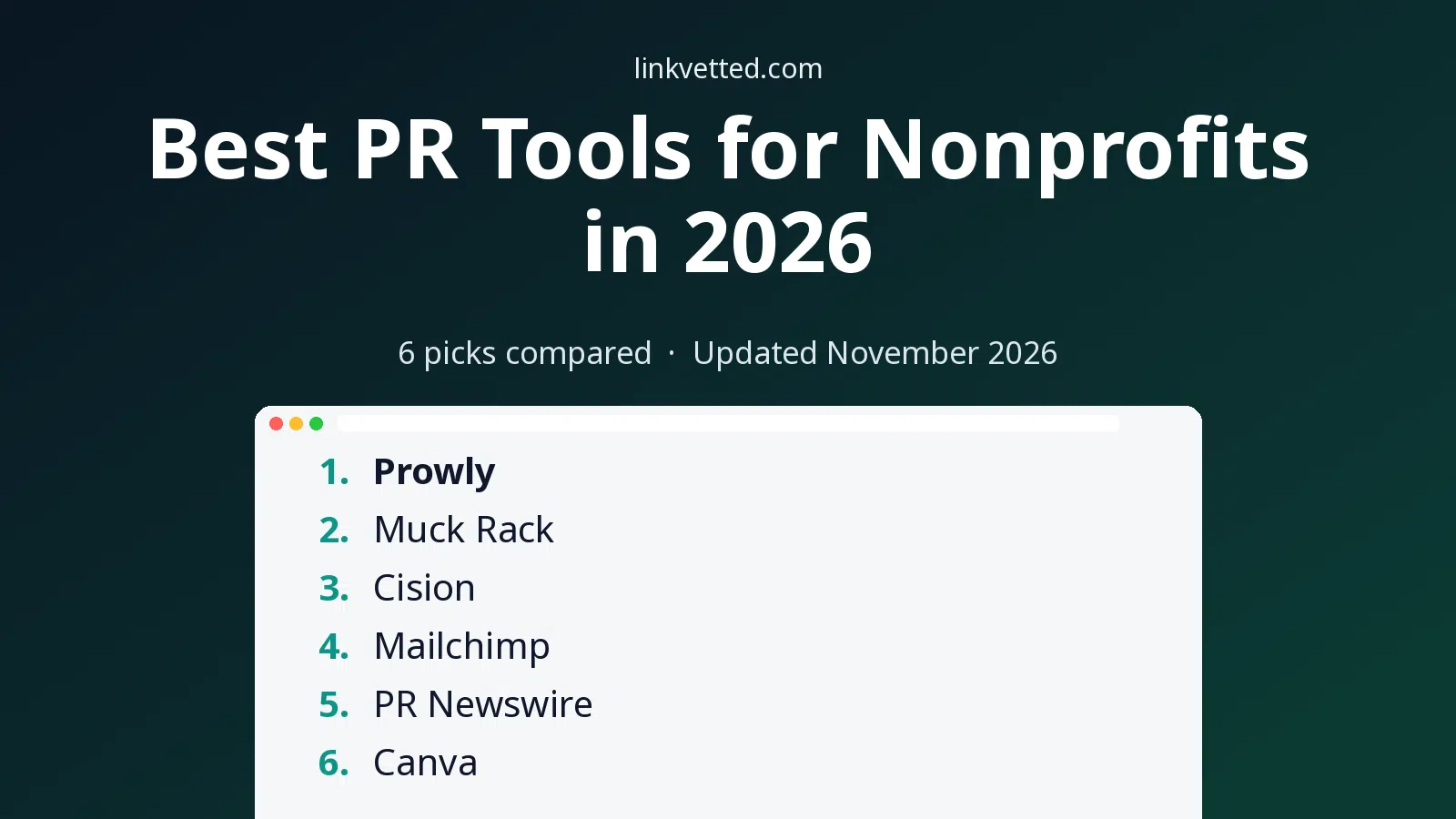
Best PR Tools for Nonprofits in 2026: 6 Tools Compared
A practical guide to the best PR tools for nonprofits in 2026, compared from vendor documentation and public sources, with limits and buying checks.
- Editor's choice
 Prowly
Media database and newsroom in one
Starts atSee websiteVisit prowly.comFull review - Great alternative
 Muck Rack
Tracking earned media coverage
Starts atSee websiteVisit muckrack.comFull review - Also consider
 Cision
Large communications departments
Starts atSee websiteVisit cision.comFull review
Direct answer
My first pick for most nonprofits is Prowly, because its media database, newsroom and campaign tracking sit in one place and suit a small communications team. For teams that mostly send email pitches, Mailchimp is a low-friction option. If earned media coverage is the main goal, Muck Rack fits larger communications departments. I compared these from vendor documentation and public sources, not hands-on tests.
TL;DR:
- Nonprofits usually need a media contact database, a press release workflow and simple reporting more than advanced analytics.
- Free and low-cost tiers matter, so check what each vendor actually includes before you commit a budget line.
- A hosted newsroom can replace a separate press page and keeps published releases in one place.
- Email tools work well for newsletters and pitches but usually lack a built-in journalist database.
- Budget approval is easier when you can show a clear workflow and a short reporting view to your board.
Last checked November 2026. Plan prices are not quoted in this guide because they change often; see each vendor's own pricing page for current figures before you buy.
Quick comparison
| Tool | Best for | Starts at | Free plan? | |
|---|---|---|---|---|
| Prowly | Media database and newsroom in one | See website | Free trial | Visit |
| Muck Rack | Tracking earned media coverage | See website | Not stated | Visit |
| Cision | Large communications departments | See website | Not stated | Visit |
 Mailchimp | Email pitches and newsletters | See website | Free plan | Visit |
 PR Newswire | Distributing press releases widely | See website | Not stated | Visit |
 Canva | Visual assets for campaigns | See website | Free plan | Visit |
The best PR tools for nonprofits compared
I put this list together from vendor documentation and public sources, and I did not run hands-on tests of each product. I looked at what each tool is built for, how it fits a nonprofit communications workflow, and where it falls short. The picks below are ordered by how well they suit a small team that has to do media outreach alongside fundraising and program work.
Prowly is a PR platform that combines a media contact database, a newsroom you can publish to, and tools for sending and tracking pitches. For a nonprofit with one or two people handling communications, that combination means you do not have to stitch together a spreadsheet of journalists, a separate press page and an email tool. It fits organizations that send pitches regularly and want their published releases in one hosted place.
In a nonprofit workflow, Prowly helps you build a list of journalists who cover your cause, send a pitch, and see who opened it or clicked through. The newsroom gives you a stable URL to share with reporters and donors, and you can add releases as campaigns happen. That is useful when a program launch or annual report needs a press page without asking a web developer.
The limit is cost and depth. The full media database sits behind paid plans, and if your team sends only a handful of pitches a year, a simpler email tool may be enough. Skip it if you have no one to maintain the contact list and newsroom.
- Media database with contact details
- hosted newsroom for releases
- campaign tracking in one place
- Full media database needs a paid plan
- less useful if you only send occasional emails
Muck Rack is a PR platform centered on journalist profiles, media monitoring and coverage tracking. It is often used by communications teams that need to follow what is being written about their organization and the issues around it. For a nonprofit working on a public campaign, that monitoring view can help you see which outlets pick up your story and which reporters return to the topic.
The workflow suits teams that pitch regularly and want a record of who they contacted and what coverage resulted. You can build lists from journalist profiles, log outreach, and pull coverage into reports for a board or funder. That reporting angle matters for nonprofits that have to show communications results alongside program outcomes.
The main drawback is fit. Muck Rack is designed with larger PR departments in mind, and a small nonprofit may find more features than it can use. Check whether the plan you can afford includes the monitoring and database access you actually need before committing.
- Large journalist profiles
- media monitoring and coverage reports
- pitch and relationship tracking
- Built for larger PR teams
- pricing is not aimed at small budgets
Cision is one of the long-running PR software companies, offering a media database, press release distribution and media monitoring. It is built for communications departments that manage many contacts and campaigns at once. A larger nonprofit with a dedicated PR function, or one that runs national campaigns, is the kind of organization this fits.
For nonprofit use, Cision can support a structured outreach program: building media lists, distributing releases, and tracking coverage. If your organization already has a communications plan with regular announcements, the breadth of the platform can cover most of the workflow in one vendor relationship.
The limits are practical. Setup takes time, the platform is aimed at bigger teams, and a one-person communications office may not get value from the full feature set. Skip it if your outreach is occasional or your budget is tight.
- Broad media database
- press release distribution
- monitoring and analytics
- Setup and cost suit bigger teams
- overkill for a single communicator
Mailchimp is an email marketing platform, not a dedicated PR tool, but it earns a place here because many nonprofits already use it for donor and supporter email. You can use it to send a press-style update to a small list of local reporters or partners, and to run the newsletter that keeps your community informed between campaigns.
The workflow is simple: build a list, write an email, schedule it, and look at opens and clicks. For a nonprofit without a PR platform, that is a workable way to manage a media list of local contacts and send updates when something happens. It also keeps your supporter communications and media updates in one account.
The limit is that Mailchimp has no journalist database and no media monitoring. You have to build and maintain the contact list yourself, and reporting is email-focused. Skip it if you need coverage tracking or a large media database.
- Familiar email builder
- list management and scheduling
- free plan to start
- No built-in journalist database
- not designed for media relations
PR Newswire is a press release distribution service. You write a release, choose a distribution scope, and the service sends it to media outlets and online destinations. For a nonprofit announcing a major milestone, a partnership or an annual report, distribution can put the release in front of outlets beyond your own list.
The nonprofit use case is specific: you have news worth distributing and you want reach beyond your existing contacts. The service handles formatting and sends the release out, which saves time for a small team. It works best as part of a plan that also includes direct outreach to reporters who cover your issue.
The drawback is that distribution is not the same as coverage. Costs add up if you send releases often, and a release without a strong story will not get picked up. Skip it for routine updates and save it for announcements that justify the spend.
- Wide distribution network
- release formatting support
- multimedia options
- Distribution costs add up
- results depend on the story
Canva is a design tool, and I include it because PR for nonprofits is not only text. A campaign needs social graphics, a press kit cover, a one-page fact sheet and visuals for a newsroom. Canva gives a small team templates it can edit without a designer, which keeps campaign assets moving when there is no budget for agency design work.
In a PR workflow, Canva sits beside your outreach tools. You make the visual assets, then use them in pitches, on your newsroom and in social posts that support the campaign. The free plan covers basic needs, and shared folders help a small team keep files in one place.
The limit is that Canva does not manage media contacts, send pitches or track coverage. It is a supporting tool, not a PR platform. Skip it if you already have design support and only need outreach software.
- Templates for social and press assets
- easy editing without design skills
- free plan to start
- Not a PR or media database tool
- brand consistency needs care
How I chose
I chose these tools by reading vendor documentation and public sources, and by matching each product to the way a nonprofit communications team actually works. I did not run hands-on tests, so I am not reporting first-hand performance. Instead, I looked at what each vendor says the product does, which parts of a PR workflow it covers, and where the documentation points to limits that matter for a small team.
The second part of the method was fit and limits. A tool that suits a national charity with a communications department is not the same as one that suits a local group with a volunteer handling press. I weighed whether each product covers media contacts, release publishing, distribution or reporting, and I noted where a product is clearly outside its purpose. Budget approval also shaped the list, since nonprofits often need to justify a subscription to a board.
What to check before you buy
- Confirm whether the plan you can afford includes media database access, not just email sending.
- Ask whether a hosted newsroom is included or costs extra, and whether you can use your own domain.
- Check how many users can log in, since a nonprofit may share one account across staff and volunteers.
- Look for nonprofit discounts or eligibility programs on the vendor's site, and ask sales directly.
- Test the reporting view: can you export a simple coverage or open-rate summary for a board report?
- Check the contract term and cancellation terms before you commit a budget line for the year.
FAQ
Do nonprofits need paid PR tools?
Not always. If your outreach is occasional and your media list is small, an email tool and a press page may be enough. Paid PR tools make more sense when you pitch regularly, need a media database, or have to report coverage to a board or funder. Start with the workflow you actually run, then match a tool to it.
Is there a free option for nonprofit PR?
Some tools offer free plans or free trials, and several vendors run nonprofit programs. Availability changes, so check each vendor's site and ask sales whether your organization qualifies. A free email plan plus a hosted newsroom can cover basic needs before you pay for a media database.
What is the difference between PR software and email marketing software?
PR software usually includes a media contact database, pitch tracking and coverage monitoring. Email marketing software focuses on building lists and sending campaigns to supporters. Some nonprofits use both: email for donors and newsletters, PR software for media outreach. Check which one covers the contacts you actually need.
Can a small nonprofit manage PR without a dedicated press officer?
Yes, with a simple process. Keep a short media list, send updates when there is real news, and publish releases to a newsroom page. A tool that combines contacts, sending and a newsroom reduces the number of accounts to manage. The main requirement is someone who can maintain the list and follow up.
How do I get budget approval for a PR tool?
Show the workflow and the reporting you need. A short note that explains which contacts you will reach, what you will publish, and how you will report results to the board is usually more persuasive than a feature list. Ask vendors about nonprofit eligibility and contract terms before you submit the request.
Sources
- https://prowly.com
- https://muckrack.com
- https://www.cision.com
- https://mailchimp.com
- https://www.prnewswire.com
- https://www.canva.com
Related guides
- Best Capital Campaign Software for Nonprofits (2026): 5 Picks Checked on Vendor Pages
- Choosing Client Portal Software for Nonprofits in 2026: 5 Options Compared
- 6 Best Collaborative Document Editing Software for Nonprofits for 2026, Vetted and Compared
- Best Donation Button Software for Small Nonprofits (2026): 6 Picks Checked on Vendor Pages