Top 6 Platforms for Freelance Graphic Designers for 2026 (Prices and Free Plans)
Need the best platforms for freelance graphic designers? We compare 6 tools on cost, free access and who each suits. Short verdicts, no fluff. Details below.
- Editor's choice
 Procreate
IPad drawing and animation
Starts atSee websiteVisit procreate.comFull review - Great alternative
 CorelDRAW
Vector, illustration and technical drafting
Starts atSee websiteVisit coreldraw.comFull review - Also consider
 Affinity Designer
Precise vector work without subscriptions
Starts atSee websiteVisit affinity.serif.comFull review
Direct answer
Procreate is the first pick on this list for iPad drawing and animation. Listed starting prices: Figma from $3 per month and Sketch from $12 per editor per month. Look at CorelDRAW for vector, illustration and technical drafting, and at Affinity Designer for precise vector work without subscriptions. The remaining 3 options are covered below with prices and limits.
TL;DR:
- Procreate takes the first slot, best suited to iPad drawing and animation.
- Neither Procreate nor Adobe Illustrator, nor any of the other 4 tools, has a permanent free plan; trials and quotes are the norm.
- Adobe Illustrator is the one to check for professional vector design and illustration.
- Starting prices begin at $3 per month with Figma.
- What to know about Procreate first: iPad only, no desktop version.
Last checked November 2026. Prices and plan details were read from the vendors' own pages in November 2026; vendors change plans often, so confirm the current price on the vendor site before you buy.
Quick comparison
| Tool | Best for | Starts at | Free plan? | |
|---|---|---|---|---|
| Procreate | IPad drawing and animation | See website | Not stated | Visit |
| CorelDRAW | Vector, illustration and technical drafting | See website | Not stated | Visit |
| Affinity Designer | Precise vector work without subscriptions | See website | Not stated | Visit |
 Figma | Collaborative design and client handoff | $3 per month | Not stated | Visit |
 Sketch | Mac-based design and prototyping | $12 per editor per month | Free trial | Visit |
 Adobe Illustrator | Professional vector design and illustration | See website | Not stated | Visit |
The best platforms for freelance graphic designers
LinkVetted put together this guide to platforms for freelance graphic designers for readers who want a clear shortlist without reading every vendor page. It compares 6 tools on starting price, free plans, who each one suits and where each one falls short.
Procreate serves iPad drawing and animation. Freelance illustrators use it for sketching, digital painting and animation frames with direct stylus control.
What to check first: Not designed for layout or vector production.
Worth adding: Procreate is iPad-only and does not replace desktop vector or layout software for print production. No starting price is listed for Procreate here; confirm pricing on the vendor site. As for free access: Not stated.
- Aimed at iPad touch workflow
- Straightforward one-time purchase model
- IPad only, no desktop version
CorelDRAW is designed for vector, illustration and technical drafting. CorelDRAW offers professional graphic design software with vector, technical illustration and CAD choices for logos, posters, drafting and prototypes.
Drawbacks to consider: Interface can feel dated to new users.
Where it shines: Long-standing professional toolset.
Cross-team collaboration is less fluid than in browser-first systems. This comparison lists no price for CorelDRAW; ask the vendor. Free plan details: Not stated.
- Posters and prototypes
- Fits logos
- Windows-centric heritage
Affinity Designer works best for precise vector work without subscriptions. Affinity Designer has a smaller ecosystem of plugins and templates than some rivals, and collaboration happens through exported files instead of a shared canvas.
Limits to weigh: Smaller plugin and template ecosystem.
From a buyer's view, freelancers who want a capable vector tool without an ongoing subscription commonly shortlist it. It deals with logo work, illustration and layout assets, and its desktop focus fits solo designers who handle their own files. No starting price is listed for Affinity Designer here; confirm pricing on the vendor site. Free plan details: Not stated.
- One-time purchase model
- Made for precision and speed
- Fewer collaboration features
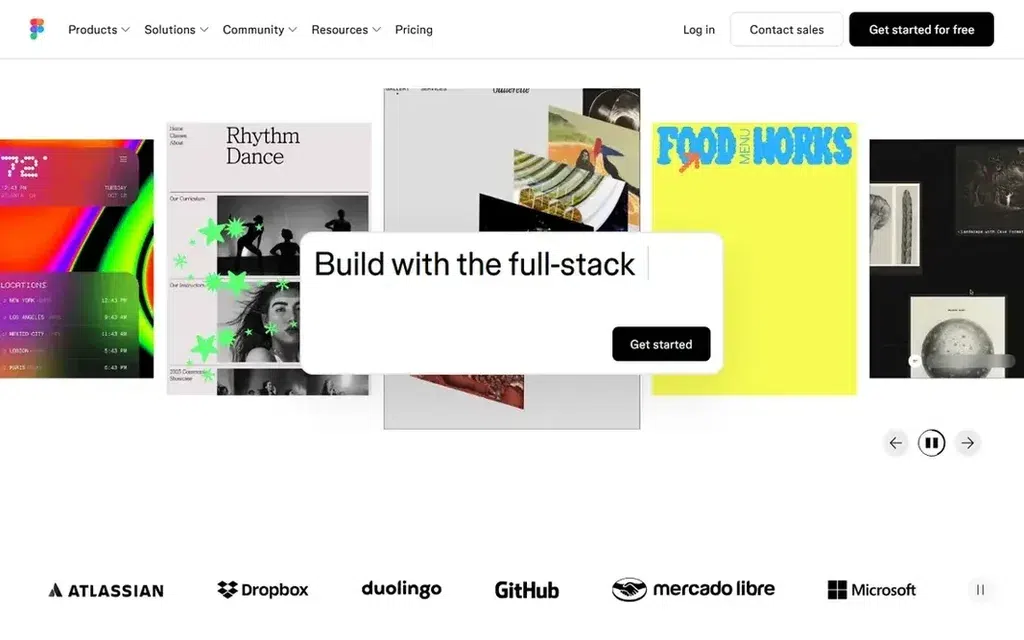
Figma serves collaborative design and client handoff. It suits designers who work on interfaces, marketing assets and multi-stakeholder projects where feedback cycles are frequent.
Points against: Vector illustration depth below dedicated apps.
Where it shines: Live collaboration in one canvas. For everyday use, pick Figma when collaboration and smooth handoff outweigh deep illustration features. Figma pricing: $3 per month. Free access: Not stated.
- Solid sharing and handoff workflow
- Bridges design
- Needs a stable connection for best results
Think of Sketch for Mac-based design and prototyping. Choose Sketch if your clients and workflow live in the Apple ecosystem and you value a focused design environment.
Strengths: focused interface.
Downsides: Mac-only product.
Beyond that, Sketch is a design, prototyping and handoff tool built by designers for designers, with a focus on keeping attention on the work itself. Its collaborative reach is narrower than browser-based canvases. Price to start with Sketch: $12 per editor per month. As for free access: Free trial.
- Design
- Made by designers for designers
- Smaller cross-platform collaboration reach
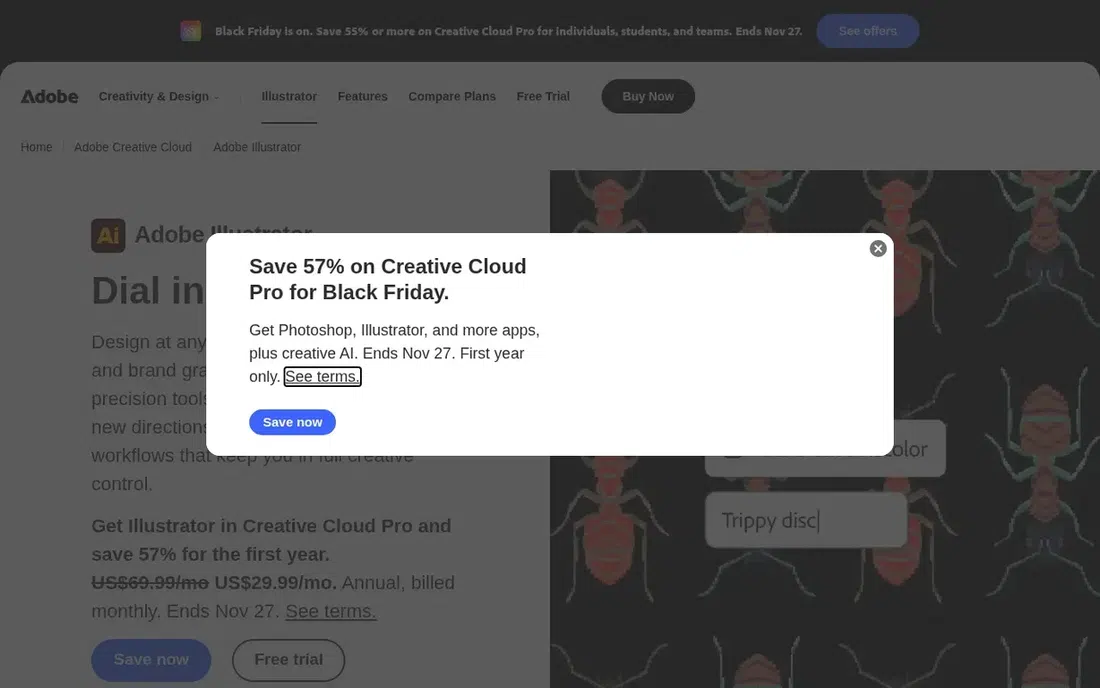
Where Adobe Illustrator fits: professional vector design and illustration. Its homepage flags generative AI that transforms a text prompt into a fully editable vector graphic, which can accelerate concept exploration.
The main drawbacks: Ramp-up time for beginners.
As for the details, freelancers on tight budgets or occasional design work may prefer a one-time purchase tool or a more straightforward browser editor. Worth adding: choose Illustrator when vector precision and industry-standard compatibility matter most. Pricing for Adobe Illustrator is not stated here, so ask the vendor for current figures. On free options: Not stated.
- Industry-standard vector toolset
- Wide file format support
- Subscription-based access
How we chose
Selection started from tools commonly considered for platforms for freelance graphic designers, then narrowed to 6 that have clear pricing information or a clear quote process. Plan names, prices and limits change often. Treat the figures here as a starting point and verify them with the vendor. We ordered the tools by general fit, then by how clearly pricing is shown, then by free access. A buyer with unusual needs may reorder them.
Things to verify first
- Confirm the entry price on the vendor page. For Procreate, CorelDRAW, Affinity Designer and Adobe Illustrator that means a quote rather than a fixed price.
- Use real work to test the free trial from Sketch, rather than a demo project.
- Before choosing Procreate, weigh its main limit: iPad only, no desktop version.
- Ask Affinity Designer about contract length, onboarding fees and user minimums before you sign.
- Confirm that Figma connects to the apps your team already uses, on the plan you would actually buy.
FAQ
Do I need more than one design platform as a freelancer?
A vector editor manages logos and print files, a collaborative canvas manages client feedback, and an iPad app includes illustration. Choose based on the mix of work in your portfolio.
What is the cheapest option for platforms for freelance graphic designers in this list?
On published monthly entry prices, Figma is the lowest here at $3 per month. Entry price is only part of the cost, because seats, add-ons and billing terms can change the total. Each of the 6 options in this platforms for Freelance Graphic designers guide has its own card above with the price, free plan and limits.
Is Procreate the right pick for everyone comparing platforms for freelance graphic designers?
No single tool suits every team. Procreate comes first because it fits iPad drawing and animation, while CorelDRAW suits vector, illustration and technical drafting and Affinity Designer suits precise vector work without subscriptions. Match the tool to your own size, budget and workflow before deciding.
Do these tools publish their prices?
Not all of them. Procreate, CorelDRAW, Affinity Designer and Adobe Illustrator publish no starting price, so expect a quote request for those. The rest, Figma included, show a starting price, though seats and billing terms still change the final cost.
Can I try these tools before paying?
Often, yes. Sketch offers a free trial. Use your own data and a real task during the test, and check what the free tier or trial limits before you rely on it. All 6 picks in this platforms for Freelance Graphic designers comparison list a starting price, free plan details and the main limits on their cards above.
Sources
- https://procreate.com
- https://www.coreldraw.com
- https://affinity.serif.com/en-us/designer
- https://www.figma.com
- https://www.sketch.com
- https://www.adobe.com/products/illustrator.html