5 Best PC Utilities Software for 2026, Vetted and Compared
5 options for the best PC utilities software, with entry costs, free tiers and the buyer each one serves. Every profile names its biggest catch. See which fits.

- Editor's choiceNorton Utilities
Tuning plus Norton security
Starts atSee websiteVisit norton.comFull review - Great alternativeAuslogics BoostSpeed
Safe PC speed optimization
Starts atSee websiteVisit auslogics.comFull review - Also considerWise Care 365
Cleaning and speeding up Windows
Starts atSee websiteVisit wisecleaner.comFull review
Direct answer
Our first pick is Norton Utilities, best for tuning plus Norton security. Listed starting prices: CCleaner from $44.95. For a different need, Auslogics BoostSpeed covers safe PC speed optimization and Wise Care 365 covers cleaning and speeding up Windows. Details, prices and limits for the rest of the 5 tools are below.
TL;DR:
- Norton Utilities sits first on this list: tuning plus Norton security.
- CCleaner is the only tool of the 5 with a free plan.
- Check the limits for Norton Utilities before you commit: security focus can overshadow pure tuning.
- Pricing for Norton Utilities, Auslogics BoostSpeed, Wise Care 365 and IObit Advanced SystemCare is quote-based, which adds a sales step before you can compare cost.
Last checked November 2026. Prices and plan details were read from the vendors' own pages in November 2026; vendors change plans often, so confirm the current price on the vendor site before you buy.
Quick comparison
| Tool | Best for | Starts at | Free plan? | |
|---|---|---|---|---|
| Norton Utilities | Tuning plus Norton security | See website | Not stated | Visit |
| Auslogics BoostSpeed | Safe PC speed optimization | See website | Not stated | Visit |
| Wise Care 365 | Cleaning and speeding up Windows | See website | Not stated | Visit |
| IObit Advanced SystemCare | All-in-one cleanup and tuning | See website | Not stated | Visit |
 CCleaner | Straightforward cleaning and privacy | $44.95 | Yes | Visit |
Our 5 picks for PC utilities software
LinkVetted compared 5 tools for PC utilities software. The goal is a practical shortlist: published prices, free plan facts, best-fit use cases and honest limits for every entry.
Norton Utilities
Best for: Tuning plus Norton security

Norton Utilities is aimed squarely at tuning plus Norton security. Norton Utilities comes from a company whose site emphasizes antivirus, privacy, identity and advanced scam protection, with optimization positioned alongside that security lineup.
Honest limits: Overlap if you already run antivirus.
It suits people who want PC maintenance from a recognizable security vendor and who value protective features as much as speed. Pricing for Norton Utilities is not stated here, so ask the vendor for current figures. On free options: Not stated.
- Advanced threat and scam detection messaging
- Suits users already in the Norton ecosystem
- Security focus can overshadow pure tuning
Auslogics BoostSpeed
Best for: Safe PC speed optimization
Auslogics BoostSpeed serves safe PC speed optimization. It suits users who want a dedicated speed and tuning tool and who value vendor guidance on making a computer run quicker.
Also, speed claims vary by system, so check the documented features and any limitations on the vendor site before committing. No starting price is listed for Auslogics BoostSpeed here; confirm pricing on the vendor site. Free access: Not stated.
Points against: Less emphasis on privacy tools.
- Markets safe and fast speed gains
- Long-standing optimization focus
- Claims should be verified per feature
Wise Care 365
Best for: Cleaning and speeding up Windows
Wise Care 365 is aimed squarely at cleaning and speeding up Windows. The vendor's framing is practical and task-oriented. Users who want only occasional cleanup may find a more straightforward single-purpose tool simpler to manage.
From a buyer's view, Wise Care 365 is part of WiseCleaner's system utilities, which the vendor describes as tools to optimize, clean and accelerate a Windows PC. For everyday use, if you need bundled antivirus or identity protection, a security-oriented suite will handle more ground. This comparison lists no price for Wise Care 365; ask the vendor. Free access: Not stated.
What to check first: Fewer protective extras than security suites.
- Clean and accelerate focus
- Straightforward maintenance purpose
- Feature depth varies by module
IObit Advanced SystemCare
Best for: All-in-one cleanup and tuning

Think of IObit Advanced SystemCare for all-in-one cleanup and tuning. IObit Advanced SystemCare is presented as software to clean, optimize, speed up and secure a PC, with registry fixes, malware cleaning and game tuning among its stated functions.
Where it shines: Supports plenty of Windows versions.
The vendor positions it as high-performing software for speeding up a computer. No starting price is listed for IObit Advanced SystemCare here; confirm pricing on the vendor site. On free options: Not stated. Honest limits: Bundled tools vary in depth.
- Contains game optimization tuning
- Registry and malware checks
- Plenty of features can feel overwhelming
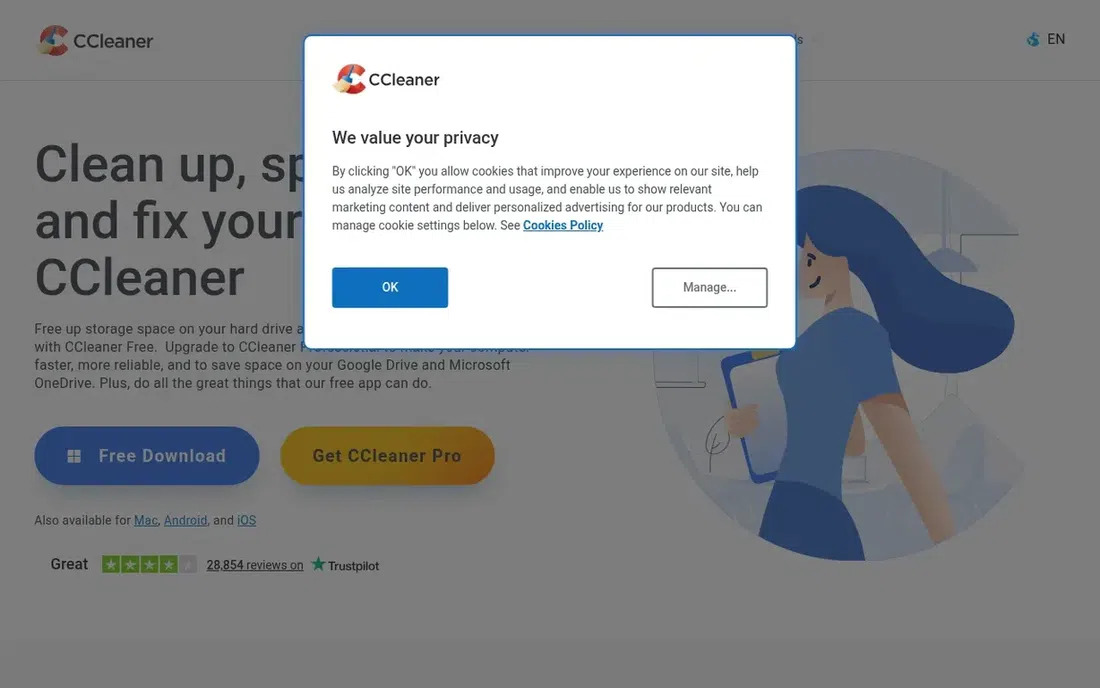
Where CCleaner fits: straightforward cleaning and privacy. The vendor describes it as a leading cleaning tool, and its straightforward scope makes it a reasonable starting point for everyday maintenance.
From a buyer's view, since CCleaner centers on cleaning instead of deep tuning, people who want registry repair, startup management and game optimization in one place may prefer a broader suite. On top of that, consider alternatives if you need bundled security features or broad system tweaking instead of periodic cleanup. CCleaner starts at: $44.95. CCleaner includes a free tier.
Where it is weaker: Advanced tuning is restricted.
- Clear focus on junk file cleanup
- Privacy protection features included
- Narrower than full optimization suites
How the list was put together
The comparison looks at four things: starting price, free access, how well the feature set matches PC utilities software, and the main limit of each tool. Seat minimums, billing terms and add-ons can move the real cost, so the starting prices here are a guide and not a quote. We ordered the tools by general fit, then by how clearly pricing is shown, then by free access. A buyer with unusual needs may reorder them.
A buyer's checklist
- Ask Norton Utilities, Auslogics BoostSpeed, Wise Care 365 and IObit Advanced SystemCare for a written quote, since no starting price is shown.
- Look at the free plan from CCleaner closely: its caps decide whether it is usable for real work.
- Read the limits listed for Norton Utilities first: security focus can overshadow pure tuning.
- Ask the daily users to test IObit Advanced SystemCare on a live task before you roll it out to everyone.
- Check whether Auslogics BoostSpeed bills monthly or annually, and what cancelling early costs.
FAQ
Can PC utilities really make an older computer quicker?
Cleaning junk files and trimming startup programs can help, but results rely on the system and its bottlenecks. Check documented features and handle expectations before buying.
Do these tools publish their prices?
Not all of them. Norton Utilities, Auslogics BoostSpeed, Wise Care 365 and IObit Advanced SystemCare publish no starting price, so expect a quote request for those. The rest, CCleaner included, show a starting price, though seats and billing terms still change the final cost.
Should I pick an utility with built-in security?
If you already run separate antivirus software, a standalone optimizer may avoid overlap. Compare features to prevent paying twice for similar functions.
Which options for PC utilities software have a free plan?
CCleaner is the only tool in this list with a free plan. Free plans usually cap users, projects or features, so check the limits on the vendor page. Each of the 5 options in this PC utilities software guide has its own card above with the price, free plan and limits.
What should PC utilities software actually do?
Most suites clean temporary files, run startup items and tune settings to boost everyday performance. Some add registry repair, privacy cleaning or security features.
How are the tools for PC utilities software ordered?
Norton Utilities sits first and CCleaner last because the order follows typical fit for PC utilities software, then price clarity and free access. It is a judgement call, so read each profile for fit and limits.
Sources
- https://www.norton.com
- https://www.auslogics.com
- https://www.wisecleaner.com
- https://www.iobit.com
- https://www.ccleaner.com