Best Clipping Software for PC in 2026: 8 Tools Compared
Compare the best clipping software for PC in 2026, from Medal and Outplayed to OBS, ShadowPlay, and Xbox Game Bar, with features and limits for PC gamers.

- Editor's choice
 Medal
All-round clipping and sharing
Starts atFreeVisit medal.tvFull review - Great alternative
 Outplayed
Free auto-clipping
Starts atFreeVisit overwolf.comFull review - Also consider
 OBS Studio
Recording and streaming
Starts atFreeVisit obsproject.comFull review
TL;DR:
- Medal is the best all-round pick for most PC players, thanks to auto-clipping, editing, and share links.
- Outplayed and SteelSeries Moments are strong free alternatives, especially for supported games.
- OBS Studio is best for full recording and streaming, not just short clips.
- NVIDIA ShadowPlay and Xbox Game Bar cost nothing extra if you already have the hardware or Windows.
- Check whether your game supports auto-clipping before you choose, since that feature varies by title.
Quick comparison
| Tool | Best for | Starts at | Free plan? | |
|---|---|---|---|---|
| Medal | All-round clipping and sharing | Free | Yes | Visit |
| Outplayed | Free auto-clipping | Free | Yes | Visit |
| OBS Studio | Recording and streaming | Free | Yes | Visit |
 NVIDIA ShadowPlay | NVIDIA owners | Free | Yes | Visit |
 Xbox Game Bar | Built-in Windows clipping | Free | Yes | Visit |
 SteelSeries Moments | SteelSeries users and auto-clips | Free | Yes | Visit |
 Bandicam | High-quality manual recording | See website | Free trial | Visit |
 Insights Capture | Automatic highlights and review | See website | Free trial | Visit |
The best clipping software for PC
We compared official feature pages, pricing pages, and public reviews, and we focused on instant replay, auto-clipping, editing, sharing, and performance impact on a gaming PC.
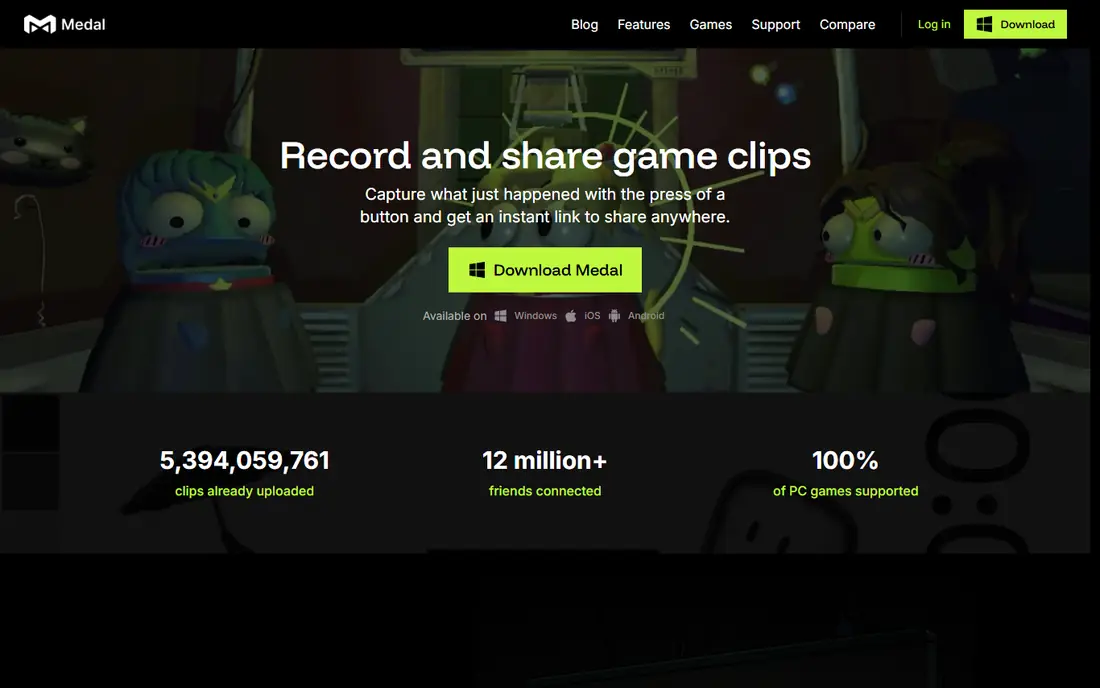
Medal is our pick for most PC players because it covers the full clip workflow in one app. It can save highlights automatically in supported games, or save the last seconds of play with a hotkey when something unexpected happens. The built-in editor handles trimming, text, and effects, and each clip gets a link that plays well in Discord and social apps.
The main limits are platform and performance. Medal on desktop is Windows only, and background recording can cost a few frames on weaker systems, so test the settings on your own hardware. For most players who want clips ready to share quickly, those trade-offs are worth it.
- Auto-clipping in many supported games
- Instant replay with a hotkey
- Built-in editor and share links
- Desktop app is Windows only
- Some users report frame drops with background recording on
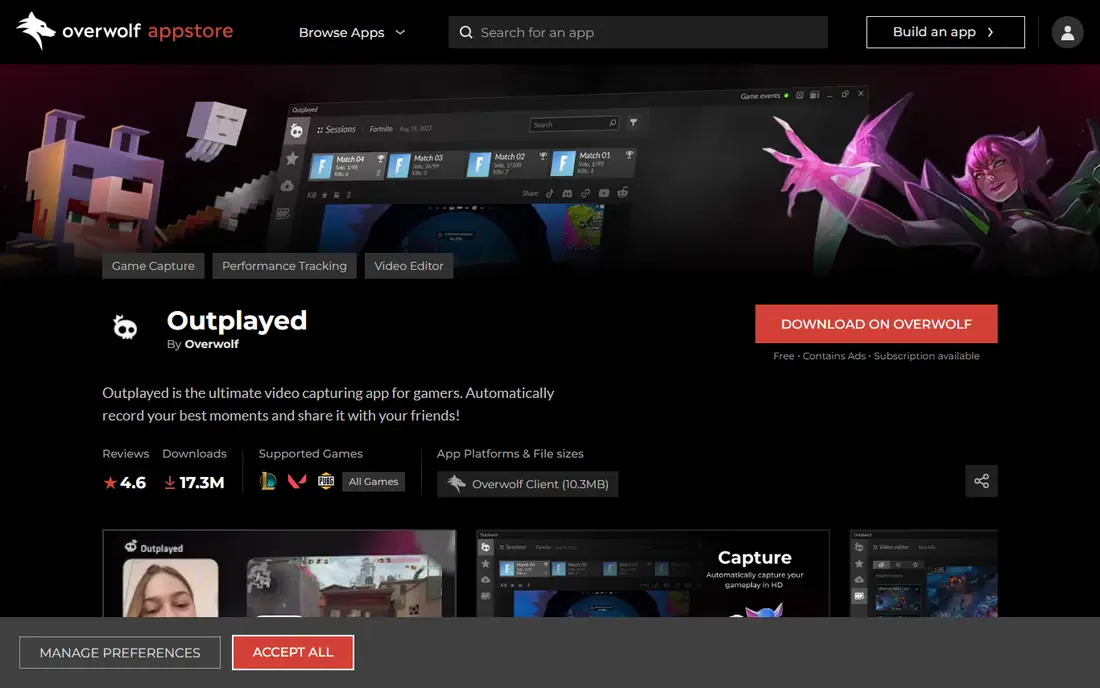
Outplayed, built on Overwolf, is a strong free alternative to Medal. It records gameplay automatically when it detects events in supported titles, and it also supports manual hotkey clips for other games. Recordings save as standard video files, and the built-in editor covers trimming and simple montages.
The Overwolf layer is the main sticking point, since some players prefer a standalone app and worry about extra background software. The editor is also simpler than Medal, so polished social edits may need a separate editor. For free, reliable auto-clipping, though, Outplayed is hard to ignore.
- Free with automatic event detection in supported games
- Simple editor
- Records in high resolution
- Runs on the Overwolf platform, which some players dislike
- Editor is basic compared with Medal

OBS Studio is not really a clipping app, but it belongs on this list because so many players already use it for recording and streaming. It gives full control over resolution, bitrate, scenes, and audio sources, and it records full sessions that you can cut into clips later. It is free, open source, and widely supported by guides and plugins.
What OBS lacks is automatic highlight detection. You press record, capture everything, and find the moments yourself, which takes more time than an auto-clipper. Many players solve this by running OBS for the stream or full session and a clip app such as Medal alongside it for quick highlights.
- Free and open source
- Full control over encoding, scenes, and sources
- Works on Windows, Mac, and Linux
- No built-in auto-clipping for game events
- Steeper learning curve than clip-focused apps
NVIDIA ShadowPlay, part of GeForce Experience, is the quiet option for GeForce owners. Its instant replay buffer keeps the last minutes of gameplay ready to save, and hardware encoding keeps the performance cost low. NVIDIA Highlights can also save key moments automatically in compatible games.
The limits are hardware and workflow. You need an NVIDIA card, and ShadowPlay saves files rather than giving you a polished share link or editor. If you already own a GeForce card and just want reliable replay clips with minimal fuss, ShadowPlay is an excellent free starting point.
- Low performance impact through hardware encoding
- Instant replay buffer
- Included with GeForce Experience
- Requires an NVIDIA graphics card
- Sharing and editing tools are limited compared with Medal
Xbox Game Bar is the easiest clip tool to try, because it is already on Windows. Press the shortcut, save the last 30 seconds by default, and share the file from the gallery. For casual players who clip occasionally, that simplicity is enough, and there is nothing extra to install or learn.
Serious clip makers will outgrow it quickly. There is no game-event auto-clipping, editing is basic, and background recording needs to be turned on before the moment happens. Still, as a zero-cost, zero-setup backup, Game Bar deserves a place in every PC player's toolkit.
- Built into Windows, no install needed
- Simple hotkey for the last 30 seconds
- Basic trimming and sharing
- Limited editing and auto-clipping
- Background recording must be enabled in settings
SteelSeries Moments runs quietly in the background and saves clips with a hotkey or automatically in supported games. It is designed to sit alongside a stream or recording setup without disrupting it, which makes it useful for players who already stream with OBS. Clips can be trimmed and shared without leaving the app.
The main limit is game coverage. Auto-clipping works in a defined list of titles, and other games rely on manual clips. If your main game is supported, Moments is a clean, free option. If it is not, check Medal or Outplayed for broader event detection.
- Auto-clipping in supported games
- Works alongside streaming tools such as OBS
- Simple clip and share workflow
- Auto-clip support covers a limited list of games
- Best experience pairs with SteelSeries software
Bandicam is a classic screen recorder that suits players who want clean, high-quality footage to edit themselves. It supports high frame rates, hardware encoding, and separate capture modes for games, windows, and the full desktop. Files are compact for the quality, which helps when recording long sessions.
Bandicam does not auto-detect highlights, so you record and cut manually. The free version also adds a watermark and a recording time limit, so the paid version is the realistic choice for regular use. For players who edit in a separate video editor anyway, Bandicam is a dependable capture tool.
- High frame rate recording with low file sizes
- Flexible capture modes for games and desktop
- Long track record
- No game-event auto-clipping
- Full version is paid, and the free version adds a watermark
Insights Capture focuses on finding moments after the match. It bookmarks kills, deaths, and other events in supported games, so you can review a timeline instead of scrubbing through a full recording. That review workflow suits players who want to study their play as well as share clips.
The trade-off is scope. The supported game list is smaller than the biggest rivals, and Insights Capture is a capture tool, not a streaming app. If your game is supported and you value fast review, it is worth trying. If not, Medal or Outplayed will cover more titles.
- Automatic bookmarking of kills and deaths in supported games
- Timeline review for finding moments
- Lightweight background capture
- Smaller game list than Medal or Outplayed
- Does not stream, so streamers still need OBS
How we picked these
We compared official feature pages, pricing pages, and public reviews, and we favored tools that run on PC in October 2026, support instant replay or manual clipping, and produce files that are easy to share or edit. We included free built-in options, dedicated auto-clippers, and full recorders, since different players clip for different reasons. We did not claim hands-on testing, and we treated auto-clip game lists as changing, so check the current list for your game.
How to choose clipping software
Decide between auto-clips and full recordings
Auto-clippers save time when you only want highlights, while full recorders suit streamers and editors who want the whole session. Many players run both: a clip app for highlights and OBS for the full stream or recording.
Check performance on your PC
Background recording uses CPU, GPU, and disk space, so test your chosen app in a real match before an important session. Lower the recording resolution or bitrate if you notice frame drops, and keep enough free disk space for longer sessions.
Check sharing and editing needs
If you share clips in Discord or on social apps, a tool with built-in links and editing saves time. If you edit in a full video editor, a tool that saves clean, high-quality files matters more than built-in effects.
FAQ
What is the best clipping software for PC?
Medal is the best all-round pick for most players, thanks to auto-clipping, editing, and share links. Outplayed is the best free alternative, while OBS Studio is best for full recording and streaming.
Is there free clipping software for PC?
Yes. Medal, Outplayed, OBS Studio, NVIDIA ShadowPlay, Xbox Game Bar, and SteelSeries Moments all have free tiers or are free. Paid plans mainly add longer cloud storage, extra editing, or watermark-free recording.
How do I clip the last 30 seconds on PC?
Use Xbox Game Bar, which saves the last 30 seconds by default when background recording is on, or set a similar replay buffer in Medal, ShadowPlay, or Outplayed. Enable background recording before you play, since a buffer cannot recover gameplay from before it was turned on.
Does clipping software lower game performance?
It can, especially on weaker hardware or at high recording settings. Hardware encoding, lower resolution, and shorter replay buffers reduce the impact. Test in a normal match and adjust settings if frame rates drop.
Can I use clipping software while streaming?
Yes. Many players run OBS for streaming and a clip app such as Medal, Outplayed, or SteelSeries Moments alongside it. Check CPU and GPU use, since running two recorders at once adds load.
What is the best clipping software for gaming highlights?
For automatic highlights, Medal and Outplayed lead, since they detect events in supported games. For manual highlights from a full recording, OBS Studio plus a video editor gives the most control.