5 Best PC Backup Software for Startups for 2026, Vetted and Compared
Need the best PC backup software for startups? We compare 5 tools on cost, free access and who each suits. Short, factual notes on every option. Choose faster.
- Editor's choiceVeeam Agent for Microsoft Windows
Free Windows endpoint and server backup
Starts atSee websiteVisit veeam.comFull review - Great alternative
 Cove Data Protection
Cloud data protection as a service
Starts atSee websiteVisit n-able.comFull review - Also consider
 EaseUS Todo Backup
Do-it-yourself backup for Windows and Mac
Starts atSee websiteVisit easeus.comFull review
Direct answer
Start with Veeam Agent for Microsoft Windows if you need free Windows endpoint and server backup. Listed starting prices: IDrive from $11.99 a month. Cove Data Protection is the stronger choice for cloud data protection as a service, while EaseUS Todo Backup suits do-it-yourself backup for Windows and Mac. Prices, free plans and limits for all 5 tools follow.
TL;DR:
- The list opens with Veeam Agent for Microsoft Windows, aimed at free Windows endpoint and server backup.
- Cove Data Protection comes with a trade-off: geared toward service providers.
- For the cheapest start, look at IDrive: $11.99 per month.
- Carbonite Safe fits automatic cloud backup for small teams.
Last checked November 2026. Prices and plan details were read from the vendors' own pages in November 2026; vendors change plans often, so confirm the current price on the vendor site before you buy.
Quick comparison
| Tool | Best for | Starts at | Free plan? | |
|---|---|---|---|---|
| Veeam Agent for Microsoft Windows | Free Windows endpoint and server backup | See website | Not stated | Visit |
| Cove Data Protection | Cloud data protection as a service | See website | Not stated | Visit |
| EaseUS Todo Backup | Do-it-yourself backup for Windows and Mac | See website | Not stated | Visit |
 IDrive | Consolidating plenty of devices in one account | $11.99 a month | Yes | Visit |
 Carbonite Safe | Automatic cloud backup for small teams | See website | Not stated | Visit |
The best PC backup software for startups
Short on time? The summary and table above give the quick view of 5 PC backup software for startups, and the profiles that follow give the detail behind each entry.
Veeam Agent for Microsoft Windows
Best for: Free Windows endpoint and server backup
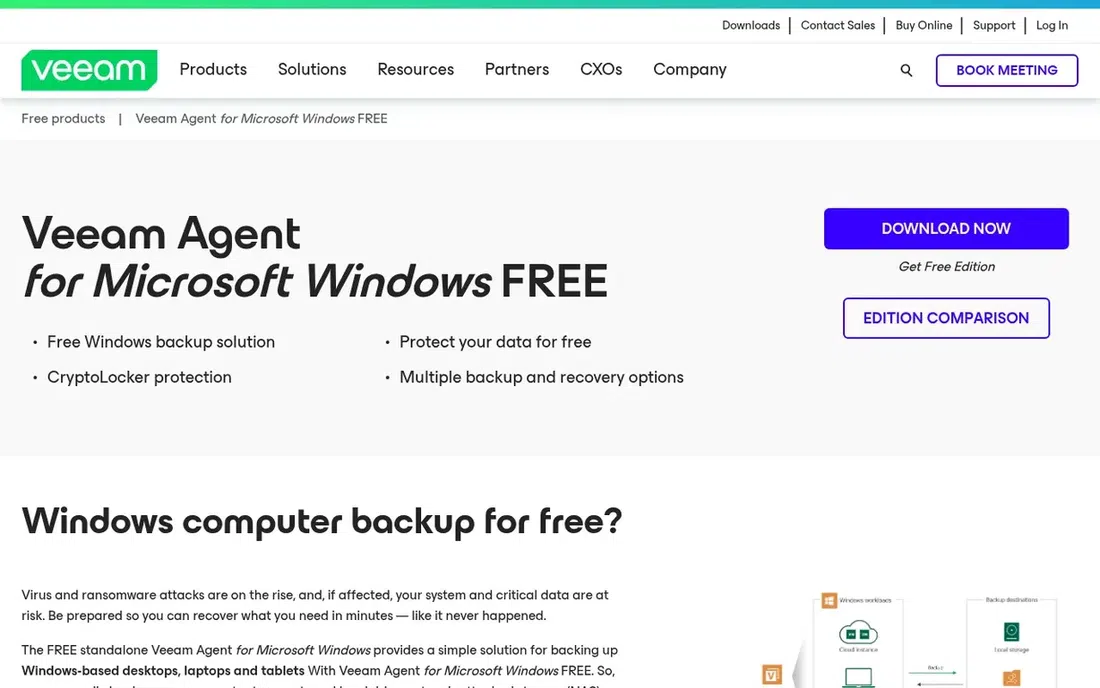
In short, Veeam Agent for Microsoft Windows is for free Windows endpoint and server backup. The agent-based approach provides teams direct control over backup jobs.
Downsides: Windows only.
It does not handle Mac or Linux endpoints, so mixed-device startups will need extra tools. In daily use, setup and management assume some familiarity with backup concepts. No starting price is listed for Veeam Agent for Microsoft Windows here; confirm pricing on the vendor site. Free access: Not stated.
- Handles desktops and servers
- Supports physical and cloud workloads
- Needs some backup knowledge
In short, Cove Data Protection is for cloud data protection as a service. Cove Data Protection is a cloud data protection service that aims to remove backup complexity and cut recovery uncertainty. The product emphasizes a safe haven for data without heavy in-house infrastructure.
The main drawbacks: May need vendor support for setup.
Startups working with a managed service provider can benefit from its service-oriented model. In practice, consider Cove when you want a service-backed approach and have provider support available. Check the vendor site for Cove Data Protection pricing; none is listed in this comparison. As for free access: Not stated.
- Cuts backup complexity
- Focus on recovery confidence
- Geared toward service providers
Think of EaseUS Todo Backup for do-it-yourself backup for Windows and Mac. EaseUS Todo Backup is data backup software for Windows PC, Server, and Mac, offering secure backup and disaster recovery for personal, home office, and enterprise users. The wide feature set may need time to configure correctly for an expanding team.
Teams wanting completely managed cloud backup may prefer a service-first tool. As for the details, EaseUS Todo Backup is a solid fit when local control and cross-platform desktop support matter. This comparison lists no price for EaseUS Todo Backup; ask the vendor. As for free access: Not stated.
Limits to weigh: Feature set can feel wide.
- Disaster recovery features
- Fits home office and enterprise
- Support depth varies by edition
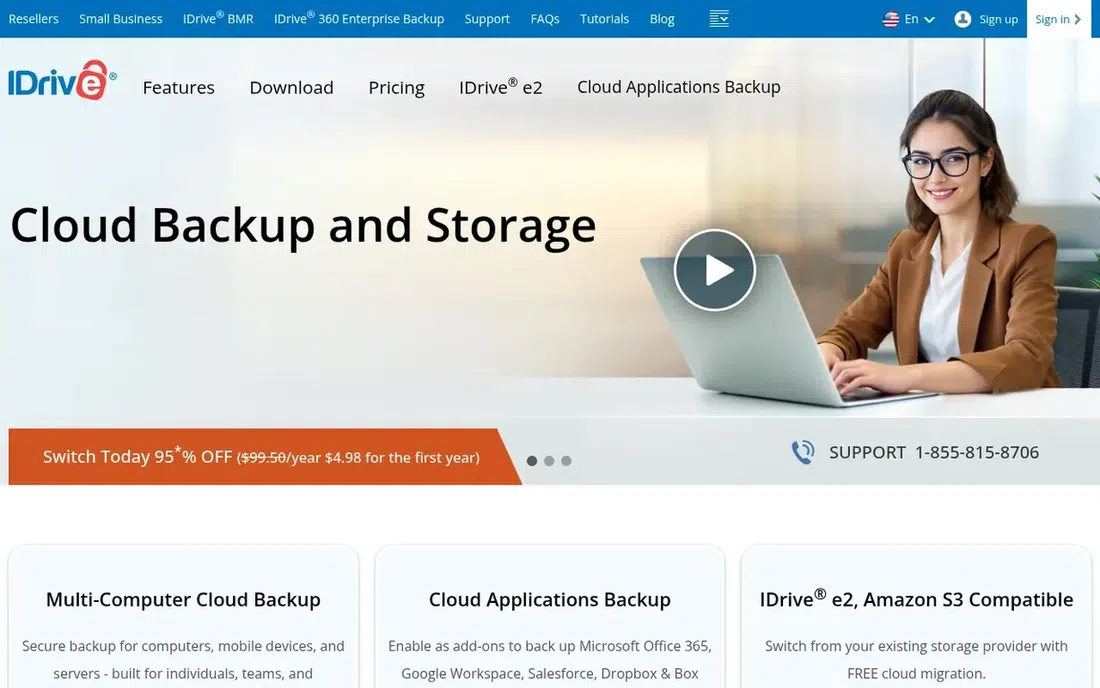
IDrive is designed for consolidating numerous devices in one account. Startups with a mix of laptops, desktops, and phones can centralize backup management.
What to check first: May be more than a small team needs.
The breadth of device support can mean some platform-specific features are less deep than dedicated tools. More specifically, teams that only need Windows endpoint backup might prefer a more straightforward or free choice. Starting cost for IDrive: $11.99 per month. You can start on IDrive without paying.
- Supports mobile devices
- Cloud backup for PCs and Macs
- Feature depth varies by product
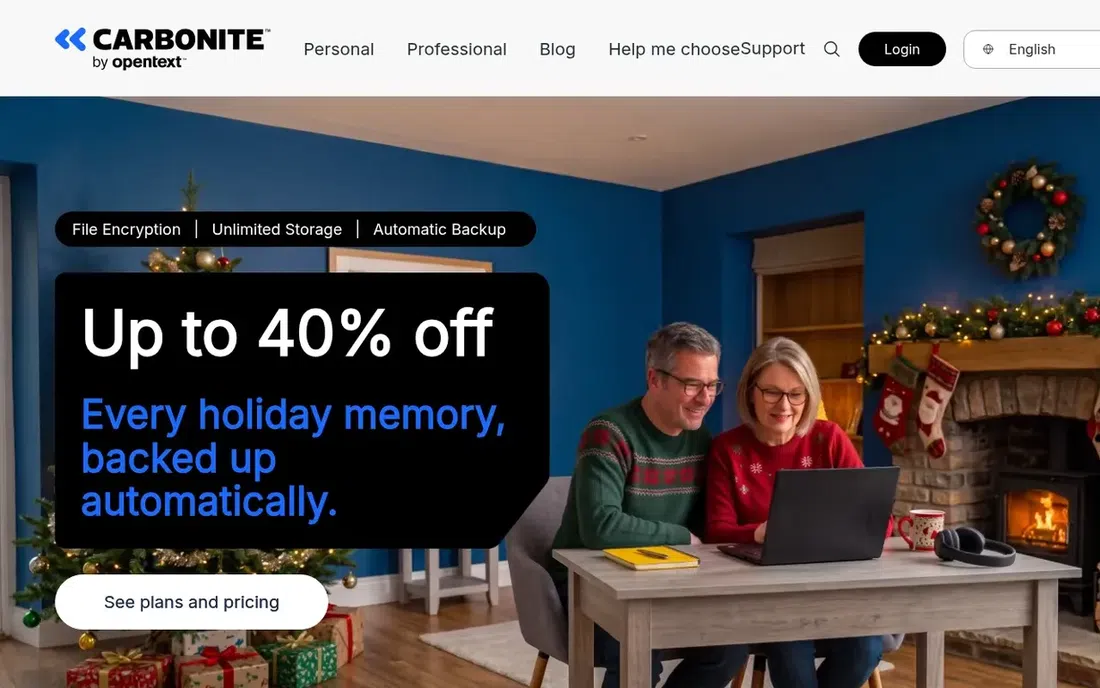
Carbonite Safe was built for automatic cloud backup for small teams. Carbonite Safe, offered by OpenText, centres on automatic backup and data protection for home and business users.
Limits to weigh: Restricted advanced controls.
Beyond that, consider other choices if you require deep endpoint control or hybrid backup workflows. Carbonite Safe does not show a starting price in this comparison, so check the vendor site for current pricing. Free access: Not stated.
- Straightforward cloud setup
- Automatic backups
- Cloud-first approach may not suit every workflow
What went into this list
Before you commit
- Confirm the entry price on the vendor page. For Veeam Agent for Microsoft Windows, Cove Data Protection, EaseUS Todo Backup and Carbonite Safe that means a quote rather than a fixed price.
- Look at the free plan from IDrive closely: its caps decide whether it is usable for real work.
- Before choosing Veeam Agent for Microsoft Windows, weigh its main limit: Windows only.
- Confirm minimum seats and billing terms with Cove Data Protection before you commit to an annual plan.
- Involve the people who will use Carbonite Safe daily; a short pilot beats a long feature checklist.
FAQ
Is free backup software enough for a startup?
Free choices like Veeam Agent for Microsoft Windows can include Windows endpoints well. Even so, free tools may lack cross-platform support or managed services, so assess whether your team needs broader device coverage or recovery assistance.
Do these tools publish their prices?
Not all of them. Veeam Agent for Microsoft Windows, Cove Data Protection, EaseUS Todo Backup and Carbonite Safe publish no starting price, so expect a quote request for those. The rest, IDrive included, show a starting price, though seats and billing terms still change the final cost.
Can I try these tools before paying?
Often, yes. IDrive has a free plan. Use your own data and a real task during the test, and check what the free tier or trial limits before you rely on it.
What is the cheapest option for PC backup software for startups in this list?
On published monthly entry prices, IDrive is the lowest here at $11.99 per month. Entry price is only part of the cost, because seats, add-ons and billing terms can change the total. Prices, free plan details and limits for all 5 tools in this PC backup software for startups roundup sit on the individual cards above.
Is Veeam Agent for Microsoft Windows the right pick for everyone comparing PC backup software for startups?
No single tool suits every team. Veeam Agent for Microsoft Windows comes first because it fits free Windows endpoint and server backup, while Cove Data Protection suits cloud data protection as a service and EaseUS Todo Backup suits do-it-yourself backup for Windows and Mac. Match the tool to your own size, budget and workflow before deciding.
How does cloud backup differ from local backup for startups?
Cloud backup guards data off-site and cuts manual tasks, whereas local backup can offer quicker restores for large files. Match the choice to your recovery time needs.
Sources
- https://www.veeam.com/windows-endpoint-server-backup-free.html
- https://www.n-able.com/products/cove-data-protection
- https://www.easeus.com/backup-software
- https://www.idrive.com
- https://www.carbonite.com