Best Backup Software for Startups for 2026: Our 5 Vetted Picks
5 best backup software for startups, with entry costs, free tiers and the buyer each one serves. Each tool gets a one-line verdict. Budget notes included.
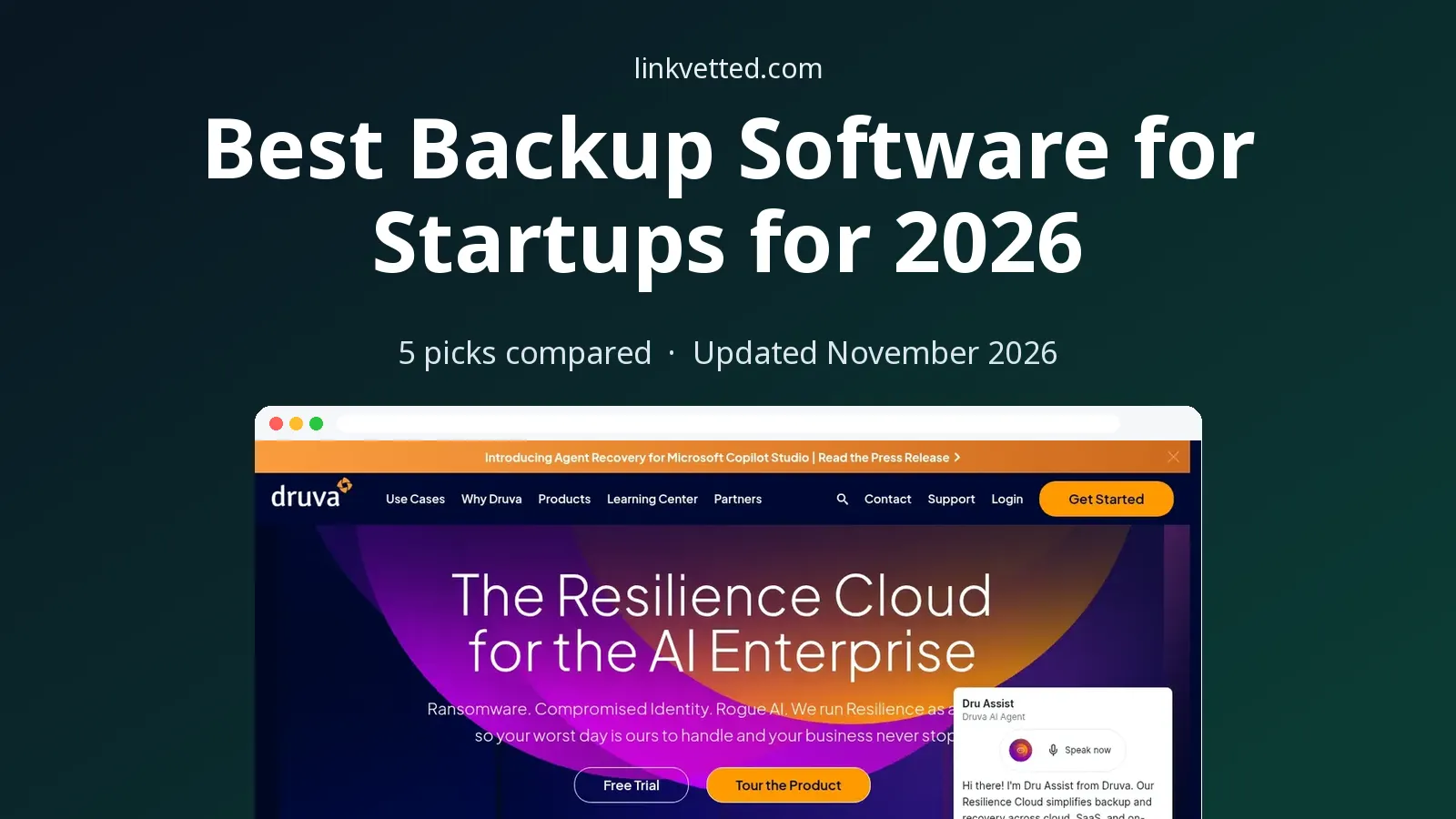
- Editor's choice
 Druva
Completely managed cloud backup
Starts atSee websiteVisit druva.comFull review - Great alternativeVeeam Backup & Replication
Cyber-resilient workload protection
Starts atSee websiteVisit veeam.comFull review - Also consider
 Carbonite
Straightforward automatic backups
Starts atSee websiteVisit carbonite.comFull review
Direct answer
This list puts Druva first for completely managed cloud backup. Listed starting prices: Backblaze from $99 per year. Alternatives: Veeam Backup & Replication for Cyber-resilient workload protection, and Carbonite for straightforward automatic backups. Prices, free plans and limits for all 5 tools follow.
TL;DR:
- The list opens with Druva, aimed at completely managed cloud backup.
- No starting price is published for Druva, Veeam Backup & Replication, Carbonite and Acronis Cyber Protect; expect a quote.
- Acronis Cyber Protect is the one to check for all-in-one backup and cybersecurity.
- Neither Druva nor Acronis Cyber Protect, nor any of the other 3 tools, has a permanent free plan; trials and quotes are the norm.
Last checked November 2026. Prices and plan details were read from the vendors' own pages in November 2026; vendors change plans often, so confirm the current price on the vendor site before you buy.
Quick comparison
| Tool | Best for | Starts at | Free plan? | |
|---|---|---|---|---|
| Druva | Completely managed cloud backup | See website | Free trial | Visit |
| Veeam Backup & Replication | Cyber-resilient workload protection | See website | Not stated | Visit |
| Carbonite | Straightforward automatic backups | See website | Not stated | Visit |
 Backblaze | Low-cost S3-compatible cloud storage | $99 per year | Free trial | Visit |
 Acronis Cyber Protect | All-in-one backup and cybersecurity | See website | Not stated | Visit |
The best backup software for startups
LinkVetted compared 5 backup software for startups. The goal is a practical shortlist: published prices, free plan facts, best-fit use cases and honest limits for every entry.
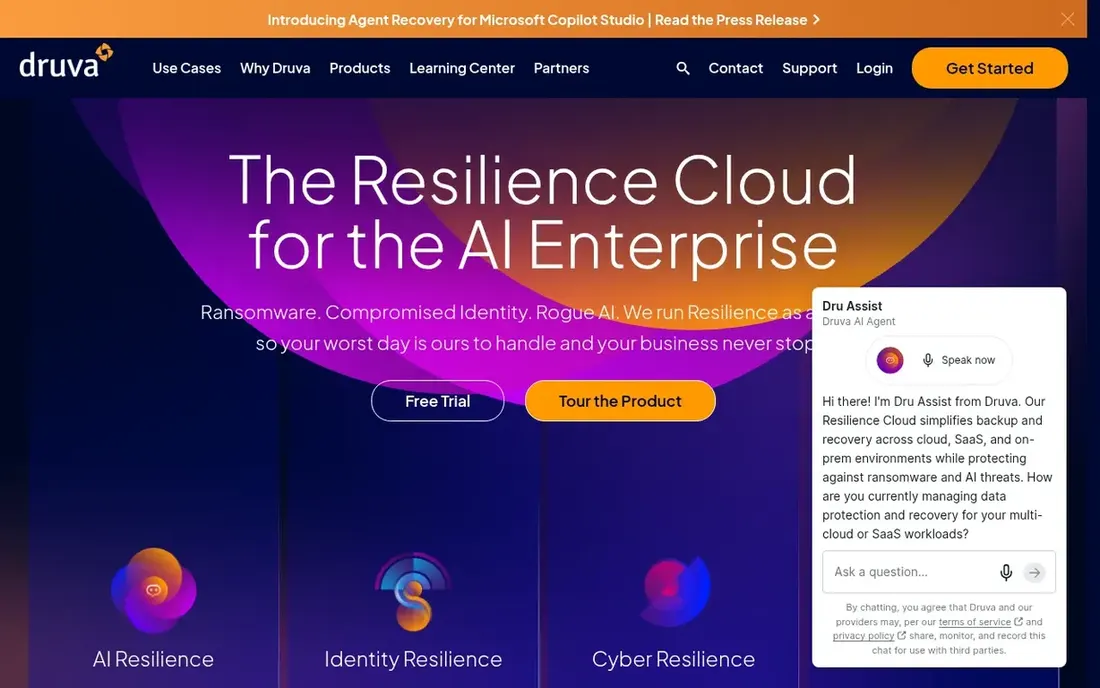
Druva is a good fit for completely managed cloud backup. Pick Druva when managed cloud delivery outweighs infrastructure control.
In daily use, teams with strict data locality or on-premises requirements may have to evaluate fit carefully. In daily use, Druva gives you an AI-powered, cloud-native SaaS system for data security, identity resilience, backup protection and quick ransomware recovery. No starting price is listed for Druva here; confirm pricing on the vendor site. Trial and free access: Free trial.
Honest limits: Less control over underlying infrastructure.
- Cloud-native SaaS delivery
- Completely managed service model
- Needs comfort with cloud dependency
Veeam Backup & Replication
Best for: Cyber-resilient workload protection
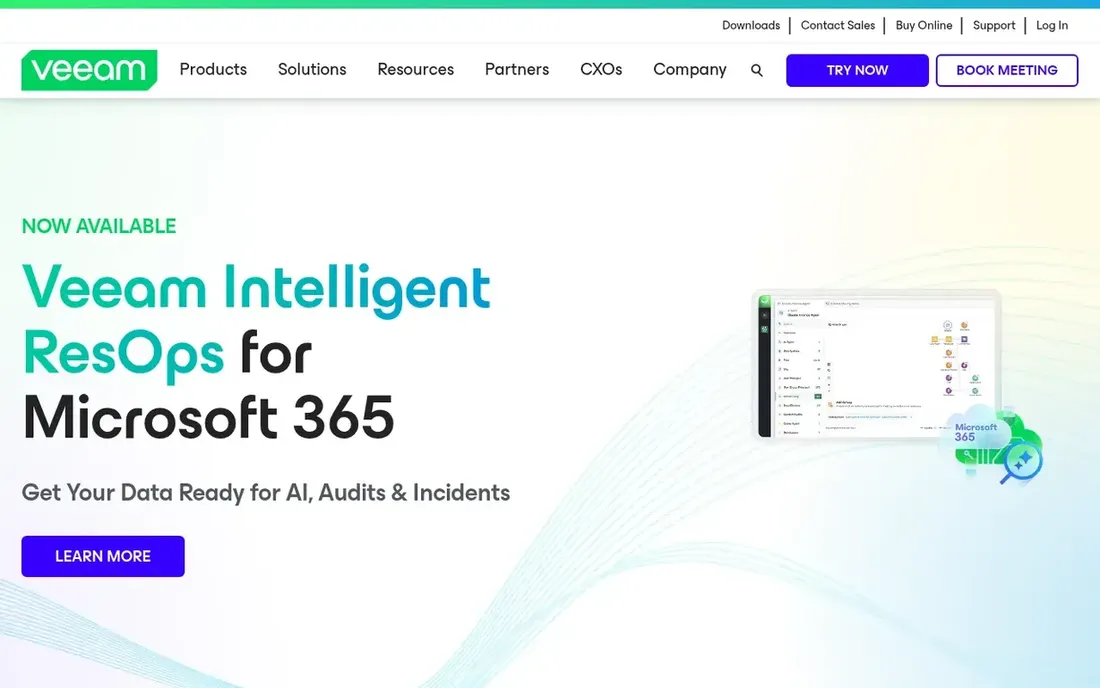
Veeam Backup & Replication is aimed squarely at Cyber-resilient workload protection. Veeam Backup & Replication is positioned around cyber-resilient options for data and AI workloads, with emphasis on seeing risk, moving data securely and staying compliant. On top of that, startups running virtualized or mixed environments and planning for growth commonly consider it since it includes many workload types and supports recovery planning.
Honest limits: Feature depth may exceed small team needs.
It also may be more than a straightforward file backup need needs. Consider it when workload breadth and resilience planning are priorities instead of entry-level endpoint backup. No starting price is listed for Veeam Backup & Replication here; confirm pricing on the vendor site. Free access: Not stated.
- Solid focus on cyber resilience
- Compliance and secure data movement
- Can need infrastructure knowledge
Carbonite was built for straightforward automatic backups. Carbonite by OpenText supplies backup and data protection for home and business, with automatic backups to protect personal and business data.
Drawbacks to consider: Less emphasis on advanced cyber features.
The offering is less centered on advanced cyber resilience and wide workload coverage than some alternatives here. Carbonite does not show a starting price in this comparison, so check the vendor site for current pricing. On free options: Not stated.
- Automatic backup for personal and business data
- Straightforward protection focus
- May lack deep workload coverage
Backblaze serves budget-friendly S3-compatible cloud storage. It suits technical teams that want straightforward cloud storage they can connect with existing tools.
It is primarily a storage product, so full backup management may need extra software on top. What you pay to start with Backblaze: $99 per year. Free options: Free trial.
Drawbacks to consider: Needs some technical setup.
- High-throughput object storage
- S3-compatible interface
- Storage focus instead of full backup suite
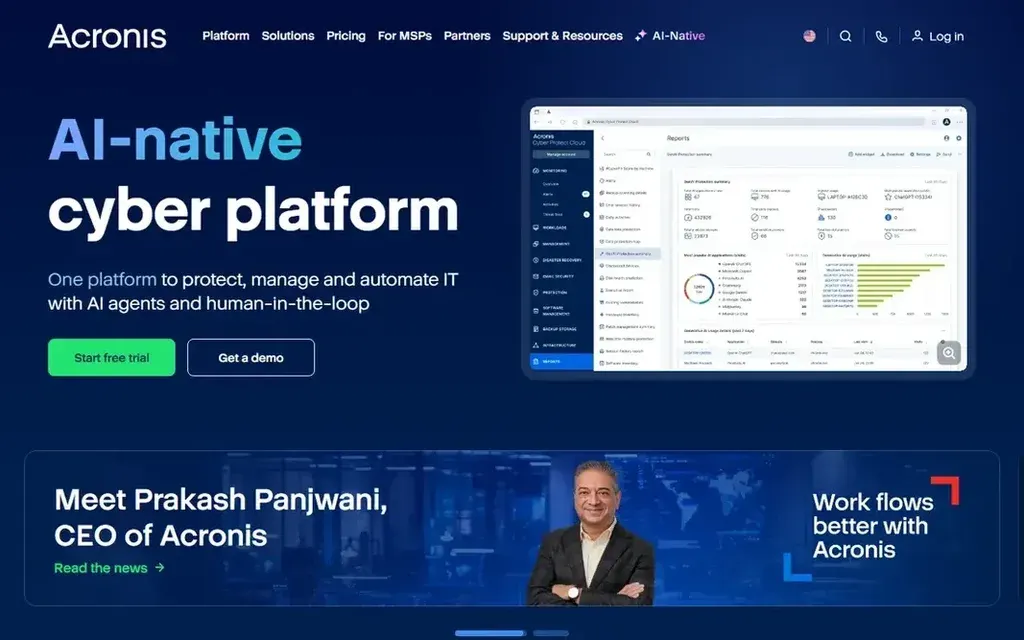
Where Acronis Cyber Protect fits: all-in-one backup and cybersecurity. Acronis Cyber Protect integrates backup, cybersecurity, endpoint management and automation into a single system geared toward managed service providers and companies.
Points against: May overlap with tools you already use.
In daily use, for startups without a dedicated IT team, this consolidation cuts the number of tools to handle and keeps data protection close to threat defense. Pricing for Acronis Cyber Protect is not stated here, so ask the vendor for current figures. As for free access: Not stated.
- Backup plus cybersecurity in one system
- AI-powered features across workloads
- Wide feature set can feel complicated
Selection criteria
Things to verify first
- Ask Druva, Veeam Backup & Replication, Carbonite and Acronis Cyber Protect for a written quote, since no starting price is shown.
- Take the trial from Druva and Backblaze and push a live task through it before you pay.
- Read the limits listed for Druva first: less control over underlying infrastructure.
- Confirm minimum seats and billing terms with Acronis Cyber Protect before you commit to an annual plan.
- Total up the real monthly cost of Backblaze, including add-ons, extra users and usage-based fees.
FAQ
Can I try these tools before paying?
Often, yes. Druva and Backblaze offer a free trial. Use your own data and a real task during the test, and check what the free tier or trial limits before you rely on it.
Is Druva the right pick for everyone comparing backup software for startups?
No single tool suits every team. Druva comes first because it fits fully managed cloud backup, while Veeam Backup & Replication suits Cyber-resilient workload protection and Carbonite suits simple automatic backups. Match the tool to your own size, budget and workflow before deciding.
How does ransomware protection relate to backup?
Immutable backups and early threat detection help ensure recovery copies survive an attack. Multiple tools here emphasize ransomware recovery, so check whether those protections match your risk profile.
How are the tools for backup software for startups ordered?
The order follows typical fit for backup software for startups, with Druva first and Acronis Cyber Protect last, then price clarity and free access. It is editorial judgement, not a score, so another team could rank the tools differently.
Does any tool for backup software for startups here have a free plan?
No tool in this list, Druva and Acronis Cyber Protect included, has a permanent free plan. Druva, Backblaze offer a trial. Trials and quotes are the usual route, so plan a short evaluation period.
What should a startup look for in backup software?
Prioritize ease of administration, ransomware resistance through immutable backups, and recovery speed for the data you cannot lose. Also confirm compatibility with your cloud and endpoint environment so the tool does not add operational burden.
Sources
- https://www.druva.com
- https://www.veeam.com
- https://www.carbonite.com
- https://www.backblaze.com
- https://www.acronis.com