Best Backup Software for Servers in 2026: 8 Tools Compared
Compare the best backup software for servers in 2026, including Veeam, Acronis, and NAKIVO, for virtual, physical, and cloud recovery for every budget.
- Editor's choice
 Veeam Data Platform
Virtualized server backup
Starts atSee websiteVisit veeam.comFull review - Great alternative
 Acronis Cyber Protect
Backup plus security
Starts at$595 per yearVisit acronis.comFull review - Also consider
 NAKIVO Backup and Replication
Budget virtual backup
Starts at$2.50 per monthVisit nakivo.comFull review
TL;DR:
- Veeam is our pick for most virtualized environments because it covers VMware, Hyper-V, cloud, and physical servers with strong recovery tools.
- Acronis suits smaller teams that want backup plus security in one console, with published per-server pricing.
- NAKIVO suits budget-conscious teams that need virtual, physical, and cloud backup at a lower per-workload cost.
- A backup you have not restored is only a hope, so test full and file-level restores on a schedule, not just after an incident.
- Immutable storage, ransomware scanning, and offsite copies matter as much as backup speed in 2026.
Quick comparison
| Tool | Best for | Starts at | Free plan? | |
|---|---|---|---|---|
| Veeam Data Platform | Virtualized server backup | See website | Yes | Visit |
| Acronis Cyber Protect | Backup plus security | $595 per year | Free trial | Visit |
| NAKIVO Backup and Replication | Budget virtual backup | $2.50 per month | Free trial | Visit |
 Commvault | Enterprise data protection | See website | Free trial | Visit |
 Druva | Cloud-first server backup | See website | Free trial | Visit |
 Rubrik | Ransomware-resilient recovery | See website | Free trial | Visit |
 MSP360 Backup | MSP and small business backup | See website | Free trial | Visit |
 Barracuda Backup | Appliance plus cloud backup | See website | Free trial | Visit |
The best backup software for servers
Server backup software protects the systems a business cannot afford to lose: file servers, databases, virtual hosts, and cloud workloads. The best server backup software restores fast, verifies that backups are usable, and keeps a clean copy safe from ransomware. We compared official feature pages, pricing pages, and documentation for tools available in October 2026, focusing on virtual, physical, and cloud coverage, recovery options, security, and total cost.
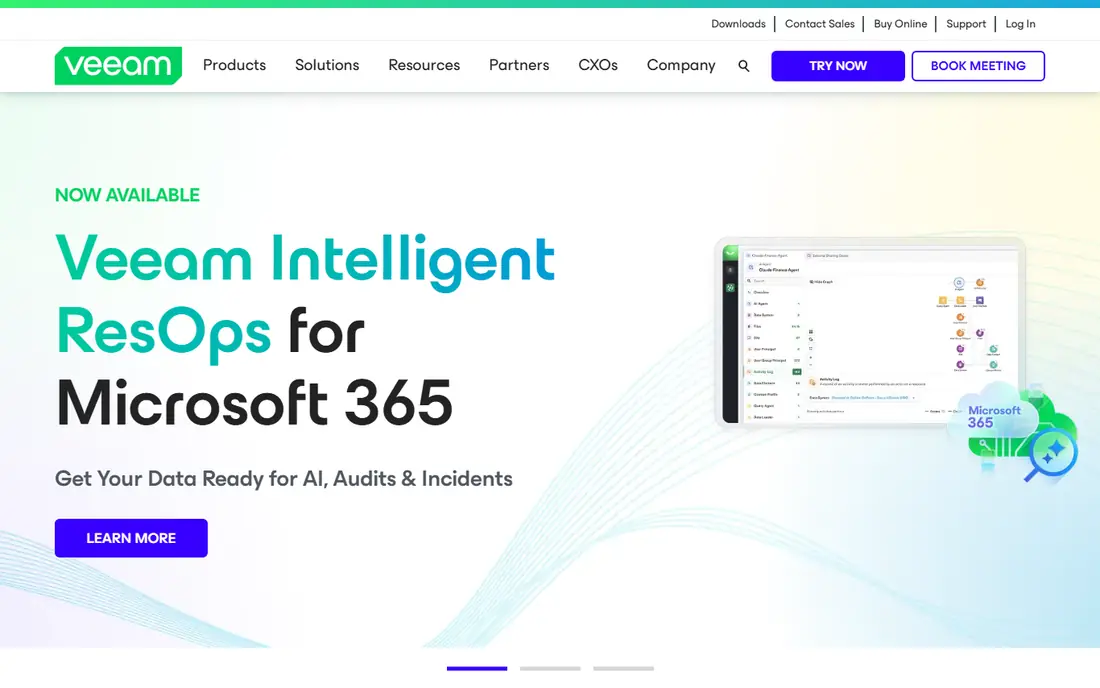
Veeam Data Platform is the standard choice for many virtualized environments. It backs up VMware vSphere, Microsoft Hyper-V, physical servers, cloud workloads, and applications, with recovery options that range from a single file to a full virtual machine. Instant recovery and replication help cut downtime after a failure, and the platform includes ransomware resilience features such as immutable backups and malware scanning on recovery.
Paid pricing is quote-based through Veeam or a reseller, which frustrates small buyers who want a published price. The free Community Edition, for up to 10 workloads without technical support, is a useful starting point for a small lab or office. For a production environment with virtual hosts, Veeam is our top pick, but get a quote tied to your workload count and retention needs before you budget.
- Strong VMware, Hyper-V, and cloud coverage
- Instant recovery options
- Free Community Edition for up to 10 workloads
- Pricing is quote-based for paid editions
- Setup needs planning for larger environments
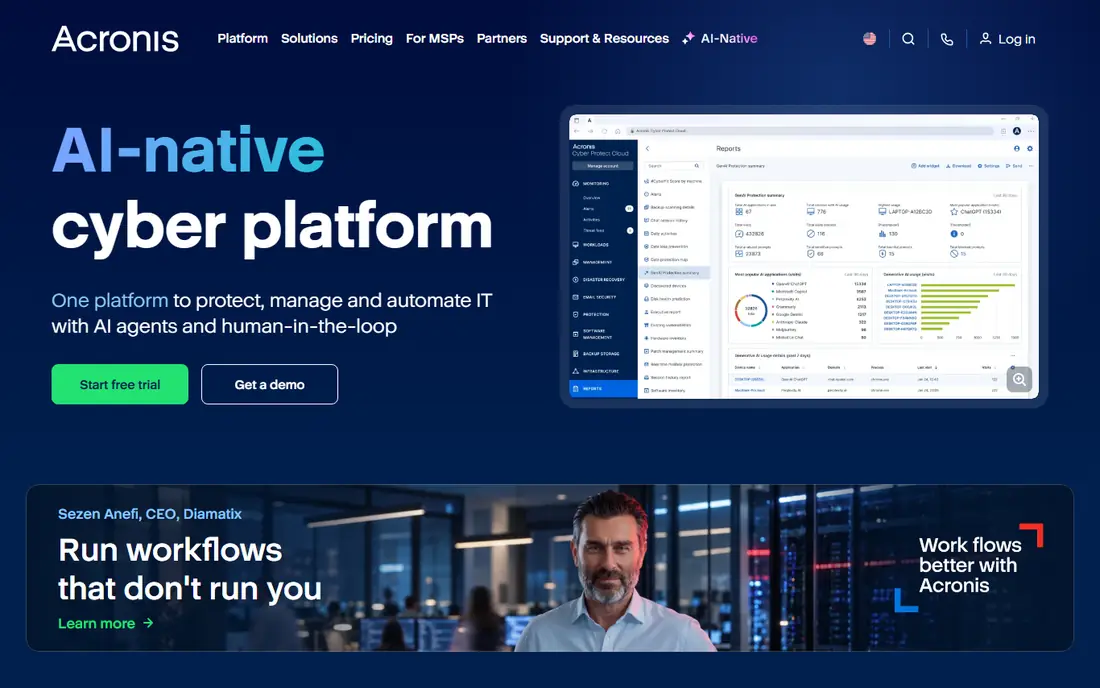
Acronis Cyber Protect combines backup with cybersecurity in one agent and console, which suits smaller IT teams that do not want separate backup and endpoint tools. It covers physical servers, virtual hosts, workstations, and cloud workloads, with ransomware protection and pre-recovery malware scans. Published pricing helps budgeting: Standard server licenses are listed at $595 per year, with Backup Advanced at $779 and Advanced at $925, each including 250 GB of Acronis cloud storage on server licenses.
The trade-off is complexity. Security features need tuning, and cloud storage costs rise if you keep long retention or large data sets. Extra storage starts at $229 per year for 250 GB in recent listings, so model your retention before you buy. Choose Acronis if you want one console for backup and security with a clear price, and Veeam if virtual recovery depth is your top priority.
- Backup and security in one console
- Published pricing
- Cloud storage included with licenses
- Security features can add complexity
- Cloud storage costs rise with retention

NAKIVO Backup and Replication is the value pick for virtual environments. It covers VMware, Hyper-V, Nutanix AHV, physical machines, and cloud workloads, with replication, instant recovery, and ransomware resilience features. Subscription pricing starts at $2.50 per workload per month billed yearly for Pro, with perpetual socket and per-server options also listed, which makes it easier to budget for a small virtual host than a quote-only enterprise platform.
The catch is ecosystem size. NAKIVO has fewer third-party integrations and a smaller community than Veeam, and some enterprise features sit on higher editions. For a small or mid-size team with a few hosts and a tight budget, that trade is usually fine. Test a full VM restore and a file restore during the trial, since recovery speed is where a budget tool must prove itself.
- Lower per-workload cost
- Covers VMware, Hyper-V, Nutanix, physical, and cloud
- Fast deployment
- Smaller ecosystem than Veeam
- Enterprise features need higher editions
Commvault suits large organizations with many workload types, from on-premises servers and databases to cloud and SaaS data. Its platform offers broad coverage, policy-based management, compliance reporting, and ransomware resilience features, which help a central IT team protect diverse systems under one set of rules. Hybrid and multi-cloud support is a particular strength for enterprises that run workloads in several places.
Pricing is quote-based and setup takes planning, with a learning curve for admins new to the platform. A small team with a few servers will find Commvault heavy and costly compared with Veeam, Acronis, or NAKIVO. Choose Commvault when you need enterprise breadth, compliance reporting, and central policy control across many systems, and run a proof of concept with your real workloads before you sign.
- Broad workload coverage
- Strong compliance and reporting
- Good for hybrid and multi-cloud environments
- Quote-based pricing
- Setup and admin learning curve
Druva takes a cloud-first approach: backup data goes to Druva's cloud, with no backup servers or storage hardware to maintain on site. That model suits teams that want to reduce infrastructure, especially for distributed offices, remote servers, and SaaS workloads. Global deduplication cuts storage use, and ransomware detection plus clean recovery tools help after an attack.
The cloud-only model is not for everyone. A team with strict data residency rules, very large data sets, or a need for fast local restores may prefer an on-premises or hybrid option such as Veeam or Commvault. Pricing is quote-based, so get a figure tied to your protected data volume and retention. Choose Druva if you want to move backup fully to the cloud and cut local infrastructure.
- Cloud-native backup with no on-premises infrastructure
- Global deduplication
- Ransomware detection
- Cloud-only model suits some teams less
- Pricing is quote-based
Rubrik is built around cyber resilience: backups are immutable, so ransomware cannot alter them, and recovery tools help find a clean point before an attack. Policy-based management keeps protection consistent across servers, cloud, and SaaS data, and the interface is simpler than many enterprise platforms. That focus makes Rubrik a strong pick for organizations where recovery after ransomware is the main concern, not just routine backup.
Pricing is quote-based and enterprise-focused, so a single-server small business will find it costly and heavy. For a mid-size or large organization with a clear ransomware recovery plan, Rubrik belongs on the shortlist with Veeam and Commvault. Ask for a recovery test during evaluation, including a malware scan and a clean-point restore, since that is the feature you are paying for.
- Immutable backups and clean recovery
- Strong ransomware detection
- Simple policy-based management
- Quote-based enterprise pricing
- Overkill for a single small server
MSP360 Backup suits managed service providers and small businesses that want to use their own cloud storage, such as Amazon S3, Backblaze, Wasabi, or Azure. You buy the backup software per device and pay your storage provider separately, which gives control over storage costs and regions. Central management helps an MSP protect many clients' servers from one console, with policies, alerts, and reporting.
The trade-off is that you own the storage bill and setup. Storage costs, retention, and region choices are yours to manage, and enterprise features such as advanced compliance reporting are thinner than Commvault or Rubrik. For an MSP or a small business that already uses cloud storage, MSP360 offers good control at a fair price. For a team that wants one vendor for software and storage, Acronis or Druva may be simpler.
- Works with your own cloud storage
- Per-device licensing
- Central management for MSPs
- You manage cloud storage costs separately
- Fewer enterprise features than Commvault or Rubrik
Barracuda Backup combines a local appliance with cloud replication, giving fast local restores plus an offsite copy for disaster recovery. That hybrid model suits small and mid-size teams that want a physical box in the office for quick recovery, without managing a full backup server themselves. Setup is straightforward, and Barracuda's wider security portfolio can cover email and network protection alongside backup for some teams.
The appliance model needs hardware planning: sizing, placement, and replacement over time, plus a cloud subscription for replication. Pricing is quote-based for many setups, so get a figure tied to your protected data and retention. Choose Barracuda if you want local speed plus cloud safety in one purchase, and choose a software-only tool if you prefer to run backup on your own servers or fully in the cloud.
- Appliance plus cloud replication
- Simple setup for small and mid-size teams
- Integrated security options
- Appliance model adds hardware planning
- Pricing is quote-based for many setups
How we picked these
We compared official feature pages, pricing pages, and documentation for server backup software available in October 2026. We favored tools with virtual, physical, or cloud server coverage, recovery testing, ransomware resilience features, and a current trial or free edition. We left out tools that only backed up desktops, only backed up SaaS apps, or that had no current server product. Prices vary by workload, socket, device, and retention, so get a quote tied to your environment.
How to test a backup before you trust it
Schedule restore tests, not just backup jobs. Each month, restore a full virtual machine or server image to an isolated network, restore a single database and a set of files, and time each restore. Check that applications start, data is intact, and permissions are correct. If a restore fails, fix the cause and test again, since a failed restore during an incident is far costlier than a failed test on a quiet day.
Also follow the 3-2-1 rule in spirit: keep at least three copies of important data, on at least two different media types, with at least one copy offsite or immutable. Test ransomware recovery specifically: restore from a point before a simulated attack, scan for malware during recovery, and confirm that the immutable copy cannot be altered by a compromised admin account. Finally, document recovery steps, roles, and contact details, so a restore at 2 a.m. does not depend on one person's memory.
FAQ
What is the best server backup software for small businesses?
Acronis and NAKIVO suit most small businesses, with Acronis offering backup plus security and published pricing, and NAKIVO offering lower per-workload costs. Veeam Community Edition is a useful free start for up to 10 workloads. Test a full restore during the trial before you choose.
What is the top server backup software for virtual machines?
Veeam leads for VMware and Hyper-V environments, thanks to instant recovery, replication, and broad virtual coverage. NAKIVO is a strong budget alternative for virtual hosts. Choose based on host count, recovery speed needs, and whether you need physical and cloud coverage in the same console.
How often should servers be backed up?
Most servers need at least daily backups, with more frequent backups for databases and systems that change often. Use incremental or differential backups between full backups to save time and storage, and keep retention long enough to recover from a ransomware attack discovered days later. Your recovery point objective should drive the schedule, not just convenience.
What is the difference between backup and disaster recovery?
Backup creates copies of data and systems that you can restore. Disaster recovery is the full plan for restoring service after a major incident, including failover, replication, runbooks, and communication. A backup tool supports disaster recovery, but it does not replace a tested plan, an offsite copy, and a clear recovery time objective.
Should server backups be immutable?
Yes, where possible. Immutable backups cannot be altered or deleted during a retention period, which protects them from ransomware that tries to encrypt or delete backup copies. Veeam, Rubrik, Acronis, and other tools on this list offer immutable storage options, so check that your storage target supports immutability and that retention matches your recovery needs.
Is cloud backup enough for servers?
Cloud backup can be enough if it meets your recovery speed, data residency, and retention needs, and if you test restores regularly. Many teams use a hybrid model: fast local restores for common failures, plus a cloud or immutable offsite copy for disasters. Choose based on data size, internet speed, and how fast you must be back online.