The 5 Best Online Backup Software for Startups in 2026, Ranked
5 products for the best online backup software for startups, ranked by fit, with starting costs and free tiers. Each entry gets a plain verdict. See which fits.
- Editor's choice
 Rubrik
Enterprise cyber resilience and recovery
Starts atSee websiteVisit rubrik.comFull review - Great alternative
 Acronis Cyber Protect Cloud
Backup plus cybersecurity in one product
Starts atSee websiteVisit acronis.comFull review - Also considerVeeam Backup & Replication
Virtual and server workload backup
Starts atSee websiteVisit veeam.comFull review
Direct answer
Start with Rubrik if you need enterprise cyber resilience and recovery. Listed starting prices: IDrive from $11.99 a month. Acronis Cyber Protect Cloud is the stronger choice for Backup plus cybersecurity in one platform, while Veeam Backup & Replication suits virtual and server workload backup. All 5 tools are compared below on price, free plan and limits.
TL;DR:
- Rubrik takes the first slot, best suited to enterprise cyber resilience and recovery.
- IDrive has the lowest monthly starting price in this list: $11.99 per month.
- For Cloud-native SaaS data protection, Druva is worth a look.
- Before buying Veeam Backup & Replication, weigh this: more technical to operate.
Last checked November 2026. Prices and plan details were read from the vendors' own pages in November 2026; vendors change plans often, so confirm the current price on the vendor site before you buy.
Quick comparison
| Tool | Best for | Starts at | Free plan? | |
|---|---|---|---|---|
| Rubrik | Enterprise cyber resilience and recovery | See website | Not stated | Visit |
| Acronis Cyber Protect Cloud | Backup plus cybersecurity in one product | See website | Not stated | Visit |
| Veeam Backup & Replication | Virtual and server workload backup | See website | Not stated | Visit |
 IDrive | Single-account backup across devices | $11.99 a month | Yes | Visit |
 Druva | Cloud-native SaaS data protection | See website | Free trial | Visit |
Tool-by-tool breakdown
Choosing online backup software for startups usually comes down to price, fit and limits. This LinkVetted guide sets 5 tools side by side on those three points, with the facts kept short and checkable.
Think of Rubrik for enterprise cyber resilience and recovery. Rubrik is made for enterprise-scale environments, so a small team with entry-level backup needs may find it disproportionate.
The emphasis is on resilience and recovery speed instead of straightforward file backup. This comparison lists no price for Rubrik; ask the vendor. Trial and free access: Not stated.
Points against: Enterprise-oriented product.
- Immutable backups for ransomware recovery
- Machine-speed restore messaging
- Likely complicated for very small teams
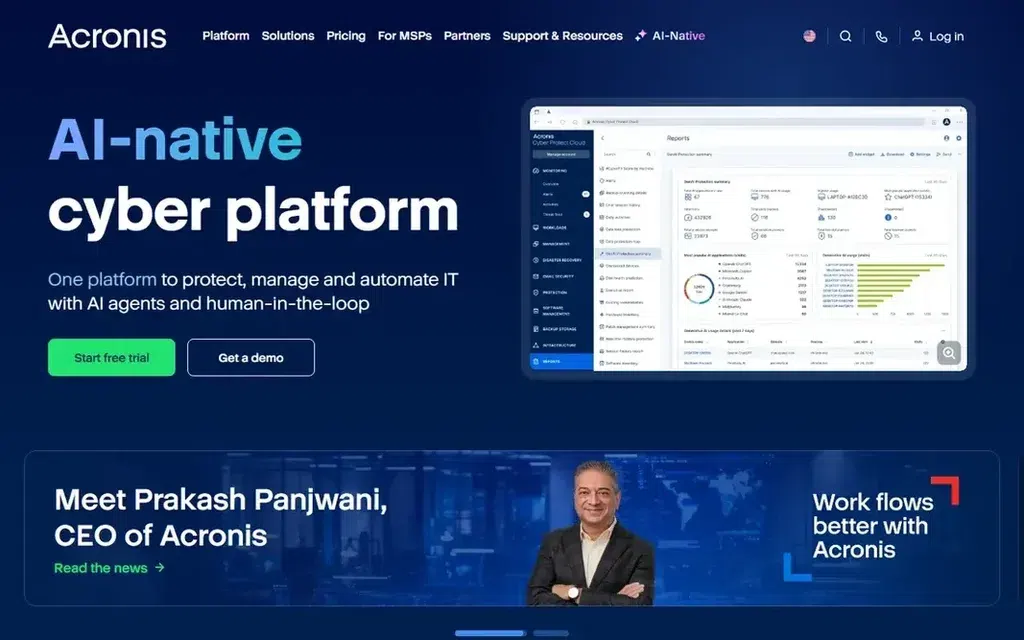
In short, Acronis Cyber Protect Cloud is for Backup plus cybersecurity in one system. For a startup, the appeal is combining backup with security capabilities instead of stitching separate tools together.
Watch-outs: Wide feature set can take time to learn.
It fits teams that expect to grow and want a product a managed provider can also operate. Pricing for Acronis Cyber Protect Cloud is not stated here, so ask the vendor for current figures. Free options: Not stated.
- Pitched at firms and service providers
- Cybersecurity features alongside backup
- May be more than a small team needs
Veeam Backup & Replication
Best for: Virtual and server workload backup
Veeam Backup & Replication serves virtual and server workload backup. Choose Veeam when you have virtual or server workloads to protect and someone to run them, and verify current product support straight with the vendor.
Points against: Geared toward infrastructure-aware teams.
Veeam Backup & Replication is a well-known name in server and virtual machine backup, and the vendor frames its portfolio around cyber resilience, secure data movement and compliance. It is not a plug-and-play device backup tool, so a non-technical founder may prefer a more straightforward service. Veeam Backup & Replication does not show a starting price in this comparison, so check the vendor site for current pricing. Free plan details: Not stated.
- Cyber resilience and compliance emphasis
- Wide data protection scope
- More technical to operate
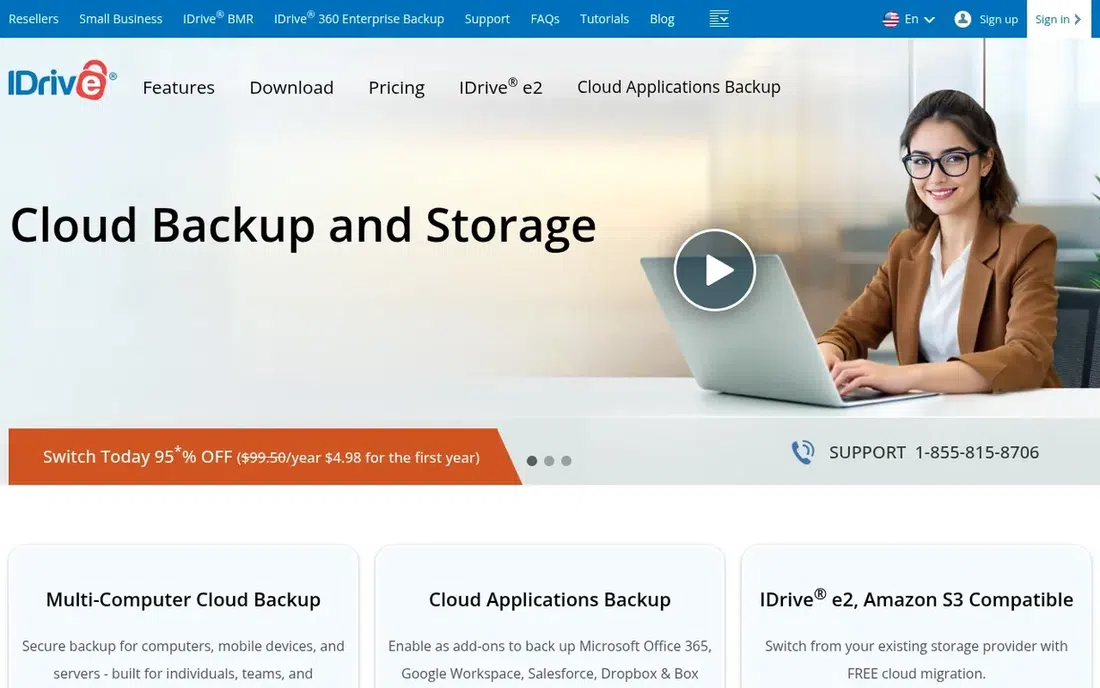
For single-account backup across devices, IDrive is a natural candidate. Since the homepage positions it around device backup and storage, startups with complicated server virtualization or strict compliance workflows should check whether those needs are covered before committing.
Where it shines: Macs and mobile devices.
What to check first: Not a full security suite.
That consolidation is appealing for a small startup where staff use a mix of laptops and phones and nobody wants to run multiple backup tools. Confirm supported workloads and admin features on the vendor site. Price to start with IDrive: $11.99 per month. You can start on IDrive without paying.
- Includes both home and business use
- Cloud backup and storage in one service
- Business controls need separate evaluation
Druva is designed for Cloud-native SaaS data protection. Druva describes its Resilience Cloud as a completely managed SaaS product delivering data security, identity resilience, backup protection and quick ransomware recovery, powered by AI.
Honest limits: May exceed early-stage requirements.
It suits expanding businesses that want data protection handled as a service and care about ransomware recovery. Pricing for Druva is not stated here, so ask the vendor for current figures. Free plan details: Free trial.
- Completely managed SaaS product
- Ransomware recovery and identity resilience focus
- Enterprise-oriented positioning
Our selection method
Pricing pages, product documentation and feature lists were the main sources, and every entry carries at least one honest drawback. Prices and plan limits come from vendor pages and can change, so confirm them on the vendor site before you buy. The order reflects how well each tool fits the most common buying scenario for online backup software for startups, then price clarity, then free plan access. It is a starting point, not a verdict.
What to check before you buy
- Ask Rubrik, Acronis Cyber Protect Cloud, Veeam Backup & Replication and Druva for a written quote, since no starting price is shown.
- Look at the free plan from IDrive closely: its caps decide whether it is usable for real work.
- Use real work to test the free trial from Druva, rather than a demo project.
- Read the limits listed for Rubrik first: enterprise-oriented system.
- Look at which plan of Veeam Backup & Replication unlocks the features you need; entry tiers are often cut down.
- Run a one or two week pilot of Rubrik with the people who will use it every day.
FAQ
What is the cheapest option for online backup software for startups in this list?
On published monthly entry prices, IDrive is the lowest here at $11.99 per month. Entry price is only part of the cost, because seats, add-ons and billing terms can change the total. All 5 picks in this online backup software for startups comparison list a starting price, free plan details and the main limits on their cards above.
What should a startup look for in online backup software?
Prioritize coverage of the devices and cloud services you actually use, straightforward administration for a small team, and a tested recovery process.
Can I try these tools before paying?
Often, yes. IDrive has a free plan and Druva offers a free trial. Use your own data and a real task during the test, and check what the free tier or trial limits before you rely on it.
Which options for online backup software for startups have a free plan?
IDrive is the only tool in this list with a free plan. Free plans usually cap users, projects or features, so check the limits on the vendor page. One other tool offers a trial instead. For the full picture, the cards above cover all 5 entries of this online backup software for startups list, including price, free plan and limits.
Do these tools publish their prices?
Not all of them. Rubrik, Acronis Cyber Protect Cloud, Veeam Backup & Replication and Druva publish no starting price, so expect a quote request for those. The rest, IDrive included, show a starting price, though seats and billing terms still change the final cost.
Sources
- https://www.rubrik.com
- https://www.acronis.com/en-us/products/cyber-protect
- https://www.veeam.com
- https://www.idrive.com
- https://www.druva.com