Choosing PC Backup Software in 2026: 5 Options Compared
Compare 5 picks for the best PC backup software, with prices, free plans and who each fits. Verdicts stay brief and factual. Current for November 2026.
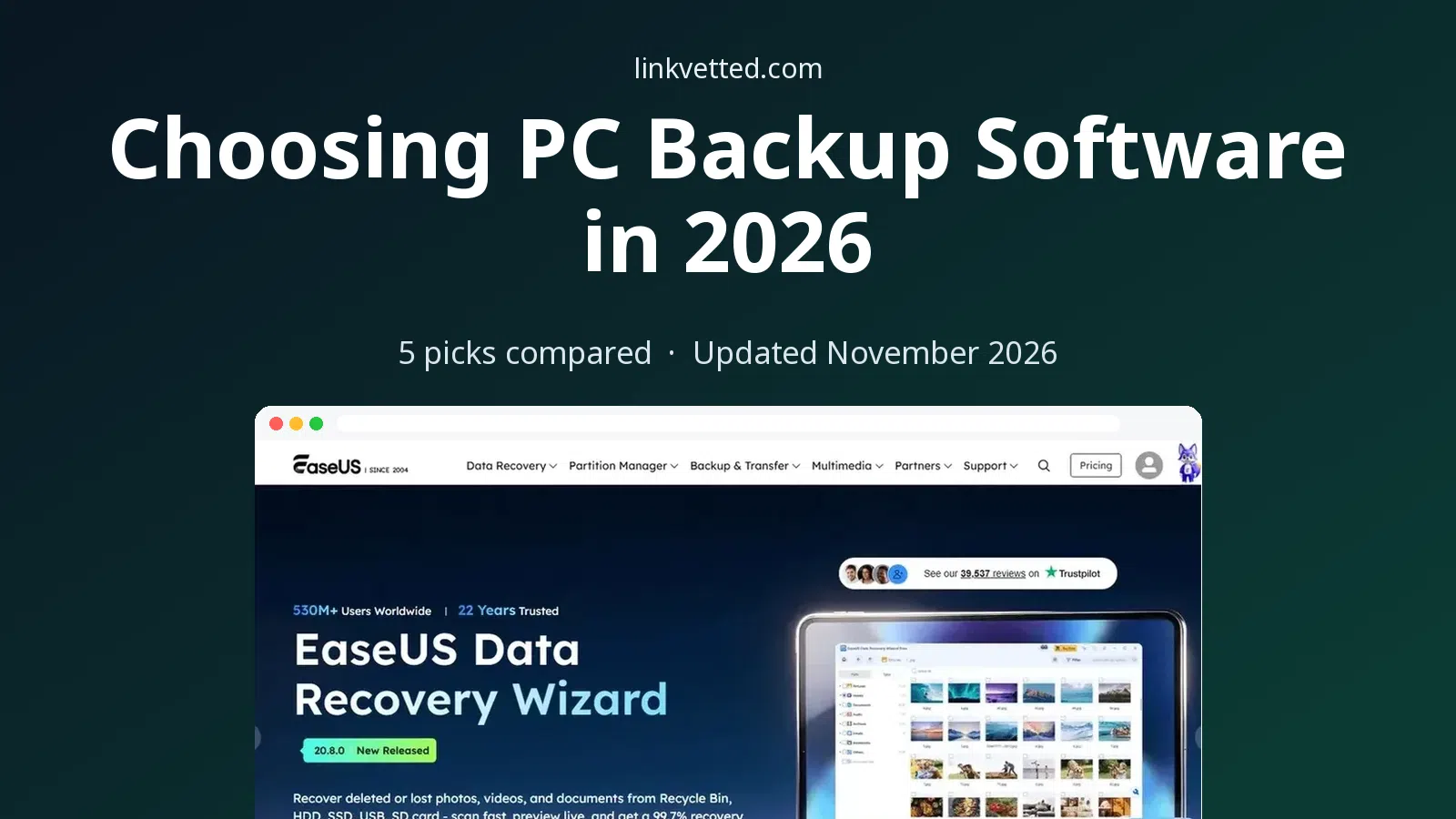
- Editor's choice
 Cove Data Protection
Managed data protection for companies
Starts atSee websiteVisit coveware.comFull review - Great alternative
 Backblaze Computer Backup
Straightforward cloud backup for computers
Starts atSee websiteVisit backblaze.comFull review - Also consider
 IDrive
One account for several devices
Starts at$11.99 a monthVisit idrive.comFull review
Direct answer
If you need managed data protection for companies, Cove Data Protection is the first tool to look at here. Listed starting prices: IDrive from $11.99 a month. For a different need, Backblaze Computer Backup covers straightforward cloud backup for computers and IDrive covers one account for multiple devices. Details, prices and limits for the rest of the 5 tools are below.
TL;DR:
- Top of the list is Cove Data Protection, which targets managed data protection for companies.
- One limit worth knowing about Cove Data Protection: not a straightforward consumer app.
- IDrive stands alone as the one tool in this list with a free plan.
- Starting prices begin at $11.99 per month with IDrive.
Last checked November 2026. Prices and plan details were read from the vendors' own pages in November 2026; vendors change plans often, so confirm the current price on the vendor site before you buy.
Quick comparison
| Tool | Best for | Starts at | Free plan? | |
|---|---|---|---|---|
| Cove Data Protection | Managed data protection for companies | See website | Not stated | Visit |
| Backblaze Computer Backup | Straightforward cloud backup for computers | See website | Not stated | Visit |
| IDrive | One account for several devices | $11.99 a month | Yes | Visit |
 EaseUS Todo Backup | Wide PC backup and recovery | See website | Not stated | Visit |
 AOMEI Backupper | System backup and disk cloning | See website | Not stated | Visit |
PC Backup Software profiles
Short on time? The summary and table above give the quick view of 5 tools for PC backup software, and the profiles that follow give the detail behind each entry.
Cove Data Protection makes the most sense for managed data protection for companies. Cove Data Protection is a business-oriented data protection offering, generally delivered through service providers instead of as a direct consumer download.
Also, since it is built around provider delivery, it is not the quickest route for a single home user who wants to install software and go. Worth adding: choose Cove when managed protection and provider support matter, and look at consumer tools if you want direct self-service setup. Check the vendor site for Cove Data Protection pricing; none is listed in this comparison. As for free access: Not stated.
Trade-offs to know: Setup generally involves a provider.
- Fits managed backup workflows
- Pitched at business data protection
- Not a straightforward consumer app
For straightforward cloud backup for computers, Backblaze Computer Backup is a natural candidate. Beyond that, pick Backblaze when offsite protection is the goal, and pair it with a local image tool if quick bare-metal recovery matters.
Honest limits: Cloud-only approach may not suit everyone.
Also, restores also come over the network except when you arrange physical media. A cloud-first service relies on your internet connection, and the first upload of a large drive can take considerable time. This comparison lists no price for Backblaze Computer Backup; ask the vendor. On free options: Not stated.
- Handy for offsite copies
- Straightforward computer backup focus
- Large initial uploads take time
IDrive is aimed squarely at one account for several devices. The breadth of supported devices can also make the dashboard feel busy at first.
Where it is weaker: Cloud restore relies on bandwidth.
In practice, IDrive offers online cloud backup for PCs, Macs, iPhones, Android and other mobile devices all into one account. What you pay to start with IDrive: $11.99 per month. IDrive includes a free tier.
- Single account for numerous devices
- Spans PCs
- Feature breadth can overwhelm new users
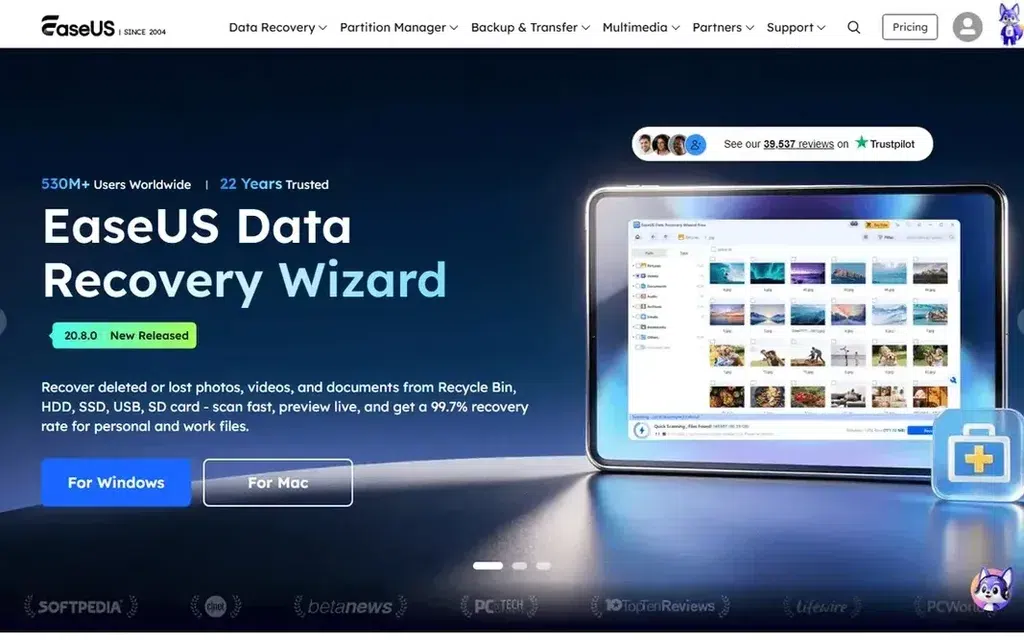
Think of EaseUS Todo Backup for wide PC backup and recovery. It runs on Windows PC, Server and Mac, so a single product family can include mixed environments.
In daily use, if you only want a straightforward scheduled copy of a handful of folders, a lighter tool could be simpler. As for the details, since it targets both individuals and organizations, the interface and choices may be more than a casual user needs. This comparison lists no price for EaseUS Todo Backup; ask the vendor. Free plan details: Not stated.
Limits to weigh: Advanced recovery tasks need setup care.
- Fits personal and enterprise use
- Supports Windows PC
- Feature set may feel large for beginners
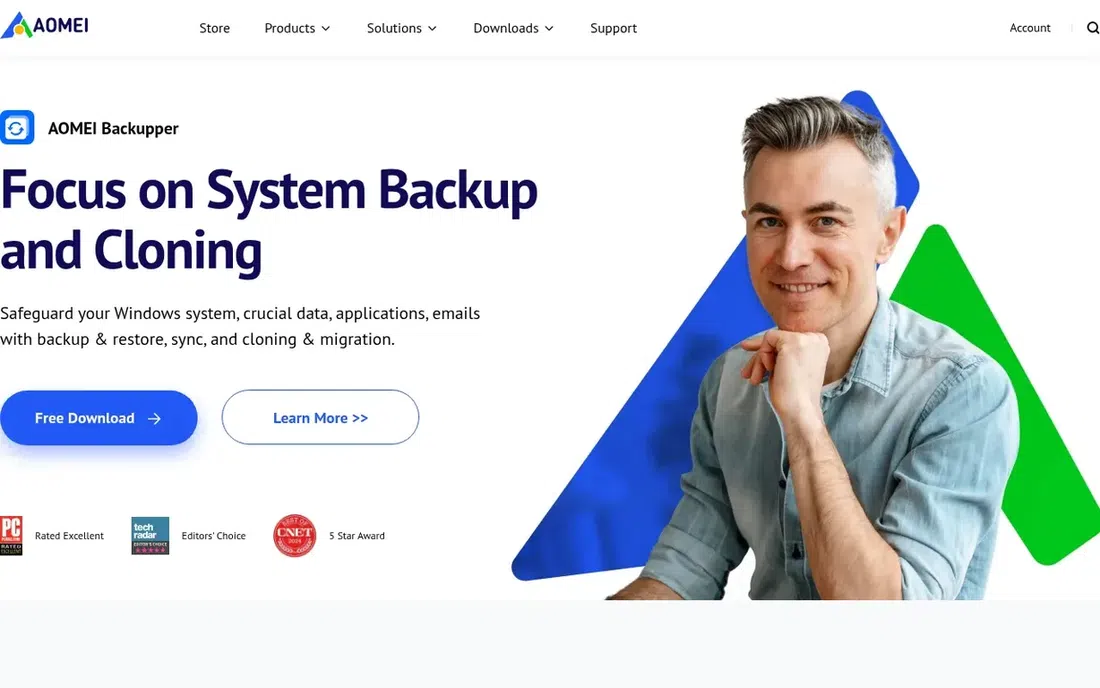
AOMEI Backupper is built with system backup and disk cloning in mind. AOMEI Backupper centers on system backup and cloning, and the vendor describes it as complete yet simple backup, file syncing and disk cloning software for personal and business use on Windows PC and Server. Its strengths lean toward Windows environments, so Mac-only households should look elsewhere.
For everyday use, pick AOMEI when system images and drive migration are the priority, and consider a cloud-first tool if offsite copies are your central concern. From a buyer's view, disk cloning also demands attention to the target drive, and mistakes there can be disruptive. AOMEI Backupper does not show a starting price in this comparison, so check the vendor site for current pricing. Free plan details: Not stated.
Limits to weigh: Cloning tasks need care with target disks.
- Bundles file syncing
- Centres on system backup and cloning
- Windows-centric focus
How the list was put together
Pricing pages, product documentation and feature lists were the main sources, and every entry carries at least one honest drawback. Seat minimums, billing terms and add-ons can move the real cost, so the starting prices here are a guide and not a quote. Tools are placed by general fit for PC backup software, with price clarity and free access as tie-breakers. A different team can reasonably rank them differently.
Questions to settle before buying
- Confirm the entry price on the vendor page. For Cove Data Protection, Backblaze Computer Backup, EaseUS Todo Backup and AOMEI Backupper that means a quote rather than a fixed price.
- Test the free plan from IDrive against your real workload before relying on it.
- Read the limits listed for Cove Data Protection first: not a straightforward consumer app.
- Test the integrations you rely on with Backblaze Computer Backup before committing; some connectors sit on upper tiers.
- Look at which plan of EaseUS Todo Backup unlocks the features you need; entry tiers are often cut down.
FAQ
What is the cheapest option for PC backup software in this list?
On published monthly entry prices, IDrive is the lowest here at $11.99 per month. Entry price is only part of the cost, because seats, add-ons and billing terms can change the total. For the full picture, the cards above cover all 5 entries of this PC backup software list, including price, free plan and limits.
How are the tools for PC backup software ordered?
Cove Data Protection sits first and AOMEI Backupper last because the order follows typical fit for PC backup software, then price clarity and free access. It is a judgement call, so read each profile for fit and limits.
Which options for PC backup software have a free plan?
IDrive is the only tool in this list with a free plan. Free plans usually cap users, projects or features, so check the limits on the vendor page. Prices, free plan details and limits for all 5 tools in this PC backup software roundup sit on the individual cards above.
Should I choose local or cloud PC backup software?
Local backup tools for example imaging software provide quick full-system recovery, whereas cloud services protect against local disasters like theft or fire. As for the details, plenty of people combine both. Match the choice to how rapidly you have to recover and whether offsite copies are essential.
Is Cove Data Protection the right pick for everyone comparing PC backup software?
No single tool suits every team. Cove Data Protection comes first because it fits managed data protection for businesses, while Backblaze Computer Backup suits simple cloud backup for computers and IDrive suits one account for multiple devices. Match the tool to your own size, budget and workflow before deciding.
Sources
- https://www.coveware.com
- https://www.backblaze.com/cloud-backup.html
- https://www.idrive.com
- https://www.easeus.com/backup-software
- https://www.ubackup.com