Choosing Patch Management Software for MSPs in 2026: 5 Options Compared
5 products for the best patch management software for MSPs, ranked by fit, with starting costs and free tiers. Honest caveats for every entry. Prices checked.
- Editor's choice
 ManageEngine Patch Manager Plus
Automatic patching across mixed OS
Starts atSee websiteVisit manageengine.comFull review - Great alternativeConnectWise Automate
IT teams automating technical tasks
Starts atSee websiteVisit connectwise.comFull review - Also considerDatto RMM
MSPs seeking integrated RMM and patching
Starts atSee websiteVisit datto.comFull review
Direct answer
ManageEngine Patch Manager Plus leads the list, best for automatic patching across mixed OS. Listed starting prices: NinjaOne from $1.50 per device a month. Alternatives: ConnectWise Automate for IT teams automating technical tasks, and Datto RMM for MSPs seeking integrated RMM and patching. The remaining 2 options are covered below with prices and limits.
TL;DR:
- Number one here is ManageEngine Patch Manager Plus, a fit for automatic patching across mixed OS.
- NinjaOne has the lowest monthly starting price in this list: $1.50 per device per month.
- Action1 stands alone as the one tool in this list with a free plan.
- Datto RMM comes with a trade-off: may need extras for full patching.
Last checked November 2026. Prices and plan details were read from the vendors' own pages in November 2026; vendors change plans often, so confirm the current price on the vendor site before you buy.
Quick comparison
| Tool | Best for | Starts at | Free plan? | |
|---|---|---|---|---|
| ManageEngine Patch Manager Plus | Automatic patching across mixed OS | See website | Not stated | Visit |
| ConnectWise Automate | IT teams automating technical tasks | See website | Not stated | Visit |
| Datto RMM | MSPs seeking integrated RMM and patching | See website | Not stated | Visit |
 NinjaOne | Unified endpoint management with autonomous patching | $1.50 per device a month | Free trial | Visit |
 Action1 | Patch-focused vulnerability remediation | See website | Yes | Visit |
Tool-by-tool breakdown
Choosing patch management software for MSPs usually comes down to price, fit and limits. This LinkVetted guide sets 5 tools side by side on those three points, with the facts kept short and checkable.
ManageEngine Patch Manager Plus serves automatic patching across mixed OS. ManageEngine Patch Manager Plus is an enterprise patch management software that gives you automatic patch deployment for Windows, macOS, and Linux endpoints.
As a dedicated patching option, it lacks the broader RMM features some MSPs need for monitoring and remote support. It is best used alongside other tools or for organizations with existing RMM. This comparison lists no price for ManageEngine Patch Manager Plus; ask the vendor. On free options: Not stated.
Honest limits: May need integration for complete MSP workflows.
- Supports Windows, macOS, Linux
- Automatic patch deployment
- Not a full RMM product
ConnectWise Automate
Best for: IT teams automating technical tasks
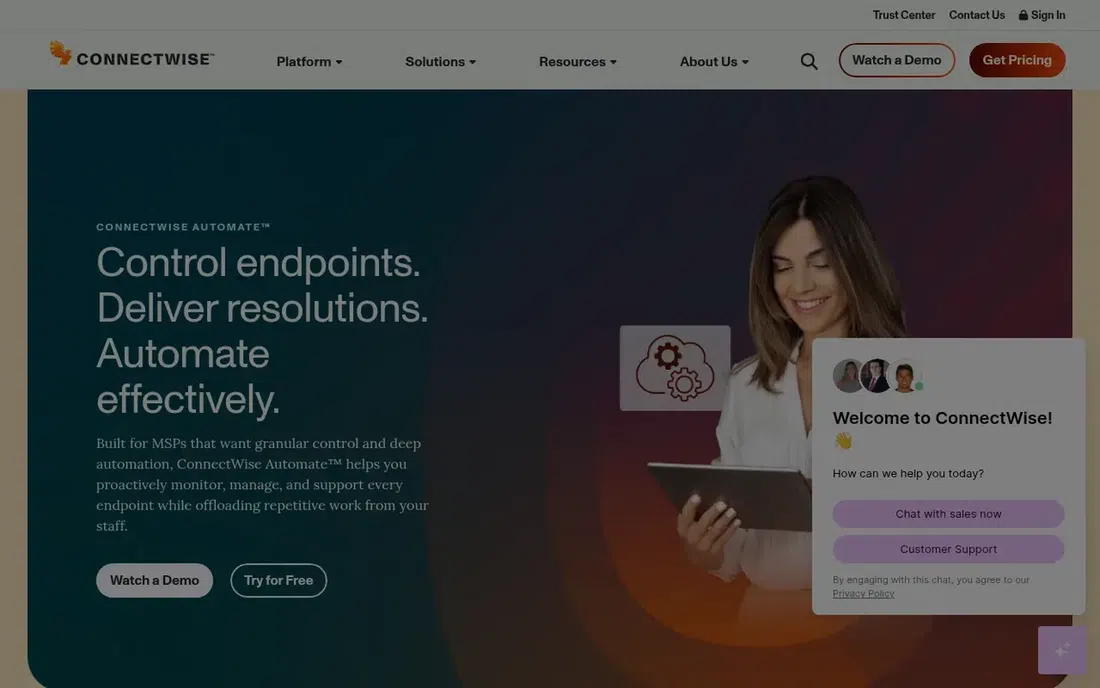
ConnectWise Automate is designed for IT teams automating technical tasks. MSPs seeking a more simplified patching experience might explore alternatives with more straightforward interfaces.
The system's complexity can be a barrier for smaller teams or those without dedicated automation expertise. It may be overkill for straightforward patching needs. No starting price is listed for ConnectWise Automate here; confirm pricing on the vendor site. Trial and free access: Not stated.
Honest limits: Steep ramp-up time for new users.
- Capable automation engine
- Boosts IT efficiency
- Complicated setup and configuration
Datto RMM
Best for: MSPs seeking integrated RMM and patching
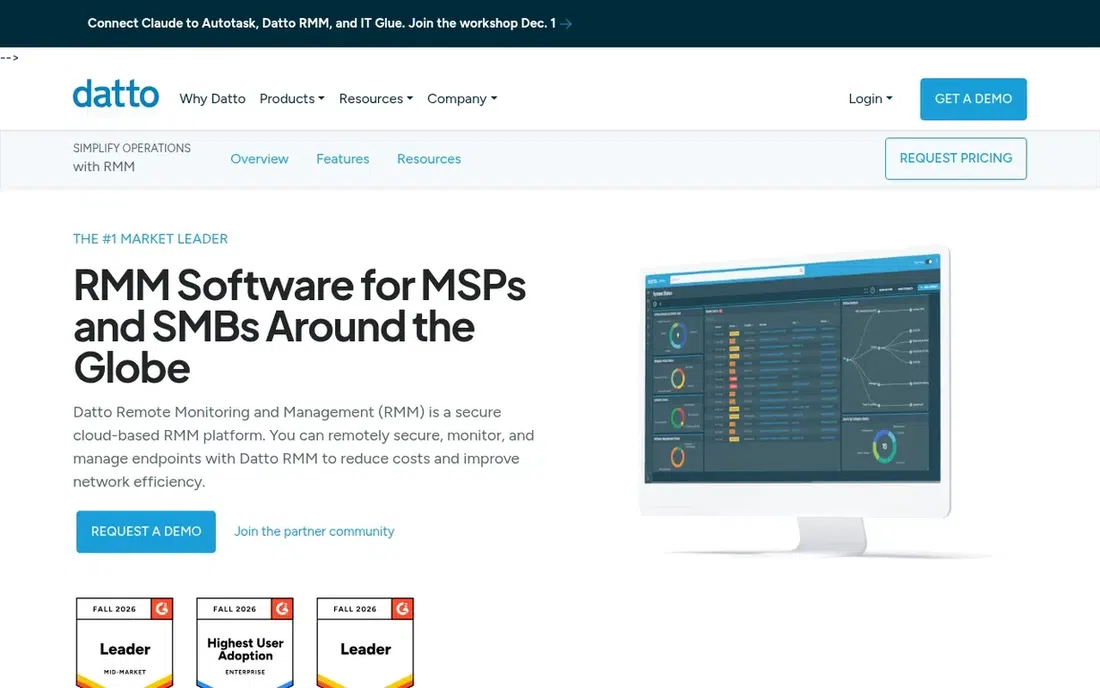
Datto RMM serves MSPs seeking integrated RMM and patching. Datto RMM is a remote monitoring and management product that makes it possible for MSPs to manage, monitor, and secure endpoints from the cloud. It contains patching capabilities as part of its broader automation and remediation workflows.
Trade-offs to know: Ramp-up time for advanced features.
From a buyer's view, Whereas Datto RMM spans patching, some organizations may need more specialized patch management features or external integrations. Those needing standalone patching might consider dedicated tools. Pricing for Datto RMM is not stated here, so ask the vendor for current figures. Free access: Not stated.
- Automatic patching workflows
- Cloud-based remote management
- May need extras for full patching
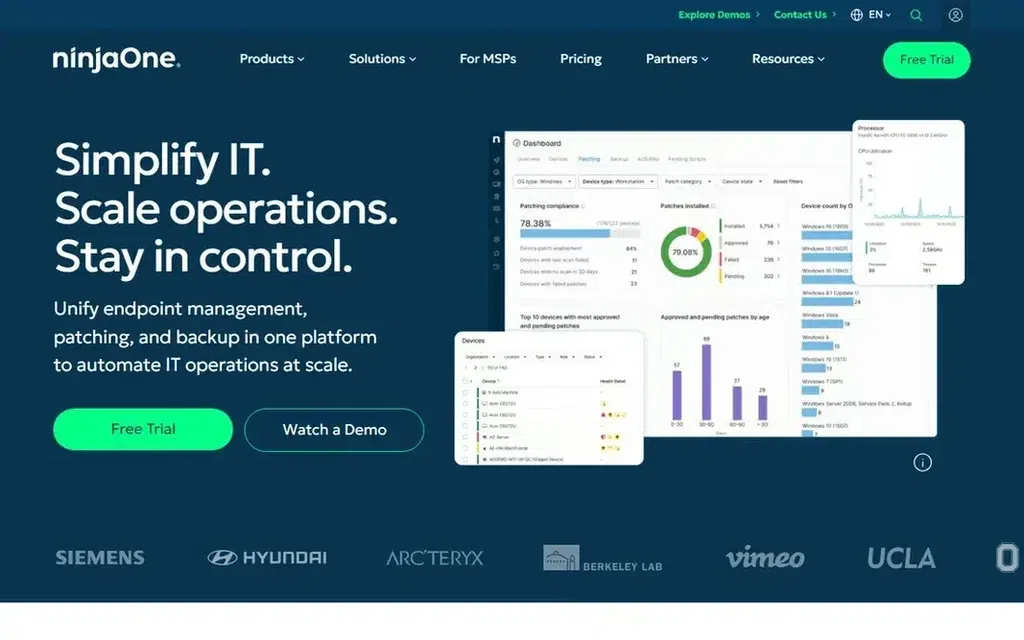
NinjaOne serves unified endpoint management with autonomous patching. NinjaOne is a unified IT operations product that merges endpoint management, autonomous patching, backup, and remote access.
Organizations with highly specialized patching requirements might have to supplement with dedicated tools. NinjaOne starts at: $1.50 per device per month. On free options: Free trial.
What to check first: Patching depth varies by OS.
- Backup and remote access included
- Autonomous patching
- May be feature-heavy for entry-level needs
For Patch-focused vulnerability remediation, Action1 is a natural candidate. This tool is well suited to MSPs that prioritize patching and remediation over full RMM functionality.
What to check first: May lack deep automation for other tasks.
Action1 concentrates on patching, so it may not replace a complete RMM suite for MSPs needing broader endpoint management. Those requiring deep monitoring and automation might have to pair it with other tools. Pricing for Action1 is not stated here, so ask the vendor for current figures. Action1 has a free plan.
- Autonomous patch management
- Cloud-native product
- Restricted RMM capabilities beyond patching
Selection criteria
LinkVetted used vendor pricing pages and product documentation as the base, then compared plans, free access and documented limits for 5 tools. Plan names, prices and limits change often. Treat the figures here as a starting point and verify them with the vendor. The order reflects how well each tool fits the most common buying scenario for patch management software for MSPs, then price clarity, then free plan access. It is a starting point, not a verdict.
Before you commit
- Confirm the entry price on the vendor page. For ManageEngine Patch Manager Plus, ConnectWise Automate, Datto RMM and Action1 that means a quote rather than a fixed price.
- Test the free plan from Action1 against your real workload before relying on it.
- Run a trial of NinjaOne with real work before paying for a year; your own workflow is the best test.
- Before choosing ManageEngine Patch Manager Plus, weigh its main limit: not a full RMM system.
- Check whether ConnectWise Automate bills monthly or annually, and what cancelling early costs.
- Price ManageEngine Patch Manager Plus for your actual team size; headline prices rarely include add-ons or overage.
FAQ
What should MSPs look for in patch management software?
MSPs should prioritize automation, multi-OS support, and integration with existing RMM tools. Worth adding: Scalability and reporting are also key for managing several clients.
What is the cheapest option for patch management software for MSPs in this list?
On published monthly entry prices, NinjaOne is the lowest here at $1.50 per device per month. Entry price is only part of the cost, because seats, add-ons and billing terms can change the total. Each of the 5 options in this patch management software for MSPs guide has its own card above with the price, free plan and limits.
Is ManageEngine Patch Manager Plus the right pick for everyone comparing patch management software for MSPs?
No single tool suits every team. ManageEngine Patch Manager Plus comes first because it fits automated patching across mixed OS, while ConnectWise Automate suits IT teams automating technical tasks and Datto RMM suits MSPs seeking integrated RMM and patching. Match the tool to your own size, budget and workflow before deciding.
How are the patch management software for MSPs ordered?
The order follows typical fit for patch management software for MSPs, with ManageEngine Patch Manager Plus first and Action1 last, then price clarity and free access. It is editorial judgement, not a score, so another team could rank the tools differently.
Which patch management software for MSPs have a free plan?
Action1 is the only tool in this list with a free plan. Free plans usually cap users, projects or features, so check the limits on the vendor page. One other tool offers a trial instead. All 5 picks in this patch management software for MSPs comparison list a starting price, free plan details and the main limits on their cards above.
Sources
- https://www.manageengine.com/patch-management
- https://www.connectwise.com/platform/automate
- https://www.datto.com/products/rmm
- https://www.ninjaone.com
- https://www.action1.com