Choosing Client Portal Software for MSPs in 2026: 5 Options Compared
Shortlisting the best client portal software for MSPs? 5 products compared on cost, free access and ideal buyer. Honest caveats for every entry. See which fits.
- Editor's choiceSyncro
Unified RMM, PSA, and remote access
Starts at$129 per user a monthVisit syncromsp.comFull review - Great alternativeAutotask PSA
Business management within the Datto portfolio
Starts atSee websiteVisit datto.comFull review - Also considerHaloPSA
Workflow automation with client-facing service
Starts at£66 per agent a monthVisit halopsa.comFull review
Direct answer
Syncro is the first pick on this list for unified RMM, PSA, and remote access. Listed starting prices: Syncro from $129 per user a month, HaloPSA from £66 per agent a month and NinjaOne from $1.50 per device per month. Look at Autotask PSA for business management within the Datto portfolio, and at HaloPSA for workflow automation with client-facing service. Prices, free plans and limits for all 5 tools follow.
TL;DR:
- Syncro takes the first slot, best suited to unified RMM, PSA, and remote access.
- None of the 5 tools, from Syncro to NinjaOne, has a free plan, so budget for a subscription or use a trial.
- Check the limits for Syncro before you commit: pricing model may not fit all.
- For unified IT operations and endpoint management, NinjaOne is worth a look.
- The lowest published monthly entry price here is $1.50 per device per month, from NinjaOne.
Last checked November 2026. Prices and plan details were read from the vendors' own pages in November 2026; vendors change plans often, so confirm the current price on the vendor site before you buy.
Quick comparison
| Tool | Best for | Starts at | Free plan? | |
|---|---|---|---|---|
| Syncro | Unified RMM, PSA, and remote access | $129 per user a month | Free trial | Visit |
| Autotask PSA | Business management within the Datto portfolio | See website | Not stated | Visit |
| HaloPSA | Workflow automation with client-facing service | £66 per agent a month | Free trial | Visit |
| ConnectWise PSA | All-in-one MSP operations with portal access | See website | Free trial | Visit |
 NinjaOne | Unified IT operations and endpoint management | $1.50 per device per month | Free trial | Visit |
5 client portal software for MSPs in detail
This LinkVetted guide covers 5 client portal software for MSPs. Each profile lists a starting price, free plan details, strengths and drawbacks, so you can drop poor fits quickly.
Syncro
Best for: Unified RMM, PSA, and remote access
In short, Syncro is for unified RMM, PSA, and remote access. Syncro presents a unified RMM, PSA, and IT management system for MSPs and IT departments, including endpoint management, Microsoft 365 security, patching, ticketing, and remote access. Review the vendor's current details to confirm the model suits your size and workflow.
Beyond that, teams needing only a portal may find the full suite unnecessary. On top of that, a unified product means more configuration decisions, and the pricing model will not suit every business shape. Worth adding: the client portal is part of that single-platform approach, which fits providers that want ticketing and endpoint tools in one place. Price to start with Syncro: $129 per user per month. Free access: Free trial.
Downsides: Wide system to configure.
- Flat per-technician pricing model
- Unified RMM and PSA
- Pricing model may not fit all
Autotask PSA
Best for: Business management within the Datto portfolio
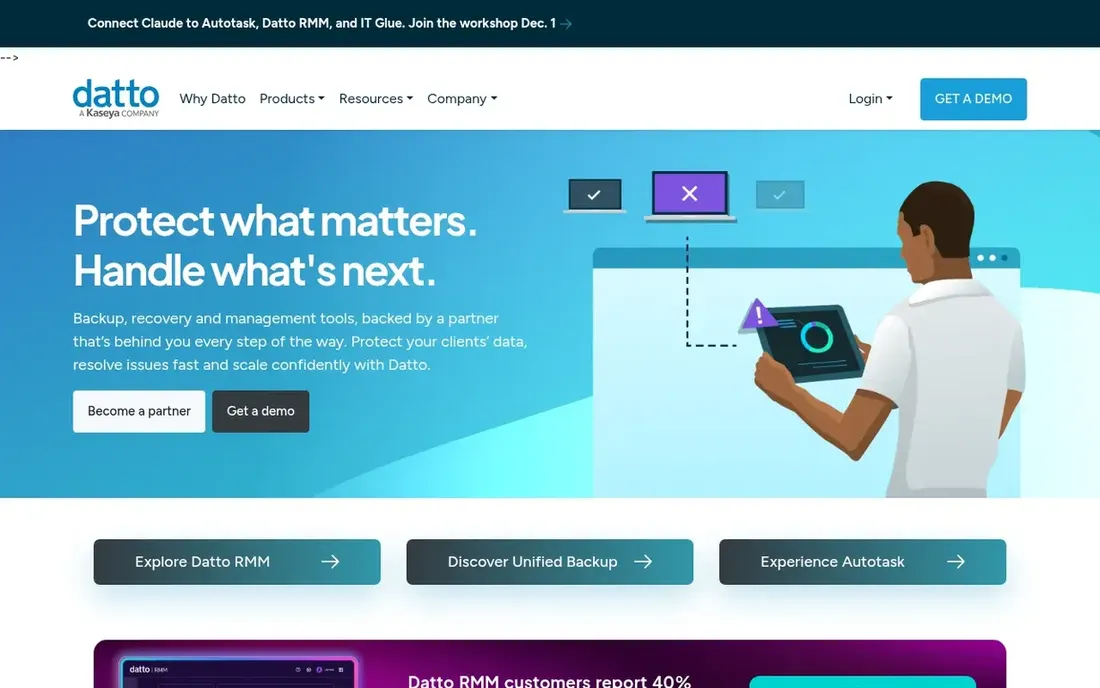
Autotask PSA makes the most sense for business management within the Datto portfolio. The portal experience is best judged as part of that broader stack.
Drawbacks to consider: Setup relies on wider stack.
As for the details, Autotask PSA is the business management component in Datto's portfolio, which also includes business continuity, disaster recovery, networking, and file backup and sync. More specifically, consider alternatives if you want portal features decoupled from backup and continuity decisions. Pricing for Autotask PSA is not stated here, so ask the vendor for current figures. Free options: Not stated.
- Established IT provider focus
- Tied to Datto business management
- Portal is one part of a bigger suite
HaloPSA
Best for: Workflow automation with client-facing service
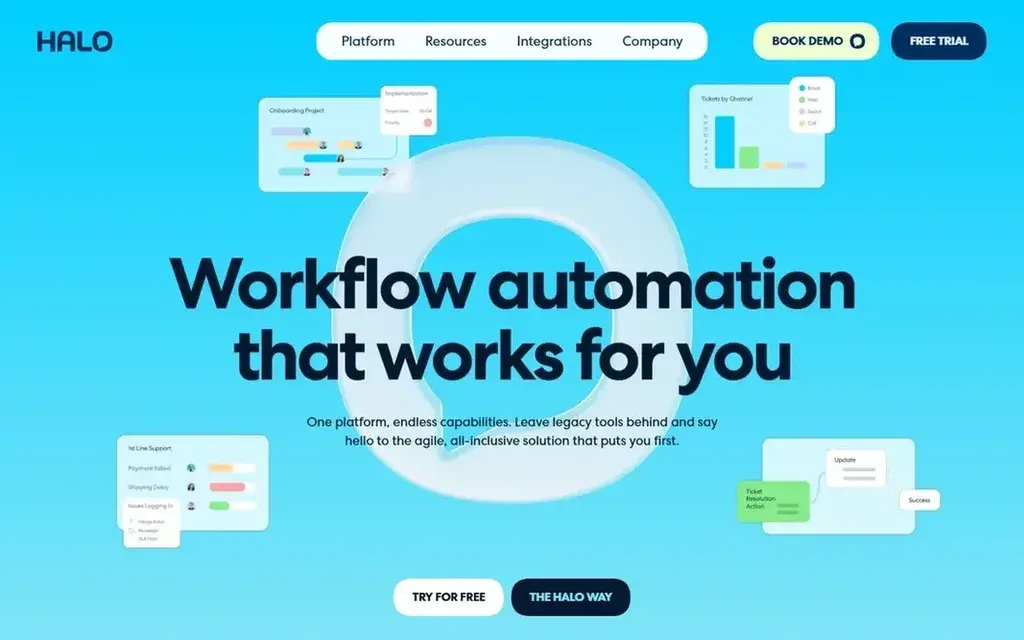
Think of HaloPSA for workflow automation with client-facing service. Since the emphasis is on automation, teams without clear internal processes may have to define workflows before the portal gives its value.
On top of that, consider other choices if a light, at once usable portal matters more than deep automation. Also, HaloPSA is presented as a workflow automation system for enterprises, and MSPs use that automation foundation to run service delivery and client-facing processes. HaloPSA pricing: £66 per agent per month. Trial and free access: Free trial.
Points against: Requires setup effort.
- Workflow automation focus
- Cuts manual tasks
- Best fit for automation-led teams
ConnectWise PSA
Best for: All-in-one MSP operations with portal access
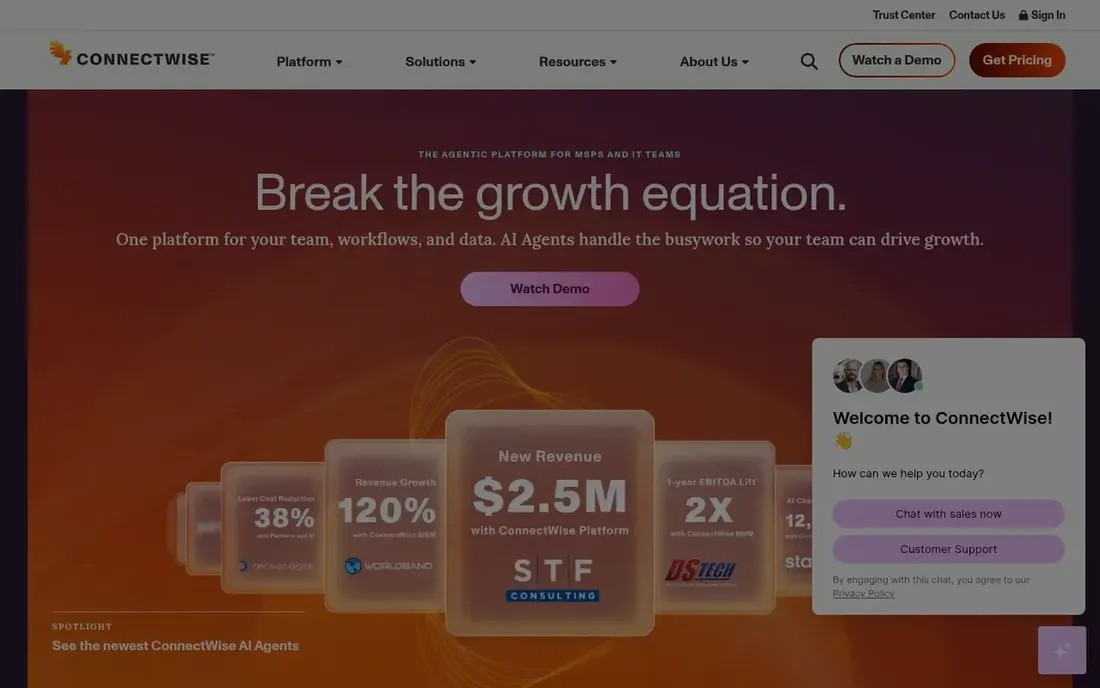
ConnectWise PSA was built for all-in-one MSP operations with portal access. Teams that prefer a single ecosystem for business management and technical operations commonly see it as a natural center of gravity.
No starting price is listed for ConnectWise PSA here; confirm pricing on the vendor site. Free plan details: Free trial.
Watch-outs: Configuration can be involved.
- Community-oriented ecosystem
- Wide MSP toolset
- Large surface area to learn
NinjaOne targets unified IT operations and endpoint management. Teams standardizing on a single operations system commonly evaluate it for that reason.
The main drawbacks: Portal is part of wider operations.
More specifically, the product is oriented toward endpoint operations, so portal-specific needs should be checked against documented features. Price to start with NinjaOne: $1.50 per device per month. On free options: Free trial.
- Autonomous patching and backup
- Unified operations system
- Endpoint-first orientation
How these tools were picked
Pricing pages, product documentation and feature lists were the main sources, and every entry carries at least one honest drawback. Seat minimums, billing terms and add-ons can move the real cost, so the starting prices here are a guide and not a quote. Tools are placed by general fit for client portal software for MSPs, with price clarity and free access as tie-breakers. A different team can reasonably rank them differently.
A buyer's checklist
- Get a written quote from Autotask PSA and ConnectWise PSA; the list shows no starting price for them.
- Use real work to test the free trial from Syncro, HaloPSA, ConnectWise PSA and NinjaOne, rather than a demo project.
- Before choosing Syncro, weigh its main limit: pricing model may not fit all.
- Check the support hours and onboarding help ConnectWise PSA offers; smaller vendors vary a lot here.
- A short pilot of Autotask PSA with your real workflow tells you more than a feature table.
FAQ
Do these tools publish their prices?
Not all of them. Autotask PSA and ConnectWise PSA publish no starting price, so expect a quote request for those. The rest, Syncro included, show a starting price, though seats and billing terms still change the final cost.
Does any tool for client portal software for MSPs here have a free plan?
A permanent free plan is not offered by Syncro, NinjaOne or the other tools here. Syncro, HaloPSA, ConnectWise PSA, NinjaOne offer a trial. Plan a short evaluation period instead.
What should a MSP look for in client portal software?
Focus on how the portal deals with requests, tickets, and reporting for clients, and how tightly it links to your PSA and RMM. Also check user management and the level of configuration required.
Can I try these tools before paying?
Often, yes. Syncro, HaloPSA, ConnectWise PSA and NinjaOne offer a free trial. Use your own data and a real task during the test, and check what the free tier or trial limits before you rely on it.
How are the client portal software for MSPs ordered?
The order follows typical fit for client portal software for MSPs, with Syncro first and NinjaOne last, then price clarity and free access. It is editorial judgement, not a score, so another team could rank the tools differently.
Sources
- https://syncromsp.com
- https://www.datto.com
- https://halopsa.com
- https://www.connectwise.com
- https://www.ninjaone.com