6 Best Access Management Software for MSPs for 2026, Vetted and Compared
Best access management software for MSPs: 6 contenders ranked by fit, with entry costs and free tiers. Caveats come with every verdict. Details below.
- Editor's choice
 Okta
Identity-centric access and automation
Starts at$6 per user a monthVisit okta.comFull review - Great alternative
 1Password
Simple secrets management for expanding teams
Starts atSee websiteVisit 1password.comFull review - Also considerKeeper Security
Unified privileged access and secrets management
Starts atSee websiteVisit keepersecurity.comFull review
Direct answer
Our first pick is Okta, best for identity-centric access and automation. Listed starting prices: Okta from $6 per user a month. 1Password is the stronger choice for simple secrets management for growing teams, while Keeper Security suits unified privileged access and secrets management. Details, prices and limits for the rest of the 6 tools are below.
TL;DR:
- Okta takes the first slot, best suited to identity-centric access and automation.
- The cheapest monthly starting price in the list is $6 per user per month, offered by Okta.
- The main caution on Keeper Security: may be complicated for entry-level needs.
- A permanent free plan is missing from all 6 tools, Okta and Delinea Secret Server included; plan for a trial or a premium start.
- Delinea Secret Server is the one to check for enterprise-grade privileged account vaulting.
Last checked November 2026. Prices and plan details were read from the vendors' own pages in November 2026; vendors change plans often, so confirm the current price on the vendor site before you buy.
Quick comparison
| Tool | Best for | Starts at | Free plan? | |
|---|---|---|---|---|
| Okta | Identity-centric access and automation | $6 per user a month | Free trial | Visit |
| 1Password | Simple secrets management for expanding teams | See website | Not stated | Visit |
| Keeper Security | Unified privileged access and secrets management | See website | Free trial | Visit |
 Microsoft Entra ID | Cloud identity and access for Microsoft environments | See website | Not stated | Visit |
| CyberArk Privileged Access Manager | Zero standing privileges and task-based access | See website | Not stated | Visit |
 Delinea Secret Server | Enterprise-grade privileged account vaulting | See website | Not stated | Visit |
Access Management Software for MSPs compared in detail
If you are comparing access management software for MSPs, this page covers 6 tools in one place: what each is best for, what it costs to start, whether it has a free plan, and the main limit to know about.
Okta is designed for identity-centric access and automation. Okta's core strength is identity and access management, not privileged access management.
Okta, with the Auth0 Platforms, makes it possible for secure access, authentication, and automation, putting identity at the heart of business security and growth. From a buyer's view, for PAM-specific needs, consider Delinea Secret Server or CyberArk. On cost, Okta starts like this: $6 per user per month. On free options: Free trial.
The main drawbacks: PAM features may need extras.
- Solid identity product
- Supports automation
- Can be complicated to configure
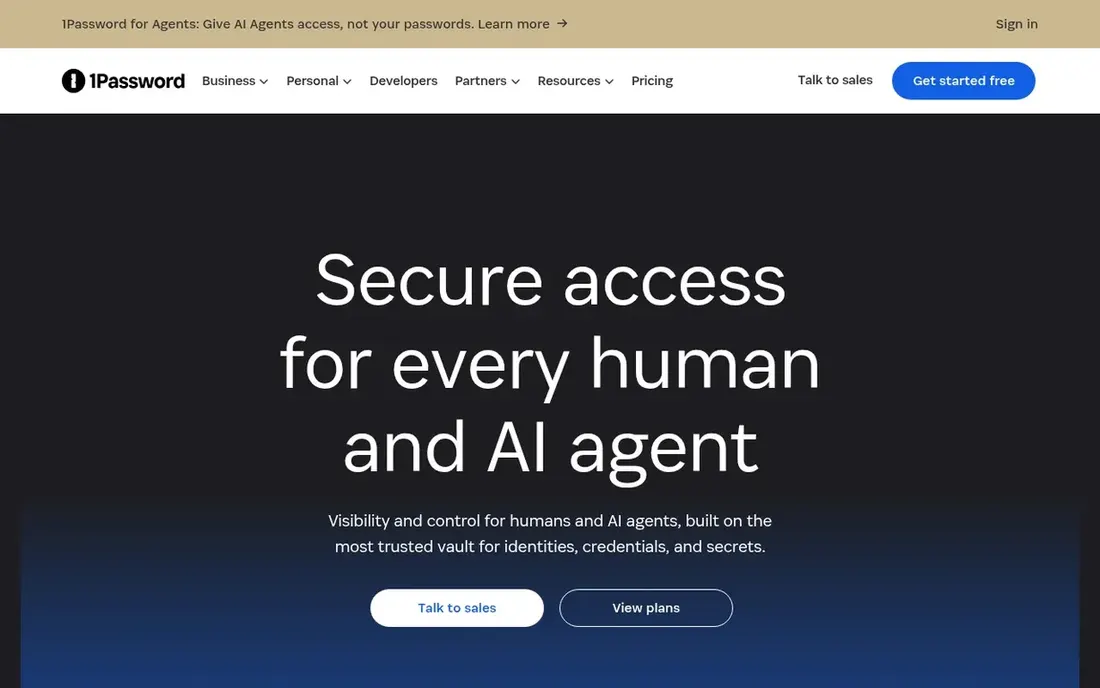
Choose 1Password for simple secrets management for growing teams. For comprehensive PAM, consider Delinea Secret Server or CyberArk. 1Password lacks advanced privileged access features like session recording or just-in-time access.
Drawbacks to consider: Restricted privileged access features.
1Password guards passwords and secrets, handles app access, and secures AI tools. It is built to be simple to adopt from expanding teams to enterprise, making it a solid fit for MSPs that require straightforward secrets management without the complexity of a full privileged access management suite. Check the vendor site for 1Password pricing; none is listed in this comparison. On free options: Not stated.
- Scales to enterprise
- Simple to adopt
- Not a full PAM suite
Keeper Security
Best for: Unified privileged access and secrets management
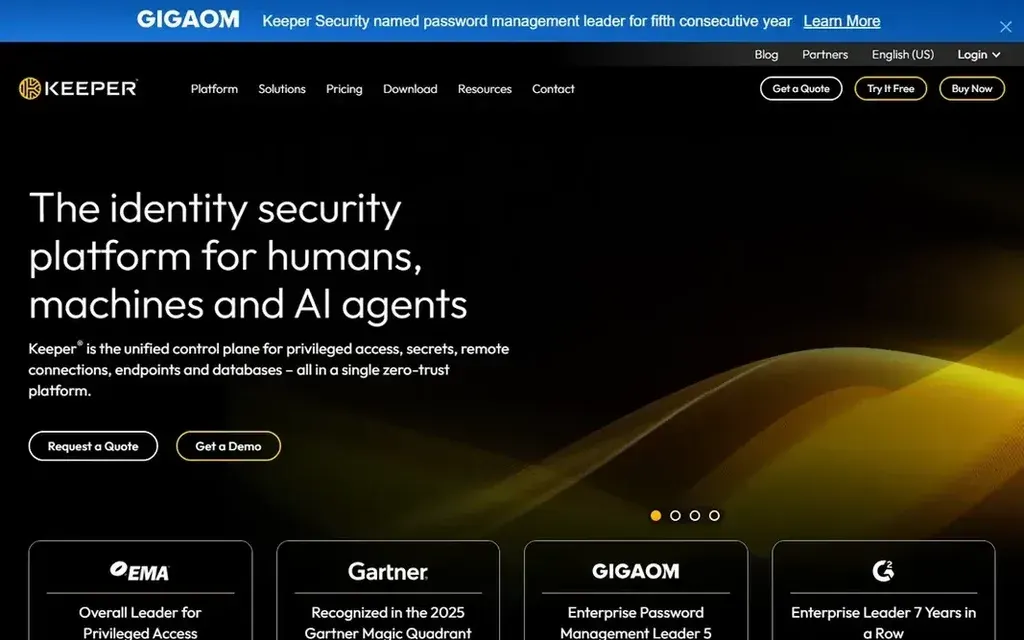
Think of Keeper Security for unified privileged access and secrets management. The product's breadth may be more than needed for straightforward password management, and configuration needs planning.
What to check first: Needs careful setup.
Check the vendor site for Keeper Security pricing; none is listed in this comparison. Free plan details: Free trial.
Best features of Keeper Security: Covers humans, machines.
- Zero-trust system
- AI agents
- May be complex for entry-level needs
Microsoft Entra ID
Best for: Cloud identity and access for Microsoft environments
Pick Microsoft Entra ID if this describes you: cloud identity and access for Microsoft environments. Microsoft Entra ID is a cloud identity and access management option that stops identity attacks and supports single sign-on and Zero Trust. It is a natural fit for MSPs managing Microsoft-centric client environments, offering smooth integration with Windows and Microsoft 365.
As for the details, Entra ID is less suited for heterogeneous environments with significant non-Microsoft systems. In daily use, for broader PAM, consider Keeper Security or CyberArk. This comparison lists no price for Microsoft Entra ID; ask the vendor. Free access: Not stated.
Watch-outs: Advanced features need extra licensing.
- Connects with Microsoft ecosystem
- Supports SSO and Zero Trust
- Best for Microsoft-centric clients
CyberArk Privileged Access Manager
Best for: Zero standing privileges and task-based access
Where CyberArk Privileged Access Manager fits: zero standing privileges and task-based access. CyberArk Privileged Access Manager secures every identity with zero standing privileges and ephemeral, task-based access control.
Check the vendor site for CyberArk Privileged Access Manager pricing; none is listed in this comparison. Free plan details: Not stated.
Where it is weaker: Complicated to deploy.
- Zero standing privileges
- Thorough PAM
- May be expensive for small MSPs
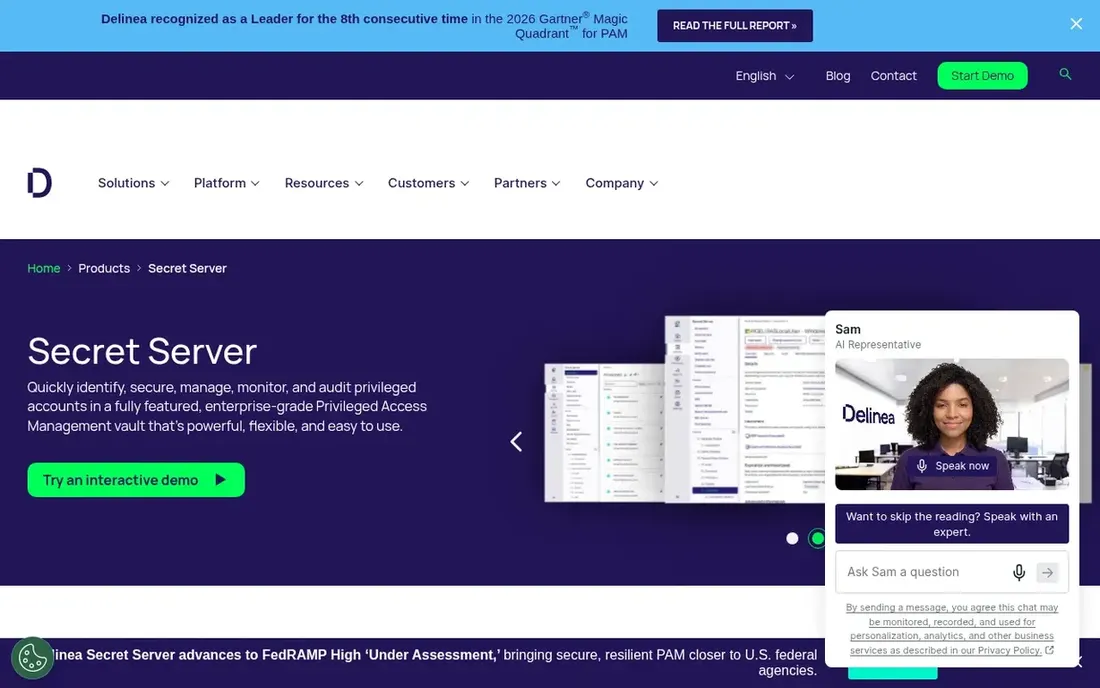
Delinea Secret Server makes the most sense for enterprise-grade privileged account vaulting. It fits MSPs that require solid privileged access management with a focus on vaulting and securing credentials across client environments.
Secret Server is primarily a PAM tool and may not handle broader identity and access management needs. Check the vendor site for Delinea Secret Server pricing; none is listed in this comparison. Free access: Not stated.
Where it falls short: Focused on PAM only.
- Enterprise-grade
- Easy-to-use vault
- May need integration for full IAM
How we built this list
LinkVetted used vendor pricing pages and product documentation as the base, then compared plans, free access and documented limits for 6 tools. Figures are shown as the vendors publish them. Billing terms, seat minimums and add-ons can change the real cost. Position on the page reflects fit for a typical buyer first, with price clarity and free access breaking ties. Treat it as a guide, not a ruling.
What to check before you buy
- Get a written quote from 1Password, Keeper Security, Microsoft Entra ID and others; the list shows no starting price for them.
- Take the trial from Okta and Keeper Security and push a live task through it before you pay.
- Read the limits listed for Okta first: PAM features may need extras.
- Pick one real project and run it in Delinea Secret Server first; a small pilot shows fit faster than a checklist.
- Make sure CyberArk Privileged Access Manager lets you export your data in a format another tool can read.
FAQ
Is Microsoft Entra ID right for MSPs with diverse client environments?
Microsoft Entra ID is excellent for Microsoft-centric environments but may be less a good match for heterogeneous environments with significant non-Microsoft systems. MSPs with diverse clients might need extra tools for full coverage.
Does any tool for access management software for MSPs here have a free plan?
No tool in this list, Okta and Delinea Secret Server included, has a permanent free plan. Okta, Keeper Security offer a trial. Trials and quotes are the usual route, so plan a short evaluation period.
What is the cheapest option for access management software for MSPs in this list?
On published monthly entry prices, Okta is the lowest here at $6 per user per month. Entry price is only part of the cost, because seats, add-ons and billing terms can change the total.
How does Keeper Security differ from 1Password?
Keeper Security provides a broader zero-trust product that comes with privileged access, remote connections, and endpoint security, whereas 1Password concentrates on password and secrets management with ease of adoption.
What should MSPs look for in access management software?
MSPs should prioritize multi-tenancy, ease of management across client environments, and support for privileged access and secrets management. Integration with existing systems and scalability are also key.
Can I try these tools before paying?
Often, yes. Okta and Keeper Security offer a free trial. Use your own data and a real task during the test, and check what the free tier or trial limits before you rely on it.
Sources
- https://www.okta.com
- https://1password.com
- https://www.keepersecurity.com
- https://www.microsoft.com/en-us/security/business/identity-access/microsoft-entra-id
- https://www.cyberark.com/products/privileged-access-manager
- https://delinea.com/products/secret-server