Best Access Management Tool in 2026: 8 Tools Compared
Best access management tool options for 2026: Okta, Microsoft Entra ID, Duo and more, compared on single sign-on, MFA, pricing and team fit today today.

- Editor's choice
 Okta
Vendor-neutral workforce identity
Starts at$6 per user per monthVisit okta.comFull review - Great alternative
 Microsoft Entra ID
Organizations running Microsoft 365
Starts at$7 per user per monthVisit microsoft.comFull review - Also consider
 Duo by Cisco
Rolling out MFA quickly
Starts at$3 per user per monthVisit duo.comFull review
TL;DR:
- Okta and Microsoft Entra ID are the default choices for most companies, with Okta winning on vendor neutrality and Entra ID winning inside Microsoft 365.
- Duo is the fastest way to add multi-factor authentication across a workforce that already has passwords and apps in place.
- Auth0 suits customer-facing apps, while JumpCloud suits small teams replacing on-premises directory servers.
- Price the full tier, not the entry tier, since single sign-on, lifecycle management and governance often sit on different plans.
Quick comparison
| Tool | Best for | Starts at | Free plan? | |
|---|---|---|---|---|
| Okta | Vendor-neutral workforce identity | $6 per user per month | No | Visit |
| Microsoft Entra ID | Organizations running Microsoft 365 | $7 per user per month | Yes | Visit |
| Duo by Cisco | Rolling out MFA quickly | $3 per user per month | Yes | Visit |
 Ping Identity | Large estates with complex federation | See website | No | Visit |
 Auth0 by Okta | Login for customer-facing apps | $35 per month | Yes | Visit |
 OneLogin | Mid-market teams wanting simple SSO | $4 per user per month | No | Visit |
 JumpCloud | Small teams leaving on-premises directories | $9 per user per month | Yes | Visit |
 CyberArk | Privileged access and workforce identity together | See website | No | Visit |
The best access management tools
We compared official pricing pages, feature documentation and 2026 comparison guides for workforce and customer identity tools. Our pick for most companies is Okta if you run many vendors, and Microsoft Entra ID if Microsoft 365 is already your home base.
Okta gives IT a single place to manage who can sign in to what, across thousands of prebuilt app integrations. Single sign-on, multi-factor authentication and a central directory reduce password sprawl, and higher tiers add lifecycle management that creates and removes accounts as people join and leave. That automation is where Okta earns its price for larger teams.
The entry Starter suite is affordable, but adaptive MFA, lifecycle management and governance sit higher up or as add-ons. Price the tier that covers your real requirements, and confirm the annual contract minimum before signing.
- Large app catalog
- Strong SSO and MFA
- Lifecycle automation on higher tiers
- Costs climb with add-ons
- Contract minimums apply on workforce plans
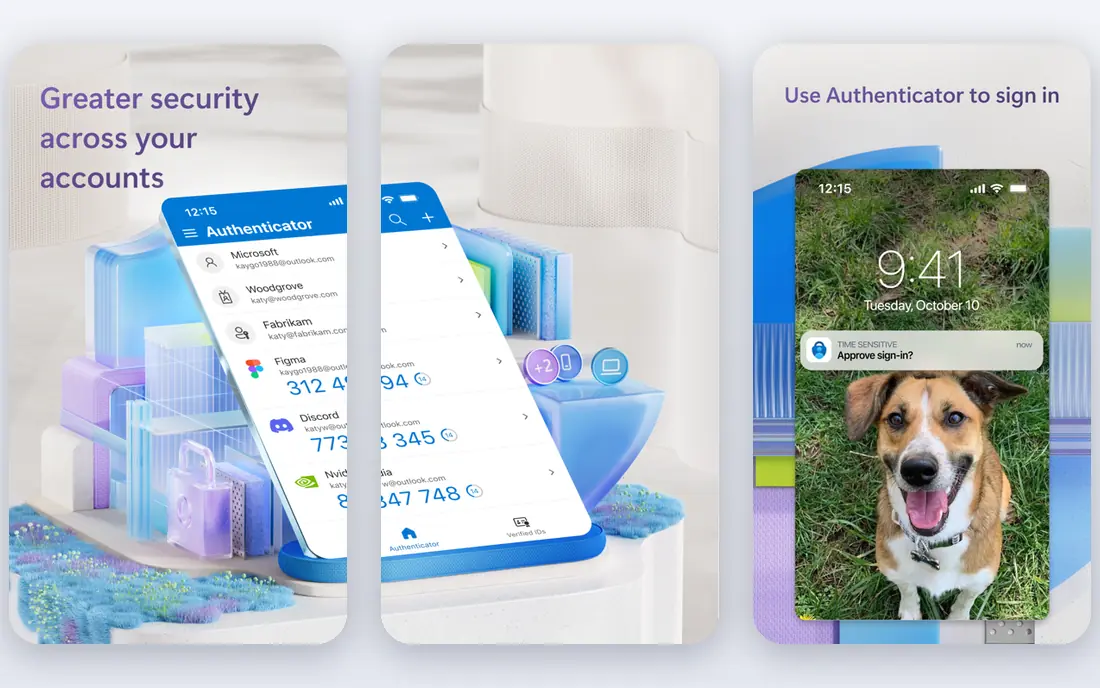
Microsoft Entra ID, formerly Azure Active Directory, is the natural choice when a company already lives in Microsoft 365. The free tier covers basic single sign-on and multi-factor authentication with eligible subscriptions, while P1 at $7 per user per month adds Conditional Access, group-based access and self-service password reset. P2 adds risk-based access and privileged identity management.
The trade is neutrality. Entra ID works well with Microsoft apps and thousands of gallery apps, but teams with a mixed vendor estate may prefer Okta. Check whether P1 or P2 is already included in your Microsoft 365 plan before buying standalone licenses.
- Included with many Microsoft subscriptions
- Conditional Access on P1
- Deep Office integration
- Less neutral outside Microsoft
- Advanced governance needs higher tiers
Duo is best known for push-based multi-factor authentication that employees actually accept. Setup is fast, the mobile app is familiar, and the free tier covers up to 10 users, which makes it a practical first step for a small company. Higher tiers add single sign-on, device trust and access policies.
Duo is not a complete replacement for Okta or Entra ID if you need deep lifecycle management and governance. Think of it as the MFA layer that can sit alongside a directory, or as a stepping stone toward a full platform.
- Simple MFA setup
- Free for up to 10 users
- Trusted device checks
- Full SSO and advanced policies need higher tiers
- Not a full identity platform
Ping Identity suits organizations with complex login needs, such as multiple directories, partner federation, hybrid cloud and on-premises systems, and customer-facing apps alongside workforce apps. Its federation tools handle cases where simple single sign-on falls short.
That power comes with a sales-led buying process and a longer setup. Small and mid-market teams will usually get faster value from Okta, Entra ID or OneLogin.
- Strong federation and hybrid support
- Enterprise scale
- Customer and workforce options
- Sales-led pricing
- Implementation needs skilled staff
Auth0 is built for developers adding login to their own apps, rather than for managing employee access to SaaS tools. It supports social login, passwordless options, passkeys and enterprise connections, with a free tier that covers a large number of monthly active users. That makes it a low-risk start for a new product.
Watch the tier jumps. Enterprise identity provider connections and advanced features can raise costs quickly as an app grows. Model pricing at your expected active user count, not just at launch.
- Free tier for many monthly active users
- Flexible login options
- Developer friendly
- Enterprise connections cost extra
- Pricing jumps at higher tiers
OneLogin appeals to mid-market companies that want single sign-on and multi-factor authentication without enterprise complexity or price. Setup is simpler than Ping or CyberArk, and the entry bundle covers the basics most teams need on day one.
The catalog is smaller than Okta, so check that your key apps have prebuilt integrations before committing. Teams with unusual apps may need custom SAML or OpenID Connect setup.
- Straightforward setup
- Affordable entry bundle
- Solid MFA
- Smaller catalog than Okta
- Advanced features gated to higher tiers
JumpCloud combines cloud directory services with device management for Windows, Mac and Linux, which makes it attractive to small teams that want to retire a local server. Users, groups, devices and app access live in one console, and the free tier covers small teams.
Larger enterprises with complex governance may still need Okta or Entra ID. For a team under a few hundred people, JumpCloud often replaces several separate tools.
- Directory plus device management
- Free for up to 10 users and devices
- Cross-platform
- Less depth for very large enterprises
- Device features drive the price
CyberArk is known for privileged access management, meaning control over admin and service accounts that carry the highest risk. Its workforce identity options add single sign-on and multi-factor authentication, so companies can pair everyday login with tight control over privileged sessions.
This is an enterprise purchase, not a quick self-serve signup. Teams should plan a phased rollout, starting with the most sensitive accounts, and budget for admin training.
- Strong privileged access controls
- Workforce SSO options
- Enterprise security focus
- Quote-based pricing
- Needs careful planning and admin time
How we picked these
We compared vendor pricing pages and feature documentation, plus 2026 comparison guides that checked prices against vendor sites. We included workforce tools and one customer identity tool, since buyers often confuse the two, and we favored products with current releases and clear pricing or a clear enterprise role.
How to choose without overbuying
Start by listing who needs access: employees, contractors, partners or customers. Workforce tools charge per employee, while customer tools charge per monthly active user, so mixing them up leads to a wrong budget. Next, list the apps that must support single sign-on, and check each vendor catalog for those apps by name.
Test the login experience with a small pilot group before rolling out company wide. Check passwordless options, help desk load from lockouts, and how quickly accounts are removed when someone leaves. That offboarding speed is a security control, not an admin nicety, and it should be timed during the trial.
Plan for the tier you will actually need
Entry prices often cover single sign-on and basic multi-factor authentication only. Lifecycle management, access reviews, privileged access and risk-based policies usually sit higher. Ask each vendor to map your requirements to a specific tier in writing, with the annual total for your user count.
Before rolling out, test account recovery for locked-out users, since a strict login policy can create support bottlenecks. A clear recovery path, plus a documented process for contractors and temporary staff, keeps security strong without blocking legitimate work.
FAQ
What is the best access management software for a small business?
Duo is a strong start for multi-factor authentication, and JumpCloud suits small teams that also need device management. If the team already uses Microsoft 365, Entra ID Free or P1 may cover the need at little extra cost. Okta Starter is worth a look once app count grows.
What is the difference between the best access management tools and single sign-on?
Single sign-on is one feature of access management: one login for many apps. Full access management also covers multi-factor authentication, account lifecycle, access reviews and privileged access. A tool that only does single sign-on leaves joiner and leaver processes manual.
Is Microsoft Entra ID free?
Entra ID Free is included with eligible Azure, Microsoft 365 and Dynamics 365 subscriptions and covers basic single sign-on and multi-factor authentication. Paid P1 and P2 tiers add Conditional Access, risk detection and privileged identity management, and are often bundled into Microsoft 365 E3, E5 or Business Premium.
How much does Okta cost?
Okta Workforce Identity Starter is listed at $6 per user per month billed annually, with higher suites at $14 and $17 per user per month and quote-only enterprise tiers. Add-ons and contract minimums can raise the total, so price the tier that includes your required features.
Should I choose Auth0 or Okta for employee login?
Choose Okta for employee access to SaaS apps, and Auth0 for customer login inside your own product. Both are owned by Okta, but they solve different problems and are priced differently. Some companies run both, with Okta for staff and Auth0 for customers.
How do I roll out MFA without annoying everyone?
Pilot with one team, offer passkeys and push approvals alongside codes, and publish a short help guide for lockouts. Measure help desk tickets during the pilot, not just login success. A rollout that cuts account takeover risk but doubles support calls needs better enrollment help, not a weaker policy.