Backup Software for MSPs in 2026: The 5 Best Options Side by Side
Weighing the best backup software for MSPs? We lined up 5 products by cost, free access and fit. Strengths and weak spots are spelled out. Decide faster.
- Editor's choiceConnectWise BCDR
MSPs inside the ConnectWise ecosystem
Starts atPricing on requestVisit connectwise.comFull review - Great alternative
 Barracuda Backup
Backup within a security portfolio
Starts atPricing on requestVisit barracuda.comFull review - Also considerN-able Backup
MSPs standardized on N-able tooling
Starts atPricing on requestVisit n-able.comFull review
Direct answer
For MSPs inside the ConnectWise ecosystem, ConnectWise BCDR is where this list starts. Look at Barracuda Backup for Backup within a security portfolio, and at N-able Backup for MSPs standardized on N-able tooling. All 5 tools are compared below on fit, free plan and limits. None of these vendors publish plan prices, so pricing is on request for every option.
TL;DR:
- Number one here is ConnectWise BCDR, a fit for MSPs inside the ConnectWise ecosystem.
- Check the limits for Veeam Backup & Replication before you commit: can be complicated to configure.
- For enterprise cyber resilience and recovery, Rubrik is worth a look.
- ConnectWise BCDR, Rubrik and the 3 others all sell by quote; expect sales conversations before you see a price.
- None of the 5 tools, from ConnectWise BCDR to Rubrik, has a free plan, so budget for a subscription or use a trial.
Last checked November 2026. Pricing on request: vendors did not publish plan prices when this guide was last checked (November 2026), so ask each vendor for a written quote.
Quick comparison
| Tool | Best for | Starts at | Free plan? | |
|---|---|---|---|---|
| ConnectWise BCDR | MSPs inside the ConnectWise ecosystem | Pricing on request | Free trial | Visit |
| Barracuda Backup | Backup within a security portfolio | Pricing on request | Free trial | Visit |
| N-able Backup | MSPs standardized on N-able tooling | Pricing on request | Not stated | Visit |
| Veeam Backup & Replication | Wide workload backup and recovery | Pricing on request | Not stated | Visit |
 Rubrik | Enterprise cyber resilience and recovery | Pricing on request | Not stated | Visit |
The full backup software for MSPs list
If you are comparing backup software for MSPs, this page covers 5 tools in one place: what each is best for, what it costs to start, whether it has a free plan, and the main limit to know about.
ConnectWise BCDR
Best for: MSPs inside the ConnectWise ecosystem
ConnectWise BCDR is designed for MSPs inside the ConnectWise ecosystem. ConnectWise BCDR is part of ConnectWise's all-in-one toolset for MSPs, which spans remote monitoring and management, unified management, security operations and cybersecurity.
ConnectWise BCDR does not show a starting price in this comparison, so check the vendor site for current pricing. Trial and free access: Free trial.
Drawbacks to consider: Value tied to the wider system.
- Suits ConnectWise MSP tooling
- Pairs with RMM and security
- Less appealing outside ConnectWise
Barracuda Backup is a good fit for Backup within a security portfolio. Barracuda Backup sits within Barracuda's data protection offerings, alongside email protection, application protection and network security options.
Choose Barracuda when security-led consolidation is the goal. No starting price is listed for Barracuda Backup here; confirm pricing on the vendor site. Trial and free access: Free trial.
The main drawbacks: Backup is one part of a wide portfolio.
- Suits layered security strategies
- Backup alongside email and network security
- May suit security-led buyers more than backup-led ones
N-able Backup
Best for: MSPs standardized on N-able tooling
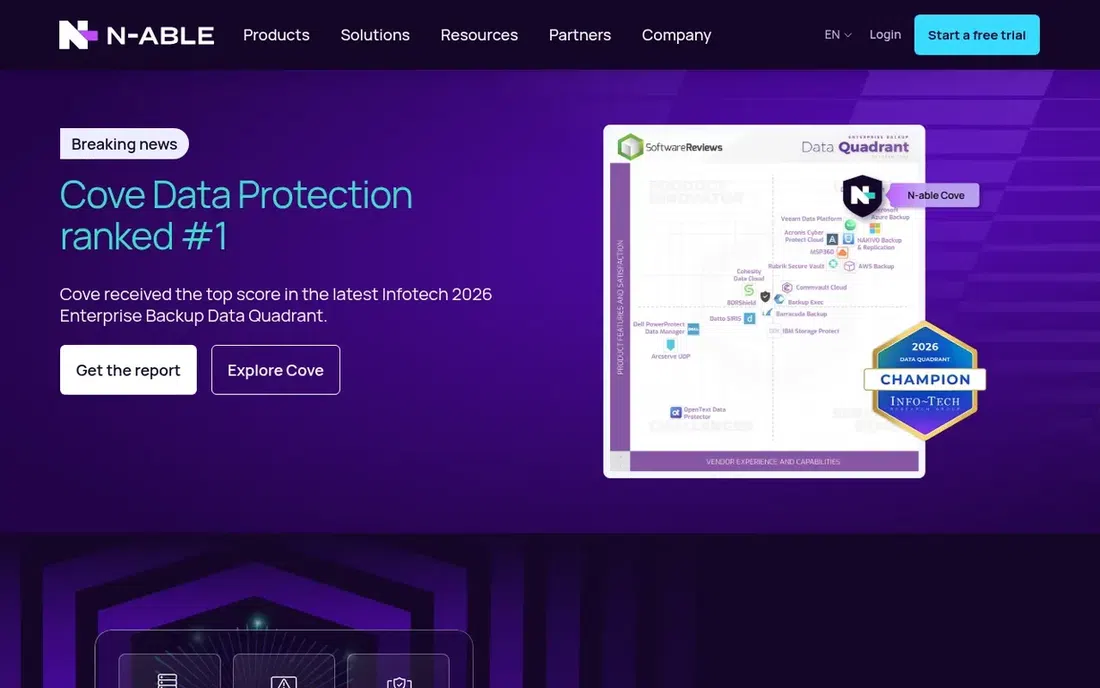
N-able Backup targets MSPs standardized on N-able tooling. The most solid case for N-able Backup is ecosystem fit, so teams using other systems may find less advantage and should compare standalone backup engines.
Where it falls short: Best value within the N-able ecosystem.
- Resources for IT departments
- Data protection focus for MSPs
- Less compelling as a standalone pick
Veeam Backup & Replication
Best for: Wide workload backup and recovery
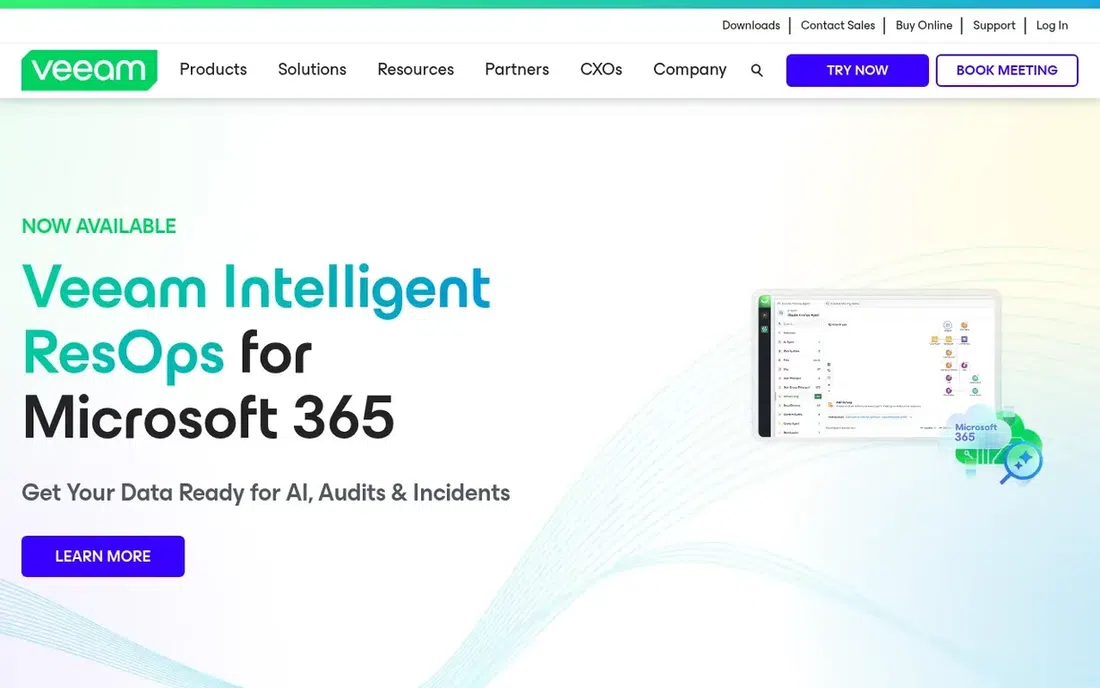
In short, Veeam Backup & Replication is for broad workload backup and recovery. For MSPs, it suits providers that run mixed environments and want a single backup engine across plenty of client workloads, with recovery choices that support staying compliant and moving data securely between sites.
Downsides: Licensing needs careful planning.
The product is feature rich, which means setup and continuing administration can take real effort, and licensing across plenty of clients needs planning. Choose Veeam when depth of workload coverage matters most. This comparison lists no price for Veeam Backup & Replication; ask the vendor. Free access: Not stated.
- Solid cyber resilience focus
- Secure data movement features
- Can be complicated to configure
Pick Rubrik if this describes you: enterprise cyber resilience and recovery. For MSPs serving bigger or security-sensitive clients, it suits where recovery speed and immutable backup are central requirements.
Where it falls short: Broader system than straightforward backup.
Pricing for Rubrik is not stated here, so ask the vendor for current figures. Free options: Not stated.
- Immutable backups
- Quick recovery after ransomware
- Enterprise orientation may exceed small MSP needs
How we compared the tools
We compared the tools on published pricing, free plan or trial availability, feature coverage for backup software for MSPs, and the limits each vendor documents. Figures are shown as the vendors publish them. Billing terms, seat minimums and add-ons can change the real cost. Tools are placed by general fit for backup software for MSPs, with price clarity and free access as tie-breakers. A different team can reasonably rank them differently.
A buyer's checklist
- Request quotes from ConnectWise BCDR, Rubrik and the others; the list shows no fixed prices.
- Use real work to test the free trial from ConnectWise BCDR and Barracuda Backup, rather than a demo project.
- Before choosing ConnectWise BCDR, weigh its main limit: value tied to the wider system.
- See whether Barracuda Backup offers onboarding or training, and whether it is included in the price.
- Look at the renewal terms for N-able Backup: auto-renewal, notice periods and price changes can matter more than the first-year price.
FAQ
Does any tool for backup software for MSPs here have a free plan?
A permanent free plan is not offered by ConnectWise BCDR, Rubrik or the other tools here. ConnectWise BCDR, Barracuda Backup offer a trial. Plan a short evaluation period instead.
Can I try these tools before paying?
Often, yes. ConnectWise BCDR and Barracuda Backup offer a free trial. Use your own data and a real task during the test, and check what the free tier or trial limits before you rely on it.
How are the backup software for MSPs ordered?
ConnectWise BCDR sits first and Rubrik last because the order follows typical fit for backup software for MSPs, then price clarity and free access. It is a judgement call, so read each profile for fit and limits.
Is ConnectWise BCDR the right pick for everyone comparing backup software for MSPs?
No single tool suits every team. ConnectWise BCDR comes first because it fits MSPs inside the ConnectWise ecosystem, while Barracuda Backup suits Backup within a security portfolio and N-able Backup suits MSPs standardized on N-able tooling. Match the tool to your own size, budget and workflow before deciding.
How should a MSP evaluate these tools before buying?
Map each client's workloads and recovery targets first, then check which tools support them and how they connect with your existing management stack. Confirm licensing, support and multi-tenant behavior directly with vendors.
Sources
- https://www.connectwise.com
- https://www.barracuda.com
- https://www.n-able.com
- https://www.veeam.com
- https://www.rubrik.com