6 Best AI PC Backup Software for 2026, Vetted and Compared
6 tools for the best AI PC backup software, compared on pricing, free plans and best-fit use. Weak spots flagged for every entry. Reviewed this month.
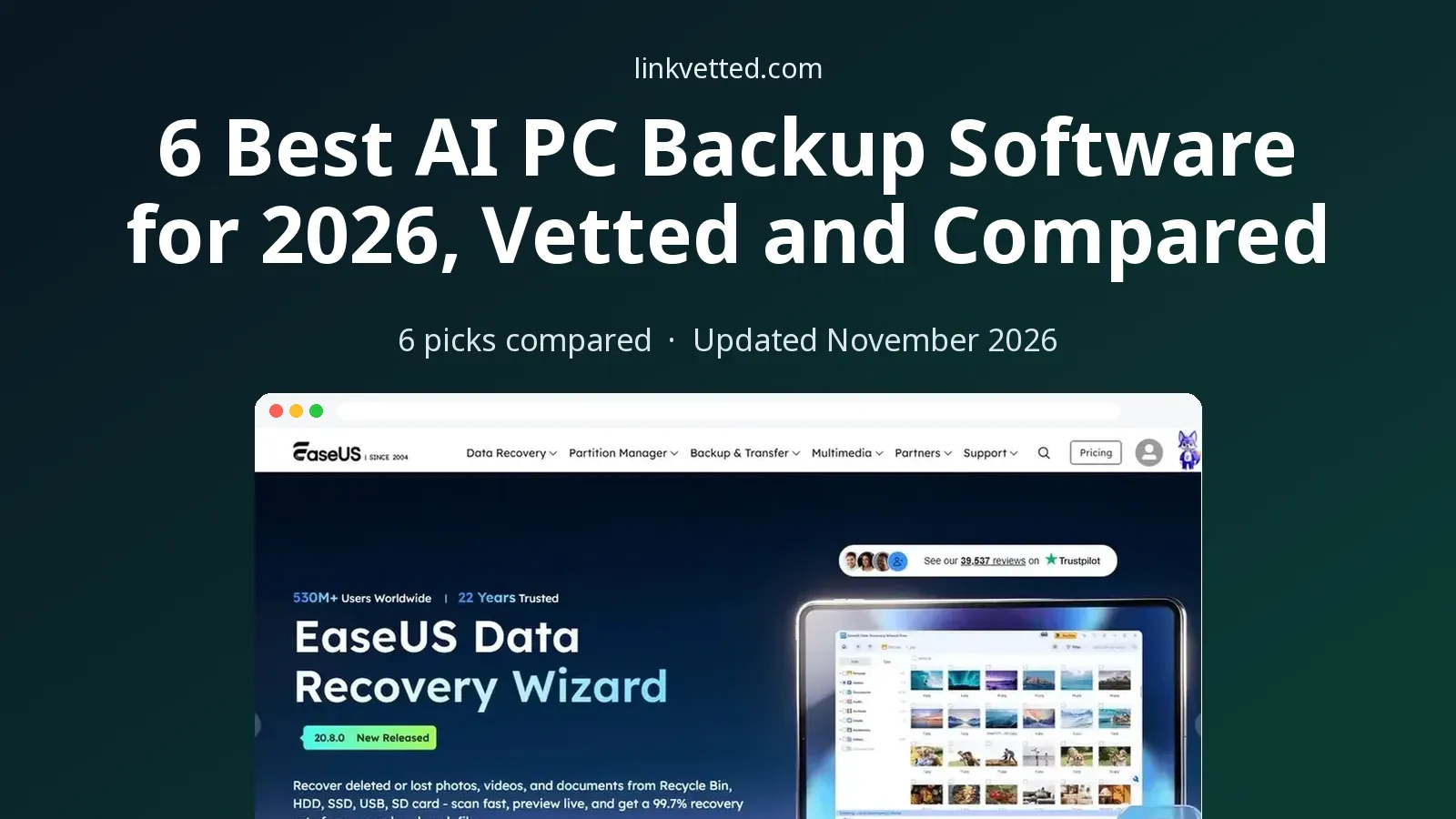
- Editor's choice
 EaseUS Todo Backup
Mixed Windows and Mac households
Starts atSee websiteVisit easeus.comFull review - Great alternativeVeeam Agent for Microsoft Windows
Windows endpoints and servers
Starts atSee websiteVisit veeam.comFull review - Also consider
 Carbonite Safe
Automatic cloud backup for home and business
Starts atSee websiteVisit carbonite.comFull review
Direct answer
If you need mixed Windows and Mac households, EaseUS Todo Backup is the first tool to look at here. Listed starting prices: Genie Backup Manager from $5 per user per month. If your case is different, Veeam Agent for Microsoft Windows suits Windows endpoints and servers and Carbonite Safe suits automatic cloud backup for home and business. All 6 tools are compared below on price, free plan and limits.
TL;DR:
- Top of the list is EaseUS Todo Backup, which targets mixed Windows and Mac households.
- Norton 360 fits all-in-one security with backup.
- What to know about EaseUS Todo Backup first: interface can feel busy.
- Genie Backup Manager has the lowest monthly starting price in this list: $5 per user per month.
- None of the 6 tools, from EaseUS Todo Backup to Norton 360, has a free plan, so budget for a subscription or use a trial.
Last checked November 2026. Prices and plan details were read from the vendors' own pages in November 2026; vendors change plans often, so confirm the current price on the vendor site before you buy.
Quick comparison
| Tool | Best for | Starts at | Free plan? | |
|---|---|---|---|---|
| EaseUS Todo Backup | Mixed Windows and Mac households | See website | Not stated | Visit |
| Veeam Agent for Microsoft Windows | Windows endpoints and servers | See website | Not stated | Visit |
| Carbonite Safe | Automatic cloud backup for home and business | See website | Not stated | Visit |
| Genie Backup Manager | Business cloud backup and recovery | $5 per user per month | Free trial | Visit |
 Macrium Reflect | Scheduled disk image backups | See website | Not stated | Visit |
 Norton 360 | All-in-one security with backup | See website | Not stated | Visit |
AI PC Backup Software compared in detail
Short on time? The summary and table above give the quick view of 6 tools for AI PC backup software, and the profiles that follow give the detail behind each entry.
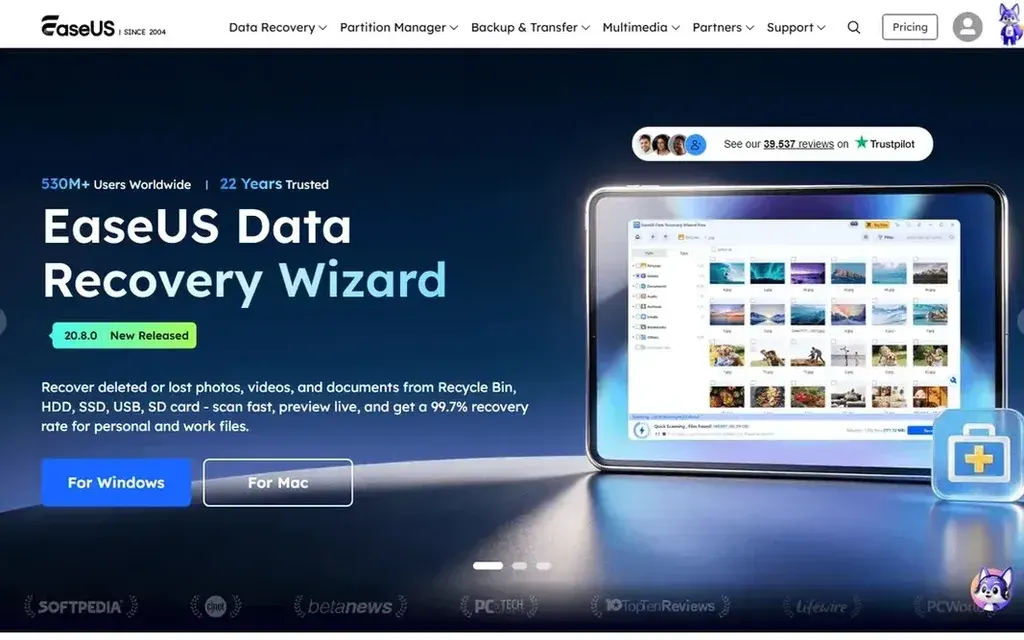
Think of EaseUS Todo Backup for mixed Windows and Mac households. Users who want a single-purpose imaging tool may find it heavier than needed. Also, the feature range means the interface can feel crowded, and not every capability is identical across products.
Best features of EaseUS Todo Backup: Wide feature set.
Where it is weaker: Interface can feel busy.
More specifically, EaseUS Todo Backup is positioned as data backup software for Windows PC, Server and Mac. It also spans disaster recovery for personal, home office and enterprise use. No starting price is listed for EaseUS Todo Backup here; confirm pricing on the vendor site. On free options: Not stated.
- Handles Windows PC
- Server and Mac
- Feature depth varies by system
Veeam Agent for Microsoft Windows
Best for: Windows endpoints and servers
In short, Veeam Agent for Microsoft Windows is for Windows endpoints and servers. Veeam Agent for Microsoft Windows is a Windows backup option for desktops, endpoints and physical servers, positioned as straightforward protection for Windows workloads.
The agent is Windows-only and assumes some familiarity with backup concepts, so it is not the easiest starting point for casual users. Beyond that, if you need Mac coverage or a very straightforward home backup experience, a different product will likely suit you better. Veeam Agent for Microsoft Windows does not show a starting price in this comparison, so check the vendor site for current pricing. Free plan details: Not stated.
Downsides: Windows-only.
- Also handles physical servers
- Straightforward Windows backup focus
- Geared toward IT-oriented users
In short, Carbonite Safe is for automatic cloud backup for home and business. Carbonite Safe, now part of OpenText, focuses on automatic backup and data protection for home and business users.
What to check first: Restore speed relies on connection.
Large restores rely on your internet connection. Carbonite Safe is cloud-first, so it is not the tool for full bare-metal system imaging or quick local restores of whole machines. No starting price is listed for Carbonite Safe here; confirm pricing on the vendor site. As for free access: Not stated.
- Automatic cloud backups
- Home and business coverage
- Cloud-first instead of imaging
Genie Backup Manager
Best for: Business cloud backup and recovery
Genie Backup Manager is a good fit for business cloud backup and recovery. Genie Backup Manager sits within Genie9's lineup of cloud backup and disaster recovery products for Windows, Mac and Linux, geared toward business use.
Downsides: Setup assumes some planning.
What you pay to start with Genie Backup Manager: $5 per user per month. Free access: Free trial.
- Includes Windows
- Cloud backup and disaster recovery
- Less known for consumer use
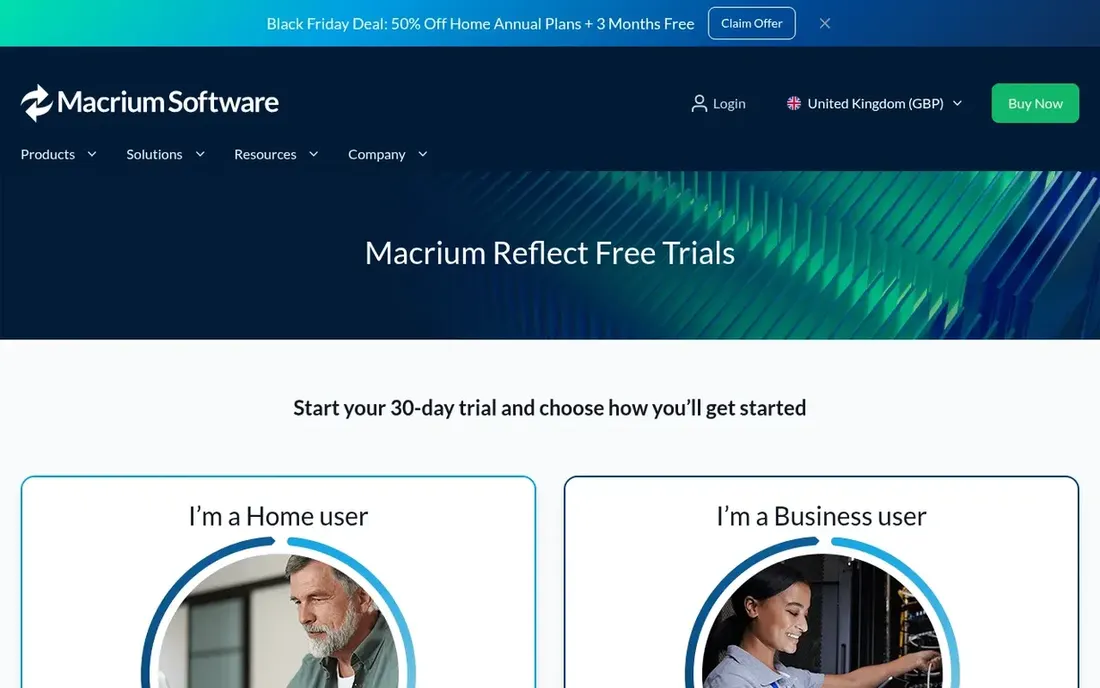
Macrium Reflect is a good fit for scheduled disk image backups. It does well for protecting an entire system so it can be restored after a failure.
Honest limits: Advanced choices need learning.
Beyond that, pick something else if you primarily want continuous cloud backup with minimal setup, or if you need cross-platform coverage from a single dashboard. No starting price is listed for Macrium Reflect here; confirm pricing on the vendor site. Free options: Not stated.
- Fits full-system protection
- Restore-focused imaging workflow
- Windows-centric
Norton 360 works best for all-in-one security with backup. Norton 360 is a security suite that bundles antivirus, privacy and identity protection with backup features. Its current lineup flags AI-based scam detection.
Downsides: Backup is one part of a suite.
From a buyer's view, since backup is one component of a broader suite, it supplies less depth than dedicated imaging tools for system-level recovery or server workloads. On top of that, users who require scheduled full-disk images or endpoint backup for servers should look at specialist products. Worth adding: choose Norton 360 when convenience and integrated protection matter more than backup granularity. Norton 360 shows no starting price here, so confirm the cost on the vendor site. Trial and free access: Not stated.
- Single subscription for numerous needs
- Merges security and backup
- Less specialized than dedicated tools
How we compared the tools
Pre-purchase checklist
- Ask EaseUS Todo Backup, Veeam Agent for Microsoft Windows, Carbonite Safe and others for a written quote, since no starting price is shown.
- Use real work to test the free trial from Genie Backup Manager, rather than a demo project.
- Read the limits listed for EaseUS Todo Backup first: interface can feel busy.
- Find out whether the entry plan of Macrium Reflect covers your must-haves or only a trimmed-down version.
- Check whether Carbonite Safe bills monthly or annually, and what cancelling early costs.
FAQ
What should I look for in PC backup software?
Focus on whether you need full disk imaging or file-level backup, which operating systems must be covered, and how recovery works. Scheduling and automatic backups matter for consistency.
What is the cheapest option for AI PC backup software in this list?
On published monthly entry prices, Genie Backup Manager is the lowest here at $5 per user per month. Entry price is only part of the cost, because seats, add-ons and billing terms can change the total.
How do I verify backup software before buying?
Read the vendor's feature list and supported platforms, then confirm recovery choices and scheduling behavior. Test a restore on a spare machine where possible. Vendor sites remain the authoritative source for current capabilities and edition differences.
Is EaseUS Todo Backup the right pick for everyone comparing AI PC backup software?
No single tool suits every team. EaseUS Todo Backup comes first because it fits mixed Windows and Mac households, while Veeam Agent for Microsoft Windows suits Windows endpoints and servers and Carbonite Safe suits automatic cloud backup for home and business. Match the tool to your own size, budget and workflow before deciding.
Does any tool for AI PC backup software here have a free plan?
A permanent free plan is not offered by EaseUS Todo Backup, Norton 360 or the other tools here. Genie Backup Manager offer a trial. Plan a short evaluation period instead.
How are the tools for AI PC backup software ordered?
The order follows typical fit for AI PC backup software, with EaseUS Todo Backup first and Norton 360 last, then price clarity and free access. It is editorial judgement, not a score, so another team could rank the tools differently.
Sources
- https://www.easeus.com/backup-software
- https://www.veeam.com/windows-endpoint-server-backup-free.html
- https://www.carbonite.com
- https://www.genie9.com
- https://www.macrium.com/reflectfree
- https://www.norton.com