6 OCR Image to Text Software Worth Shortlisting in 2026
Best OCR image to text software in 2026: 6 contenders with entry costs and free tiers. Strengths and weak spots are spelled out. Built for quick decisions.
- Editor's choice
 ABBYY FineReader PDF
Accurate OCR and document conversion
Starts at$16 per monthVisit abbyy.comFull review - Great alternativeKofax OmniPage
OCR with document management tools
Starts at$129 one time per licenseVisit kofax.comFull review - Also consider
 Readiris
Low-cost PDF and OCR conversion
Starts atSee websiteVisit irislink.comFull review
Direct answer
Start with ABBYY FineReader PDF if you need accurate OCR and document conversion. Listed starting prices: ABBYY FineReader PDF from $16 per month and Kofax OmniPage from $129 one time per license. For a different need, Kofax OmniPage covers OCR with document management tools and Readiris covers budget-friendly PDF and OCR conversion. The remaining 3 options are covered below with prices and limits.
TL;DR:
- Top of the list is ABBYY FineReader PDF, which targets accurate OCR and document conversion.
- Kofax OmniPage comes with a trade-off: interface may be dated.
- For AI-powered document extraction, Microsoft Azure AI Document Intelligence is worth a look.
- A permanent free plan is missing from all 6 tools, ABBYY FineReader PDF and Microsoft Azure AI Document Intelligence included; plan for a trial or a premium start.
- The lowest published monthly entry price here is $16 per month, from ABBYY FineReader PDF.
Last checked November 2026. Prices and plan details were read from the vendors' own pages in November 2026; vendors change plans often, so confirm the current price on the vendor site before you buy.
Quick comparison
| Tool | Best for | Starts at | Free plan? | |
|---|---|---|---|---|
| ABBYY FineReader PDF | Accurate OCR and document conversion | $16 per month | Free trial | Visit |
| Kofax OmniPage | OCR with document management tools | $129 one time per license | Free trial | Visit |
| Readiris | Low-cost PDF and OCR conversion | See website | Not stated | Visit |
 Adobe Acrobat Pro | All-in-one PDF and OCR option | See website | Not stated | Visit |
| Tesseract OCR | Open-source OCR for developers | See website | Not stated | Visit |
| Microsoft Azure AI Document Intelligence | AI-powered document extraction | See website | Not stated | Visit |
The 6 tools in detail
Choosing OCR image to text software usually comes down to price, fit and limits. This LinkVetted guide sets 6 tools side by side on those three points, with the facts kept short and checkable.
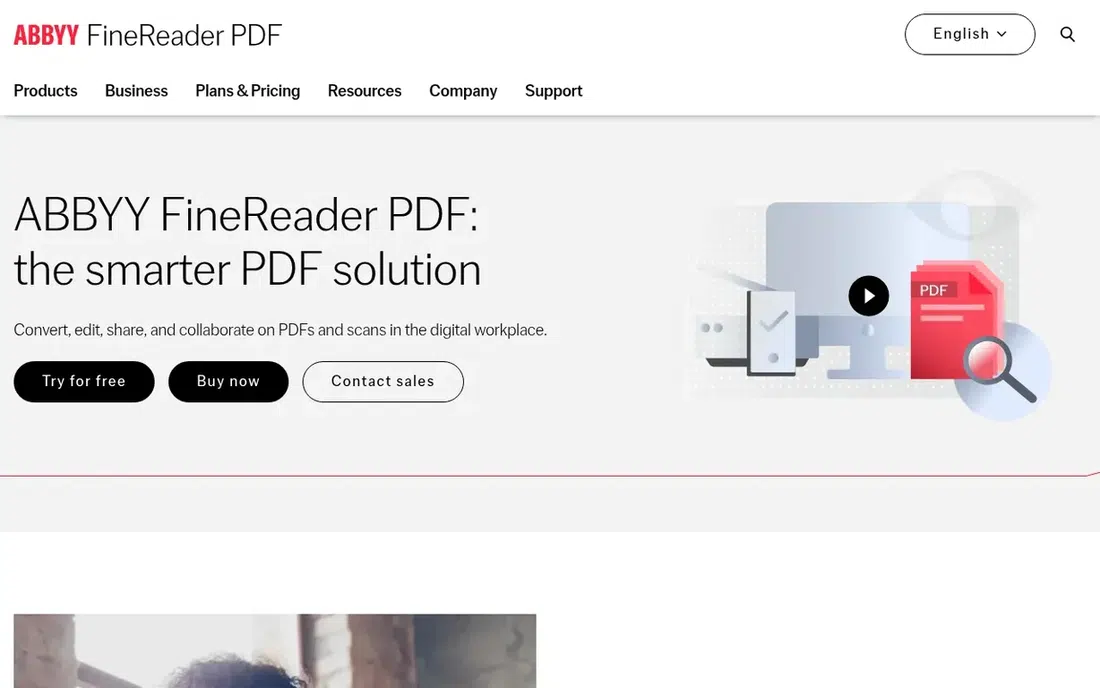
ABBYY FineReader PDF is designed for accurate OCR and document conversion. Consider Tesseract OCR for a free alternative.
FineReader PDF is a capable tool, but its advanced capabilities come at a higher price point, which may be excessive for casual users. Those needing only entry-level OCR might find more straightforward tools more economical. Starting cost for ABBYY FineReader PDF: $16 per month. Free plan details: Free trial.
Where it falls short: Higher cost for full features.
- Converts PDFs to editable formats
- Comes with editing and collaboration tools
- May have a ramp-up time
Kofax OmniPage
Best for: OCR with document management tools
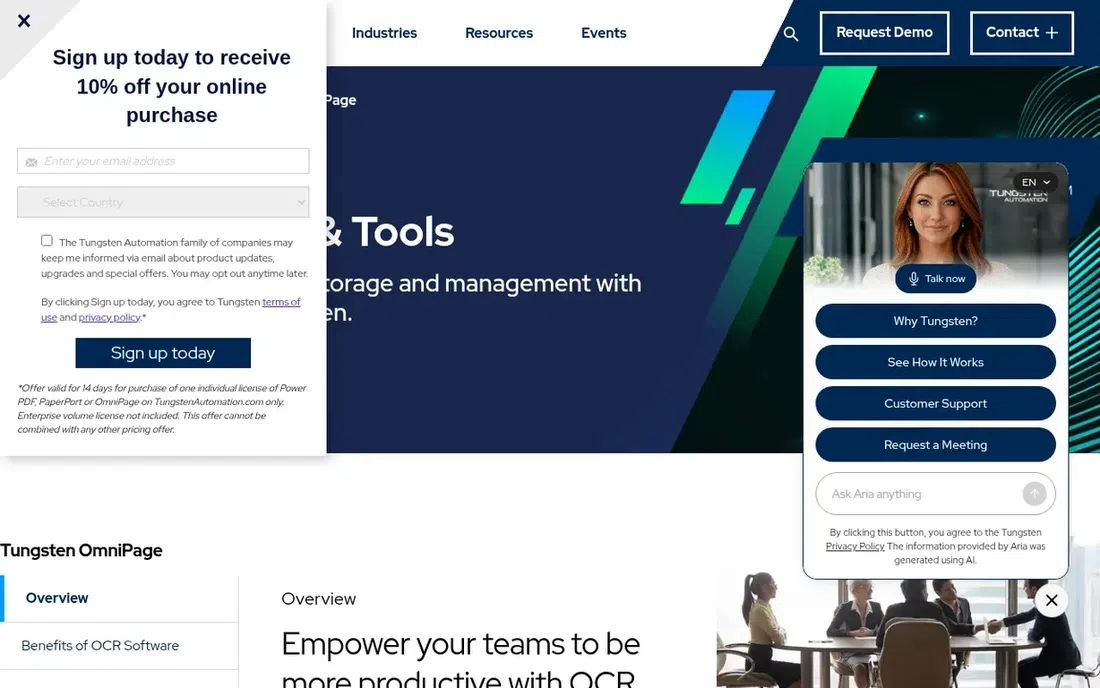
Kofax OmniPage targets OCR with document management tools. Kofax OmniPage is OCR software concentrated on accurate text recognition and document management. It is built for users who require to convert scanned documents into editable text and integrate OCR into broader document workflows.
Where it falls short: Restricted PDF editing features.
Worth adding: OmniPage may lack the broad PDF editing capabilities found in competitors like Adobe Acrobat Pro. Its interface might feel less modern, and it could be overkill for straightforward OCR tasks. Kofax OmniPage starts at: $129 one time per license. Free options: Free trial.
- Accurate optical character recognition
- Enhances document management
- Interface may be dated
Where Readiris fits: low-cost PDF and OCR conversion. Also, the software also contains sharing and review capabilities.
For everyday use, Readiris may not match the OCR accuracy of higher-end tools like ABBYY FineReader PDF, notably for complicated documents. Its feature set is more restricted, which might not satisfy power users. Pricing for Readiris is not stated here, so ask the vendor for current figures. Free options: Not stated.
Drawbacks to consider: Restricted advanced features.
- Comes with annotation and sharing
- Converts and edits PDFs
- OCR accuracy may vary
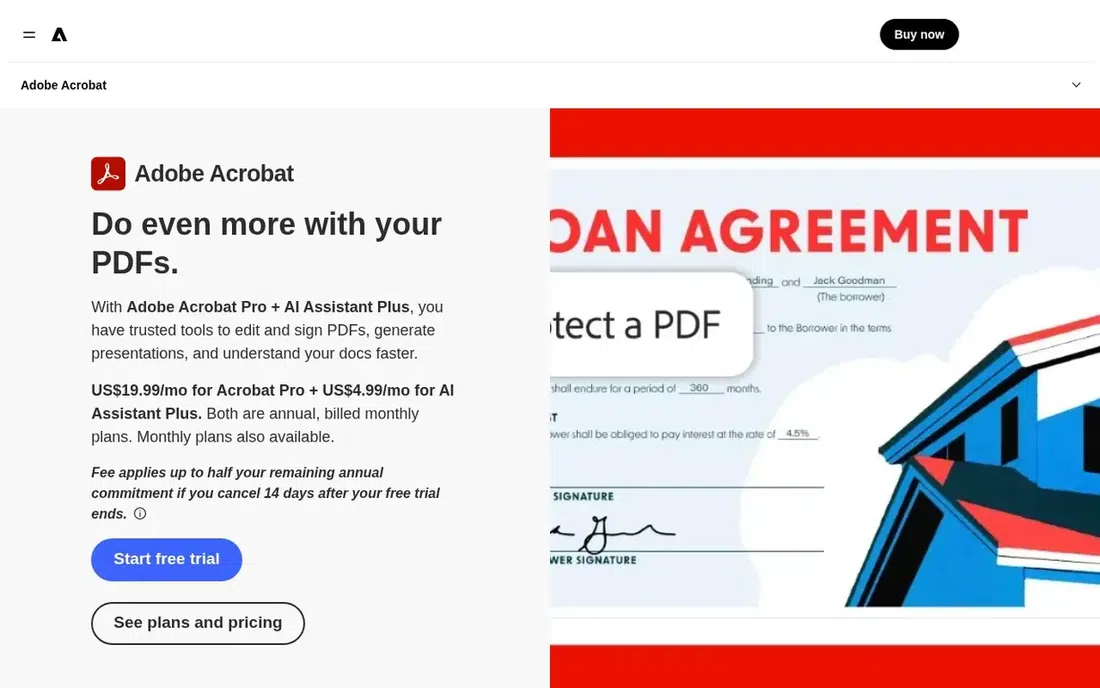
Think of Adobe Acrobat Pro for all-in-one PDF and OCR solution. Adobe Acrobat Pro is a full PDF software that contains OCR capabilities for converting scanned images to editable text.
It is a strong match for users who require to edit, convert, and share PDFs in a single application. This comparison lists no price for Adobe Acrobat Pro; ask the vendor. Free access: Not stated.
Downsides: Can be complicated for straightforward OCR tasks.
- Merges OCR with PDF editing and conversion
- Regular feature updates
- Needs subscription
Tesseract OCR
Best for: Open-source OCR for developers
Tesseract OCR is a good fit for open-source OCR for developers. Tesseract OCR is an open-source optical character recognition engine that developers can integrate into applications. On top of that, Tesseract lacks an approachable interface and needs setup and configuration, making it less accessible for non-technical users.
Limits to weigh: No official GUI.
It may also struggle with complicated layouts compared with commercial tools. Tesseract supports many different languages and can be trained for specific fonts. Also, for a ready-to-use OCR application, consider Adobe Acrobat Pro. No starting price is listed for Tesseract OCR here; confirm pricing on the vendor site. Free plan details: Not stated.
- Free and open-source
- Supports plenty of languages
- Needs technical knowledge
Microsoft Azure AI Document Intelligence
Best for: AI-powered document extraction
Microsoft Azure AI Document Intelligence was built for AI-powered document extraction. Microsoft Azure AI Document Intelligence is a cloud-based service that uses AI models to extract text, structure, and fields from documents. It is built for developers and enterprises that require to automate document processing and integrate OCR into applications using Azure.
The service gives you prebuilt models for typical document types and allows custom model training. It is not a standalone desktop tool, so users seeking offline OCR might prefer Tesseract OCR. No starting price is listed for Microsoft Azure AI Document Intelligence here; confirm pricing on the vendor site. Free access: Not stated.
The main drawbacks: Needs Azure subscription.
- Uses prebuilt and custom models
- Extracts text, structure, fields
- Complicated setup for beginners
How we chose
For each of the 6 tools we noted price, free plan or trial, fit for OCR image to text software and the main limit, using vendor pages and documentation. Figures are shown as the vendors publish them. Billing terms, seat minimums and add-ons can change the real cost. Order on the page follows fit for the typical buyer first, then price transparency and free access. Your own requirements should decide the final pick.
What to check before you buy
- Ask Readiris, Adobe Acrobat Pro, Tesseract OCR and Microsoft Azure AI Document Intelligence for a written quote, since no starting price is shown.
- Take the trial from ABBYY FineReader PDF and Kofax OmniPage and push a live task through it before you pay.
- Read the limits listed for ABBYY FineReader PDF first: higher cost for full features.
- Ask Adobe Acrobat Pro how an export works before you move any records in; an easy exit lowers the risk.
- Find out what support Kofax OmniPage includes on your plan, and whether onboarding help costs extra.
FAQ
Is there a free OCR tool for developers?
Tesseract OCR is a free, open-source OCR engine that developers can integrate into their applications. It needs some technical knowledge but supplies high customizability.
What is the best OCR software for scanned documents?
ABBYY FineReader PDF comes first here and is built for accurate OCR and document conversion. Buyers with other needs may prefer Kofax OmniPage (for OCR with document management tools) or Readiris (for low-cost PDF and OCR conversion). Compare costs and limits first.
How are the tools for OCR image to text software ordered?
The order follows typical fit for OCR image to text software, with ABBYY FineReader PDF first and Microsoft Azure AI Document Intelligence last, then price clarity and free access. It is editorial judgement, not a score, so another team could rank the tools differently.
Do these tools publish their prices?
Not all of them. Readiris, Adobe Acrobat Pro, Tesseract OCR and Microsoft Azure AI Document Intelligence publish no starting price, so expect a quote request for those. The rest, ABBYY FineReader PDF included, show a starting price, though seats and billing terms still change the final cost.
What is the cheapest option for OCR image to text software in this list?
On published monthly entry prices, ABBYY FineReader PDF is the lowest here at $16 per month. Entry price is only part of the cost, because seats, add-ons and billing terms can change the total. Prices, free plan details and limits for all 6 tools in this OCR image to text software roundup sit on the individual cards above.
Is ABBYY FineReader PDF the right pick for everyone comparing OCR image to text software?
No single tool suits every team. ABBYY FineReader PDF comes first because it fits accurate OCR and document conversion, while Kofax OmniPage suits OCR with document management tools and Readiris suits affordable PDF and OCR conversion. Match the tool to your own size, budget and workflow before deciding.
Sources
- https://www.abbyy.com/finereader
- https://www.kofax.com/products/omnipage
- https://www.irislink.com/readiris
- https://www.adobe.com/acrobat/acrobat-pro.html
- https://tesseract-ocr.github.io
- https://azure.microsoft.com/en-us/products/ai-services/ai-document-intelligence