Choosing OCR Scanner Software in 2026: 5 Options Compared
Comparing the best OCR scanner software? 5 contenders, each with entry cost, free tier and best-fit buyer. Weaknesses are named for every tool. Choose faster.
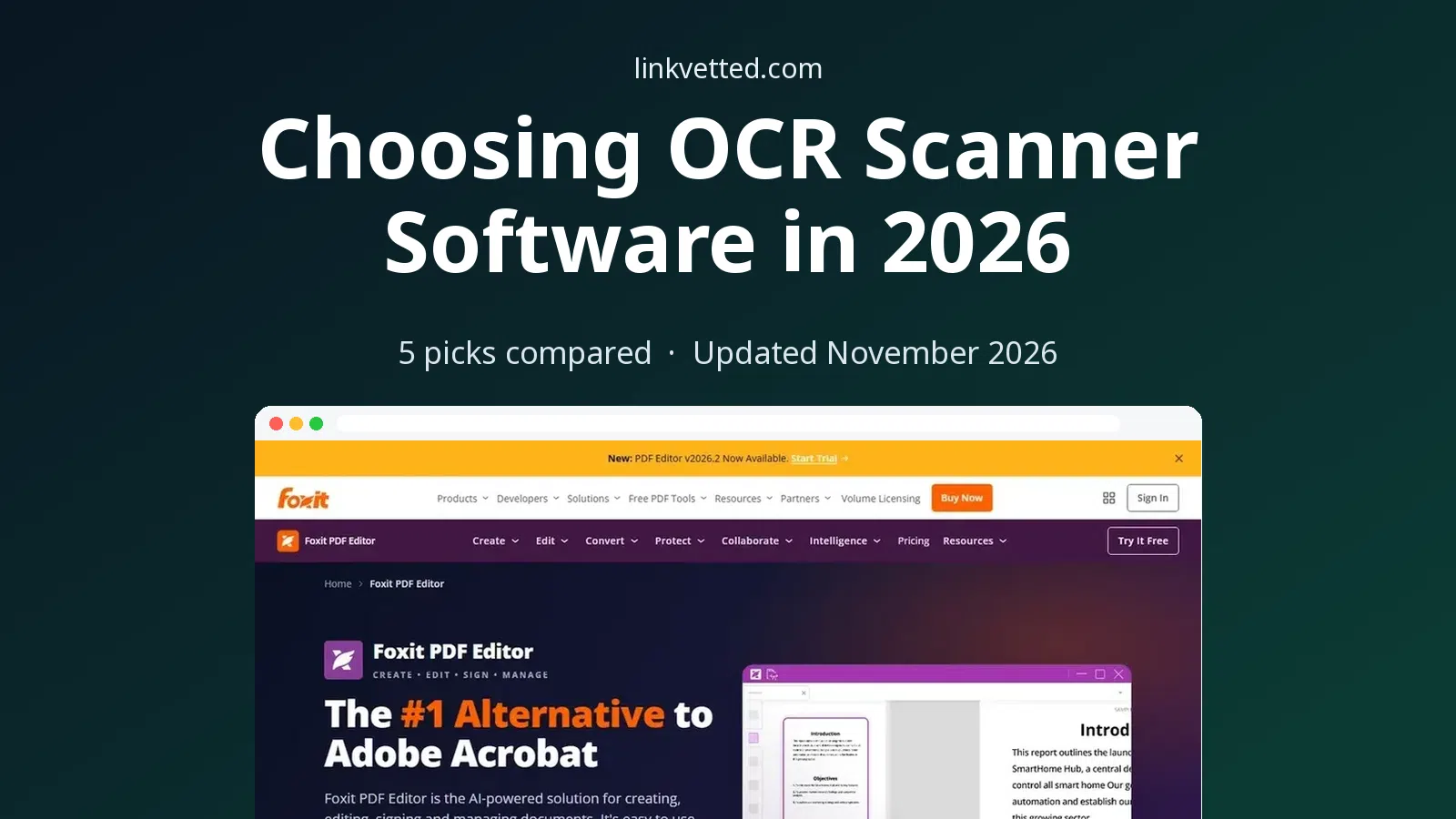
- Editor's choice
 Foxit PDF Editor
AI-assisted PDF editing and signing
Starts atSee websiteVisit foxit.comFull review - Great alternative
 Nitro PDF Pro
Everyday document editing and protection
Starts atSee websiteVisit gonitro.comFull review - Also consider
 PDFelement
Accessible editing across desktop, mobile and web
Starts at$6.99 per weekVisit pdf.wondershare.comFull review
Direct answer
Start with Foxit PDF Editor if you need AI-assisted PDF editing and signing. Listed starting prices: PDFelement from $6.99 per week and ABBYY FineReader PDF from $16 a month. Alternatives: Nitro PDF Pro for everyday document editing and protection, and PDFelement for accessible editing across desktop, mobile and web. The remaining 2 options are covered below with prices and limits.
TL;DR:
- Foxit PDF Editor is the opening pick, best for AI-assisted PDF editing and signing.
- A permanent free plan is missing from all 5 tools, Foxit PDF Editor and ABBYY FineReader PDF included; plan for a trial or a premium start.
- ABBYY FineReader PDF suits converting scanned documents into editable files.
- ABBYY FineReader PDF has the lowest monthly starting price in this list: $16 per month.
- Before buying Foxit PDF Editor, weigh this: OCR is one feature among plenty of.
Last checked November 2026. Prices and plan details were read from the vendors' own pages in November 2026; vendors change plans often, so confirm the current price on the vendor site before you buy.
Quick comparison
| Tool | Best for | Starts at | Free plan? | |
|---|---|---|---|---|
| Foxit PDF Editor | AI-assisted PDF editing and signing | See website | Not stated | Visit |
| Nitro PDF Pro | Everyday document editing and protection | See website | Not stated | Visit |
| PDFelement | Accessible editing across desktop, mobile and web | $6.99 per week | Not stated | Visit |
 Adobe Acrobat Pro | OCR inside a full PDF workflow | See website | Not stated | Visit |
 ABBYY FineReader PDF | Converting scanned documents into editable files | $16 a month | Free trial | Visit |
The 5 tools in detail
Choosing OCR scanner software usually comes down to price, fit and limits. This LinkVetted guide sets 5 tools side by side on those three points, with the facts kept short and checkable.
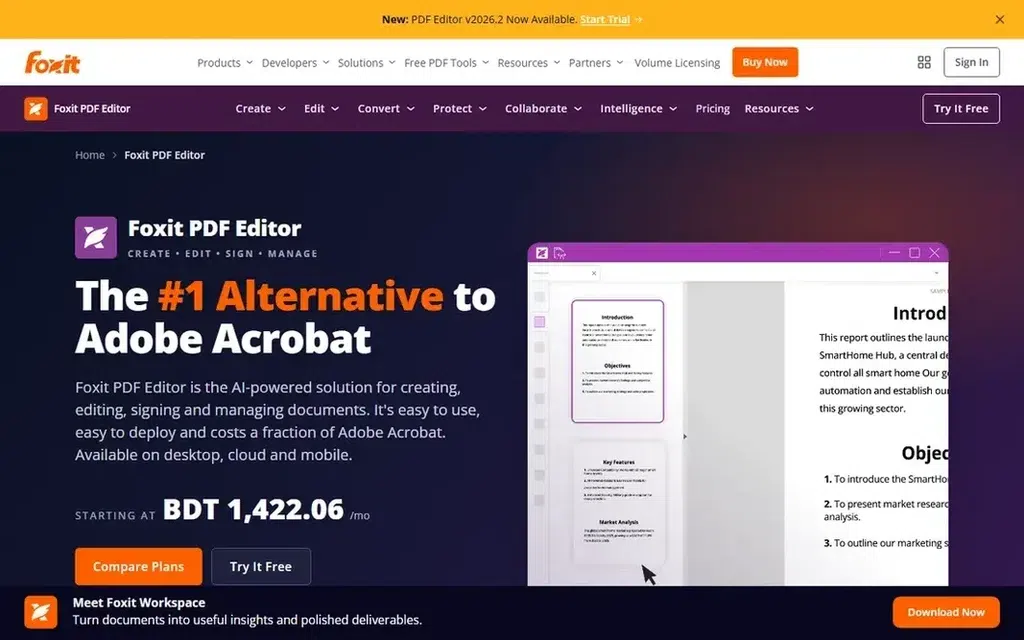
In short, Foxit PDF Editor is for AI-assisted PDF editing and signing. OCR sits inside a broader editing product, so it may not match dedicated recognition tools for unusual layouts or very large batches.
From a buyer's view, everyday document handling, from scanned input to signed output, stays in one application. In practice, Foxit PDF Editor is an AI-powered PDF editor for editing, converting and signing documents, positioned by the vendor as an alternative to Adobe. No starting price is listed for Foxit PDF Editor here; confirm pricing on the vendor site. Free access: Not stated.
Honest limits: OCR is one feature among numerous.
- Positioned as an Adobe alternative
- Signing built in
- Advanced automation needs other tools
For everyday document editing and protection, Nitro PDF Pro is a natural candidate. In daily use, the vendor frames it around productivity for document-heavy roles. In daily use, since the product is built around general PDF productivity, OCR depth is not its central selling point.
Honest limits: OCR is not the headline feature.
Teams needing precise table extraction may hit limits. Organizations that want OCR embedded in automatic pipelines should look at a cloud service instead. Pricing for Nitro PDF Pro is not stated here, so ask the vendor for current figures. On free options: Not stated. Where it shines: Editing.
- Converting and signing
- Workflow-oriented design
- Less suited to developer integration
PDFelement is built with accessible editing across desktop, mobile and web in mind. Recognition results depend heavily on scan quality, and the multi-platform approach can fragment workflows if files move between devices frequently. More specifically, small teams commonly appreciate having one familiar tool across products.
The main drawbacks: Cross-device use may fragment workflows.
In daily use, users with large-scale or highly structured extraction needs will find a dedicated OCR service more appropriate. PDFelement from Wondershare is a PDF option for creating, converting, editing, protecting and signing documents across desktop, mobile and web. Entry price for PDFelement: $6.99 per week. Free plan details: Not stated.
- Protect and sign
- Build, edit
- OCR quality varies with scan quality
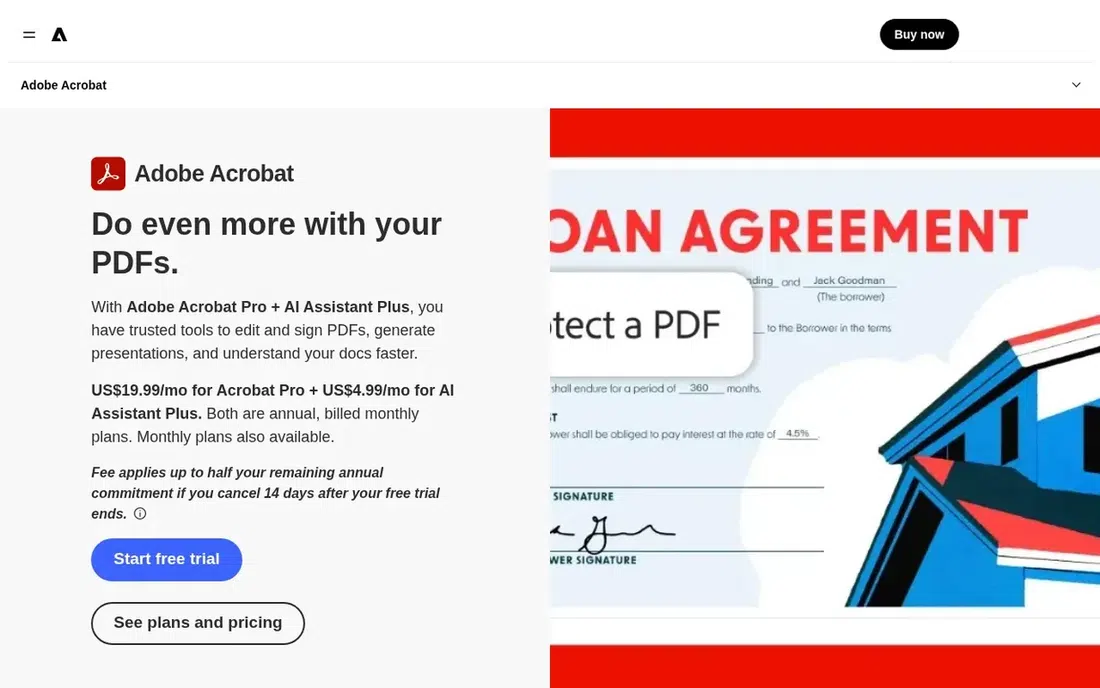
Adobe Acrobat Pro is aimed squarely at OCR inside a full PDF workflow. Adobe Acrobat Pro is a full PDF application that spans editing, converting and sharing documents alongside OCR work.
Where it is weaker: Heavier than single-purpose OCR tools.
Where it shines: Merges editing. Pricing for Adobe Acrobat Pro is not stated here, so ask the vendor for current figures. On free options: Not stated.
- Suits document-centric teams
- Mature PDF feature set
- Best value only if you use PDF tools daily
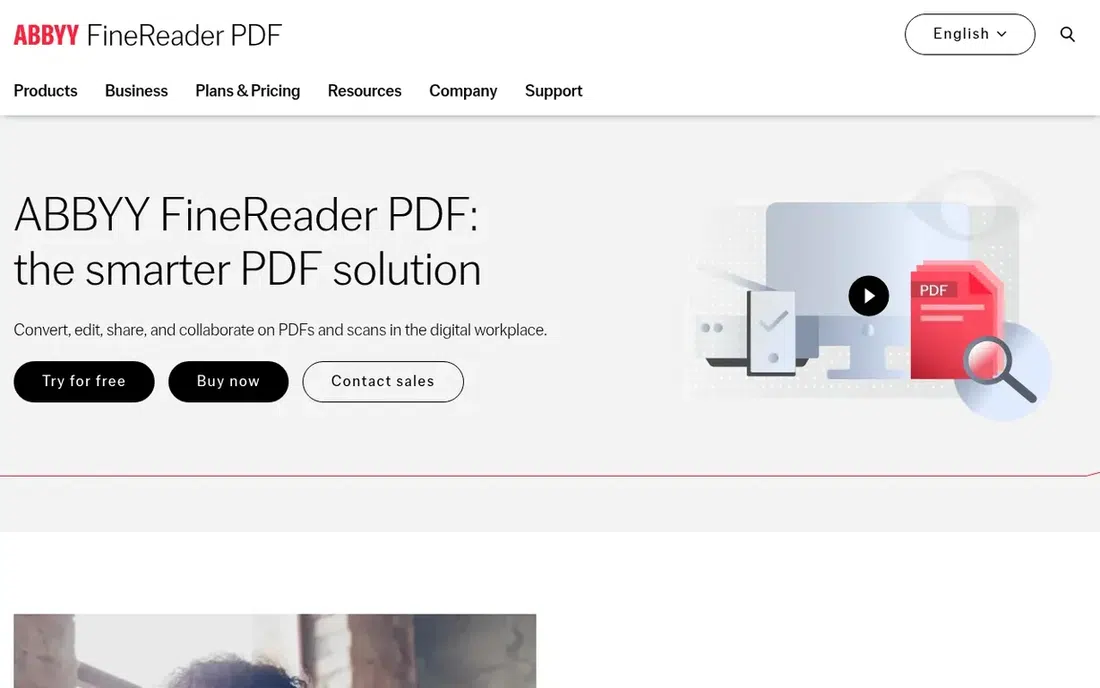
In short, ABBYY FineReader PDF is for converting scanned documents into editable files. ABBYY FineReader PDF is a PDF editor built around the company's AI-based OCR technology. It is geared toward users who require to turn scans and PDFs into editable formats for example Word or Excel, then edit, share and collaborate on the results.
What to check first: Conversion focus may overlap with your PDF editor.
In daily use, users who chiefly want to annotate and sign PDFs, or who require programmatic extraction at scale, may prefer a simpler editor or a cloud OCR service. The conversion-first design can overlap with a general PDF editor you already own, so check whether you need both. The starting price for ABBYY FineReader PDF: $16 per month. Free options: Free trial.
- AI-based OCR technology
- Converts PDFs to Word and Excel
- Feature depth can take time to learn
What went into this list
The comparison looks at four things: starting price, free access, how well the feature set matches OCR scanner software, and the main limit of each tool. Plan names, prices and limits change often. Treat the figures here as a starting point and verify them with the vendor. We ordered the tools by general fit, then by how clearly pricing is shown, then by free access. A buyer with unusual needs may reorder them.
A buyer's checklist
- Get a written quote from Foxit PDF Editor, Nitro PDF Pro and Adobe Acrobat Pro; the list shows no starting price for them.
- Run a trial of ABBYY FineReader PDF with real work before paying for a year; your own workflow is the best test.
- Before choosing Foxit PDF Editor, weigh its main limit: OCR is one feature among numerous.
- Check how data leaves ABBYY FineReader PDF: formats, limits and whether exports are available on every plan.
- Pick one real project and run it in Adobe Acrobat Pro first; a small pilot shows fit faster than a checklist.
FAQ
Does any tool for OCR scanner software here have a free plan?
No tool in this list, Foxit PDF Editor and ABBYY FineReader PDF included, has a permanent free plan. ABBYY FineReader PDF offer a trial. Trials and quotes are the usual route, so plan a short evaluation period.
How are the tools for OCR scanner software ordered?
Foxit PDF Editor sits first and ABBYY FineReader PDF last because the order follows typical fit for OCR scanner software, then price clarity and free access. It is a judgement call, so read each profile for fit and limits.
What should I look for in OCR scanner software?
Start with the documents you scan most frequently, for example forms, tables or handwritten notes, and confirm the tool supports them. Then check output formats, whether you need a desktop editor or an API, and how results will flow into your existing systems.
Do these tools publish their prices?
Not all of them. Foxit PDF Editor, Nitro PDF Pro and Adobe Acrobat Pro publish no starting price, so expect a quote request for those. The rest, PDFelement included, show a starting price, though seats and billing terms still change the final cost. For the full picture, the cards above cover all 5 entries of this OCR scanner software list, including price, free plan and limits.
Can I try these options before paying?
Often, yes. ABBYY FineReader PDF offers a free trial. Use your own data and a real task during the test, and check what the free tier or trial limits before you rely on it. Prices, free plan details and limits for all 5 tools in this OCR scanner software roundup sit on the individual cards above.
Sources
- https://www.foxit.com/pdf-editor
- https://www.gonitro.com/pdf-pro
- https://pdf.wondershare.com
- https://www.adobe.com/acrobat/acrobat-pro.html
- https://www.abbyy.com/finereader