Choosing Software for Writing Procedures in 2026: 5 Options Compared
Best software for writing procedures: 5 contenders ranked by fit, with entry costs and free tiers. Strengths and gaps are listed per tool. Decide faster.
- Editor's choice
 SharePoint
Organizing and governing procedure libraries
Starts atSee websiteVisit microsoft.comFull review - Great alternative
 Notion
Adaptable workspace mixing procedures and notes
Starts at$10 per member per monthVisit notion.comFull review - Also consider
 Microsoft Word
Drafting and formatting formal procedure documents
Starts atSee websiteVisit microsoft.comFull review
Direct answer
SharePoint leads the list, best for organizing and governing procedure libraries. Listed starting prices: Notion from $10 per member per month, Tango from $15 per user per month and Scribe from $25 per seat a month. Notion is better for adaptable workspace mixing procedures and notes, and Microsoft Word is better for drafting and formatting formal procedure documents. The other 2 tools in the list cover narrower or pricier cases.
TL;DR:
- This list starts with SharePoint, which is built for organizing and governing procedure libraries.
- Starting prices begin at $10 per member per month with Notion.
- SharePoint comes with a trade-off: administration can be complicated.
- 2 of 5 tools offer a free plan: Notion, Tango.
Last checked November 2026. Prices and plan details were read from the vendors' own pages in November 2026; vendors change plans often, so confirm the current price on the vendor site before you buy.
Quick comparison
| Tool | Best for | Starts at | Free plan? | |
|---|---|---|---|---|
| SharePoint | Organizing and governing procedure libraries | See website | Not stated | Visit |
| Notion | Adaptable workspace mixing procedures and notes | $10 per member per month | Yes | Visit |
| Microsoft Word | Drafting and formatting formal procedure documents | See website | Not stated | Visit |
| Tango | Turning workflows into shareable guides quick | $15 per user per month | Yes | Visit |
 Scribe | Automatically capturing step-by-step procedures | $25 per seat a month | Not stated | Visit |
The 5 tools in detail
If you are comparing software for writing procedures, this page covers 5 tools in one place: what each is best for, what it costs to start, whether it has a free plan, and the main limit to know about.
SharePoint works best for organizing and governing procedure libraries. SharePoint is more solid at storing and organizing than at the writing experience itself, and setup can need administrative effort.
In practice, if you chiefly have to draft and format documents rapidly, a word processor is the more straightforward starting point. Check the vendor site for SharePoint pricing; none is listed in this comparison. Trial and free access: Not stated.
Points against: Administration can be complicated.
- Ties into Microsoft collaboration tools
- Central document storage
- Writing experience is entry-level

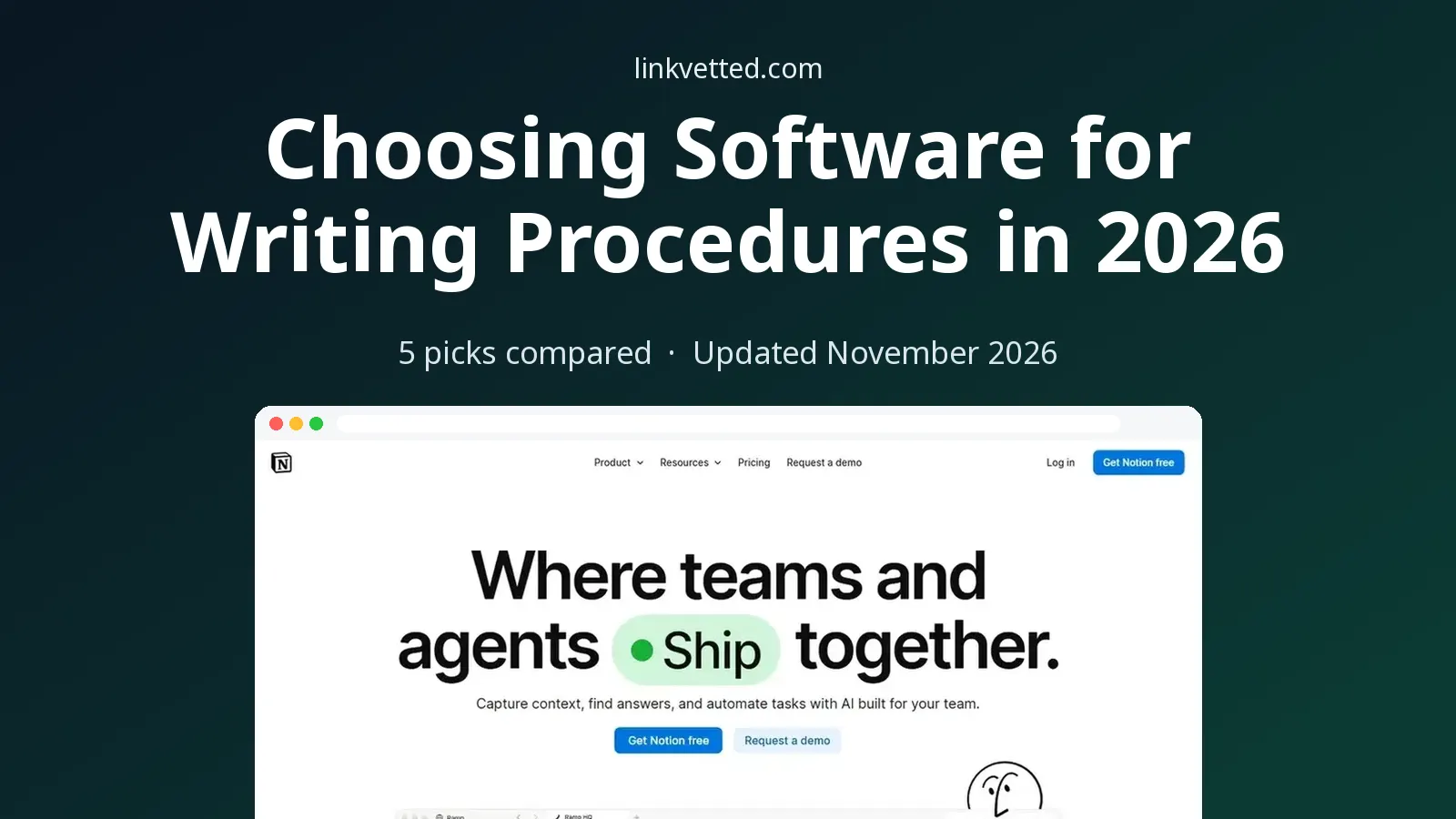
Notion is a good fit for adaptable workspace mixing procedures and notes. Notion is an AI workspace where teams build custom pages, search across apps and automate busywork.
It suits teams that want procedures living beside project notes, checklists and databases, with the freedom to design page structures that match how their work actually flows. Entry price for Notion: $10 per member per month. A free plan is available with Notion.
Trade-offs to know: Adaptability can slow standards.
- Custom pages and databases
- Automation for repetitive work
- Setup takes planning
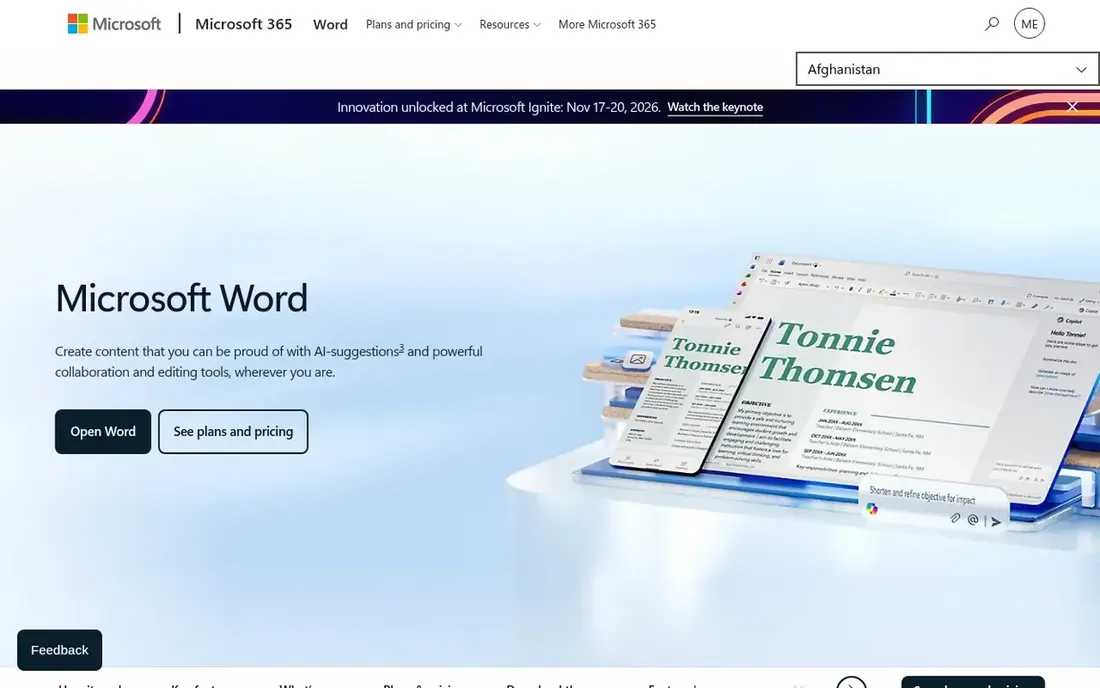
Microsoft Word is designed for drafting and formatting formal procedure documents. Microsoft Word is a document editor for writing and formatting procedure documents, with online editing and AI-powered suggestions for grammar, style and clarity. It supports writing, editing and collaboration from different locations.
From a buyer's view, if you need procedures stored in a searchable team space or captured automatically from your screen, a workspace or capture tool is a better fit. Word keeps each procedure as a separate file, so version control and discovery rely on your own folder structure or a connected workspace. This comparison lists no price for Microsoft Word; ask the vendor. On free options: Not stated.
What to check first: Procedures live in separate files.
- Familiar document editing
- Collaboration and editing anywhere
- No automatic step capture
Tango
Best for: Turning workflows into shareable guides quick
Think of Tango for turning workflows into shareable guides quick. Tango centers on captured steps, so long explanatory procedures with broad background text are better handled elsewhere.
Best features of Tango: Turns workflows into guides in minutes.
Limits to weigh: Concentrated on step capture.
On top of that, if you need automatic capture plus a knowledge base for written policy, consider pairing it with a workspace tool. Tango is interactive guide creation software that turns any workflow into a step-by-step guide in minutes, letting teams capture, share and train without writing manual instructions. Starting cost for Tango: $15 per user per month. Tango has a free plan.
- Simple sharing and training
- Cuts manual instruction writing
- Less control over long-form text
Scribe serves automatically capturing step-by-step procedures. It suits teams documenting repeatable processes, for example onboarding or software tasks, where recording steps as they happen is quicker and more accurate than writing them from memory.
Limits to weigh: Less suited to long policy text.
If your procedures are largely prose and formatting, a document editor or shared workspace will serve you better. On cost, Scribe starts like this: $25 per seat per month. Free access: Not stated.
- Records steps automatically
- Hands teams shared workflow context
- Capture quality relies on the workflow
How the list was put together
Each tool was reviewed on what its vendor publishes: price, plan limits, core features and stated drawbacks. We did not run hands-on tests. Where a vendor does not publish a price, the entry says quote. Where a price depends on seats or billing term, the entry says so. Tools are placed by general fit for software for writing procedures, with price clarity and free access as tie-breakers. A different team can reasonably rank them differently.
Pre-purchase checklist
- Confirm the entry price on the vendor page. For SharePoint and Microsoft Word that means a quote rather than a fixed price.
- Look at free plan limits closely: Notion and Tango have one, and the caps decide whether it is usable for real work.
- Read the limits listed for SharePoint first: administration can be complicated.
- Check whether Scribe bills monthly or annually, and what cancelling early costs.
- Check the support hours and onboarding help Notion offers; smaller vendors vary a lot here.
FAQ
Which options for software for writing procedures have a free plan?
On this list, Notion and Tango include a free plan. Caps on seats, usage or features are common, so test the free plan against your real workload.
What is the best tool for writing formal procedure documents?
For most readers this guide would start with SharePoint, built for organizing and governing procedure libraries. Notion is the alternative for adaptable workspace mixing procedures and notes, and Microsoft Word for drafting and formatting formal procedure documents. The right answer depends on budget and workflow.
Is SharePoint the right pick for everyone comparing software for writing procedures?
No single tool suits every team. SharePoint comes first because it fits organizing and governing procedure libraries, while Notion suits flexible workspace mixing procedures and notes and Microsoft Word suits drafting and formatting formal procedure documents. Match the tool to your own size, budget and workflow before deciding.
How are the tools for software for writing procedures ordered?
The order follows typical fit for software for writing procedures, with SharePoint first and Scribe last, then price clarity and free access. It is editorial judgement, not a score, so another team could rank the tools differently.
Do these tools publish their prices?
Not all of them. SharePoint and Microsoft Word publish no starting price, so expect a quote request for those. The rest, Notion included, show a starting price, though seats and billing terms still change the final cost.
Sources
- https://www.microsoft.com/microsoft-365/sharepoint/collaboration
- https://www.notion.com
- https://www.microsoft.com/microsoft-365/word
- https://www.tango.us
- https://scribehow.com