Image to Text App in 2026: The 5 Best Options Side by Side
Best image to text app: 5 tools compared on price, free plans and fit. Prizmo comes first for Mac users needing pro scanning and OCR. Budget notes included.
- Editor's choicePrizmo
Mac users needing pro scanning and OCR
Starts atSee websiteVisit creaceed.comFull review - Great alternative
 ABBYY FineReader PDF
High-accuracy OCR and document conversion
Starts at$16 a monthVisit abbyy.comFull review - Also consider
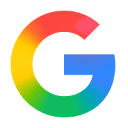 Google Lens
Fast mobile OCR and visual search
Starts atSee websiteVisit lens.googleFull review
Direct answer
For Mac users needing pro scanning and OCR, Prizmo is where this list starts. Listed starting prices: ABBYY FineReader PDF from $16 a month and Mathpix Snip from $4.99 a month. ABBYY FineReader PDF fits high-accuracy OCR and document conversion; Google Lens fits fast mobile OCR and visual search. Prices, free plans and limits for all 5 tools follow.
TL;DR:
- Top of the list is Prizmo, which targets Mac users needing pro scanning and OCR.
- Only Mathpix Snip offers a free plan among these 5 tools.
- The cheapest monthly starting price in the list is $4.99 per month, offered by Mathpix Snip.
- Adobe Acrobat Pro suits PDF-centric OCR and editing.
Last checked November 2026. Prices and plan details were read from the vendors' own pages in November 2026; vendors change plans often, so confirm the current price on the vendor site before you buy.
Quick comparison
| Tool | Best for | Starts at | Free plan? | |
|---|---|---|---|---|
| Prizmo | Mac users needing pro scanning and OCR | See website | Not stated | Visit |
| ABBYY FineReader PDF | High-accuracy OCR and document conversion | $16 a month | Free trial | Visit |
| Google Lens | Fast mobile OCR and visual search | See website | Not stated | Visit |
| Mathpix Snip | Converting math and scientific documents | $4.99 a month | Yes | Visit |
 Adobe Acrobat Pro | PDF-centric OCR and editing | See website | Not stated | Visit |
Tool-by-tool breakdown
Short on time? The summary and table above give the quick view of 5 tools for image to text app, and the profiles that follow give the detail behind each entry.
Prizmo
Best for: Mac users needing pro scanning and OCR
Choose Prizmo for Mac users needing pro scanning and OCR. Prizmo is a professional scanning app for Mac that contains OCR in plenty of languages with feature-rich editing capability. It also supplies text-to-speech and export choices to PDF or DOCX.
It also centres on scanning instead of general image-to-text conversion. If you are on a different product, consider cross-platform tools like ABBYY FineReader PDF. Prizmo shows no starting price here, so confirm the cost on the vendor site. On free options: Not stated.
Limits to weigh: premium app.
- Exports to PDF and DOCX
- Text-to-speech support
- Mac only
ABBYY FineReader PDF serves high-accuracy OCR and document conversion. For casual users, free or more straightforward alternatives may be more economical. On top of that, ABBYY FineReader PDF is a PDF editor software powered by AI-based OCR technology.
Limits to weigh: Desktop-focused.
It is well suited to companies and individuals dealing with large volumes of scanned documents. For everyday use, FineReader PDF is a capable tool. But it comes at a higher cost and is primarily desktop-based, which may not suit mobile users. It also has a ramp-up time for advanced features. What you pay to start with ABBYY FineReader PDF: $16 per month. Trial and free access: Free trial.
- AI-based OCR technology
- Converts to several formats
- Premium pricing
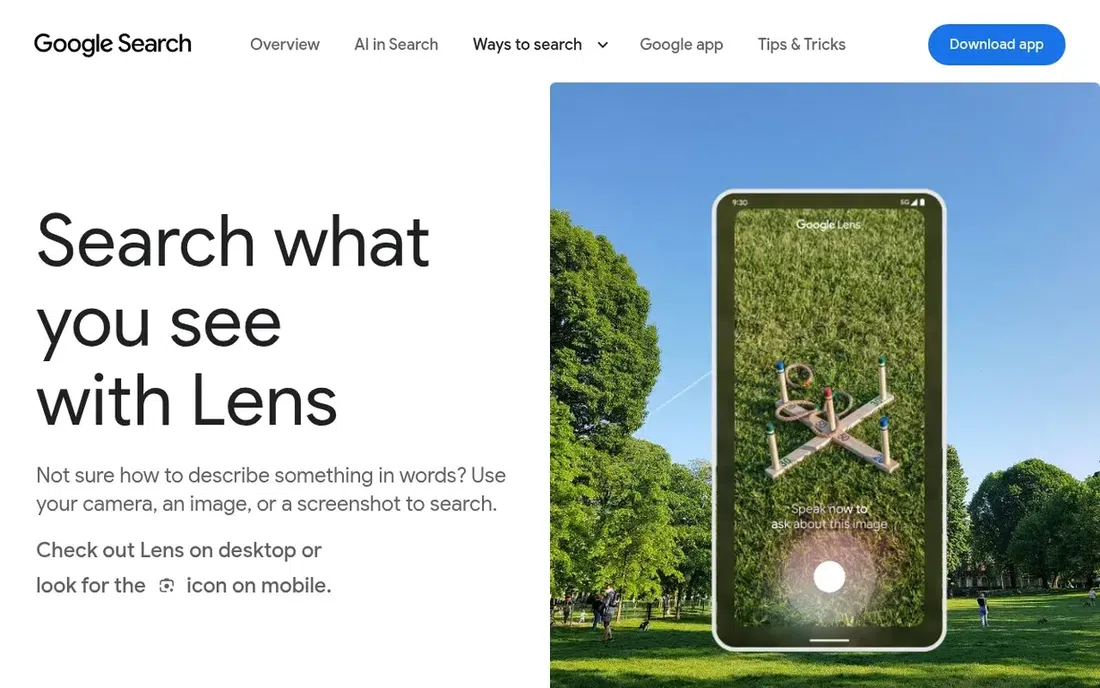
Google Lens targets quick mobile OCR and visual search. The tool is accessible through the Google app and works on both Android and iOS devices, making it a convenient choice for casual users.
It is well suited to fast, on-the-go conversions of signs, documents, or handwritten notes. No starting price is listed for Google Lens here; confirm pricing on the vendor site. Trial and free access: Not stated.
Drawbacks to consider: Restricted advanced editing.
- Supports translation and search
- Integrated with Google app
- Needs Google app
Mathpix Snip
Best for: Converting math and scientific documents
Mathpix Snip works best for converting math and scientific documents. Mathpix Snip is highly specialized and may not be necessary for general text extraction. It also has a ramp-up time and may need a subscription for deep use.
For everyday use, for everyday OCR needs, a more general app like Google Lens is more practical. In daily use, Mathpix Snip is a specialized tool that converts images and PDFs to LaTeX, DOCX, Overleaf, Markdown, Excel, ChemDraw, and more using AI-powered document conversion technology. It is especially handy for students, researchers, and professionals in STEM fields who require to digitize mathematical and scientific content. Entry price for Mathpix Snip: $4.99 per month. Mathpix Snip includes a free tier.
Main advantages: Converts to LaTeX and other formats.
Limits to weigh: May require subscription for heavy use.
- AI-powered document conversion
- Supports complicated equations
- Niche focus
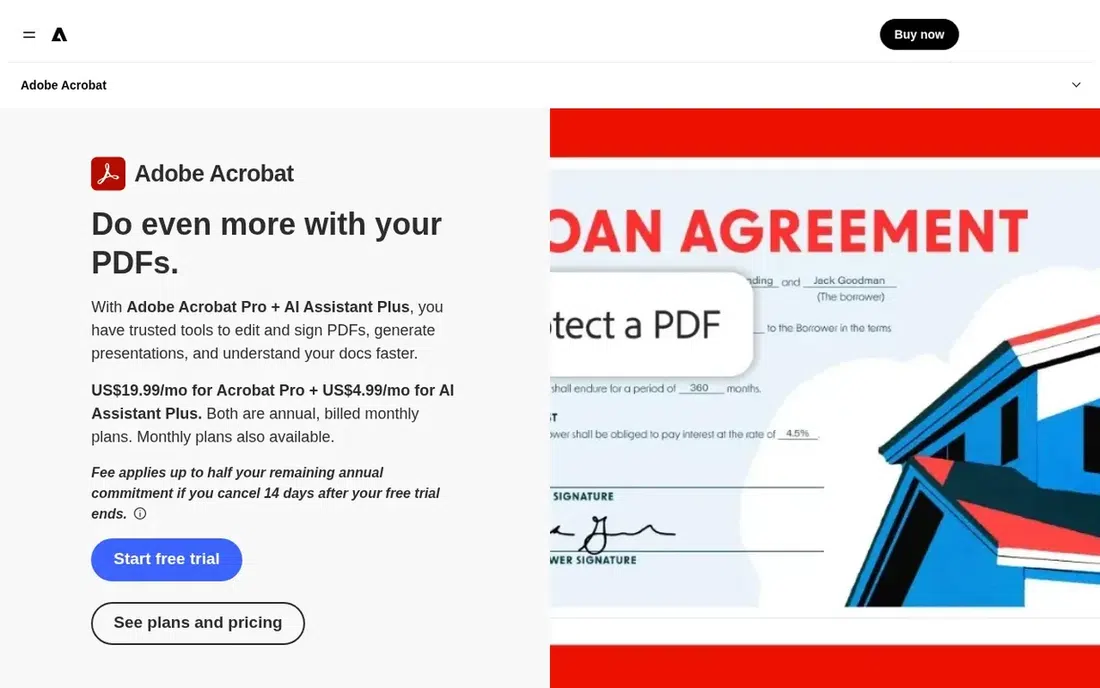
Adobe Acrobat Pro is a good fit for PDF-centric OCR and editing. Adobe Acrobat Pro is full PDF software that comes with OCR functionality to convert scanned images and PDFs into editable text.
Where it is weaker: Steeper ramp-up time.
If you only need occasional OCR, a more straightforward app like Google Lens might suffice. The interface can be complicated for beginners. No starting price is listed for Adobe Acrobat Pro here; confirm pricing on the vendor site. Trial and free access: Not stated.
- Advanced PDF editing
- Convert to editable formats
- Subscription required
Selection criteria
LinkVetted used vendor pricing pages and product documentation as the base, then compared plans, free access and documented limits for 5 tools. Where a vendor does not publish a price, the entry says quote. Where a price depends on seats or billing term, the entry says so. The order reflects how well each tool fits the most common buying scenario for image to text app, then price clarity, then free plan access. It is a starting point, not a verdict.
Questions to settle before buying
- Ask Prizmo, Google Lens and Adobe Acrobat Pro for a written quote, since no starting price is shown.
- Look at the free plan from Mathpix Snip closely: its caps decide whether it is usable for real work.
- Take the trial from ABBYY FineReader PDF and push a live task through it before you pay.
- Read the limits listed for Prizmo first: Mac only.
- Read the plan comparison for Mathpix Snip carefully; key features often start on a higher tier.
- Ask ABBYY FineReader PDF how an export works before you move any records in; an easy exit lowers the risk.
FAQ
How are the tools for image to text app ordered?
The order follows typical fit for image to text app, with Prizmo first and Adobe Acrobat Pro last, then price clarity and free access. It is editorial judgement, not a score, so another team could rank the tools differently.
Can I try these tools before paying?
Often, yes. Mathpix Snip has a free plan and ABBYY FineReader PDF offers a free trial. Use your own data and a real task during the test, and check what the free tier or trial limits before you rely on it.
Do these tools publish their prices?
Not all of them. Prizmo, Google Lens and Adobe Acrobat Pro publish no starting price, so expect a quote request for those. The rest, ABBYY FineReader PDF included, show a starting price, though seats and billing terms still change the final cost.
What is the cheapest option for image to text app in this list?
On published monthly entry prices, Mathpix Snip is the lowest here at $4.99 per month. Entry price is only part of the cost, because seats, add-ons and billing terms can change the total.
Sources
- https://www.creaceed.com/prizmo
- https://www.abbyy.com/finereader
- https://lens.google
- https://mathpix.com
- https://www.adobe.com/acrobat/acrobat-pro.html