Best Legal Workflow Management Software (2026): 5 Picks Checked on Vendor Pages
5 options for the best legal workflow management software, with entry costs, free tiers and the buyer each one serves. Short verdicts, no fluff. Numbers first.
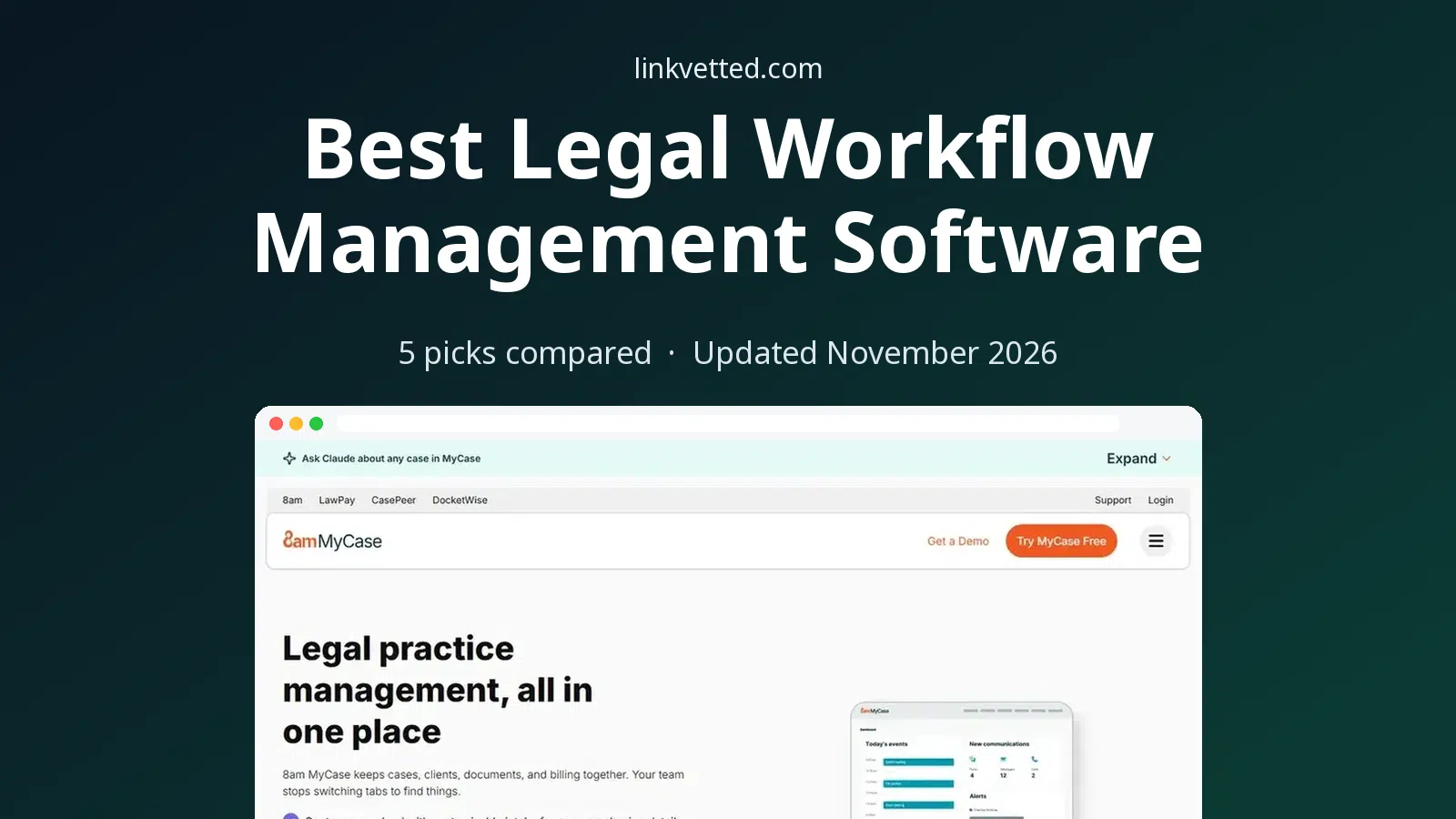
- Editor's choice
 MyCase
Businesses centred on billing and payments
Starts at$50 per user a monthVisit mycase.comFull review - Great alternativeMitratech TAP
Legal departments and enterprise teams
Starts atSee websiteVisit mitratech.comFull review - Also consider
 Smokeball
Small businesses wanting automatic time capture
Starts atSee websiteVisit smokeball.comFull review
Direct answer
If you need businesses concentrated on billing and payments, MyCase is the first tool to look at here. Listed starting prices: MyCase from $50 per user a month, PracticePanther from $49 per user per month and Rocket Matter from $39 a month per user billed annually. Alternatives: Mitratech TAP for legal departments and enterprise teams, and Smokeball for small businesses wanting automatic time capture. The other 2 tools in the list cover narrower or pricier cases.
TL;DR:
- Number one here is MyCase, a fit for firms centred on billing and payments.
- MyCase, Rocket Matter and the 3 others all need a premium plan or a trial, since no free plan is listed.
- Rocket Matter is the one to check for businesses seeking a single source of truth.
- For the cheapest start, look at Rocket Matter: $39 per month per user billed annually.
Last checked November 2026. Prices and plan details were read from the vendors' own pages in November 2026; vendors change plans often, so confirm the current price on the vendor site before you buy.
Quick comparison
| Tool | Best for | Starts at | Free plan? | |
|---|---|---|---|---|
| MyCase | Businesses centred on billing and payments | $50 per user a month | Free trial | Visit |
| Mitratech TAP | Legal departments and enterprise teams | See website | Not stated | Visit |
| Smokeball | Small businesses wanting automatic time capture | See website | Not stated | Visit |
 PracticePanther | Automating billing and time tracking | $49 per user per month | Free trial | Visit |
 Rocket Matter | Businesses seeking a single source of truth | $39 a month per user billed annually | Free trial | Visit |
The best legal workflow management software
LinkVetted compared 5 tools for legal workflow management software. The goal is a practical shortlist: published prices, free plan facts, best-fit use cases and honest limits for every entry.
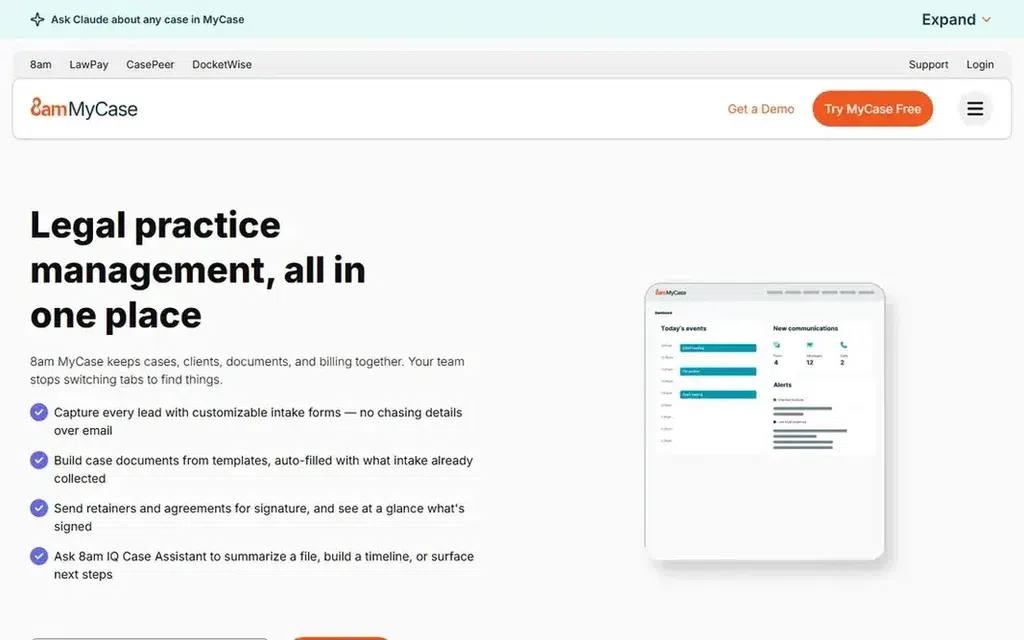
Think of MyCase for businesses concentrated on billing and payments. Businesses needing deep document automation or highly tailored workflows may find MyCase less deep in those areas.
Honest limits: Best fit for smaller teams.
Cases, clients, billing and payments sit in one place, which fits small and midsize firms that want a single system for client work and collections. MyCase cost at the entry level: $50 per user per month. On free options: Free trial.
- Cases and clients in one place
- Built around firm profitability
- Less emphasis on deep automation
Mitratech TAP
Best for: Legal departments and enterprise teams
Mitratech TAP works best for legal departments and enterprise teams. Mitratech provides legal, GRC and HR software positioned as AI-powered and built to unite teams and accelerate business performance.
It is a reasonable comparison point when governance and cross-team coordination matter. Also, small businesses will likely find Mitratech TAP heavier than needed for everyday matter management. Mitratech TAP shows no starting price here, so confirm the cost on the vendor site. Free access: Not stated.
Where it falls short: Geared toward bigger organizations.
- Made for team collaboration
- AI-powered positioning
- Not a small-firm tool

Think of Smokeball for small businesses wanting automatic time capture. Since the system leans toward smaller practices, very large businesses with complicated multi-department structures may find it less flexible.
Where it is weaker: Setup needs planning.
No starting price is listed for Smokeball here; confirm pricing on the vendor site. Free options: Not stated.
- Document automation
- Trust and billing features
- Centred on smaller businesses
PracticePanther works best for automating billing and time tracking. PracticePanther is legal practice management software that flags automating firm processes, billing and time tracking.
It suits small and expanding businesses that want to cut manual administrative steps without a long implementation. Starting cost for PracticePanther: $49 per user per month. On free options: Free trial.
What to check first: Customization has limits.
- Process automation features
- Clear practice management focus
- Less suited to large enterprises
Pick Rocket Matter if this describes you: businesses seeking a single source of truth. Rocket Matter positions itself as a single source of truth for managing and expanding a firm, turning effort into efficiency and practice into profit.
Businesses that value a consolidated view of operations tend to be the best match. Rocket Matter pricing: $39 per month per user billed annually. On free options: Free trial.
Watch-outs: Needs setup discipline.
- Efficiency-focused positioning
- Practice growth features
- General instead of niche focus
How we chose
We compared the tools on published pricing, free plan or trial availability, feature coverage for legal workflow management software, and the limits each vendor documents. Seat minimums, billing terms and add-ons can move the real cost, so the starting prices here are a guide and not a quote. The order reflects how well each tool fits the most common buying scenario for legal workflow management software, then price clarity, then free plan access. It is a starting point, not a verdict.
What to confirm before you sign up
- Get a written quote from Mitratech TAP and Smokeball; the list shows no starting price for them.
- Take the trial from MyCase, PracticePanther and Rocket Matter and push a live task through it before you pay.
- Before choosing MyCase, weigh its main limit: less emphasis on deep automation.
- Test how quickly Smokeball answers a pre-sales question; it hints at how support will feel later.
- Price Mitratech TAP for your actual team size; headline prices rarely include add-ons or overage.
FAQ
Can I try these options before paying?
Often, yes. MyCase, PracticePanther and Rocket Matter offer a free trial. Use your own data and a real task during the test, and check what the free tier or trial limits before you rely on it.
Do these tools publish their prices?
Not all of them. Mitratech TAP and Smokeball publish no starting price, so expect a quote request for those. The rest, MyCase included, show a starting price, though seats and billing terms still change the final cost.
Can these tools replace separate billing systems?
Multiple of them combine case management with billing and payments, including MyCase and Smokeball. Whether that replaces your current billing setup relies on your accounting needs and reporting requirements.
What should small businesses look for in legal workflow software?
Smokeball and MyCase both emphasize these areas. Confirm how much setup each needs before committing.
How do tools for law businesses differ from enterprise legal products?
Firm-focused tools center on matters, time and billing for practicing attorneys. Enterprise products like Mitratech TAP target legal departments and cross-team governance.
Does any tool for legal workflow management software here have a free plan?
No tool in this list, MyCase and Rocket Matter included, has a permanent free plan. MyCase, PracticePanther, Rocket Matter offer a trial. Trials and quotes are the usual route, so plan a short evaluation period.
Sources
- https://www.mycase.com
- https://www.mitratech.com
- https://www.smokeball.com
- https://www.practicepanther.com
- https://www.rocketmatter.com