Best AI Tools for Legal Workflow Automation (2026): 6 Picks Checked on Vendor Pages
Searching for the best AI tools for legal workflow automation? Here are 6 options with prices and free plans. Honest caveats for every entry. No filler.
- Editor's choice
 Luminance
Contract intelligence across the enterprise
Starts atPricing on requestVisit luminance.comFull review - Great alternative
 Lexis+ AI
Legal research, drafting, and analysis
Starts atPricing on requestVisit lexisnexis.comFull review - Also consider
 CoCounsel
Research and drafting with authoritative content
Starts atPricing on requestVisit thomsonreuters.comFull review
Direct answer
If you need contract intelligence across the enterprise, Luminance is the first tool to look at here. For a different need, Lexis+ AI covers legal research, drafting, and analysis and CoCounsel covers research and drafting with authoritative content. Prices, free plans and limits for all 6 tools follow. None of these vendors publish plan prices, so pricing is on request for every option.
TL;DR:
- Luminance sits first on this list: contract intelligence across the enterprise.
- Pricing across the list, from Luminance to Everlaw, is by quote only.
- Everlaw is the one to check for litigation and investigations support.
- Luminance, Everlaw and the 4 others all need a premium plan or a trial, since no free plan is listed.
Last checked November 2026. Pricing on request: vendors did not publish plan prices when this guide was last checked (November 2026), so ask each vendor for a written quote.
Quick comparison
| Tool | Best for | Starts at | Free plan? | |
|---|---|---|---|---|
| Luminance | Contract intelligence across the enterprise | Pricing on request | Not stated | Visit |
| Lexis+ AI | Legal research, drafting, and analysis | Pricing on request | Not stated | Visit |
| CoCounsel | Research and drafting with authoritative content | Pricing on request | Free trial | Visit |
 Harvey | Wide legal AI for businesses and in-house teams | Pricing on request | Not stated | Visit |
 Spellbook | Contract review and drafting in Word | Pricing on request | Free trial | Visit |
| Everlaw | Litigation and investigations support | Pricing on request | Not stated | Visit |
The full AI tools for legal workflow automation list
Short on time? The summary and table above give the quick view of 6 tools for AI tools for legal workflow automation, and the profiles that follow give the detail behind each entry.
Luminance was built for contract intelligence across the enterprise. Luminance supplies a Contract Intelligence Platform that turns business language into actionable insights to mitigate risk and unlock value across the enterprise.
Trade-offs to know: Enterprise focus may suit bigger teams best.
Luminance does not show a starting price in this comparison, so check the vendor site for current pricing. Trial and free access: Not stated.
- Turns business language into actionable insights
- Aimed at enterprise-wide contract work
- Contract-centric instead of full legal suite
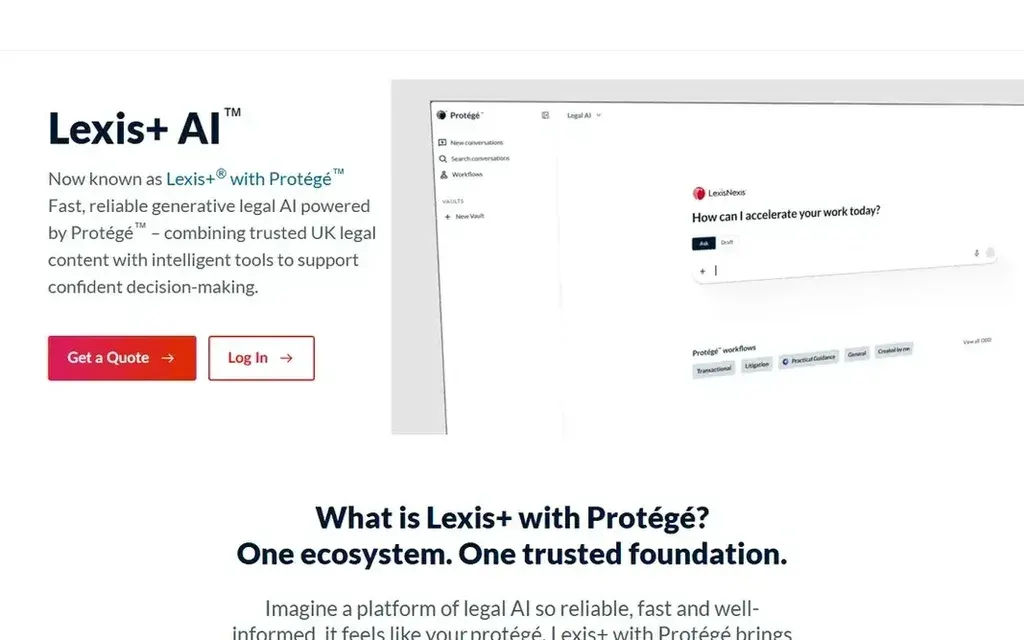
Lexis+ AI works best for legal research, drafting, and analysis. Lexis+ with Protégé is a legal AI option for drafting, research, and analysis that provides results from authoritative LexisNexis resources.
The main drawbacks: Tied to the LexisNexis content ecosystem.
In daily use, the system is oriented toward research-heavy workflows instead of transactional contract review. Check the vendor site for Lexis+ AI pricing; none is listed in this comparison. Free access: Not stated.
- Supports drafting, research, analysis
- Draws on authoritative LexisNexis resources
- Less concentrated on transactional contract review
CoCounsel targets research and drafting with authoritative content. CoCounsel is Thomson Reuters AI technology for professionals, described as built by industry experts and backed by authoritative content and best-in-class security.
Where it falls short: Centred on professional research and drafting.
On top of that, the system is positioned for research and drafting tasks within a broader professional workflow. Beyond that, check how CoCounsel suits your existing research subscriptions and document systems before deciding. CoCounsel shows no starting price here, so confirm the cost on the vendor site. On free options: Free trial.
- Backed by authoritative content and security
- Built by industry experts
- May overlap with other Thomson Reuters products
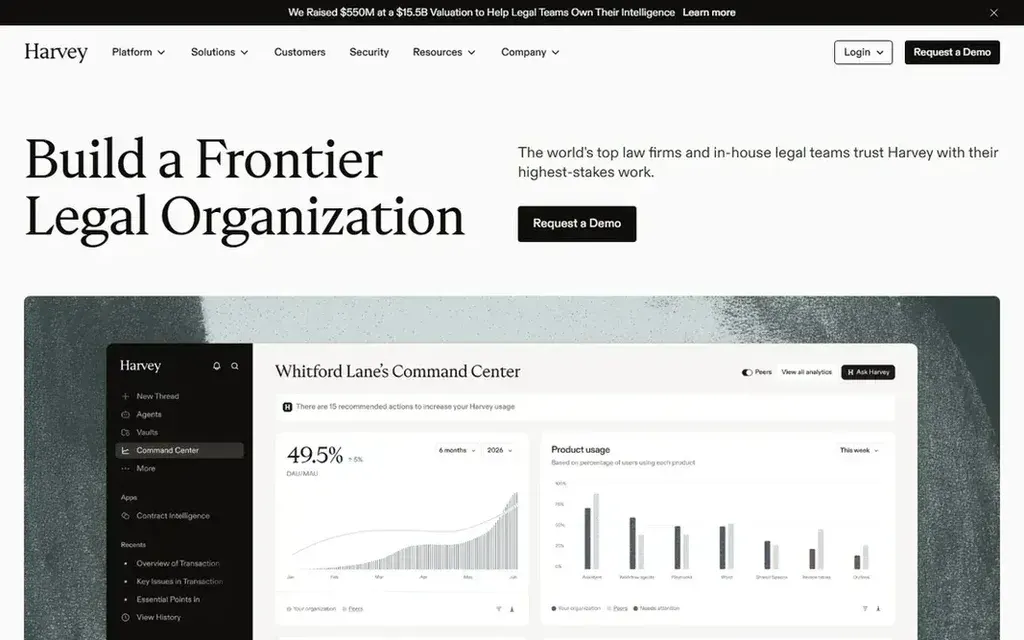
Harvey serves wide legal AI for businesses and in-house teams. Harvey is AI software made for legal and professional services, pitched at leading law businesses and corporate legal teams.
Limits to weigh: Best fit for established legal organizations.
Since Harvey spans many workflows, teams with a narrow need for example Word-based contract drafting may prefer a focused tool. Also, confirm integration and configuration details on the vendor site before committing, and consider whether your team has the capacity to roll out a wide system. This comparison lists no price for Harvey; ask the vendor. Free access: Not stated.
- Tailored for law businesses and corporate legal teams
- Due diligence, compliance, litigation
- Wide scope may need careful workflow planning
Spellbook makes the most sense for contract review and drafting in Word. Confirm how it manages your document templates and review standards before standardizing on it.
Trade-offs to know: Aimed primarily at transactional lawyers.
Pricing for Spellbook is not stated here, so ask the vendor for current figures. As for free access: Free trial.
- Works straight in Microsoft Word
- Centres on transactional contract work
- Narrower scope than full legal suites
Everlaw
Best for: Litigation and investigations support
Pick Everlaw if this describes you: litigation and investigations support. Everlaw gives you AI aimed at litigation and investigations, meant to transform how legal teams approach those workflows.
Trade-offs to know: May not include contract drafting needs.
Also, the product is positioned around litigation and investigations instead of transactional contract work. Everlaw does not show a starting price in this comparison, so check the vendor site for current pricing. Free access: Not stated.
- Powers legal teams and the AI tools they use
- AI built for litigation and investigations
- Litigation-focused instead of transactional
Our selection method
We compared the tools on published pricing, free plan or trial availability, feature coverage for AI tools for legal workflow automation, and the limits each vendor documents. Prices and plan limits come from vendor pages and can change, so confirm them on the vendor site before you buy. Order on the page follows fit for the typical buyer first, then price transparency and free access. Your own requirements should decide the final pick.
What to confirm before you sign up
- Ask each vendor, from Luminance to Everlaw, for a written quote; none of them publishes a starting price.
- Use real work to test the free trial from CoCounsel and Spellbook, rather than a demo project.
- Read the limits listed for Luminance first: enterprise focus may suit bigger teams best.
- Pick one real project and run it in Lexis+ AI first; a small pilot shows fit faster than a checklist.
- See whether Luminance offers onboarding or training, and whether it is included in the price.
FAQ
Does any tool for AI tools for legal workflow automation here have a free plan?
No tool in this list, Luminance and Everlaw included, has a permanent free plan. CoCounsel, Spellbook offer a trial. Trials and quotes are the usual route, so plan a short evaluation period.
Do these tools publish their prices?
No. None of the tools, from Luminance to Everlaw, shows a fixed starting price here, so budget time for quotes.
Can I try these tools before paying?
Often, yes. CoCounsel and Spellbook offer a free trial. Use your own data and a real task during the test, and check what the free tier or trial limits before you rely on it. Prices, free plan details and limits for all 6 tools in this AI tools for legal workflow automation roundup sit on the individual cards above.
How are the tools for AI tools for legal workflow automation ordered?
Luminance sits first and Everlaw last because the order follows typical fit for AI tools for legal workflow automation, then price clarity and free access. It is a judgement call, so read each profile for fit and limits.
Which tool is a good match for contract review inside Microsoft Word?
Start with Luminance if you need contract intelligence across the enterprise. Lexis+ AI is the better match for legal research, drafting, and analysis, and CoCounsel for research and drafting with authoritative content. The best choice depends on budget, team size and workflow.
Sources
- https://www.luminance.com
- https://www.lexisnexis.com/en-us/products/lexis-plus-ai.page
- https://www.thomsonreuters.com/en/cocounsel
- https://www.harvey.ai
- https://www.spellbook.legal
- https://www.everlaw.com