Best Legal Transcription Software in 2026: 8 Tools Compared
Find the best legal transcription software in 2026, from human deposition transcripts to fast AI drafts, with pricing, accuracy notes, and security checks.

- Editor's choice
 Rev
Law firms needing human accuracy
Starts at$0.25 per minuteVisit rev.comFull review - Great alternative
 TranscribeMe
Firms balancing cost and accuracy
Starts at$0.79 per minuteVisit transcribeme.comFull review - Also consider
 GoTranscript
Budget-conscious firms with flexible deadlines
Starts at$0.02 per minuteVisit gotranscript.comFull review
TL;DR:
- Human transcription costs more but suits depositions and filed material, while AI suits review drafts and meeting notes.
- Rev and TranscribeMe are strong defaults for human work, while Otter.ai and Sonix speed up preparation and search.
- Always proof names, dates, and numbers, since no automated tool is safe to file without a human check.
- Clean audio and speaker notes improve accuracy more than switching vendors.
Quick comparison
| Tool | Best for | Starts at | Free plan? | |
|---|---|---|---|---|
| Rev | Law firms needing human accuracy | $0.25 per minute | Yes | Visit |
| TranscribeMe | Firms balancing cost and accuracy | $0.79 per minute | Free trial | Visit |
| GoTranscript | Budget-conscious firms with flexible deadlines | $0.02 per minute | Free trial | Visit |
 Verbit | Firms and courts needing captions and transcripts | $24 per month | Free trial | Visit |
 Otter.ai | Live meetings and deposition prep notes | Free | Yes | Visit |
 Trint | Teams that edit transcripts like documents | $60 per month | Free trial | Visit |
 Scribie | Small firms needing human transcripts | $0.80 per minute | Free trial | Visit |
 Sonix | Fast AI transcripts with editing tools | $10 per hour | Free trial | Visit |
The best best legal transcription software picks
Legal transcription has two jobs: a fast working draft for preparation, and a careful final record for filing or sharing. The tools below cover both, with clear notes on when to pay for human review.

Rev is the first name many law firms try because it offers both AI and human transcription from one account. The human tier suits depositions, hearings, and client interviews where a single wrong word can matter, and legal formatting options cover speaker labels and page layouts firms expect.
The cost gap matters. AI minutes are cheap, while human minutes cost several times more, so use AI for rough review and human work for filed or shared transcripts. Check the current legal pricing page before ordering, since page-based legal rates differ from per-minute rates.
- Human transcription with high accuracy claims
- Dedicated legal formats
- Fast turnaround options
- Human work costs far more than AI
- Legal page pricing needs a separate quote check
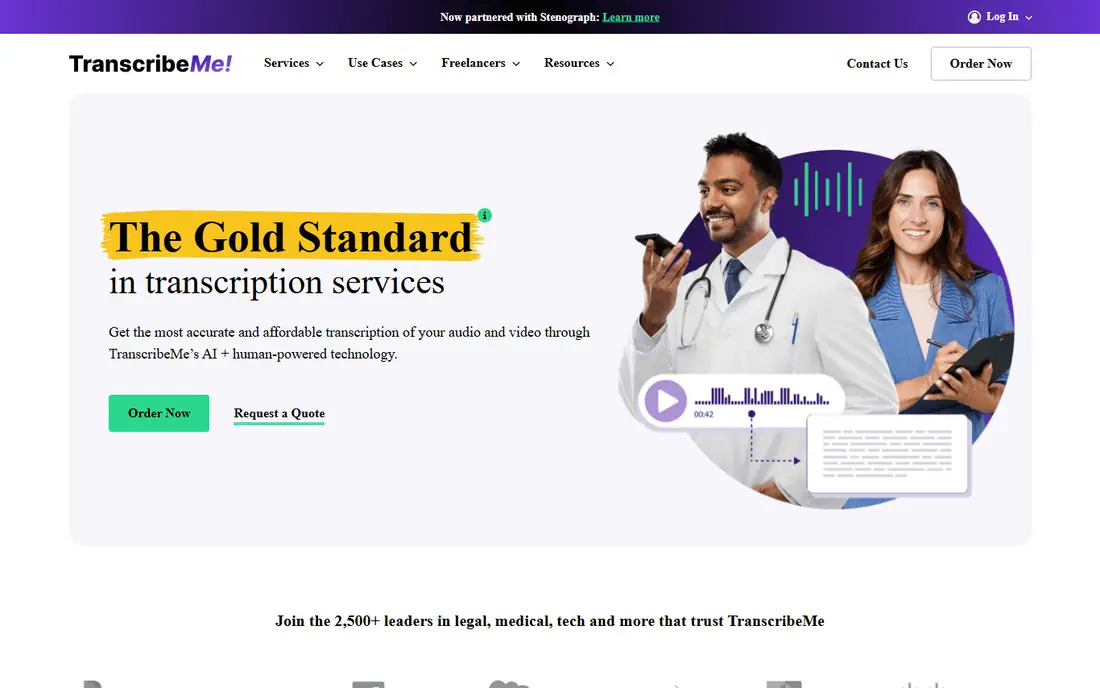
TranscribeMe appeals to firms that want human review without paying the highest premium for every file. Automated transcription starts low, and the human-edited tier adds review for material that will be quoted or filed.
Turnaround is the trade-off. Faster delivery costs more, and standard human work can take one to three business days. Plan filing deadlines around that window, and use the faster tiers only for urgent matters.
- Human-edited option with strong accuracy
- Flexible turnaround choices
- Secure handling options
- Standard turnaround takes days
- Interface is simpler than full case platforms
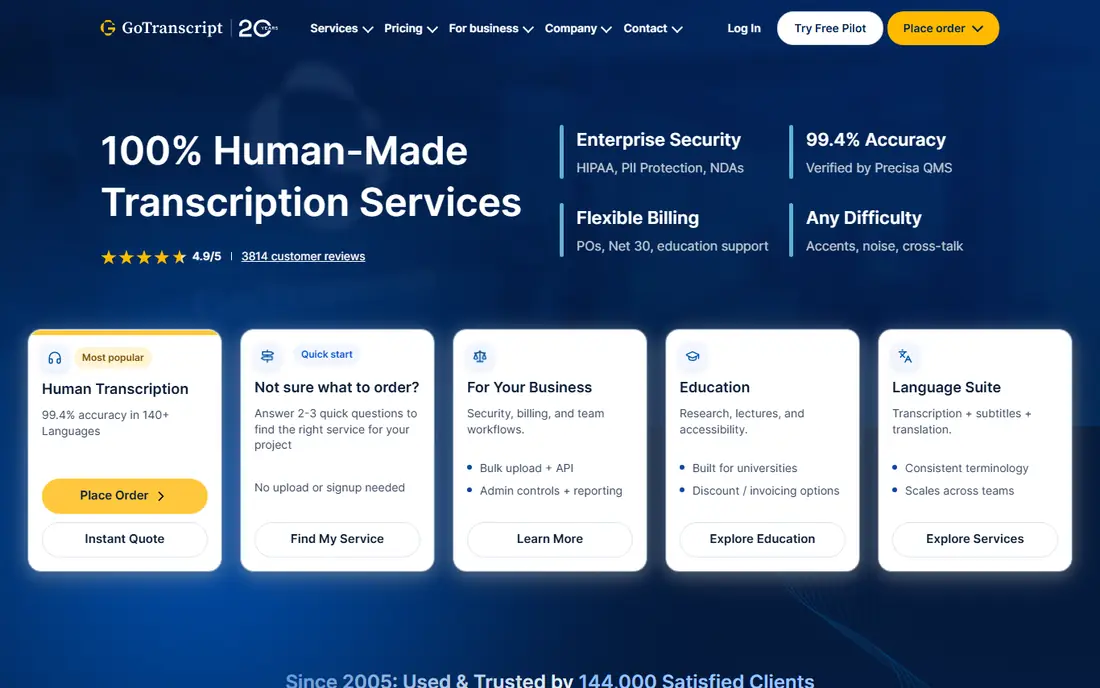
GoTranscript gives small firms a low-cost way to handle routine audio, such as internal meetings or dictation review. The AI tier is cheap enough for bulk review, while the human tier suits material that needs a cleaner record.
Audio quality still decides the result. Overlapping speakers, background noise, and heavy accents raise error rates on any service, so clean recordings and speaker notes help more than any upgrade. For filed transcripts, budget for a human pass and a final read.
- Very low AI starting price
- Human transcription with high accuracy claims
- Translation and caption options
- Human turnaround can be slow on lower tiers
- Quality varies with audio clarity
Verbit fits firms that handle both audio and video, including recorded hearings, depositions on video, and client webinars that need captions. The mix of AI speed and human review keeps turnaround workable while aiming for a record that can be shared.
Smaller firms may find the subscription model heavier than pay-as-you-go services. If your volume is steady and video captioning matters, the bundle makes sense. If you transcribe only a few files a month, a per-minute service may cost less.
- Combines AI with human review
- Strong captioning for video
- Enterprise security options
- Subscription pricing varies by use
- Setup suits larger teams best
Otter.ai is useful as a working tool rather than a final filing service. It can join a remote meeting, label speakers, and produce a searchable summary that helps a team prepare questions, review testimony themes, and draft follow-ups.
Treat its output as a draft. For any transcript that will be filed, quoted in a brief, or shared with a court, route the audio to a human service and proof the result. That two-step habit gives you speed for prep and care for the record.
- Live transcription with speaker labels
- Meeting summaries
- Calendar integrations
- Not a certified filing service on its own
- Accuracy drops with poor audio or crosstalk
Trint suits teams that need to find and fix passages fast. Clicking a word jumps to that moment in the audio, so an editor can correct names, dates, and terms without replaying a whole file. Collaboration tools let reviewers leave notes in the same transcript.
The monthly price assumes regular use. A firm that transcribes once a month may prefer a per-minute service. For journalists, investigators, and litigation teams with steady volume, the editor can save hours of review time.
- Editor that links text to audio for fast correction
- Collaboration tools
- Translation options
- Monthly cost is high for occasional use
- Legal formatting needs manual work
Scribie is a straightforward choice for firms that want a human transcript without enterprise onboarding. Upload audio, choose manual transcription, and receive a reviewed file within about a day or two, depending on length and options.
The service is less of a full case platform and more of a transcription utility, which suits small firms fine. Keep a local copy of the final file, proof names and numbers, and confirm the transcript format your court or client expects before ordering.
- Human transcription with accuracy guarantees on reviewed files
- Manual and automated options
- Turnaround is typically 24 to 36 hours
- File handling is simpler than enterprise tools
Sonix is built for speed. AI transcription returns quickly, the browser editor makes corrections simple, and timestamped text helps a team locate a key exchange in a long recording without scrubbing through audio.
For legal work, use Sonix for review and discovery, then send final material for human transcription. That split keeps research fast while protecting filed documents from AI errors on names, numbers, and overlapping speech.
- Fast AI transcription in many languages
- Browser editor with timestamps
- Automated translation
- AI-only output needs proofing for legal use
- Per-hour pricing adds up at high volume
How we picked these
We compared official feature pages, pricing pages, app store listings, and public user reviews for each product, and kept only tools that are live today and truly fit the topic. We favored tools with clear pricing or a clear quote process, a documented integration set, and support options a small team can actually use.
We also weighed the honest trade-offs. A low starting price can hide per-seat add-ons, and a feature-rich enterprise tool can slow down a small team. Our pick in each guide balances fit, cost, and ease of day-to-day use rather than the longest feature list.
We also checked support and learning resources, since a tool is only useful if your team can get help when a deadline is near. Look for live chat or phone support on your plan, clear help guides, and an onboarding path that fits a small team without a dedicated trainer.
How to choose legal transcription without risking the record
Start by sorting files into drafts and records. Drafts include internal meetings, research interviews, and prep notes, where AI speed helps. Records include depositions, hearings, and any transcript you will quote, file, or send to a client, where human transcription and proofing are worth the cost.
Next, check security and handling. Ask how audio is stored, who can access it, whether the vendor signs a confidentiality agreement when needed, and how long files are kept. For sensitive matters, a vendor with clear access controls and deletion options matters more than a small price gap.
Finally, set a proofing step. Assign one person to check names, dates, amounts, and speaker labels against the audio for filed material, and keep the final transcript in your case file, not only in the vendor portal. That habit protects you if a vendor link expires or an account changes.
Before you sign, run a short pilot with real work and a real deadline. A pilot shows whether staff actually use the tool under pressure, where approvals stall, and what training is still missing. It also gives you evidence for renewal talks, since you can point to time saved or errors avoided rather than to a demo promise.
FAQ
What is the best legal transcription software?
Rev is a strong default for human accuracy, while TranscribeMe offers a lower-cost human-edited path. For working drafts and live meetings, Otter.ai and Sonix are fast and searchable. Choose by whether the file will be filed or only used for preparation.
How accurate is AI transcription for legal work?
AI tools work well on clear, single-speaker audio but can miss names, numbers, and overlapping speech. Use AI for drafts and review, and use human transcription plus proofing for depositions, hearings, and filed material.
How much does legal transcription cost?
AI transcription can start near 25 cents per minute or less, while human transcription often starts near 79 cents to 1.99 dollars per minute. Legal page-priced services differ, so check the vendor pricing page for your format.
Is transcription software confidential enough for client matters?
Reputable vendors offer encrypted transfer and storage and access controls, but terms differ. Review the privacy and security pages, limit who can download files, and delete vendor copies when your retention policy allows.
Can I use a meeting tool transcript in court?
A meeting tool transcript is usually a working draft, not a certified record. Courts and opposing counsel may require a certified or human-reviewed transcript in a set format, so confirm the requirement before you rely on an automated file.
How should I run a trial before buying?
Start with a real past project, not a blank demo account, and invite the people who will use the tool daily. Set a clear success test, such as finishing the task faster or with fewer errors, and review the result with the team before you sign a contract.