6 Legal Intake Management Software Worth Shortlisting in 2026
6 options for the best legal intake management software, with entry costs, free tiers and the buyer each one serves. The weak spots sit next to the strengths.
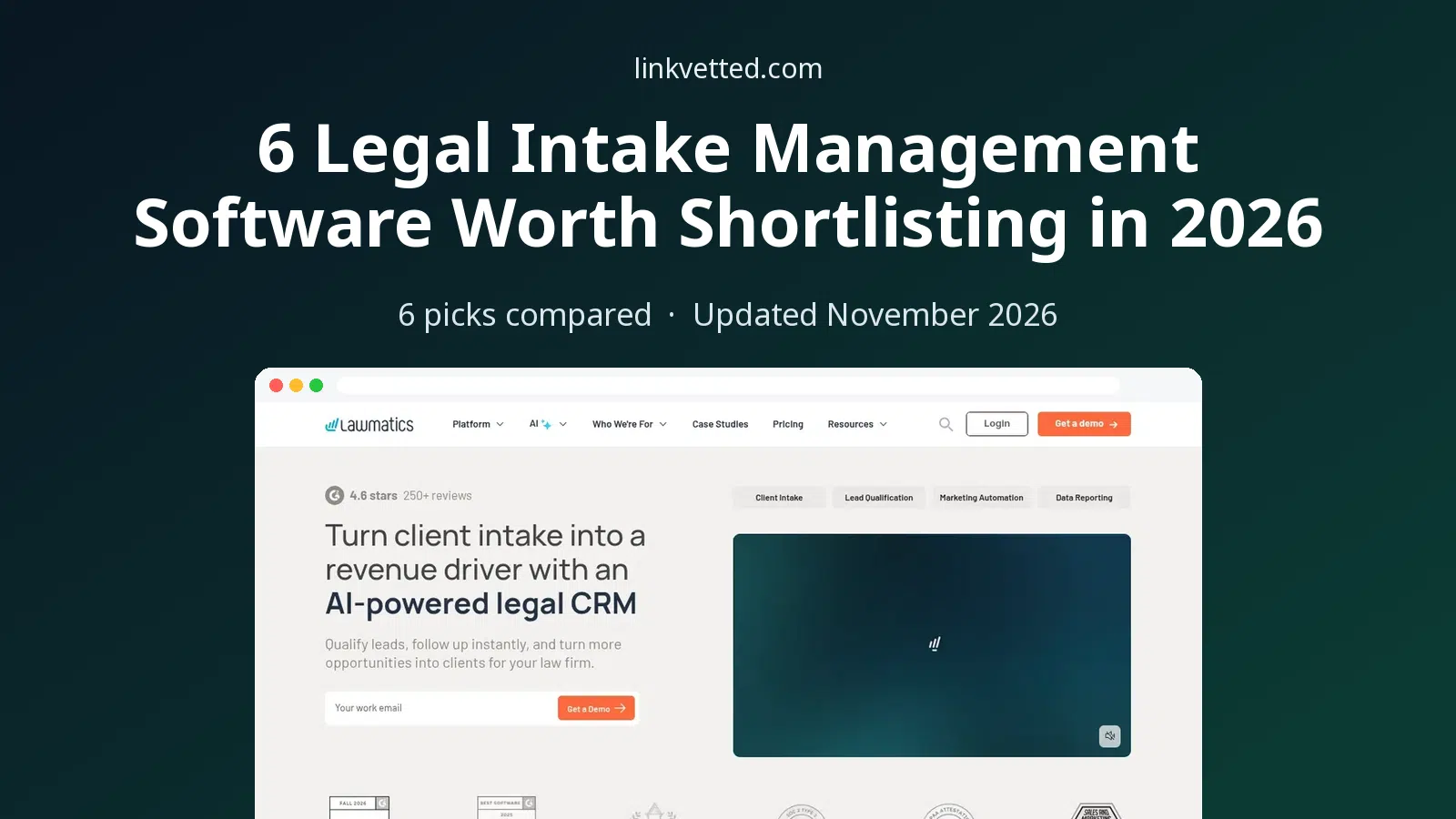
- Editor's choice
 Smith.ai
Call answering and intake capture
Starts at$150 a monthVisit smith.aiFull review - Great alternative
 PracticePanther
Automating intake and firm processes
Starts at$49 per user a monthVisit practicepanther.comFull review - Also consider
 Lawmatics
Intake plus legal CRM in one place
Starts atSee websiteVisit lawmatics.comFull review
Direct answer
Start with Smith.ai if you need call answering and intake capture. Listed starting prices: Smith.ai from $150 a month, PracticePanther from $49 per user a month and MyCase from $50 per user a month. If your case is different, PracticePanther suits automating intake and firm processes and Lawmatics suits intake plus legal CRM in one place. The remaining 3 options are covered below with prices and limits.
TL;DR:
- Number one here is Smith.ai, a fit for call answering and intake capture.
- The cheapest monthly starting price in the list is $49 per user per month, offered by PracticePanther.
- For intake tied to cases, billing and payments, MyCase is worth a look.
- Check the limits for PracticePanther before you commit: intake is one module in a wider suite.
- Smith.ai is the only tool of the 6 with a free plan.
Last checked November 2026. Prices and plan details were read from the vendors' own pages in November 2026; vendors change plans often, so confirm the current price on the vendor site before you buy.
Quick comparison
| Tool | Best for | Starts at | Free plan? | |
|---|---|---|---|---|
| Smith.ai | Call answering and intake capture | $150 a month | Yes | Visit |
| PracticePanther | Automating intake and firm processes | $49 per user a month | Free trial | Visit |
| Lawmatics | Intake plus legal CRM in one place | See website | Not stated | Visit |
 Smokeball | Intake alongside automatic time tracking | See website | Not stated | Visit |
| Litify | All-in-one legal operations and intake | See website | Not stated | Visit |
 MyCase | Intake tied to cases, billing and payments | $50 per user a month | Free trial | Visit |
Legal Intake Management Software, one by one
Short on time? The summary and table above give the quick view of 6 tools for legal intake management software, and the profiles that follow give the detail behind each entry.
For call answering and intake capture, Smith.ai is a natural candidate. Smith.ai is a communication and intake service, not a case management or billing system. So it works alongside your existing systems instead of replacing them.
Downsides: Not a full practice management system.
Reasons to shortlist it: AI agents plus live receptionists.
Also, for law businesses, that means calls and inquiries can be handled and routed into an intake process instead of going to voicemail. Smith.ai supplies AI receptionists and live human agents, with call answering, intake and scheduling geared toward capturing and converting more leads. Choose it when the gap is call handling and lead capture, and pair it with practice management software for the rest. More specifically, businesses that require deep matter management will still need another tool. The starting price for Smith.ai: $150 per month. Free access exists with Smith.ai.
- Intake and scheduling
- Pitched at capturing and converting leads
- Concentrated on communication rather than case work
PracticePanther was built for automating intake and firm processes. Practices with very unusual workflows may also need configuration work. On top of that, as with other full suites, the intake features are part of a broader package, so businesses seeking advanced lead scoring or multi-channel marketing automation may want a dedicated tool.
Where it is weaker: Businesses wanting deep CRM may need extras.
PracticePanther is legal practice management software that automates firm processes, billing and time tracking. Consider a specialized intake system if conversion tracking is the central goal. Also, intake workflows can be tied into those automations, helping a firm standardize how new clients are captured and moved into active matters. What you pay to start with PracticePanther: $49 per user per month. As for free access: Free trial.
What works well: Practice management focus for law businesses.
- Billing and time tracking included
- Process automation for firm workflows
- Intake is one module in a wider suite
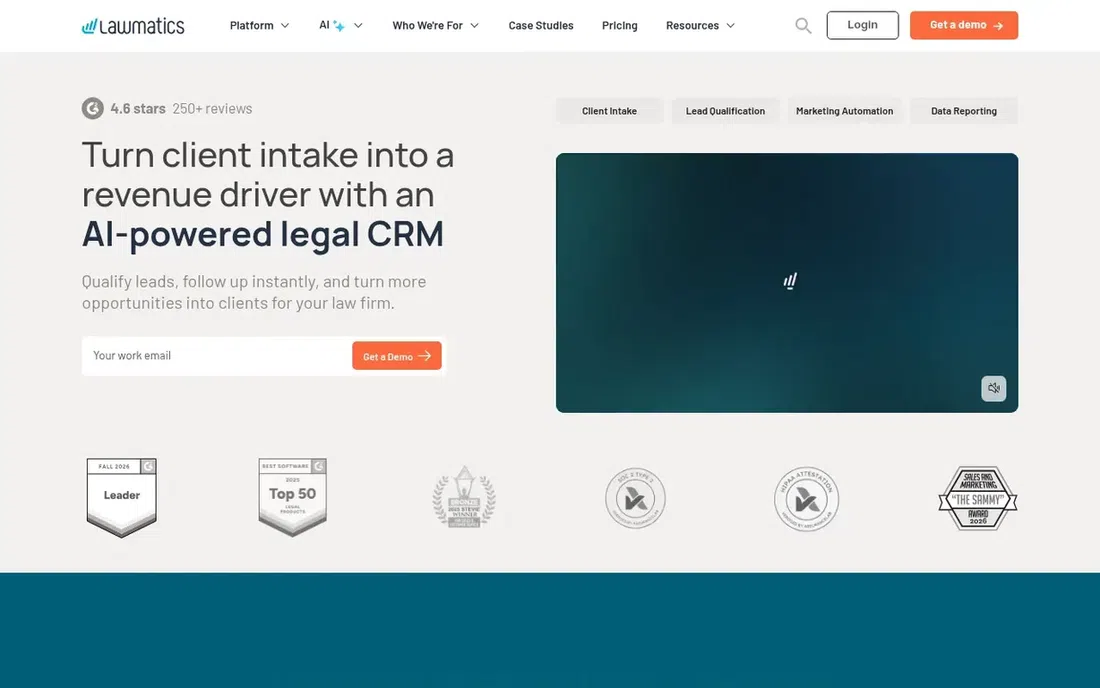
Choose Lawmatics for intake plus legal CRM in one place. Choose something else when deep case management or round-the-clock call answering is the priority over intake and relationship tracking.
Honest limits: Concentrated on marketing and CRM instead of full case work.
Since Lawmatics is built around intake and CRM, teams that require deep matter management, document handling or litigation workflows may pair it with another system. This comparison lists no price for Lawmatics; ask the vendor. On free options: Not stated.
- Designed for law businesses and attorneys
- Aims at efficiency and revenue growth
- Businesses wanting deep matter management may need another system
Smokeball is built with intake alongside automatic time tracking in mind. Look elsewhere when the priority is a dedicated intake and CRM layer instead of an all-in-one practice product.
Where it is weaker: Small teams may not use all included features.
- Practice management with automatic time tracking
- Document automation built in
- Intake is one part of a broader practice suite
Litify
Best for: All-in-one legal operations and intake

Litify works best for all-in-one legal operations and intake. Intake sits within a broader operations system, which fits organizations that want lead handling connected to matter management and reporting.
Where it is weaker: Implementation can need planning and resources.
In practice, businesses and in-house legal departments with structured processes and growth plans are the natural audience. Litify shows no starting price here, so confirm the cost on the vendor site. As for free access: Not stated.
- Native AI workflows for complicated legal work
- All-in-one legal software for businesses and legal departments
- Enterprise-style platform may exceed small firm needs
MyCase targets intake tied to cases, billing and payments. Intake links to that client and case record, so new leads become organized matters instead of separate spreadsheets.
Worth adding: very large or multi-office operations may also outgrow a single-suite approach. MyCase is legal practice management software built to run a profitable firm, bringing cases, clients, billing and payments together in one place. MyCase pricing: $50 per user per month. As for free access: Free trial.
The main drawbacks: Advanced customization may be restricted for some businesses.
Upsides: Cases, clients.
- Billing and payments in one place
- Straightforward practice management focus
- Intake is part of a broader management suite
How the list was put together
What to confirm before you sign up
- Get a written quote from Lawmatics, Smokeball and Litify; the list shows no starting price for them.
- Look at the free plan from Smith.ai closely: its caps decide whether it is usable for real work.
- Run a trial of PracticePanther and MyCase with real work before paying for a year; your own workflow is the best test.
- Before choosing Smith.ai, weigh its main limit: not a full practice management system.
- Let daily users try Litify on real work; their feedback beats any feature checklist.
- Read the plan comparison for Smith.ai carefully; key features often start on a higher tier.
FAQ
How are the tools for legal intake management software ordered?
Smith.ai sits first and MyCase last because the order follows typical fit for legal intake management software, then price clarity and free access. It is a judgement call, so read each profile for fit and limits.
Is Smith.ai the right pick for everyone comparing legal intake management software?
No single tool suits every team. Smith.ai comes first because it fits call answering and intake capture, while PracticePanther suits automating intake and firm processes and Lawmatics suits intake plus legal CRM in one place. Match the tool to your own size, budget and workflow before deciding.
Do these tools publish their prices?
Not all of them. Lawmatics, Smokeball and Litify publish no starting price, so expect a quote request for those. The rest, Smith.ai included, show a starting price, though seats and billing terms still change the final cost.
How do I choose between a full suite and a focused intake tool?
If missed calls and slow follow-up are the issue, a focused intake or answering service may be enough. If client data, billing and documents also live in spreadsheets, a full suite keeps everything in one place and reduces duplicate entry.
Is intake software the same as practice management software?
Not exactly. Practice management products like MyCase, Smokeball and PracticePanther contain intake alongside cases, billing and documents. Dedicated intake tools focus on lead capture and conversion.
What should legal intake management software do?
It should capture inquiries from calls, forms and other channels, organize client details, and move qualified leads into the firm's case or matter system. The right tool relies on whether intake is your central gap or part of a broader practice management need.
Sources
- https://smith.ai
- https://www.practicepanther.com
- https://www.lawmatics.com
- https://www.smokeball.com
- https://www.litify.com
- https://www.mycase.com