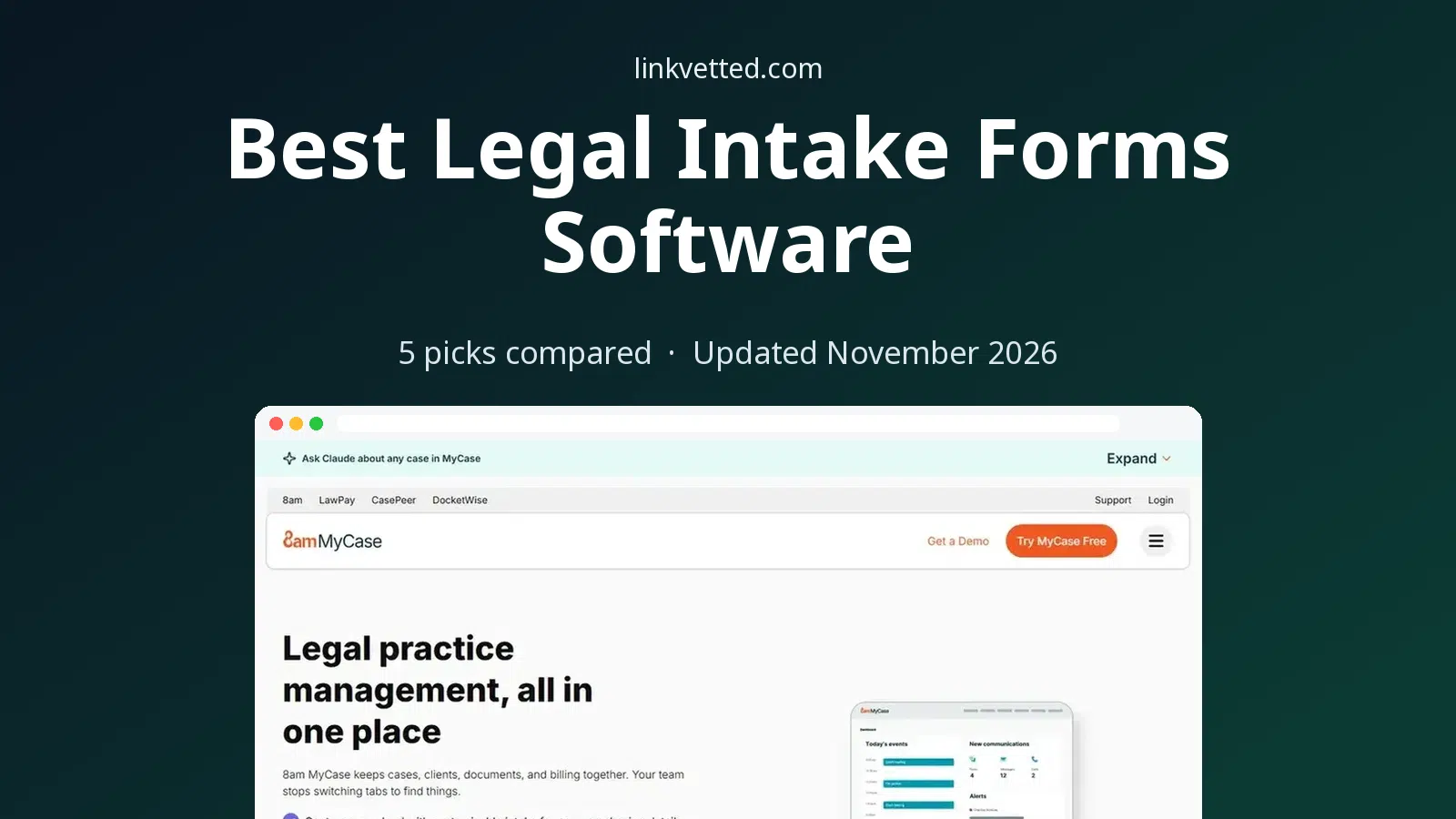
Best Legal Intake Forms Software (2026): 5 Picks Checked on Vendor Pages
5 tools for the best legal intake forms software, compared on pricing, free plans and best-fit use. Every entry states what it lacks. Reviewed this month.
- Editor's choice
 Jotform
Straightforward, standalone form building
Starts at$34 per monthVisit jotform.comFull review - Great alternative
 MyCase
Businesses wanting intake tied to case management
Starts at$50 per user a monthVisit mycase.comFull review - Also consider
 Smokeball
Small businesses needing intake plus time tracking
Starts atSee websiteVisit smokeball.comFull review
Direct answer
For straightforward, standalone form building, Jotform is where this list starts. Listed starting prices: Jotform from $34 per month, MyCase from $50 per user a month and PracticePanther from $49 per user per month. MyCase is better for firms wanting intake tied to case management, and Smokeball is better for small firms needing intake plus time tracking. Details, prices and limits for the rest of the 5 tools are below.
TL;DR:
- Jotform takes the first slot, best suited to straightforward, standalone form building.
- Just one of the 5 tools, Jotform, has a free plan.
- A fair warning about PracticePanther: intake is part of a bigger system.
- Lawmatics suits client intake with CRM and automation.
- For the cheapest start, look at Jotform: $34 per month.
Last checked November 2026. Prices and plan details were read from the vendors' own pages in November 2026; vendors change plans often, so confirm the current price on the vendor site before you buy.
Quick comparison
| Tool | Best for | Starts at | Free plan? | |
|---|---|---|---|---|
| Jotform | Straightforward, standalone form building | $34 per month | Yes | Visit |
| MyCase | Businesses wanting intake tied to case management | $50 per user a month | Free trial | Visit |
| Smokeball | Small businesses needing intake plus time tracking | See website | Not stated | Visit |
 PracticePanther | Configurable intake forms with practice management | $49 per user per month | Free trial | Visit |
 Lawmatics | Client intake with CRM and automation | See website | Not stated | Visit |
The full legal intake forms software list
LinkVetted put together this guide to legal intake forms software for readers who want a clear shortlist without reading every vendor page. It compares 5 tools on starting price, free plans, who each one suits and where each one falls short.
Jotform is aimed squarely at straightforward, standalone form building. Jotform is an online form builder that lets you build forms and surveys rapidly. From a buyer's view, consider Jotform if you need a straightforward form builder without legal-specific extras.
In daily use, whereas not legal-specific, it can be used to build intake forms that collect client information. It is a solid fit for firms that require a straightforward, standalone form option and are comfortable integrating it with other systems. Also, Jotform lacks legal-specific features for example case management or billing, so it is best used as a form tool alongside other software. It may need manual processes to transfer data into practice management systems. Price to start with Jotform: $34 per month. Jotform offers a free plan.
Where it falls short: Lacks legal practice management.
Where it shines: No legal-specific features.
- Simple form creation
- Can be used standalone
- Needs integration for case management
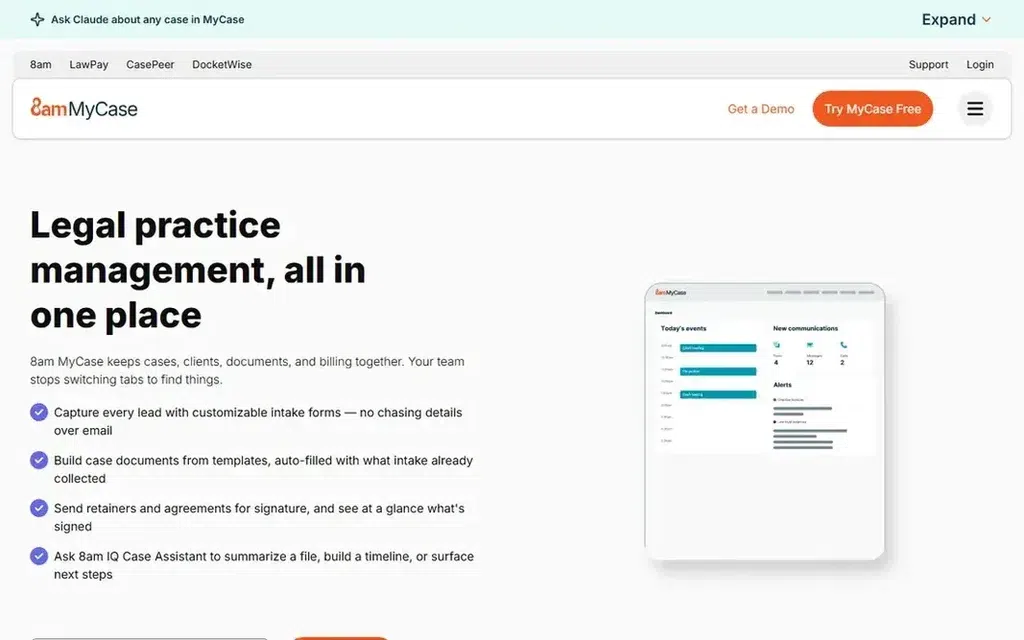
MyCase is aimed squarely at businesses wanting intake tied to case management. Its intake forms can be connected to client and case records, which helps businesses avoid duplicate data entry and keep intake organized.
Consider MyCase if you value integration with case management and billing over advanced form customization. Price to start with MyCase: $50 per user per month. On free options: Free trial.
Watch-outs: Intake features may be entry-level.
- Billing and payments included
- Intake integrated with case management
- Full suite required for best results

For small businesses needing intake plus time tracking, Smokeball is a natural candidate. Smokeball is legal practice management software that bundles automatic time tracking, document automation, and trust and billing tools. Smokeball's intake forms are one component of a full practice management system, so businesses seeking a standalone form builder might prefer a dedicated tool.
Also, choose it if you want intake tied to time tracking and document automation. Beyond that, the system may also need training to use effectively. No starting price is listed for Smokeball here; confirm pricing on the vendor site. Free plan details: Not stated.
Limits to weigh: Intake is part of a bigger suite.
- Automatic time tracking
- Trust and billing features
- May need training for full use
PracticePanther
Best for: Configurable intake forms with practice management
PracticePanther was built for configurable intake forms with practice management. It offers configurable intake forms that can be integrated into workflows, making it a decent choice for businesses that want to capture client information and automatically route it into cases and billing.
In daily use, setting up automation may take time. Starting cost for PracticePanther: $49 per user per month. As for free access: Free trial.
Limits to weigh: Intake is part of a bigger system.
- Time tracking and billing
- Automates firm processes
- May need setup for automation
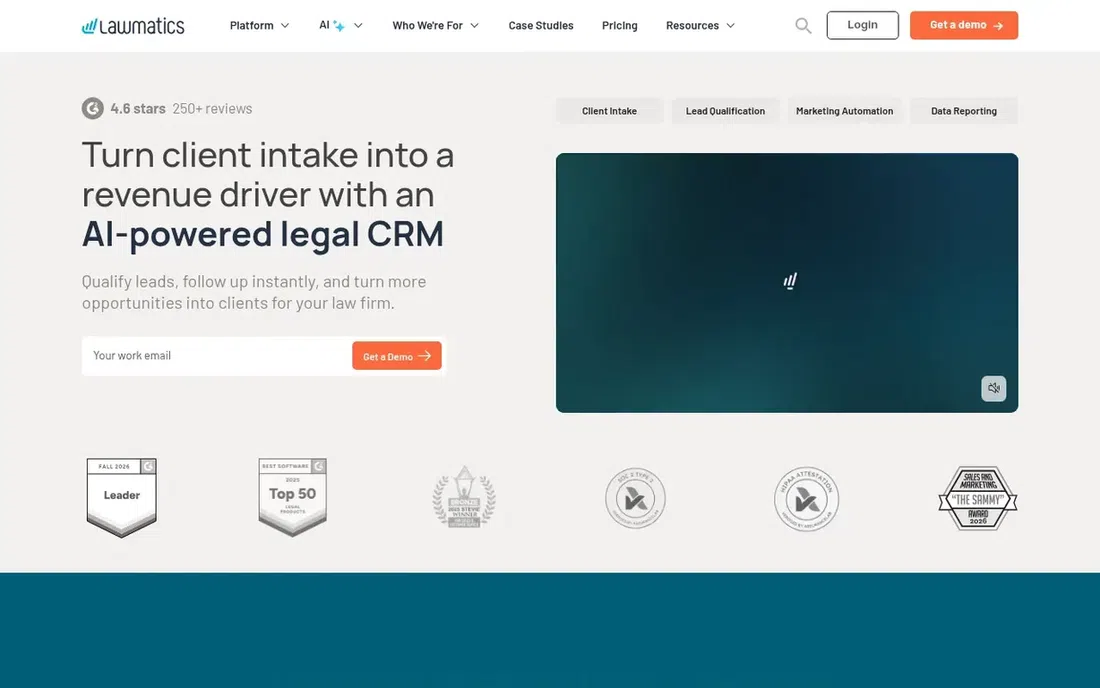
Pick Lawmatics if this describes you: client intake with CRM and automation. Lawmatics is a legal software that emphasizes client intake, CRM, and marketing automation. Its intake forms can feed straight into client records and automatic follow-ups, which fits businesses that want to simplify the whole client journey from first contact.
It is a good fit for practices centred on expanding through better intake and client communication. In practice, consider a more straightforward form builder if your needs are restricted to entry-level data collection. Since Lawmatics handles CRM and marketing automation, businesses that only need straightforward form creation may find it broader than necessary. Check the vendor site for Lawmatics pricing; none is listed in this comparison. On free options: Not stated.
What to check first: May be more than needed for entry-level forms.
- Merges intake forms with CRM
- Automates client communication
- Needs setup for full automation
How these tools were picked
LinkVetted used vendor pricing pages and product documentation as the base, then compared plans, free access and documented limits for 5 tools. Figures are shown as the vendors publish them. Billing terms, seat minimums and add-ons can change the real cost. Tools are placed by general fit for legal intake forms software, with price clarity and free access as tie-breakers. A different team can reasonably rank them differently.
Things to verify first
- Ask Smokeball and Lawmatics for a written quote, since no starting price is shown.
- Look at the free plan from Jotform closely: its caps decide whether it is usable for real work.
- Use real work to test the free trial from MyCase and PracticePanther, rather than a demo project.
- Before choosing Jotform, weigh its main limit: lacks legal practice management.
- Ask Lawmatics whether prices are locked for the first term and what happens at renewal.
- Check how data leaves Smokeball: formats, limits and whether exports are available on every plan.
FAQ
Do these tools publish their prices?
Not all of them. Smokeball and Lawmatics publish no starting price, so expect a quote request for those. The rest, Jotform included, show a starting price, though seats and billing terms still change the final cost.
How do intake forms in Lawmatics differ from those in MyCase?
Lawmatics emphasizes client intake with CRM and marketing automation, whereas MyCase integrates intake with case management and billing. As for the details, the best choice relies on whether you prioritize marketing automation or all-in-one case management.
Can I try these options before paying?
Often, yes. Jotform has a free plan and MyCase and PracticePanther offer a free trial. Use your own data and a real task during the test, and check what the free tier or trial limits before you rely on it.
Which options for legal intake forms software have a free plan?
Jotform is the only tool in this list with a free plan. Free plans usually cap users, projects or features, so check the limits on the vendor page. Several others offer a trial instead. Each of the 5 options in this legal intake forms software guide has its own card above with the price, free plan and limits.
How are the tools for legal intake forms software ordered?
The order follows typical fit for legal intake forms software, with Jotform first and Lawmatics last, then price clarity and free access. It is editorial judgement, not a score, so another team could rank the tools differently.
Sources
- https://www.jotform.com
- https://www.mycase.com
- https://www.smokeball.com
- https://www.practicepanther.com
- https://www.lawmatics.com