Best Interactive Video Tools for Flipped Classrooms (2026): 5 Picks Checked on Vendor Pages
5 best interactive video tools for flipped classrooms, compared on pricing, free plans and best-fit use. Every entry states what it lacks. Skim the table first.
- Editor's choice
 Vimeo
Hosting and streaming finished instructional videos
Starts atSee websiteVisit vimeo.comFull review - Great alternativeKaltura Video Platform
Organizations needing a wide video system
Starts atSee websiteVisit corp.kaltura.comFull review - Also considerTechSmith Camtasia
Recording and editing instructional video content
Starts atSee websiteVisit techsmith.comFull review
Direct answer
Our first pick is Vimeo, best for hosting and streaming finished instructional videos. Listed starting prices: Playposit from $4.99 per month and Nearpod from $159 a year. For a different need, Kaltura Video Platform covers organizations needing a wide video product and TechSmith Camtasia covers recording and editing instructional video content. The remaining 2 options are covered below with prices and limits.
TL;DR:
- The list opens with Vimeo, aimed at hosting and streaming finished instructional videos.
- Nearpod fits active learning experiences in live and self-paced lessons.
- Free plans exist at 2 of 5 tools (Vimeo, Nearpod).
- Starting prices begin at $4.99 per month with Playposit.
Last checked November 2026. Prices and plan details were read from the vendors' own pages in November 2026; vendors change plans often, so confirm the current price on the vendor site before you buy.
Quick comparison
| Tool | Best for | Starts at | Free plan? | |
|---|---|---|---|---|
| Vimeo | Hosting and streaming finished instructional videos | See website | Yes | Visit |
| Kaltura Video Platform | Organizations needing a wide video system | See website | Free trial | Visit |
| TechSmith Camtasia | Recording and editing instructional video content | See website | Not stated | Visit |
| Playposit | Configurable in-video interactions with LMS integration | $4.99 per month | Free trial | Visit |
 Nearpod | Active learning experiences in live and self-paced lessons | $159 a year | Yes | Visit |
Interactive Video Tools for Flipped Classrooms profiles
LinkVetted put together this guide to interactive video tools for flipped classrooms for readers who want a clear shortlist without reading every vendor page. It compares 5 tools on starting price, free plans, who each one suits and where each one falls short.
Vimeo works best for hosting and streaming finished instructional videos. Vimeo is noted for hosting and streaming video in high quality, and its homepage centers on discovering and watching films and shorts.
Beyond that, in a flipped classroom workflow, it can serve as a refined place to publish finished instructional videos that students watch before class. As for the details, use Vimeo when hosting and presentation matter more than embedded activities. Pricing for Vimeo is not stated here, so ask the vendor for current figures. A free plan is available with Vimeo.
Where it falls short: Interactive learning features are restricted.
- Does well as a distribution channel
- Dependable video hosting and streaming
- Not built primarily for classroom interaction
Kaltura Video Platform
Best for: Organizations needing a wide video system
In short, Kaltura Video Platform is for organizations needing a wide video product. Interactivity may rely on configuration or companion tools instead of being the core focus. For everyday use, Kaltura Video Platform is a widely known video product used by numerous institutions for hosting, managing and delivering video.
Watch-outs: Interactive layers may need add-on configuration.
It tends to fit schools and universities that already standardize on an institutional video system. Worth adding: as a wide product, it can feel complicated for an individual instructor who just wants to add questions to a video. Check the vendor site for Kaltura Video Platform pricing; none is listed in this comparison. Free plan details: Free trial.
- Typical in education settings
- Supports hosting and delivery of video
- Feature set can be complicated to navigate
TechSmith Camtasia
Best for: Recording and editing instructional video content
TechSmith Camtasia works best for recording and editing instructional video content. Camtasia is a screen recorder and video editor pitched at creating professional tutorials, training videos and software demos.
Beyond that, Camtasia produces video instead of embedding interactive questions, so you will still need a product to add checkpoints and responses. TechSmith Camtasia shows no starting price here, so confirm the cost on the vendor site. Trial and free access: Not stated.
Honest limits: Interaction happens after export.
- Screen recording and video editing in one
- Handy for creating software demos
- Editing time can add up for long lessons
Playposit
Best for: Configurable in-video interactions with LMS integration
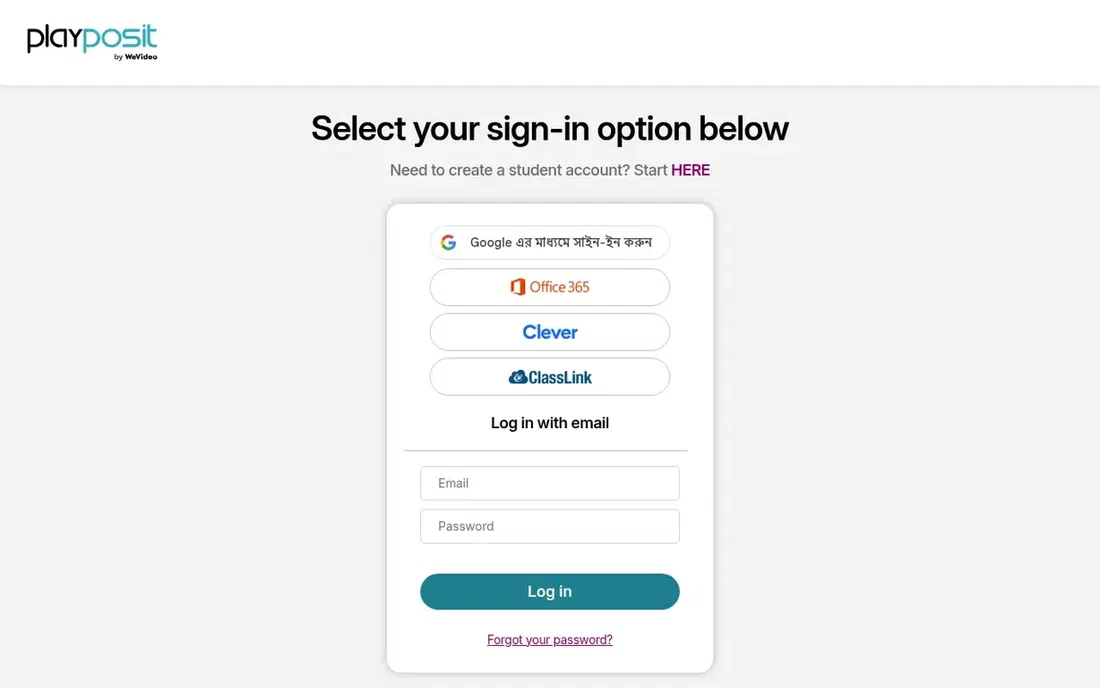
Playposit is built with customizable in-video interactions with LMS integration in mind. PlayPosit, offered by WeVideo, is built around interactive video learning. Its homepage flags interaction customization, premade templates, playback control and LMS LTI integration, which makes it a natural fit for instructors who want students to answer or respond inside a video before class.
More specifically, the breadth of customization can mean a ramp-up time for instructors who only need straightforward pause-and-ask questions. Confirm integration details for your specific LMS on the vendor site. Starting cost for Playposit: $4.99 per month. Free access: Free trial.
Limits to weigh: Advanced workflows can require setup time.
- Playback control and LMS LTI integration
- Premade templates accelerate lesson building
- Feature depth may overwhelm new users
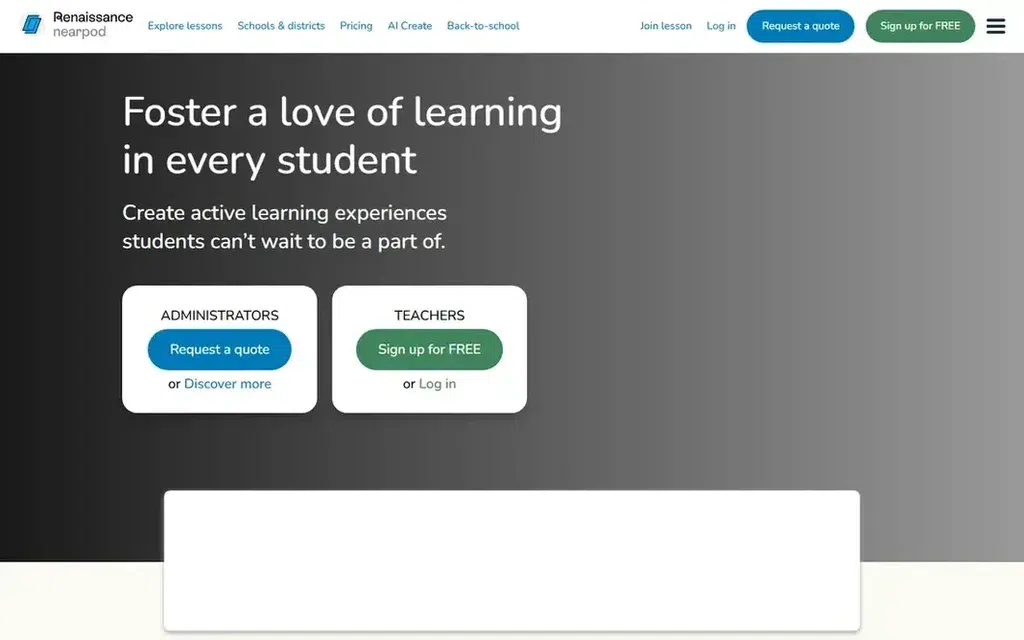
Nearpod serves active learning experiences in live and self-paced lessons. Nearpod frames itself around creating active learning experiences that students want to take part in.
The main drawbacks: Not centered on video authoring alone.
In daily use, if your central goal is layering questions straight onto existing videos with templates, PlayPosit is more focused. Price to start with Nearpod: $159 per year. Nearpod includes a free tier.
- Focus on active learning experiences
- Built to engage students directly
- May suit lesson design more than video editing
How we built this list
What to confirm before you sign up
- Confirm the entry price on the vendor page. For Vimeo, Kaltura Video Platform and TechSmith Camtasia that means a quote rather than a fixed price.
- Look at free plan limits closely: Vimeo and Nearpod have one, and the caps decide whether it is usable for real work.
- Take the trial from Kaltura Video Platform and Playposit and push a live task through it before you pay.
- Read the limits listed for Vimeo first: not built primarily for classroom interaction.
- Test how quickly Playposit answers a pre-sales question; it hints at how support will feel later.
- Read the plan comparison for TechSmith Camtasia carefully; key features often start on a higher tier.
FAQ
What is the cheapest option for interactive video tools for flipped classrooms in this list?
On published monthly entry prices, Playposit is the lowest here at $4.99 per month. Entry price is only part of the cost, because seats, add-ons and billing terms can change the total.
Can I try these tools before paying?
Often, yes. Vimeo and Nearpod have a free plan and Kaltura Video Platform and Playposit offer a free trial. Use your own data and a real task during the test, and check what the free tier or trial limits before you rely on it.
Is Vimeo the right pick for everyone comparing interactive video tools for flipped classrooms?
No single tool suits every team. Vimeo comes first because it fits hosting and streaming finished instructional videos, while Kaltura Video Platform suits organizations needing a broad video platform and TechSmith Camtasia suits recording and editing instructional video content. Match the tool to your own size, budget and workflow before deciding.
How are the tools for interactive video tools for flipped classrooms ordered?
The order follows typical fit for interactive video tools for flipped classrooms, with Vimeo first and Nearpod last, then price clarity and free access. It is editorial judgement, not a score, so another team could rank the tools differently.
Sources
- https://vimeo.com
- https://corp.kaltura.com
- https://www.techsmith.com/camtasia.html
- https://www.playposit.com
- https://nearpod.com