The 6 Best Student Engagement Platforms for Flipped Classrooms in 2026, Ranked
Best student engagement platforms for flipped classrooms: 6 tools compared on price, free plans and fit. Plain-spoken summaries throughout. Facts only.
- Editor's choice
 Moodle
Configurable institutional flipped ecosystem
Starts atSee websiteVisit moodle.comFull review - Great alternative
 Nearpod
Active learning experiences
Starts at$159 a yearVisit nearpod.comFull review - Also considerPear Deck
K-12 interactive lessons and feedback
Starts at$125 a yearVisit peardeck.comFull review
Direct answer
If you need customizable institutional flipped ecosystem, Moodle is the first tool to look at here. Listed starting prices: Nearpod from $159 a year, Pear Deck from $125 a year and Kahoot. from $3 a month. Nearpod is the stronger choice for active learning experiences, while Pear Deck suits K-12 interactive lessons and feedback. The full list of 6 tools follows, with prices and free plan facts.
TL;DR:
- This list starts with Moodle, which is built for configurable institutional flipped ecosystem.
- A free plan is available from 4 of the 6 tools: Nearpod, Pear Deck, Quizizz, Kahoot.
- The lowest published monthly entry price here is $3 per month, from Kahoot.
- Kahoot. Fits game-based review and fun.
Last checked November 2026. Prices and plan details were read from the vendors' own pages in November 2026; vendors change plans often, so confirm the current price on the vendor site before you buy.
Quick comparison
| Tool | Best for | Starts at | Free plan? | |
|---|---|---|---|---|
| Moodle | Configurable institutional flipped ecosystem | See website | Not stated | Visit |
| Nearpod | Active learning experiences | $159 a year | Yes | Visit |
| Pear Deck | K-12 interactive lessons and feedback | $125 a year | Yes | Visit |
 Canvas LMS | Complete flipped course hub | See website | Not stated | Visit |
 Quizizz | Differentiated practice and progress tracking | See website | Yes | Visit |
 Kahoot. | Game-based review and fun | $3 a month | Yes | Visit |
The 6 tools in detail
LinkVetted put together this guide to student engagement platforms for flipped classrooms for readers who want a clear shortlist without reading every vendor page. It compares 6 tools on starting price, free plans, who each one suits and where each one falls short.
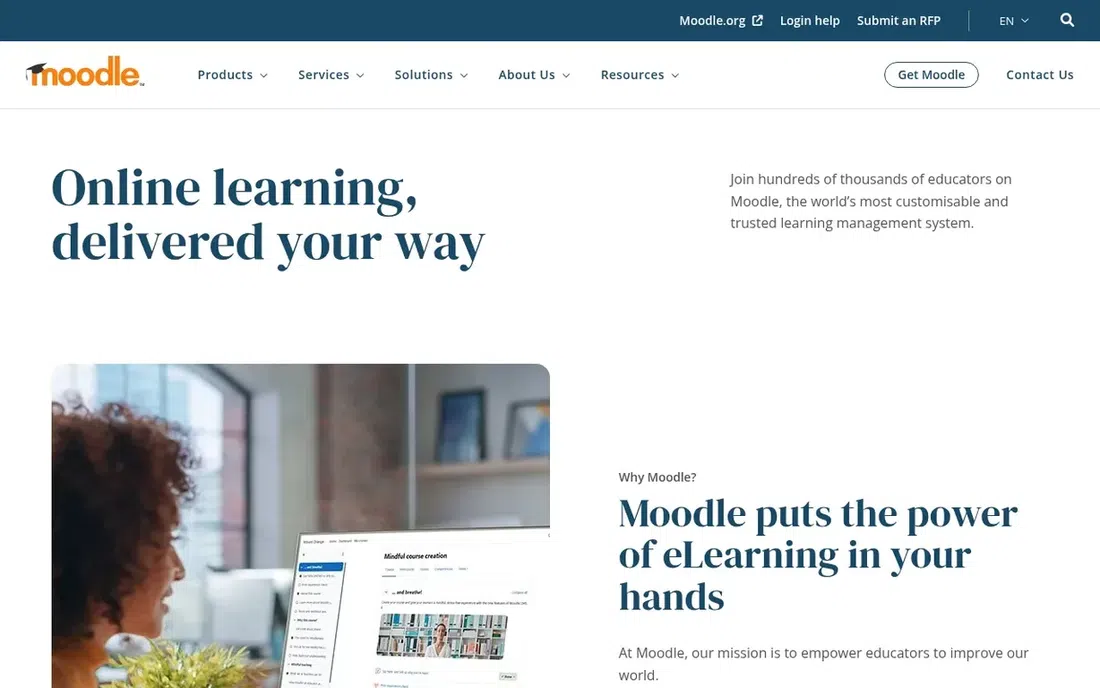
Moodle is designed for configurable institutional flipped ecosystem. If you want a ready-made, low-maintenance experience, a more straightforward classroom engagement product may fit better. Beyond that, Moodle describes itself as a configurable learning management system for education, enterprise and the public sector.
Its adaptability lets institutions build a flipped learning ecosystem shaped around their own workflows, with room for content delivery, activities and assessment in one place. That adaptability comes with responsibility. Pricing for Moodle is not stated here, so ask the vendor for current figures. Trial and free access: Not stated.
Honest limits: Requires technical setup.
- Open ecosystem for education
- Highly configurable
- Interface can feel complicated
For active learning experiences, Nearpod is a natural candidate. Nearpod centers on interactive lesson experiences rather than complete course administration. So it may not include every grading and content need on its own.
Trade-offs to know: Less suited to full course management.
Instructors can build interactive lessons that keep students participating instead of passively watching. Nearpod aims to build active learning experiences students want to take part in, making it a natural fit for the live portion of a flipped classroom. Nearpod starts at: $159 per year. Nearpod offers a free plan.
- Encourages active participation
- Supports interactive lessons
- Engagement focus over administration
Pear Deck
Best for: K-12 interactive lessons and feedback
Pick Pear Deck if this describes you: K-12 interactive lessons and feedback. Pear Deck Learning is described as an ecosystem of education tools that assess progress, offer live feedback and supply differentiated instruction and gamified practice. The mix of assessment and practice supports checking understanding before and during class.
Pear Deck is positioned primarily for K-12, so higher education or corporate trainers may find the fit less direct. Its capabilities are spread across an ecosystem of tools, which can mean more to learn. Pear Deck starts at: $125 per year. Pear Deck offers a free plan.
Honest limits: Feature set spread across tools.
- Gamified practice choices
- Live feedback
- Targeted at K-12 settings
Canvas LMS targets complete flipped course hub. Canvas by Instructure is a widely adopted learning management system built to ease teaching and enhance student learning. For flipped classrooms it works as the central hub where instructors post pre-class readings, videos and assignments, then review progress before the live session.
On top of that, since it is a full LMS, Canvas asks more of instructors who only want fast in-class polls. More specifically, choose something lighter if your primary need is instant classroom interaction instead of a complete course home. On top of that, setup and course structure take time, and live engagement features may rely on extra tools. This comparison lists no price for Canvas LMS; ask the vendor. Free access: Not stated.
Drawbacks to consider: Wide setup effort.
- Structured course delivery
- Supports pre-class content
- Engagement features vary by add-on
Choose Quizizz for differentiated practice and progress tracking. Quizizz, now presented as Wayground, provides standards-aligned resources that engage every student and help teachers differentiate instruction with AI whereas tracking progress. More specifically, the product now appears under the Wayground name, which may cause some confusion when searching or comparing tools.
Its strength is practice and progress tracking instead of full course management. For everyday use, for flipped classrooms it supports practice and review tied to standards, letting teachers see how students are progressing. This comparison lists no price for Quizizz; ask the vendor. Free access exists with Quizizz.
Watch-outs: Rebranding may confuse users.
- AI-supported differentiation
- Standards-aligned resources
- Practice focus over full course tools
Kahoot. Works best for game-based review and fun. Kahoot. Is a game-based learning platform that brings engagement and fun to players at school, at work and at home.
What to check first: Restricted as a course hub.
Also, Kahoot. Is built around game-based activities, so it does not serve as a complete course hub for content and grading. Starting cost for Kahoot.: $3 per month. Free access exists with Kahoot.
- Game-based engagement
- Fast review sessions
- Best for short activities
Our selection method
LinkVetted looked at what each vendor publishes: pricing, plan limits, feature coverage for student engagement platforms for flipped classrooms and stated drawbacks. No hands-on testing is claimed. Treat prices as a snapshot: vendors change plans often, so check the vendor site for the figure that applies today. Order on the page follows fit for the typical buyer first, then price transparency and free access. Your own requirements should decide the final pick.
Before you commit
- Confirm the entry price on the vendor page. For Moodle, Canvas LMS and Quizizz that means a quote rather than a fixed price.
- Read the fine print on the free plans from Nearpod, Pear Deck, Quizizz and Kahoot.; seat, project and feature caps differ.
- Before choosing Moodle, weigh its main limit: needs technical setup.
- Compare total cost, not headline price: for Pear Deck, add extra seats, add-ons and any usage-based charges.
- Look at the renewal terms for Moodle: auto-renewal, notice periods and price changes can matter more than the first-year price.
FAQ
Can game-based tools like Kahoot. And Quizizz support flipped learning?
They are best used as supplements for practice and review instead of as the primary course product, since they focus on activities instead of full course management.
Is Moodle the right pick for everyone comparing student engagement platforms for flipped classrooms?
No single tool suits every team. Moodle comes first because it fits customizable institutional flipped ecosystem, while Nearpod suits active learning experiences and Pear Deck suits K-12 interactive lessons and feedback. Match the tool to your own size, budget and workflow before deciding.
Which options for student engagement platforms for flipped classrooms have a free plan?
On this list, Nearpod, Pear Deck, Quizizz and Kahoot. Include a free plan. Caps on seats, usage or features are common, so test the free plan against your real workload.
How are the tools for student engagement platforms for flipped classrooms ordered?
Moodle sits first and Kahoot. Last because the order follows typical fit for student engagement platforms for flipped classrooms, then price clarity and free access. It is a judgement call, so read each profile for fit and limits.
What makes a product good for a flipped classroom?
Look for ways to share materials, run live polls or discussions, and track student progress so you can address gaps in the session.
What is the cheapest option for student engagement platforms for flipped classrooms in this list?
On published monthly entry prices, Kahoot. Is the lowest here at $3 per month. Entry price is only part of the cost, because seats, add-ons and billing terms can change the total. Prices, free plan details and limits for all 6 tools in this Student engagement platforms for Flipped Classrooms roundup sit on the individual cards above.
Sources
- https://moodle.com
- https://nearpod.com
- https://www.peardeck.com
- https://www.instructure.com/canvas
- https://quizizz.com
- https://kahoot.com