Best Flashcard App in 2026: 9 Apps Compared
Find the best flashcard app for 2026, from free Anki and Quizlet to Brainscape, RemNote, and Knowt, with prices and study features compared for students.
- Editor's choice
 Anki
Long-term spaced repetition
Starts atFreeVisit apps.ankiweb.netFull review - Great alternative
 Quizlet
Ready-made study sets
Starts atFreeVisit quizlet.comFull review - Also consider
 Brainscape
Confidence-based review
Starts atFreeVisit brainscape.comFull review
TL;DR:
- Anki remains the strongest choice for long-term memory, while Quizlet is easier for finding ready-made sets and studying with classmates.
- The best flashcard apps use spaced repetition, which shows a card again just before you are likely to forget it, rather than repeating the whole deck daily.
- Free plans vary a lot, so check whether sync, offline study, and card limits sit behind a paywall before you build a large deck.
- The best flash card app for you depends on whether you make your own cards, want ready-made content, or need notes and flashcards in one place.
Quick comparison
| Tool | Best for | Starts at | Free plan? | |
|---|---|---|---|---|
| Anki | Long-term spaced repetition | Free | Yes | Visit |
| Quizlet | Ready-made study sets | Free | Yes | Visit |
| Brainscape | Confidence-based review | Free | Yes | Visit |
 RemNote | Notes that become flashcards | Free | Yes | Visit |
 Knowt | Free Quizlet-style study | Free | Yes | Visit |
 Mochi | Markdown flashcards | Free | Yes | Visit |
 Cram | Simple free flashcards | Free | Yes | Visit |
 StudySmarter | All-in-one study planning | Free | Yes | Visit |
 Memrise | Language flashcards with video | Free | Yes | Visit |
The best flashcard apps
A good flashcard app does more than flip cards. It schedules reviews, tracks what you know, and makes it easy to study on your phone when you have ten free minutes. The apps below take different routes to that goal, from strict spaced repetition to social study sets.
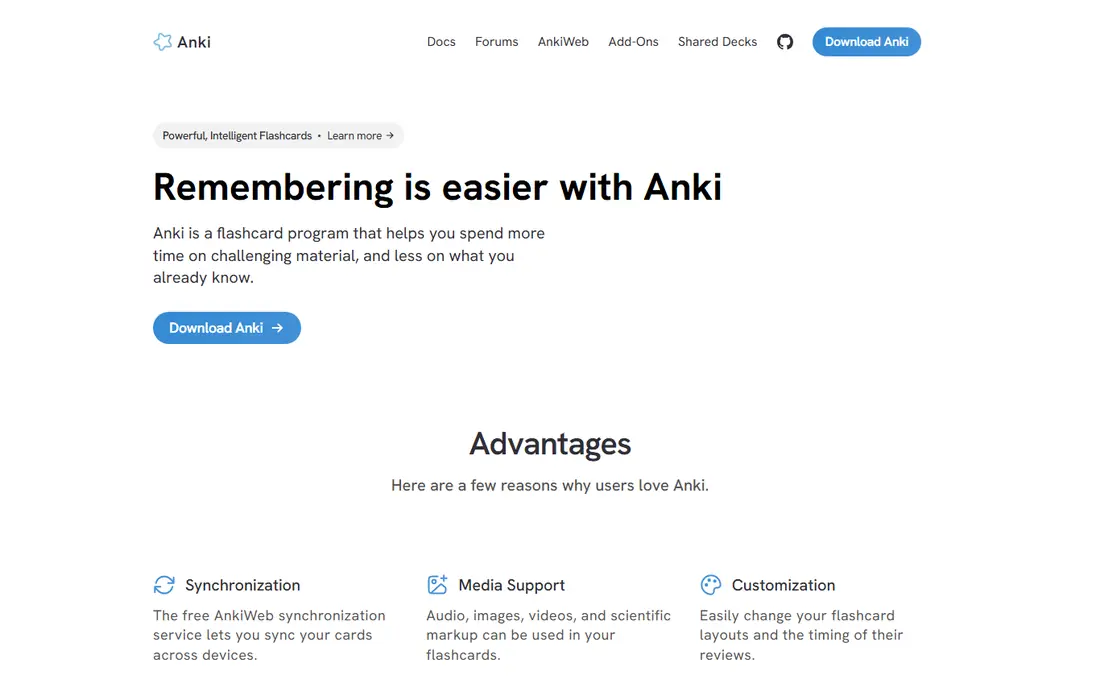
Anki is the app serious learners return to when an exam is months away. Its scheduling adjusts intervals based on how well you recall each card, so easy cards appear less often and hard cards return sooner. That method works well for medicine, law, languages, and any subject where you must remember facts for a long time.
The interface is plain and the first setup can feel fiddly, especially when you add images, audio, or custom card types. The desktop and Android apps are free, while the official iPhone app is a one-time purchase, so check the current App Store price before you buy. If you can live with the look, Anki gives you the most control for the lowest ongoing cost.
- Powerful spaced repetition with modern scheduling
- Free on desktop and Android
- Huge shared deck library
- Dated interface
- IPhone app is a one-time paid purchase
- Setup takes patience
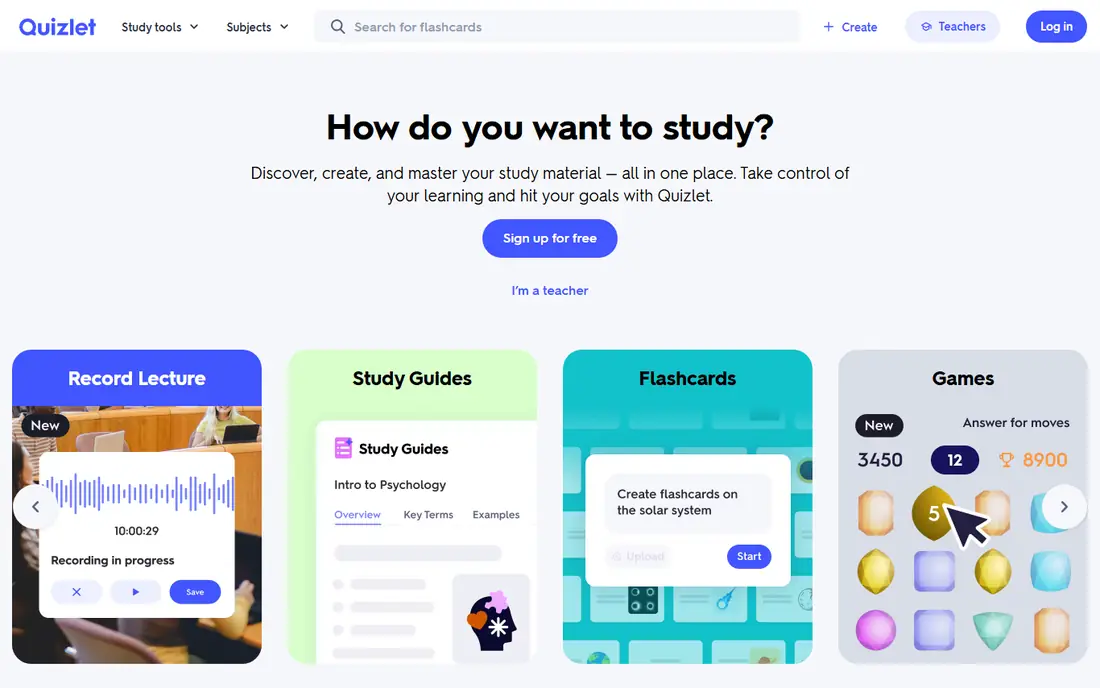
Quizlet is the easiest place to start when you do not want to write every card yourself. Search for a textbook, topic, or exam and you will often find a set made by another student or teacher. Study modes turn the same set into flashcards, a quiz, a matching game, or a written test, which helps when you get bored of one format.
The free plan covers core study, but ads and feature limits can get in the way during heavy revision. Quizlet Plus adds ad-free study and extra tools, so compare its annual price with a free alternative before you pay. For casual study and shared class sets, Quizlet is hard to beat for speed.
- Huge library of user-made sets
- Learn, Match, and Test modes
- Easy class sharing
- Free plan has ads and limits
- Advanced AI features sit behind Plus
- Spaced repetition is basic
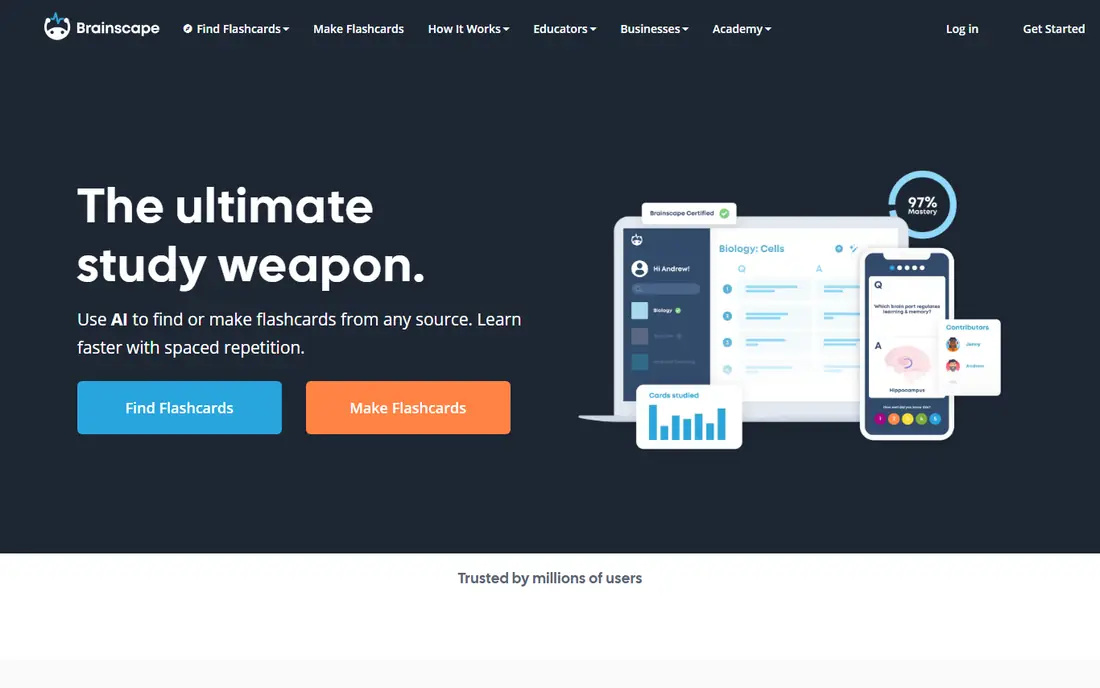
Brainscape asks you to rate how well you knew each answer, from a guess to perfect recall. That rating drives the next review time, which feels more natural than a simple right or wrong button. The app also offers curated decks for exams and professional topics, which can save time if a ready-made deck matches your syllabus.
Free study covers your own cards and basic review, while Pro adds unlimited study features and broader access. The main risk is deck quality, since a polished-looking set can still contain errors. Check a sample of cards against your course material before you trust any shared deck fully.
- Simple confidence rating from 1 to 5
- Strong certified and expert decks
- Clean mobile study flow
- Paid plan needed for full features
- User decks vary in quality
RemNote turns your notes into flashcards without a separate import step. You write an outline, mark parts as cards, and the app schedules them for review. That workflow suits students who already take detailed notes and want review to grow out of that work, rather than starting a second document.
The outline approach takes a day or two to learn, and the interface rewards users who keep notes tidy. Paid plans add more AI help and storage, but the free plan covers unlimited notes and cards for many students. If your notes are your study base, RemNote can cut duplicate work.
- Notes and flashcards in one document
- Spaced repetition built in
- Good for course notes
- Learning curve for its outline system
- Some AI and upload limits on the free plan
Knowt has become a popular free alternative for students who want Quizlet-style study without paying at once. You can import sets, study with Learn mode, take practice tests, and use spaced repetition, all on a free account. AI tools can also turn notes, PDFs, and videos into starter cards, which helps when you face a large chapter.
Ads on the free plan are the main annoyance, and the paid plan is best bought annually if you decide to upgrade. As with any shared library, check imported cards for mistakes. For students on a tight budget, Knowt offers a strong mix of free features.
- Free Learn and practice test modes
- Easy import of existing sets
- AI card creation tools
- Free plan shows ads
- Paid Ultra plan is costly if billed monthly
- Deck quality varies
Mochi suits writers, developers, and students who like plain text notes. Cards are written in Markdown, so you can add code, links, and formatting without wrestling with a rich text editor. The app supports spaced repetition and keeps decks organized in a simple sidebar, which makes long-term review calm rather than cluttered.
The trade is content. Mochi does not have Quizlet-sized shared libraries, so you will mostly make your own cards. The free plan covers basic use, while Pro adds sync and unlimited cards. If you already write notes in Markdown, Mochi feels like a natural fit.
- Clean Markdown editing
- Spaced repetition support
- Good sync on paid plan
- Smaller shared deck library
- Sync and unlimited cards need Pro
Cram keeps flashcards simple. You make a set, flip through it, and test yourself with a basic quiz mode. That simplicity suits younger learners, quick revision, and anyone who finds larger apps distracting. Public decks cover common school topics, though they are thinner than Quizlet's library.
Cram lacks the strong scheduling found in Anki, Brainscape, or Mochi, so it is weaker for exams months away. Use it for short-term review, class quizzes, and casual facts. For long-term retention, pair it with a spaced repetition app or move your best decks to one.
- Free to use
- Simple create and study flow
- Shared public decks
- No modern spaced repetition system
- Dated design
- Fewer study modes
StudySmarter, also known as Vaia in some regions, combines flashcards with study plans, summaries, and shared course material. That broader toolkit helps students who want one place for revision, rather than a flashcard app plus a separate planner. Progress views show which topics you have covered and which still need work.
The app is free to start, with paid options for extra features. Content depth can vary by subject and country, so check whether your course is well covered before you rely on it. For students who like structure and tracking, StudySmarter adds useful context around the cards themselves.
- Flashcards plus notes, summaries, and study plans
- Large content library
- Progress tracking
- Some content and features vary by region
- Premium upsells appear in the app
Memrise is best known for language learning, but its core is still flashcards with spaced review. Courses pair words and phrases with short video clips of native speakers, which helps pronunciation and listening in a way plain text cards cannot. That makes it a good pick if your flashcard goal is vocabulary rather than general school subjects.
Custom deck creation is less central than in Anki or Quizlet, and the richest course content needs a subscription. For language learners, though, the video and audio context is a real strength. Use Memrise for languages and a general flashcard app for other subjects.
- Strong language courses
- Native speaker video clips
- Spaced review built in
- Less flexible for custom academic decks
- Full courses sit behind a paid plan
How we picked these
We compared official pricing pages, app store listings, and feature pages for apps that focus on flashcards and spaced review. We favored apps that are still maintained, work on phone and desktop, and offer a clear free or low-cost starting point. We left out general note apps without a real flashcard system, since this list is about studying with cards, not just writing notes.
How to choose the best flashcard app for you
Start with how you study, not with the app store rating. If you make your own cards and need them to stick for months, spaced repetition quality matters most. If you need ready-made sets for a class next week, library size and search matter more. Try the free plan for a real chapter before you pay for a year.
Check the scheduling and the limits
Ask whether the app uses true spaced repetition, what happens when you miss a day, and whether sync or offline study needs a paid plan. Also check card limits, image and audio support, and export options. An app that locks your cards inside a paid plan can cost more later than a slightly plainer app that lets you export.
Make better cards, not just more cards
Short cards with one fact each work better than long paragraphs copied from a textbook. Put the question on the front and a short answer on the back, and add an example only when it helps recall. Review a little each day rather than cramming the night before, and retire cards you truly know so review stays focused.
FAQ
What is the best flashcard app free?
Anki is the strongest free option on desktop and Android, with full spaced repetition at no ongoing cost. Knowt and Cram also offer useful free study, while Quizlet and Brainscape give free core study with paid upgrades. The best free flashcard apps depend on whether you need ready-made sets or plan to make your own.
What is the best app for flashcards on iPhone?
Anki, Quizlet, Brainscape, and Knowt all work well on iPhone, but Anki's official iOS app is a one-time purchase while the others are free to download. If you want free iPhone study, start with Quizlet, Brainscape, or Knowt. If you want the strongest scheduling and do not mind paying once, Anki is worth it.
Are flashcard apps good for exams?
Yes, when cards are short and reviews are spaced over days and weeks. Flashcards help with facts, terms, and definitions, but they work best alongside practice questions and past papers for problem solving. Use cards for recall, then test yourself under exam conditions to build speed and judgment.
What is the best notecard app for students?
RemNote suits students who want notes and cards together, while Quizlet suits students who want shared class sets. Mochi suits students who write in Markdown, and Anki suits students preparing for high-stakes exams. Pick based on whether your notes, your class, or your exam timeline drives your study.
Can I use flashcards for languages?
Yes, and Memrise is built for that use, with video and audio to support pronunciation. Anki also works well for languages if you add audio and example sentences to your cards. Keep cards short, review daily, and add new words in small batches so older words stay fresh.