Best Video Editing Software for Film Students in 2026: Prices, Free Plans and 6 Picks
Searching for the best video editing software for film students? Here are 6 options with prices and free plans. Read the caveats before you buy. Easy to scan.
- Editor's choice
 Final Cut Pro
Mac and iPad editors
Starts atPricing on requestVisit apple.comFull review - Great alternative
 DaVinci Resolve
All-in-one editing, color, and audio
Starts atPricing on requestVisit blackmagicdesign.comFull review - Also consider
 Vegas Pro
Windows-based editing with AI tools
Starts atPricing on requestVisit vegascreativesoftware.comFull review
Direct answer
Final Cut Pro is the first pick on this list for Mac and iPad editors. DaVinci Resolve is the stronger choice for all-in-one editing, color, and audio, while Vegas Pro suits Windows-based editing with AI tools. All 6 tools are compared below on fit, free plan and limits. None of these vendors publish plan prices, so pricing is on request for every option.
TL;DR:
- Number one here is Final Cut Pro, a fit for Mac and iPad editors.
- Neither Final Cut Pro nor Adobe Premiere Pro, nor any of the other 4 tools, has a permanent free plan; trials and quotes are the norm.
- DaVinci Resolve comes with a trade-off: deep feature set can overwhelm beginners.
- Final Cut Pro, Adobe Premiere Pro and the 4 others all sell by quote; expect sales conversations before you see a price.
Last checked November 2026. Pricing on request: vendors did not publish plan prices when this guide was last checked (November 2026), so ask each vendor for a written quote.
Quick comparison
| Tool | Best for | Starts at | Free plan? | |
|---|---|---|---|---|
| Final Cut Pro | Mac and iPad editors | Pricing on request | Not stated | Visit |
| DaVinci Resolve | All-in-one editing, color, and audio | Pricing on request | Not stated | Visit |
| Vegas Pro | Windows-based editing with AI tools | Pricing on request | Not stated | Visit |
 Avid Media Composer | Professional film and TV workflows | Pricing on request | Not stated | Visit |
 Adobe After Effects | Motion graphics and visual effects | Pricing on request | Not stated | Visit |
 Adobe Premiere Pro | Wide editing and postproduction workflows | Pricing on request | Not stated | Visit |
Video Editing Software for Film Students, one by one
Choosing video editing software for film students usually comes down to price, fit and limits. This LinkVetted guide sets 6 tools side by side on those three points, with the facts kept short and checkable.
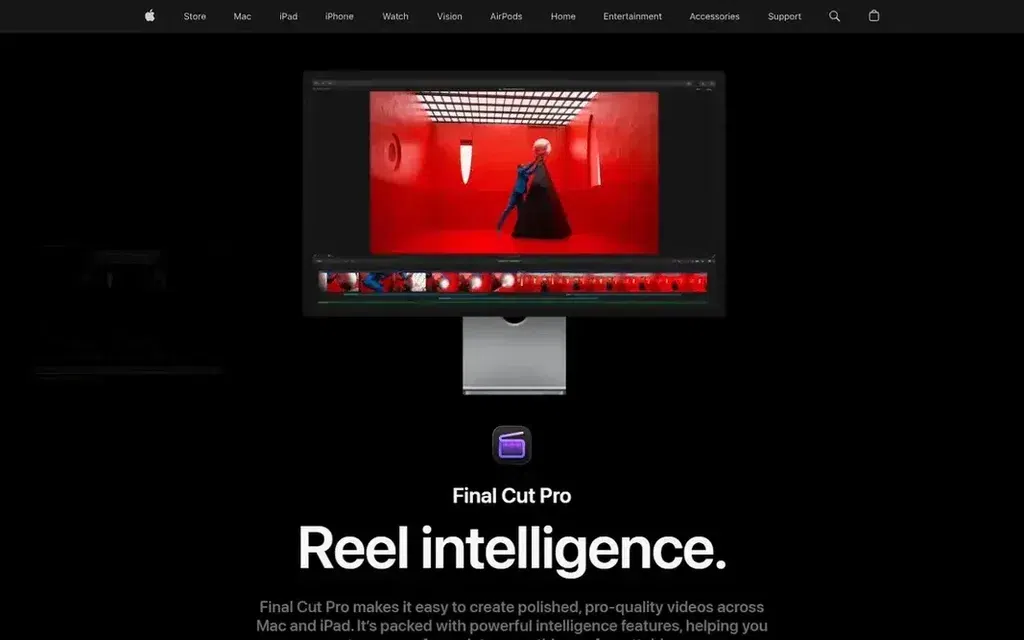
Final Cut Pro makes the most sense for Mac and iPad editors. Final Cut Pro is restricted to Mac and iPad, so students on Windows or Linux cannot use it.
Pick it when your workflow is centered on Apple hardware. Check the vendor site for Final Cut Pro pricing; none is listed in this comparison. On free options: Not stated.
Drawbacks to consider: Not available on Windows or Linux.
- Simple to pick up for Apple users
- Optimized for Mac and iPad
- Mac and iPad only
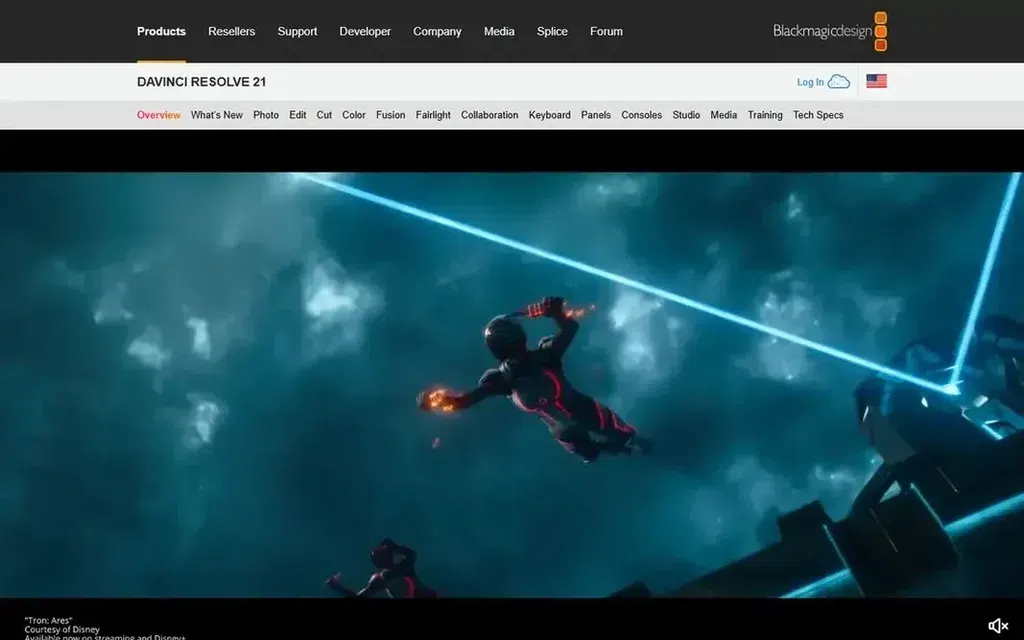
Pick DaVinci Resolve if this describes you: all-in-one editing, color, and audio. DaVinci Resolve merges professional video editing, color correction, visual effects, and audio post production in a single application.
Where it is weaker: Free and premium versions differ in features.
The breadth of features can feel overwhelming at first, and the free and premium versions differ in what they bundle. Worth adding: consider it when color and audio work are central to your projects. Pricing for DaVinci Resolve is not stated here, so ask the vendor for current figures. Free plan details: Not stated.
- Visual effects and audio post included
- Editing and color correction together
- Deep feature set can overwhelm beginners
Vegas Pro targets Windows-based editing with AI tools. Vegas Pro runs only on Windows, so Mac and Linux users cannot use it.
It is also less typical in film school curricula, which may matter for collaboration and tutorials. Beyond that, Vegas Pro is professional video editing software for Windows with AI tools, color grading, VFX, and audio. Pricing for Vegas Pro is not stated here, so ask the vendor for current figures. Free plan details: Not stated.
What to check first: Windows only.
- Audio tools built in
- Color grading and VFX included
- Less typical in film school curricula
Avid Media Composer is built with professional film and TV workflows in mind. Consider it when professional workflow familiarity is the goal.
What to check first: Less approachable for beginners.
No starting price is listed for Avid Media Composer here; confirm pricing on the vendor site. As for free access: Not stated.
- Used in film and television
- Concentrated on post-production workflows
- Steeper ramp-up time
Adobe After Effects is a good fit for motion graphics and visual effects. Adobe After Effects is motion graphics software for taking an idea and making it move, with design for film, TV, video, and web.
Downsides: Not a primary editor for long-form cuts.
It is subscription-based and can be demanding on hardware. This comparison lists no price for Adobe After Effects; ask the vendor. On free options: Not stated.
- Solid compositing capabilities
- Industry-standard motion graphics
- Subscription-based access
Adobe Premiere Pro serves wide editing and postproduction workflows. Worth adding: since it is subscription-based, Premiere Pro needs continuing access instead of a one-time purchase.
Worth adding: students on a tight budget or with older computers may prefer a tool with a free version or lighter system demands. Check the vendor site for Adobe Premiere Pro pricing; none is listed in this comparison. As for free access: Not stated.
Drawbacks to consider: Can be demanding on older hardware.
- Effects and audio mixing tools
- Professional editing and trimming
- Subscription-based access
Selection criteria
Things to verify first
- Confirm the entry price with every vendor: no tool from Final Cut Pro to Adobe Premiere Pro shows a fixed starting price.
- Read the limits listed for Final Cut Pro first: Mac and iPad only.
- Test the integrations you rely on with Vegas Pro before committing; some connectors sit on upper tiers.
- Compare total cost, not headline price: for Adobe After Effects, add extra seats, add-ons and any usage-based charges.
- Look at which plan of Final Cut Pro unlocks the features you need; entry tiers are often cut down.
FAQ
Is Avid Media Composer necessary for film school?
Media Composer is made for professional film and television post-production workflows, so it can be valuable if your program emphasizes industry tools. It has a steeper ramp-up time, so plenty of students start with a more approachable editor and add Media Composer later.
Do these tools publish their prices?
No. None of the tools, from Final Cut Pro to Adobe Premiere Pro, shows a fixed starting price here, so budget time for quotes.
Do film students need separate software for color and effects?
DaVinci Resolve bundles color correction and visual effects alongside editing, so one application can handle those tasks. Adobe After Effects is dedicated to motion graphics and does well alongside an editor when a project needs advanced graphics or compositing.
Which video editing software is a good match for film students overall?
For most readers this guide would start with Final Cut Pro, built for Mac and iPad editors. DaVinci Resolve is the alternative for all-in-one editing, color, and audio, and Vegas Pro for Windows-based editing with AI tools. The right answer depends on budget and workflow.
Can I try these tools before paying?
Not by default. None of the tools, from Final Cut Pro to Adobe Premiere Pro, lists a free plan or a free trial here, so ask each vendor for a demo before committing.
How are the tools for video editing software for film students ordered?
Final Cut Pro sits first and Adobe Premiere Pro last because the order follows typical fit for video editing software for film students, then price clarity and free access. It is a judgement call, so read each profile for fit and limits.
Sources
- https://www.apple.com/final-cut-pro
- https://www.blackmagicdesign.com/products/davinciresolve
- https://www.vegascreativesoftware.com/us/vegas-pro
- https://www.avid.com/media-composer
- https://www.adobe.com/products/aftereffects.html
- https://www.adobe.com/products/premiere.html