Best Virtual Classroom Software for Large Lectures for 2026: Our 6 Vetted Picks
Best virtual classroom software for large lectures in 2026: 6 tools with starting prices, free plans and limits. Every pick gets a straight assessment.
- Editor's choiceAdobe Connect
Structured training and webinar sessions
Starts atPricing on requestVisit adobe.comFull review - Great alternative
 Cisco Webex
AI-assisted collaboration at scale
Starts atPricing on requestVisit webex.comFull review - Also consider
 Moodle
Configurable open learning ecosystems
Starts atPricing on requestVisit moodle.comFull review
Direct answer
This list puts Adobe Connect first for structured training and webinar sessions. Alternatives: Cisco Webex for AI-assisted collaboration at scale, and Moodle for configurable open learning ecosystems. The remaining 3 options are covered below with pricing notes and limits. None of these vendors publish plan prices, so pricing is on request for every option.
TL;DR:
- Number one here is Adobe Connect, a fit for structured training and webinar sessions.
- No starting price is shown for any of the 6 tools, Adobe Connect and Blackboard Learn included, so plan time for sales calls.
- Cisco Webex stands alone as the one tool in this list with a free plan.
- Blackboard Learn suits course management alongside live classes.
Last checked November 2026. Pricing on request: vendors did not publish plan prices when this guide was last checked (November 2026), so ask each vendor for a written quote.
Quick comparison
| Tool | Best for | Starts at | Free plan? | |
|---|---|---|---|---|
| Adobe Connect | Structured training and webinar sessions | Pricing on request | Not stated | Visit |
| Cisco Webex | AI-assisted collaboration at scale | Pricing on request | Yes | Visit |
| Moodle | Configurable open learning ecosystems | Pricing on request | Not stated | Visit |
 Zoom | Large live lectures and webinars | Pricing on request | Not stated | Visit |
 Microsoft Teams | Institutions already in Microsoft 365 | Pricing on request | Not stated | Visit |
 Blackboard Learn | Course management alongside live classes | Pricing on request | Not stated | Visit |
The best virtual classroom software for large lectures
This LinkVetted guide covers 6 virtual classroom software for large lectures. Each profile lists a starting price, free plan details, strengths and drawbacks, so you can drop poor fits quickly.
Adobe Connect
Best for: Structured training and webinar sessions
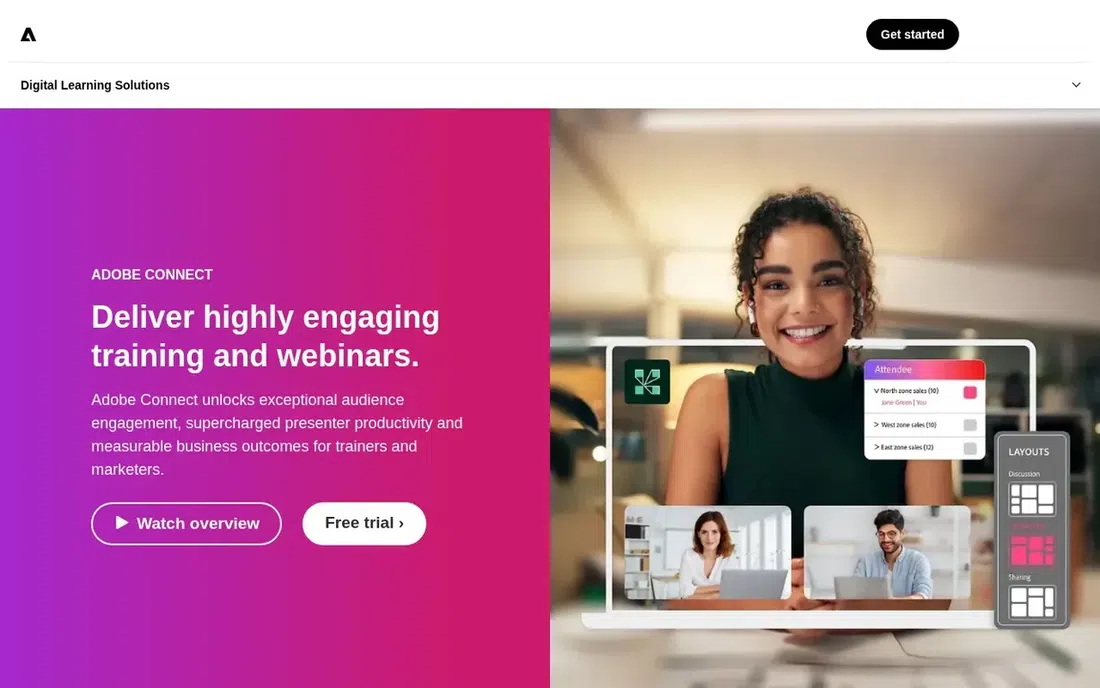
Adobe Connect serves structured training and webinar sessions. Since the product is oriented toward training and webinar delivery, it does not position itself as a complete learning management system for course administration. Beyond that, choose Adobe Connect when session engagement and presenter control matter most.
From a buyer's view, Adobe Connect is marketed for training and webinars, with messaging that flags engaging delivery, audience engagement, presenter productivity and measurable outcomes. It appeals to trainers and educators who treat the lecture as a produced event instead of an open meeting. Pricing for Adobe Connect is not stated here, so ask the vendor for current figures. Trial and free access: Not stated.
Downsides: Best fit needs structured session design.
- Built around training and webinars
- Presenter productivity features
- Narrower than a full LMS
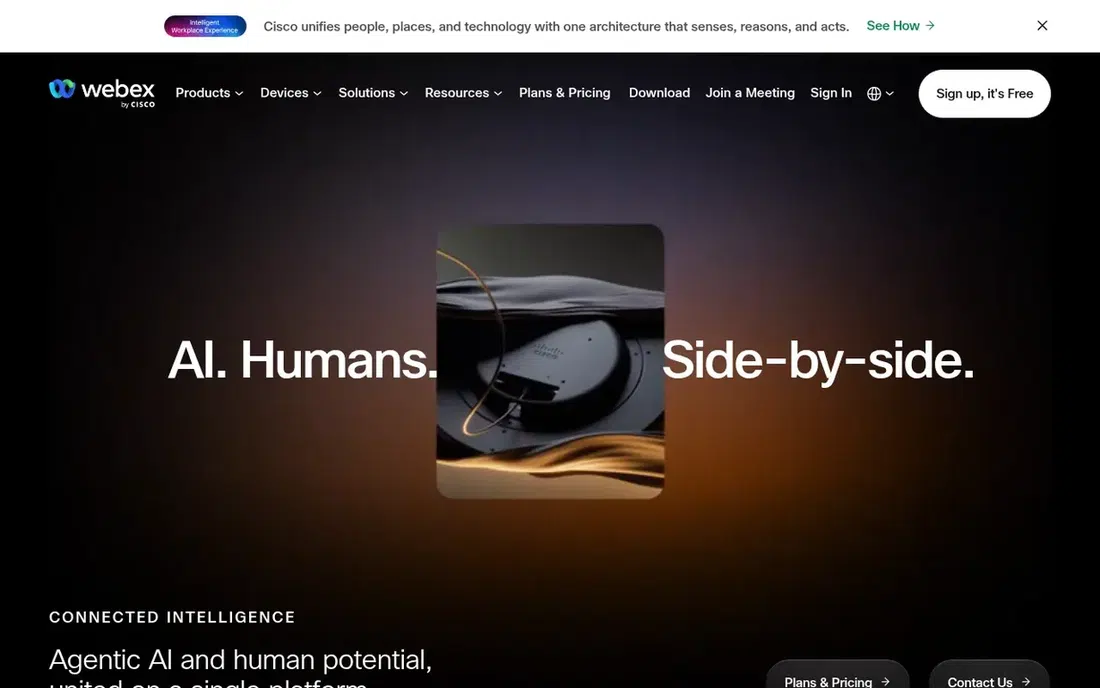
Pick Cisco Webex if this describes you: AI-assisted collaboration at scale. For large lectures, the collaboration and device side is the relevant part, supporting meetings that link remote students with room-based teaching spaces.
Cisco Webex describes itself as AI-powered collaboration including customer experience, devices and system options. Cisco Webex does not show a starting price in this comparison, so check the vendor site for current pricing. You can start on Cisco Webex without paying.
Where it falls short: Wide portfolio can be complicated to scope.
- Customer experience tools included
- AI-powered collaboration focus
- Not a LMS
Moodle is a good fit for configurable open learning ecosystems. For large lectures, that flexibility lets institutions shape course structures around their own policies and integrate the tools they prefer.
Drawbacks to consider: Live lecture delivery needs extras.
It appeals to organizations with technical capacity that want control over how their learning environment is assembled. Pricing for Moodle is not stated here, so ask the vendor for current figures. Trial and free access: Not stated.
- Enterprise and public sector
- Adaptable learning ecosystem building
- Customization layers on administration effort
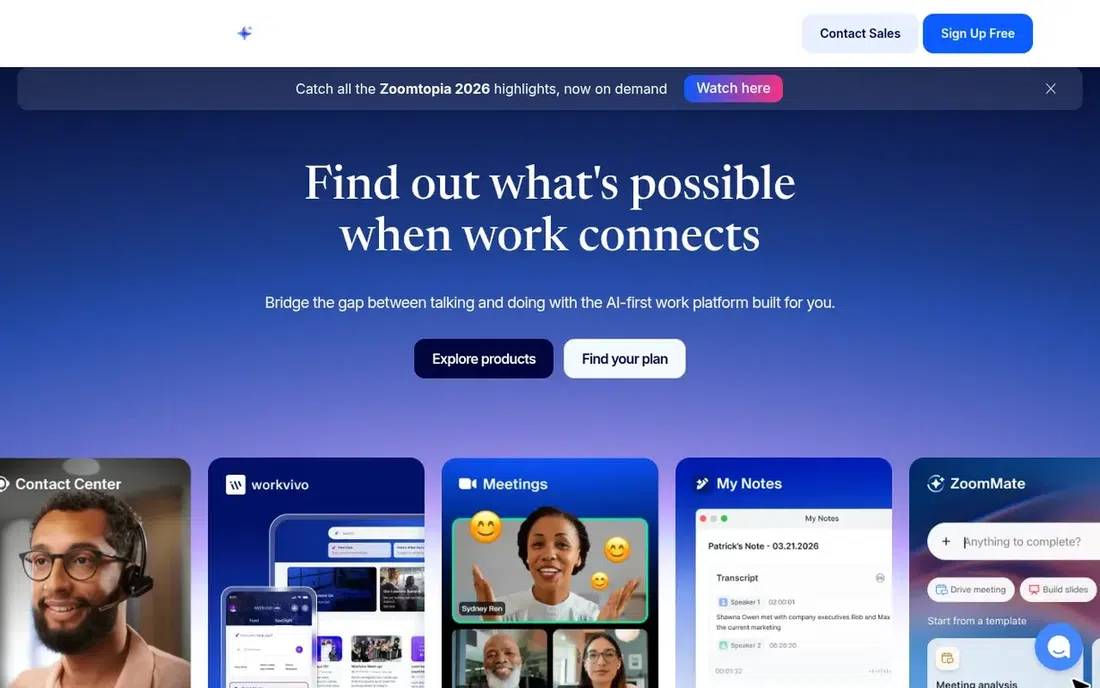
Zoom serves large live lectures and webinars. Zoom is a communications product instead of a learning management system, so grading, course structure and long-term content organization are not its focus.
The main drawbacks: Feature depth varies by configuration.
Pick Zoom when dependable large-scale video is the priority. This comparison lists no price for Zoom; ask the vendor. On free options: Not stated.
- Webinars and events in one system
- Whiteboard and VoIP phone included
- Not a full course management system
Where Microsoft Teams fits: institutions already in Microsoft 365. The homepage emphasizes keeping tools and files in one place so groups can link naturally and stay organized, which helps large lecture cohorts find recordings, materials and discussion in a single hub.
What users get: Meetings.
Honest limits: Not a dedicated LMS. On top of that, pick Teams when the institution already runs on Microsoft tools and wants meetings and class collaboration in one place. Pricing for Microsoft Teams is not stated here, so ask the vendor for current figures. As for free access: Not stated.
- Organized collaboration spaces
- Files and tools in one place
- Interface depth can overwhelm casual users
Blackboard Learn serves course management alongside live classes. Blackboard Learn is presented as a leading LMS for modern education and learning experiences, with AI tools, flexible learning, time-saving features, accessibility and actionable insights.
Honest limits: Live lecture delivery relies on integrations.
For large lectures, it offers the course backbone: organizing materials, tracking participation and supporting educators at scale. This comparison lists no price for Blackboard Learn; ask the vendor. On free options: Not stated.
- Actionable insights for educators
- LMS aimed at modern education
- Full setup needs institutional planning
How we compared the tools
The comparison looks at four things: starting price, free access, how well the feature set matches virtual classroom software for large lectures, and the main limit of each tool. Plan names, prices and limits change often. Treat the figures here as a starting point and verify them with the vendor. The ranking is editorial: typical fit first, then clear pricing, then free access. If your needs are unusual, read the profiles rather than relying on position.
Things to verify first
- Request quotes from Adobe Connect, Blackboard Learn and the others; the list shows no fixed prices.
- Test the free plan from Cisco Webex against your real workload before relying on it.
- Read the limits listed for Adobe Connect first: narrower than a full LMS.
- Verify that exporting from Zoom is possible on your plan and covers all your records.
- Ask Microsoft Teams whether prices are locked for the first term and what happens at renewal.
FAQ
Which options for virtual classroom software for large lectures have a free plan?
Cisco Webex is the only tool in this list with a free plan. Free plans usually cap users, projects or features, so check the limits on the vendor page. Each of the 6 options in this virtual classroom software for large Lectures guide has its own card above with the price, free plan and limits.
Is Adobe Connect the right pick for everyone comparing virtual classroom software for large lectures?
No single tool suits every team. Adobe Connect comes first because it fits structured training and webinar sessions, while Cisco Webex suits AI-assisted collaboration at scale and Moodle suits customizable open learning ecosystems. Match the tool to your own size, budget and workflow before deciding.
Can I try these tools before paying?
Often, yes. Cisco Webex has a free plan. Use your own data and a real task during the test, and check what the free tier or trial limits before you rely on it. All 6 picks in this virtual classroom software for large Lectures comparison list a starting price, free plan details and the main limits on their cards above.
Do these tools publish their prices?
No. None of the tools, from Adobe Connect to Blackboard Learn, shows a fixed starting price here, so budget time for quotes.
Should I use a meeting product or a LMS for large lectures?
A LMS for example Blackboard Learn, Canvas or Moodle organizes course materials and student records. Numerous institutions combine both, using the LMS as the backbone and a meeting tool for live sessions.
How do I judge whether a tool can handle a very large lecture?
Ask the vendor straight about session capacity, presenter controls and how interaction is managed when the audience is large. Check documentation for limits on participants, recording and breakout use. Confirm these details on the vendor site before committing.
Sources
- https://www.adobe.com/products/adobeconnect.html
- https://www.webex.com
- https://moodle.com
- https://zoom.us
- https://www.microsoft.com/en-us/microsoft-teams/group-chat-software
- https://www.anthology.com/products/teaching-and-learning/learning-effectiveness/blackboard-learn