Best Virtual Classroom Software for Small Language Schools for 2026: Our 5 Vetted Picks
Need the best virtual classroom software for small language schools? We compare 5 tools on cost, free access and who each suits. Budget notes included.
- Editor's choice
 GoTo Meeting
Straightforward web conferencing for lessons
Starts atPricing on requestVisit goto.comFull review - Great alternative
 ClickMeeting
Browser-based webinars and lead capture
Starts atPricing on requestVisit clickmeeting.comFull review - Also consider
 Cisco Webex
AI-assisted collaboration and meetings
Starts atPricing on requestVisit webex.comFull review
Direct answer
If you need straightforward web conferencing for lessons, GoTo Meeting is the first tool to look at here. For a different need, ClickMeeting covers browser-based webinars and lead capture and Cisco Webex covers AI-assisted collaboration and meetings. The other 2 tools in the list cover narrower or pricier cases. None of these vendors publish plan prices, so pricing is on request for every option.
TL;DR:
- Number one here is GoTo Meeting, a fit for straightforward web conferencing for lessons.
- For structured training and webinars, Adobe Connect is worth a look.
- GoTo Meeting, Adobe Connect and the 3 others all sell by quote; expect sales conversations before you see a price.
- A fair warning about Cisco Webex: feature set may be complex for small schools.
- Only 2 of the 5 tools have a free plan (ClickMeeting, Cisco Webex), so check the caps.
Last checked November 2026. Pricing on request: vendors did not publish plan prices when this guide was last checked (November 2026), so ask each vendor for a written quote.
Quick comparison
| Tool | Best for | Starts at | Free plan? | |
|---|---|---|---|---|
| GoTo Meeting | Straightforward web conferencing for lessons | Pricing on request | Not stated | Visit |
| ClickMeeting | Browser-based webinars and lead capture | Pricing on request | Yes | Visit |
| Cisco Webex | AI-assisted collaboration and meetings | Pricing on request | Yes | Visit |
 Zoom | Everyday language lessons and tutoring | Pricing on request | Not stated | Visit |
| Adobe Connect | Structured training and webinars | Pricing on request | Not stated | Visit |
Tool-by-tool breakdown
This LinkVetted guide covers 5 virtual classroom software for small language schools. Each profile lists a starting price, free plan details, strengths and drawbacks, so you can drop poor fits quickly.
GoTo Meeting is a good fit for straightforward web conferencing for lessons. GoTo Meeting is a web conferencing product that emphasizes a quality meeting experience with the features firms need for online meetings. As for the details, schools running plenty of webinars or structured courses might prefer a training-oriented tool.
Honest limits: Fewer education-specific features.
In daily use, for small language schools, it can deal with live lessons, tutoring sessions, and staff meetings without unnecessary complexity. More specifically, GoTo Meeting is meeting-focused, so language schools that require built-in classroom management, assignment workflows, or education integrations may find it restricted. GoTo Meeting shows no starting price here, so confirm the cost on the vendor site. As for free access: Not stated.
- Straightforward meeting experience
- Meeting system features for business needs
- May lack built-in classroom management tools
ClickMeeting is built with browser-based webinars and lead capture in mind. ClickMeeting is a webinar system for running live, automatic, and on-demand webinars and capturing leads after events.
Limits to weigh: Less emphasis on continuing classroom management.
Worth adding: consider ClickMeeting when webinars and lead capture are central to your outreach. In practice, for a small language school, it can support open classes, informational sessions, and recorded content that prospective students can watch later. Check the vendor site for ClickMeeting pricing; none is listed in this comparison. You can start on ClickMeeting without paying.
- On-demand webinars
- Supports live, automatic
- Webinar focus may not suit all lesson types
Think of Cisco Webex for AI-assisted collaboration and meetings. Cisco Webex is an AI-powered collaboration product that spans meetings, customer experience, devices, and product options. More specifically, for a small language school, it supplies a solid meeting environment with collaboration features that can support online lessons, parent meetings, and staff coordination.
Where it falls short: Best value may require exploring several modules.
On top of that, consider Webex when you want a full collaboration system with AI-assisted features. In practice, schools prioritizing minimal setup might look at lighter choices. Teachers and students may face a ramp-up time compared to more straightforward tools. This comparison lists no price for Cisco Webex; ask the vendor. Free access exists with Cisco Webex.
- Enterprise-grade collaboration suite
- AI-powered collaboration features
- Feature set may be complicated for small schools
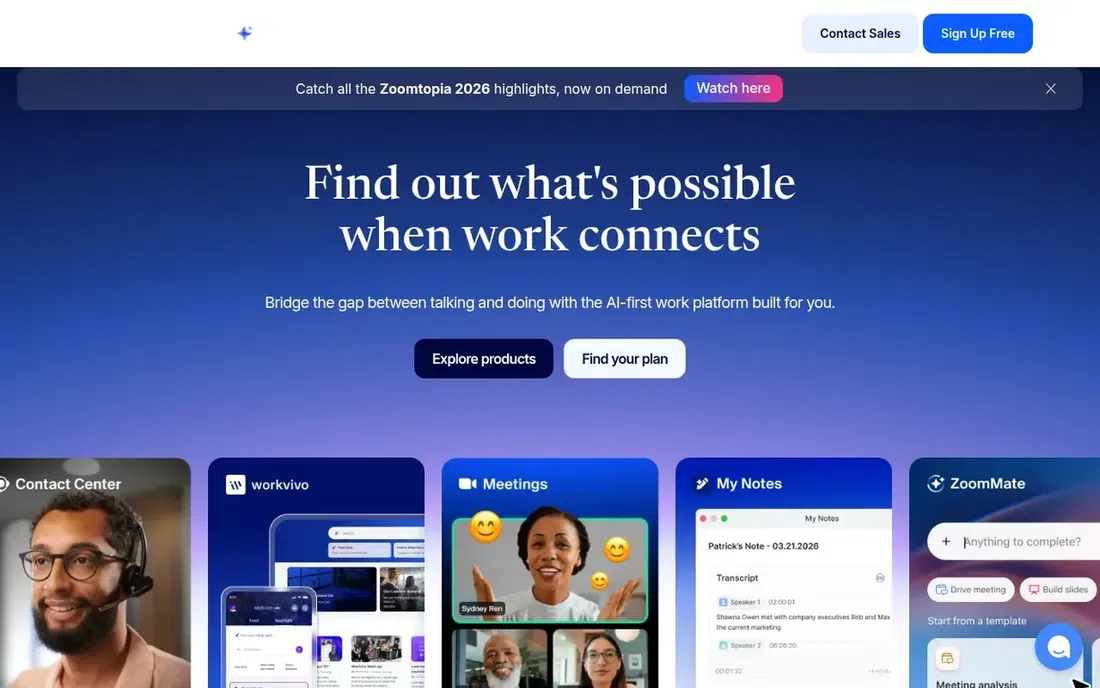
Zoom is built with everyday language lessons and tutoring in mind. Zoom is a wide product instead of a dedicated language-teaching system, so class management and language-specific exercises depend on integrations or manual setup. Beyond that, schools that require built-in education workflows or an open source classroom may prefer a specialized choice.
For everyday use, Zoom is a collaboration system centered on video meetings, with extra tools for example chat, VoIP phone, webinars, whiteboard, contact center, and events. Choose Zoom when simplicity and wide adoption matter most. This comparison lists no price for Zoom; ask the vendor. Trial and free access: Not stated.
Where it is weaker: Some settings need careful configuration for classrooms. Where it shines: webinar features.
- Works across devices and operating systems
- Includes chat, whiteboard
- Advanced features may need extras
Adobe Connect
Best for: Structured training and webinars
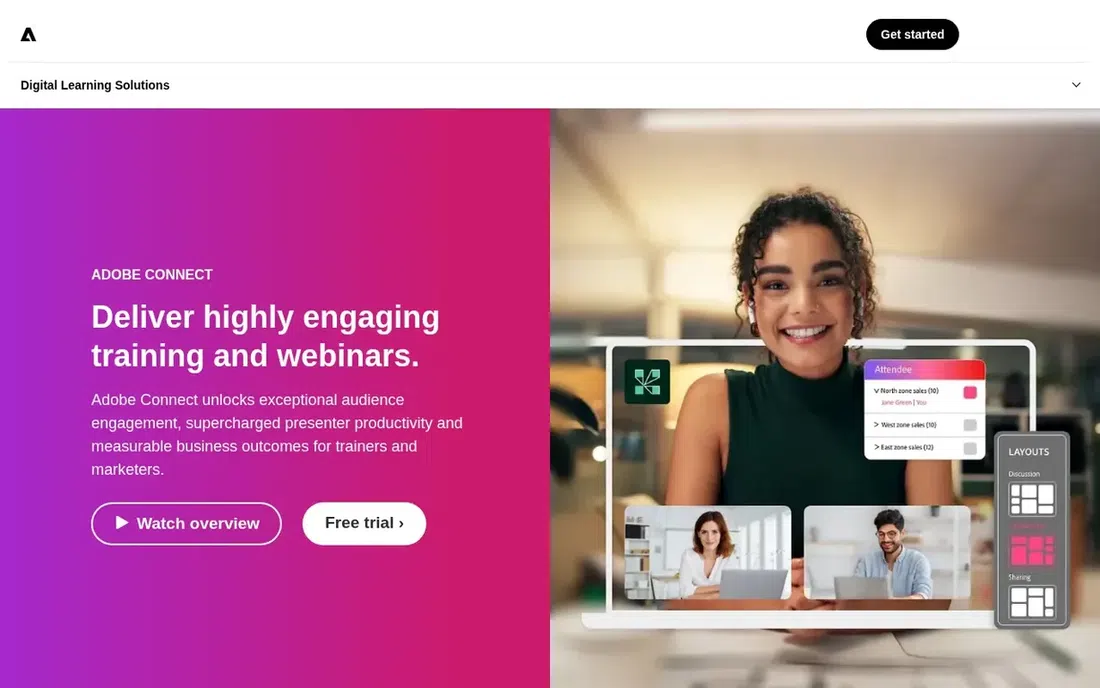
Pick Adobe Connect if this describes you: structured training and webinars. Adobe Connect is positioned for training and webinars, with an emphasis on audience engagement, presenter productivity, and measurable outcomes. Also, choose Adobe Connect when training delivery and audience engagement are central to your program.
As for the details, new users may need time to learn the interface. Adobe Connect may feel heavy for schools that primarily need simple one-to-one or small-group conversation practice. No starting price is listed for Adobe Connect here; confirm pricing on the vendor site. As for free access: Not stated.
The main drawbacks: Less familiar to casual users than mainstream meeting apps.
- Presenter productivity features
- Aimed at training and webinar delivery
- May be more than small schools need
How these tools were picked
We compared the tools on published pricing, free plan or trial availability, feature coverage for virtual classroom software for small language schools, and the limits each vendor documents. Prices and plan limits come from vendor pages and can change, so confirm them on the vendor site before you buy. Position on the page reflects fit for a typical buyer first, with price clarity and free access breaking ties. Treat it as a guide, not a ruling.
What to confirm before you sign up
- Ask each vendor, from GoTo Meeting to Adobe Connect, for a written quote; none of them publishes a starting price.
- Look at free plan limits closely: ClickMeeting and Cisco Webex have one, and the caps decide whether it is usable for real work.
- Before choosing GoTo Meeting, weigh its main limit: fewer education-specific features.
- Verify that exporting from GoTo Meeting is possible on your plan and covers all your records.
- Total up the real monthly cost of ClickMeeting, including add-ons, extra users and usage-based fees.
FAQ
Do these tools publish their prices?
No. None of the tools, from GoTo Meeting to Adobe Connect, shows a fixed starting price here, so budget time for quotes.
Can I try these tools before paying?
Often, yes. ClickMeeting and Cisco Webex have a free plan. Use your own data and a real task during the test, and check what the free tier or trial limits before you rely on it. All 5 picks in this virtual classroom software for small language schools comparison list a starting price, free plan details and the main limits on their cards above.
Which options for virtual classroom software for small language schools have a free plan?
ClickMeeting and Cisco Webex offer a free plan in this list. Free plans usually cap users, projects or features, so check the limits on the vendor page.
How are the tools for virtual classroom software for small language schools ordered?
The order follows typical fit for virtual classroom software for small language schools, with GoTo Meeting first and Adobe Connect last, then price clarity and free access. It is editorial judgement, not a score, so another team could rank the tools differently.
Can webinar tools like ClickMeeting work for language teaching?
They are less suited to daily small-group conversation practice if you need a persistent classroom environment. Numerous schools combine a webinar tool for outreach with a meeting tool for regular lessons.
Sources
- https://www.goto.com/meeting
- https://clickmeeting.com
- https://www.webex.com
- https://zoom.us
- https://www.adobe.com/products/adobeconnect.html