Choosing Virtual Classroom Software for Language Institutes in 2026: 5 Options Compared
5 best virtual classroom software for language institutes, with entry costs, free tiers and the buyer each one serves. Real limits included. Details below.
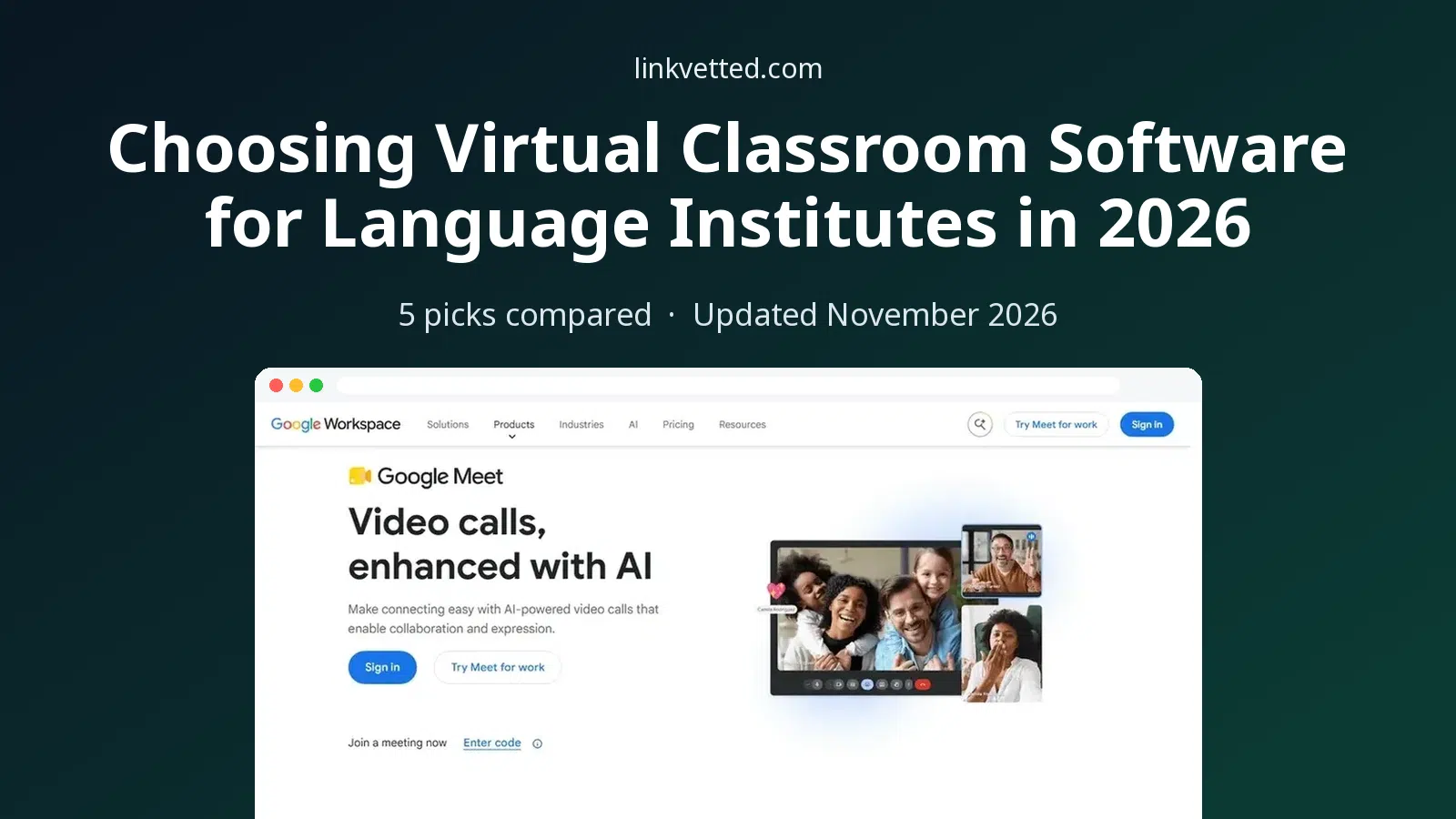
- Editor's choice
 Google Meet
Straightforward browser-based video calls
Starts atPricing on requestVisit meet.google.comFull review - Great alternative
 Cisco Webex
AI-assisted collaboration and bigger classes
Starts atPricing on requestVisit webex.comFull review - Also consider
 Zoom
Dependable video meetings for language lessons
Starts atPricing on requestVisit zoom.usFull review
Direct answer
For straightforward browser-based video calls, Google Meet is where this list starts. Look at Cisco Webex for AI-assisted collaboration and bigger classes, and at Zoom for steady video meetings for language lessons. The remaining 2 options are covered below with pricing notes and limits. None of these vendors publish plan prices, so pricing is on request for every option.
TL;DR:
- Top of the list is Google Meet, which targets straightforward browser-based video calls.
- Only Cisco Webex offers a free plan among these 5 tools.
- Microsoft Teams suits institutes using Microsoft productivity tools.
- Before buying BigBlueButton, weigh this: needs technical setup to host.
- No starting price is shown for any of the 5 tools, Google Meet and Microsoft Teams included, so plan time for sales calls.
Last checked November 2026. Pricing on request: vendors did not publish plan prices when this guide was last checked (November 2026), so ask each vendor for a written quote.
Quick comparison
| Tool | Best for | Starts at | Free plan? | |
|---|---|---|---|---|
| Google Meet | Straightforward browser-based video calls | Pricing on request | Not stated | Visit |
| Cisco Webex | AI-assisted collaboration and bigger classes | Pricing on request | Yes | Visit |
| Zoom | Dependable video meetings for language lessons | Pricing on request | Not stated | Visit |
 BigBlueButton | Open-source virtual classrooms for teaching | Pricing on request | Not stated | Visit |
 Microsoft Teams | Institutes using Microsoft productivity tools | Pricing on request | Not stated | Visit |
Virtual Classroom Software for Language Institutes profiles
LinkVetted put together this guide to virtual classroom software for language institutes for readers who want a clear shortlist without reading every vendor page. It compares 5 tools on starting price, free plans, who each one suits and where each one falls short.
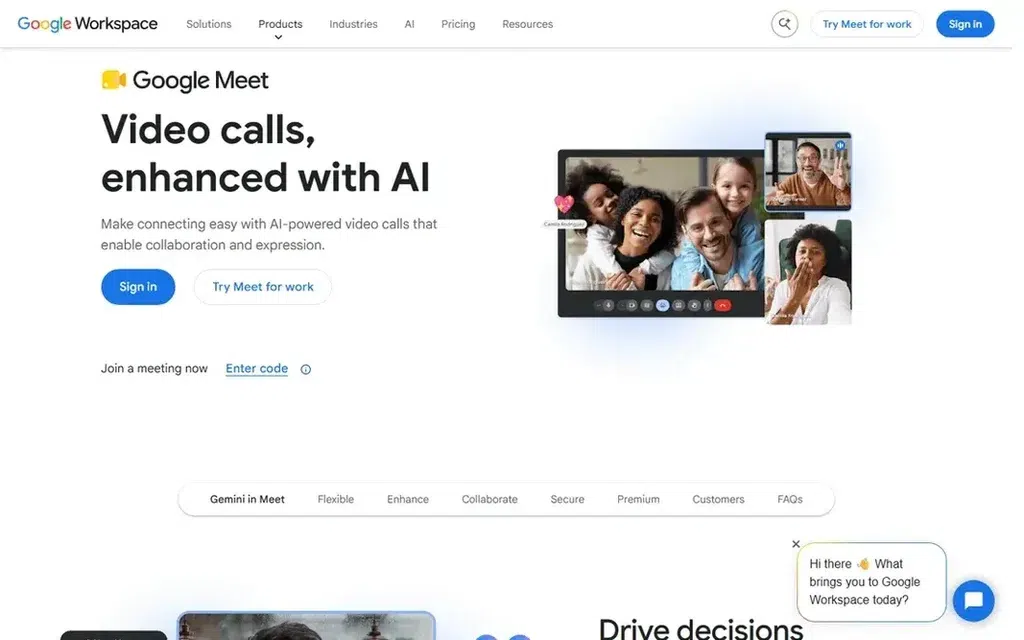
Google Meet makes the most sense for straightforward browser-based video calls. Google Meet is a web and video conferencing service within Google Workspace. It runs in the browser and performs well for language tutors who want fast, steady video calls without installing software.
Meet is primarily a meeting tool, so advanced classroom features like persistent breakout groups or built-in quizzes are restricted compared to dedicated virtual classroom products. More specifically, teachers can share screens, present slides, and use captions during lessons. Recording and some controls rely on the Google account type. Check the vendor site for Google Meet pricing; none is listed in this comparison. On free options: Not stated.
Honest limits: Recording and some features depend on account type.
- No desktop install required
- Plugs into Google Workspace
- Fewer built-in teaching tools
Where Cisco Webex fits: AI-assisted collaboration and bigger classes. If simplicity is the priority, Google Meet or Zoom may be simpler to deploy.
What to check first: May be overkill for small tutoring groups.
Smaller institutes may find the feature set broader than needed. Cisco Webex shows no starting price here, so confirm the cost on the vendor site. Free access exists with Cisco Webex.
- Supports webinars and events
- Solid enterprise security reputation
- Can be complicated to configure
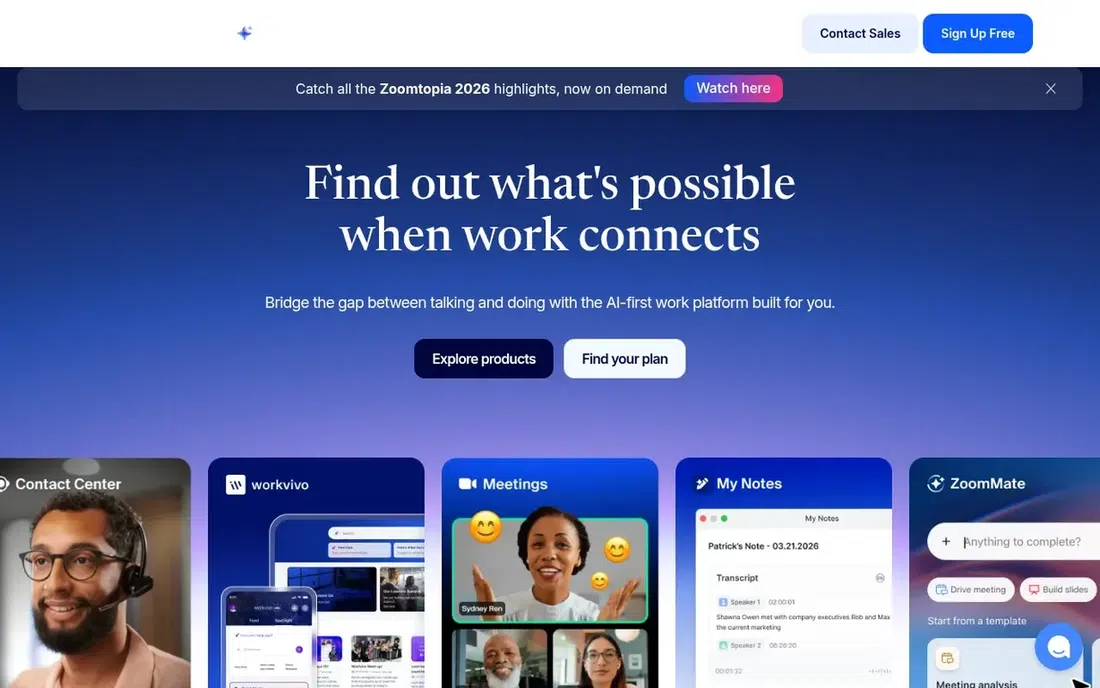
Zoom targets dependable video meetings for language lessons. Its breakout rooms let teachers split students into pairs or small groups for speaking practice, and screen sharing supports slides and documents.
For everyday use, the free version limits group meeting length, which can be a constraint for longer classes. Zoom shows no starting price here, so confirm the cost on the vendor site. As for free access: Not stated.
Where it is weaker: Some teaching tools need extras.
- Stable video and audio
- Breakout rooms for pair practice
- Free version limits group meeting length
BigBlueButton was built for open-source virtual classrooms for teaching. BigBlueButton is an open-source virtual classroom software developed for virtual learning and education. It contains features for example a shared whiteboard, breakout rooms, polls, and screen sharing, all oriented around teaching.
Also, BigBlueButton needs server setup and maintenance if self-hosted, which may be challenging without IT support. If you need a turnkey option with minimal technical overhead, Zoom or Microsoft Teams may be more practical. Check the vendor site for BigBlueButton pricing; none is listed in this comparison. On free options: Not stated.
Honest limits: Needs technical setup to host.
- Designed for online learning
- Open source and configurable
- Fewer integrations than commercial suites
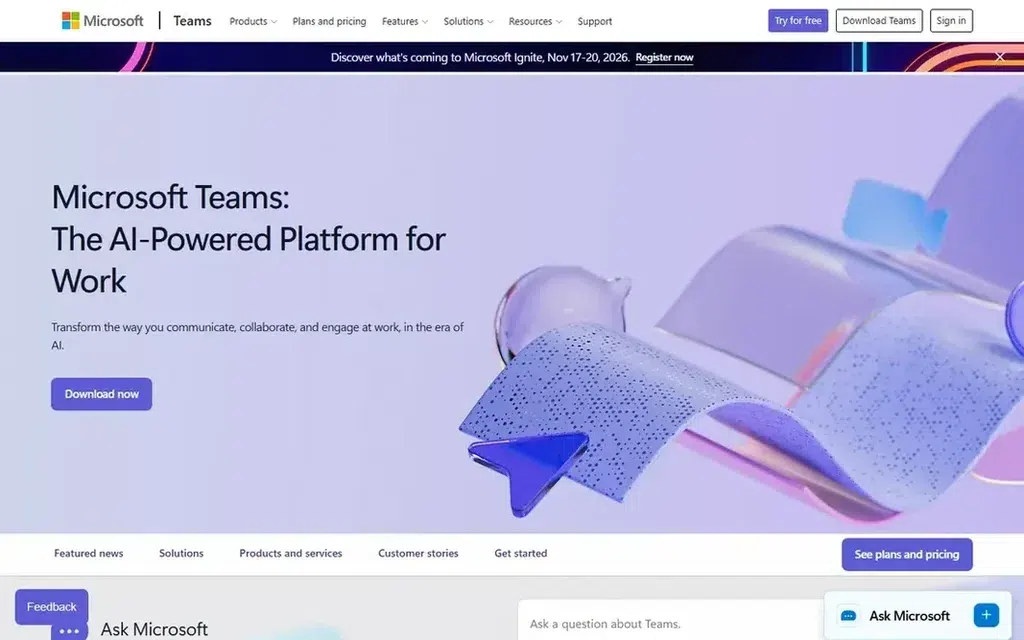
Where Microsoft Teams fits: institutes using Microsoft productivity tools. Teams has a denser interface than more straightforward video tools, and new users may need time to learn where features live. Some capabilities rely on the type of Microsoft account and organization setup.
Where it is weaker: Interface can feel complicated for new users.
In practice, teachers can run live classes, share screens, and use breakout rooms for speaking exercises. Worth adding: language institutes that already use Microsoft tools can keep lesson materials, assignments, and conversations in shared channels. Check the vendor site for Microsoft Teams pricing; none is listed in this comparison. Free options: Not stated.
- Performs well with Office documents
- Integrated chat and file sharing
- Some features tied to Microsoft account types
How these tools were picked
LinkVetted looked at what each vendor publishes: pricing, plan limits, feature coverage for virtual classroom software for language institutes and stated drawbacks. No hands-on testing is claimed. Treat prices as a snapshot: vendors change plans often, so check the vendor site for the figure that applies today. We ordered the tools by general fit, then by how clearly pricing is shown, then by free access. A buyer with unusual needs may reorder them.
A buyer's checklist
- Confirm the entry price with every vendor: no tool from Google Meet to Microsoft Teams shows a fixed starting price.
- Test the free plan from Cisco Webex against your real workload before relying on it.
- Read the limits listed for Google Meet first: fewer built-in teaching tools.
- Map your must-have features to a specific BigBlueButton plan before you compare prices.
- See whether Google Meet offers onboarding or training, and whether it is included in the price.
FAQ
How are the tools for virtual classroom software for language institutes ordered?
Google Meet sits first and Microsoft Teams last because the order follows typical fit for virtual classroom software for language institutes, then price clarity and free access. It is a judgement call, so read each profile for fit and limits.
Which options for virtual classroom software for language institutes have a free plan?
Cisco Webex is the only tool in this list with a free plan. Free plans usually cap users, projects or features, so check the limits on the vendor page. For the full picture, the cards above cover all 5 entries of this virtual classroom software for language Institutes list, including price, free plan and limits.
What features should language institutes look for in virtual classroom software?
Prioritize steady video and audio, breakout rooms for speaking practice, screen sharing for materials, and a whiteboard for visual explanations. Also consider recording, captions, and how the tool suits your existing scheduling and student management systems.
How do Zoom and Microsoft Teams compare for language teaching?
Microsoft Teams layers on persistent chat, file storage, and deeper integration with Microsoft productivity tools. Choose Zoom for simplicity and Teams if your institute already depends on Microsoft services.
Can I use Google Meet for one-to-one language tutoring?
It supports screen sharing and captions, though advanced classroom features are restricted. It is a decent choice for tutors already using Google Workspace.
Can I try these tools before paying?
Often, yes. Cisco Webex has a free plan. Use your own data and a real task during the test, and check what the free tier or trial limits before you rely on it. Prices, free plan details and limits for all 5 tools in this virtual classroom software for language Institutes roundup sit on the individual cards above.
Sources
- https://meet.google.com
- https://www.webex.com
- https://zoom.us
- https://bigbluebutton.org
- https://www.microsoft.com/en-us/microsoft-teams/group-chat-software